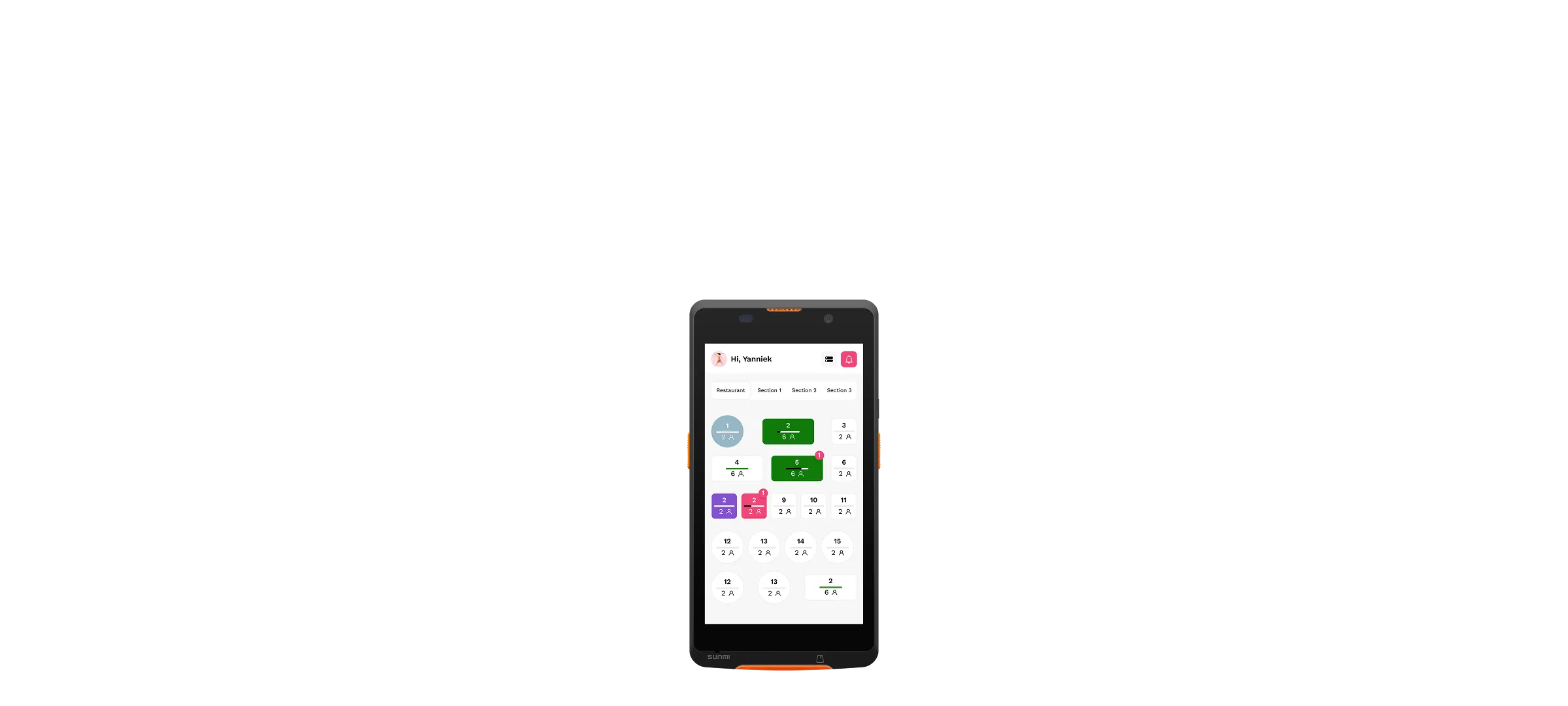
Every table gets a tablet with the digital menu. Guests browse, order and reorder at their own pace; every order goes straight to the kitchen and the POS. Ideal for all you can eat and concepts with frequent reorders.
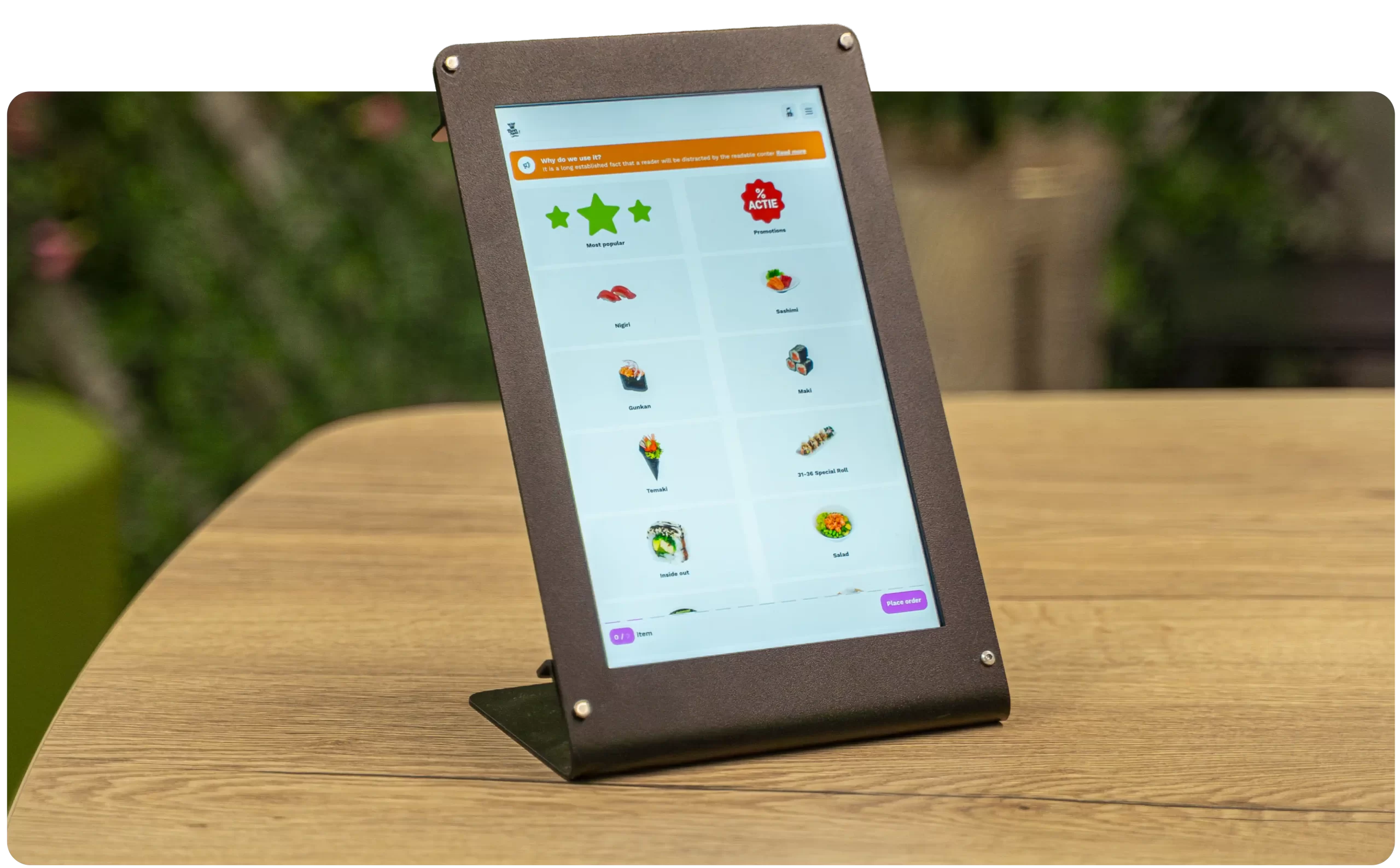


















Own every step of the guest experience, right from the tablet.
Give your guests the freedom to order, pay, and interact at their own pace with tablet ordering, while you stay in control of every order.
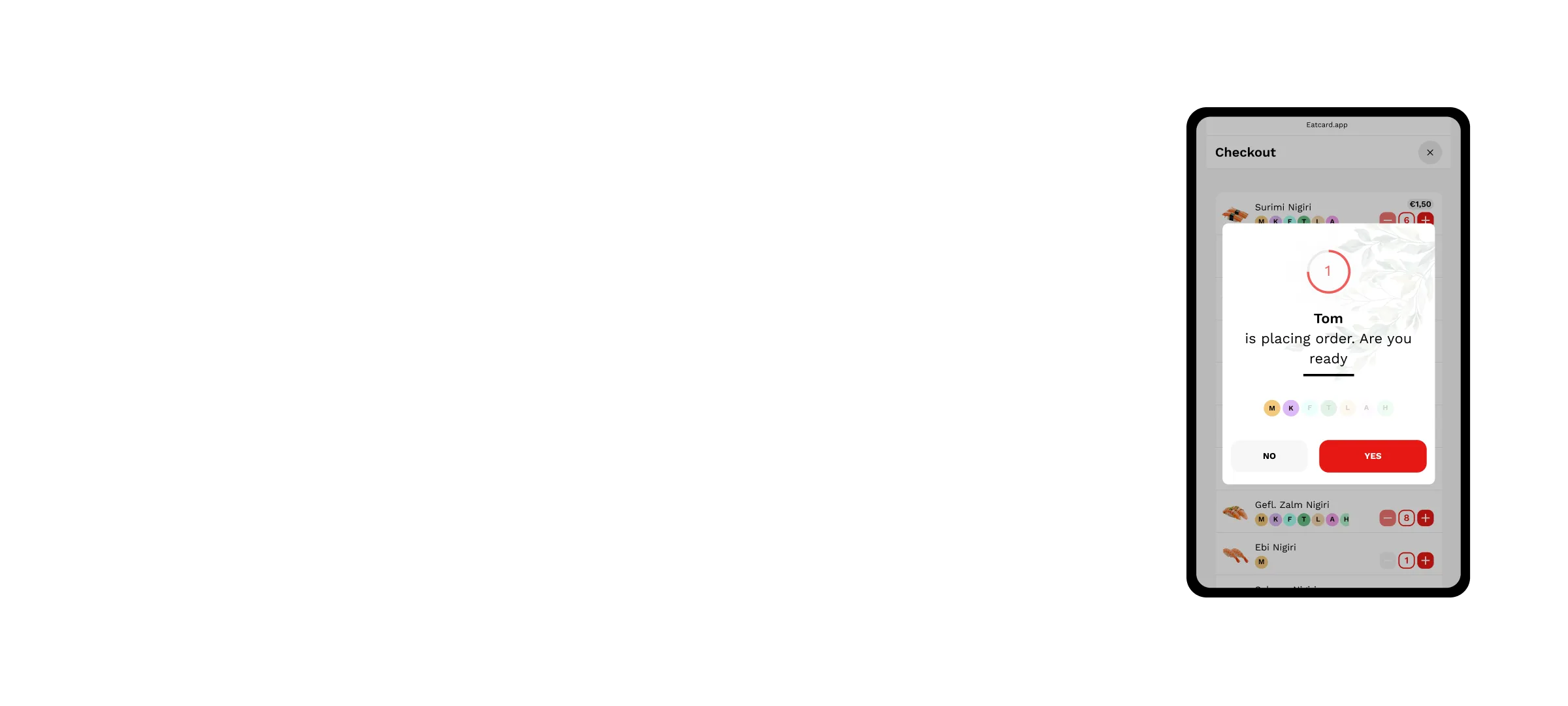
Accurate orders
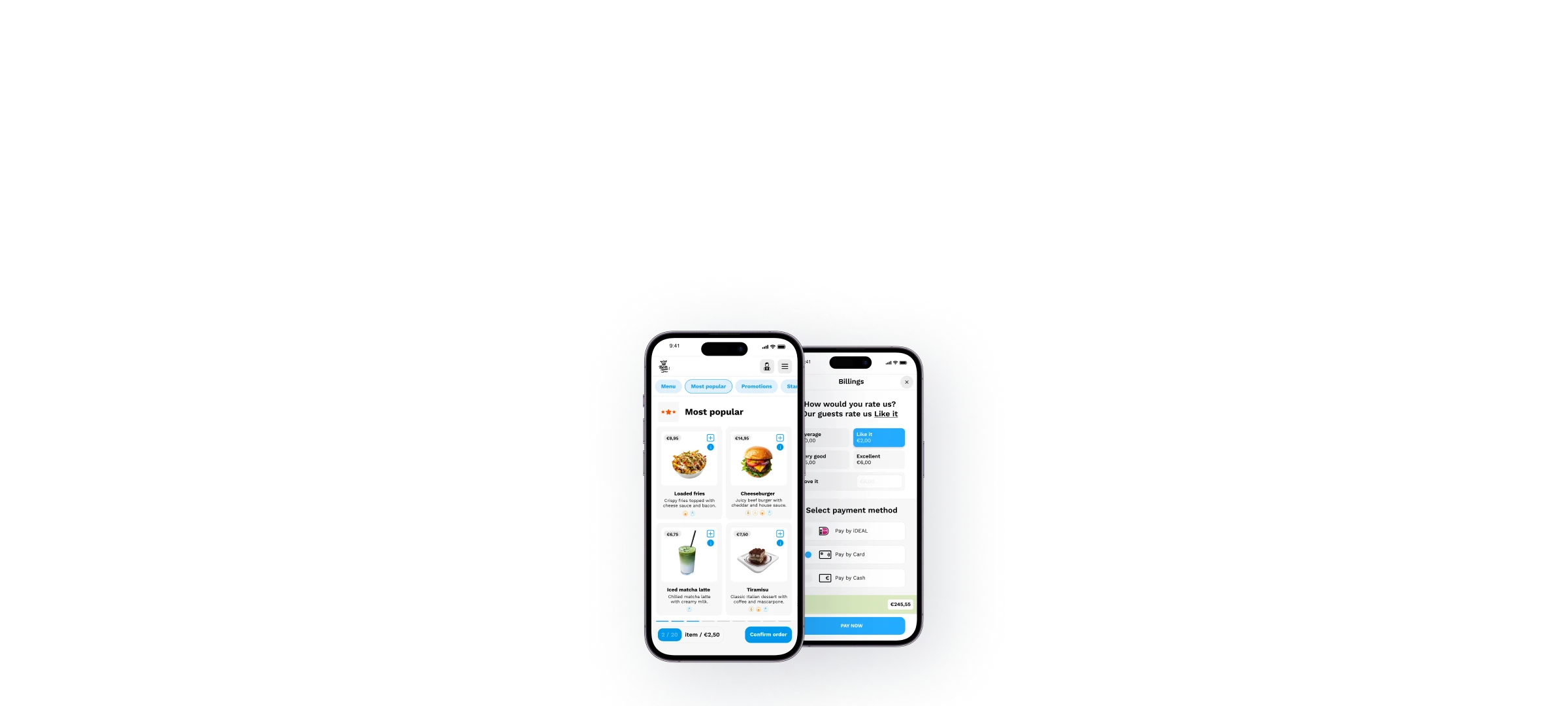
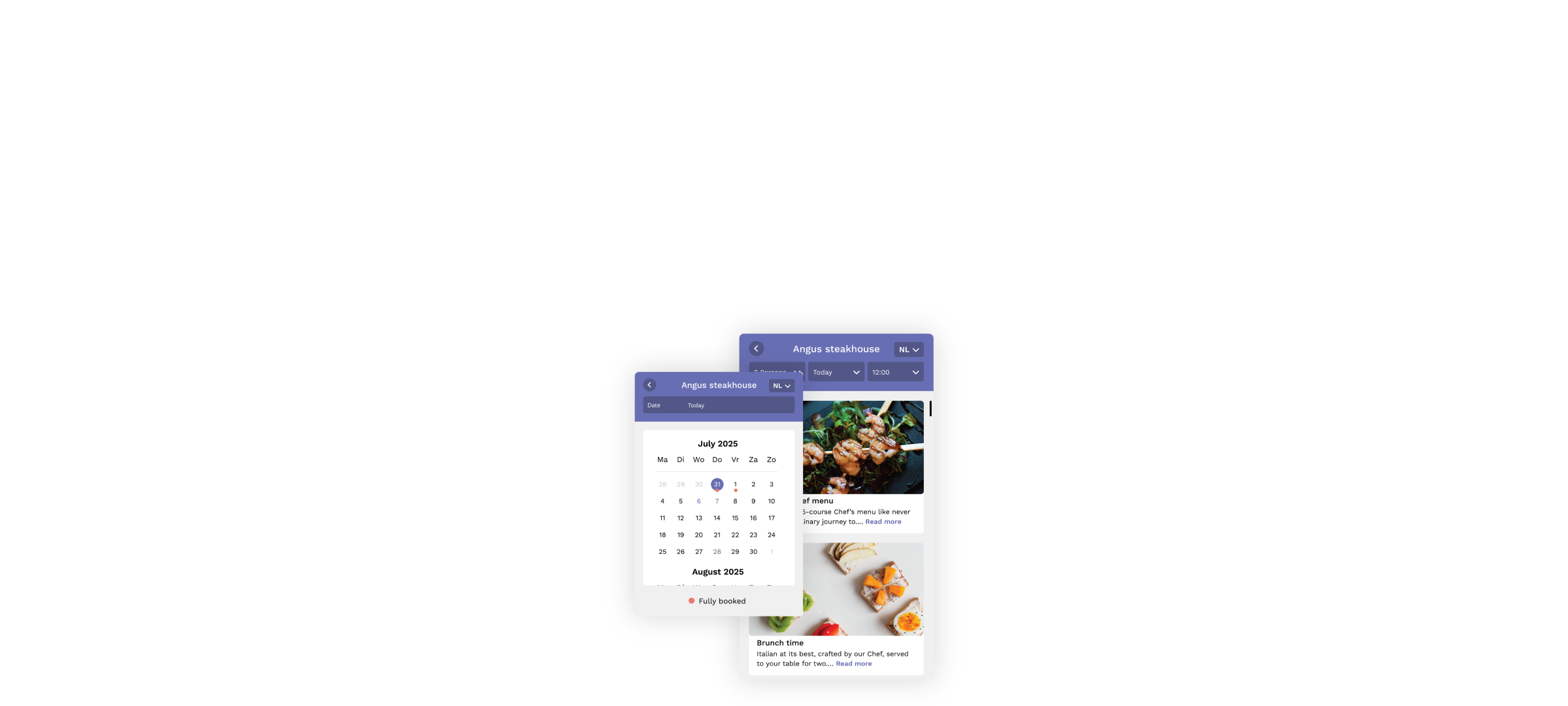
No more delays, missing tickets, or repeated explanations with tablet ordering. Let guests order and pay from multiple phones at once, all synced in real-time.
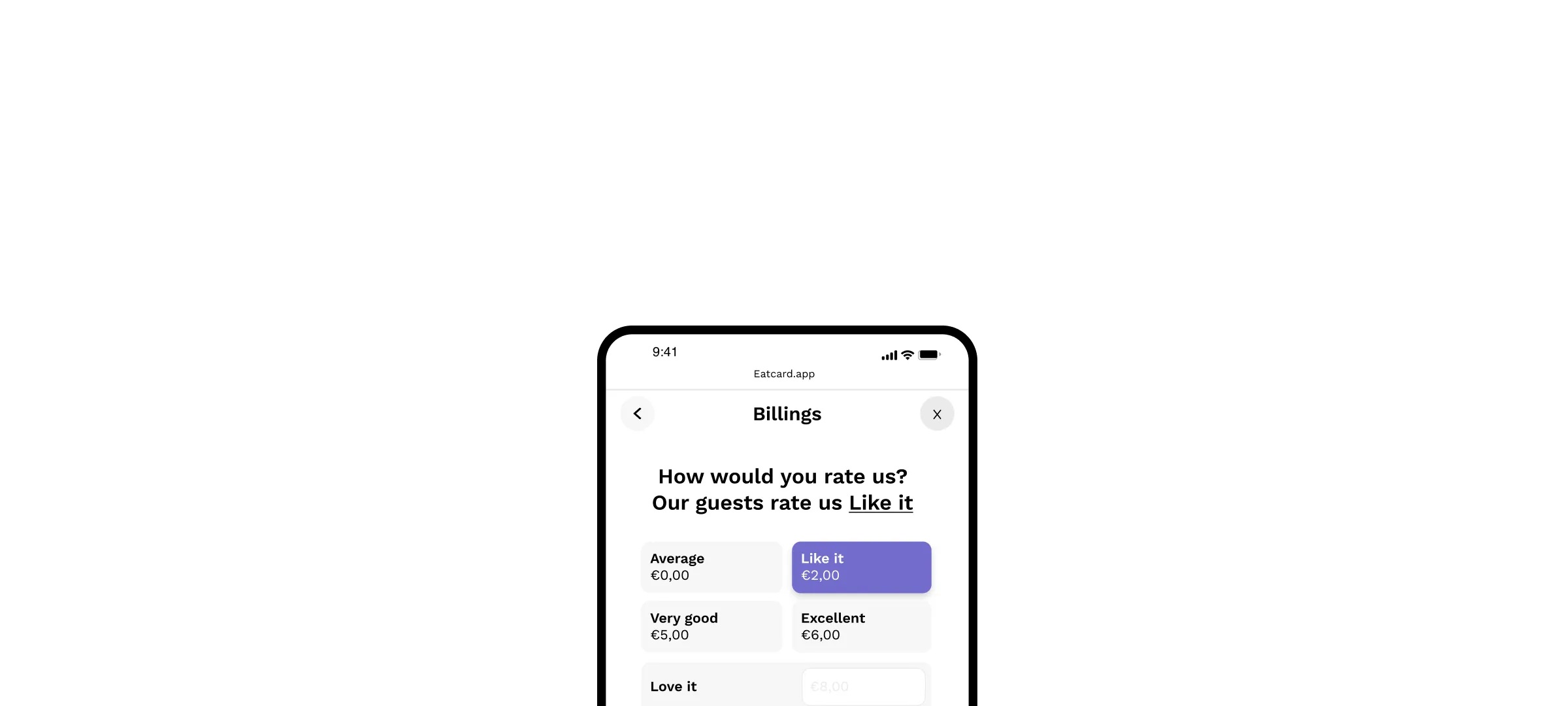
Encourage tips with ease
Offer guests the possibility to tip and pay online via tablet ordering.
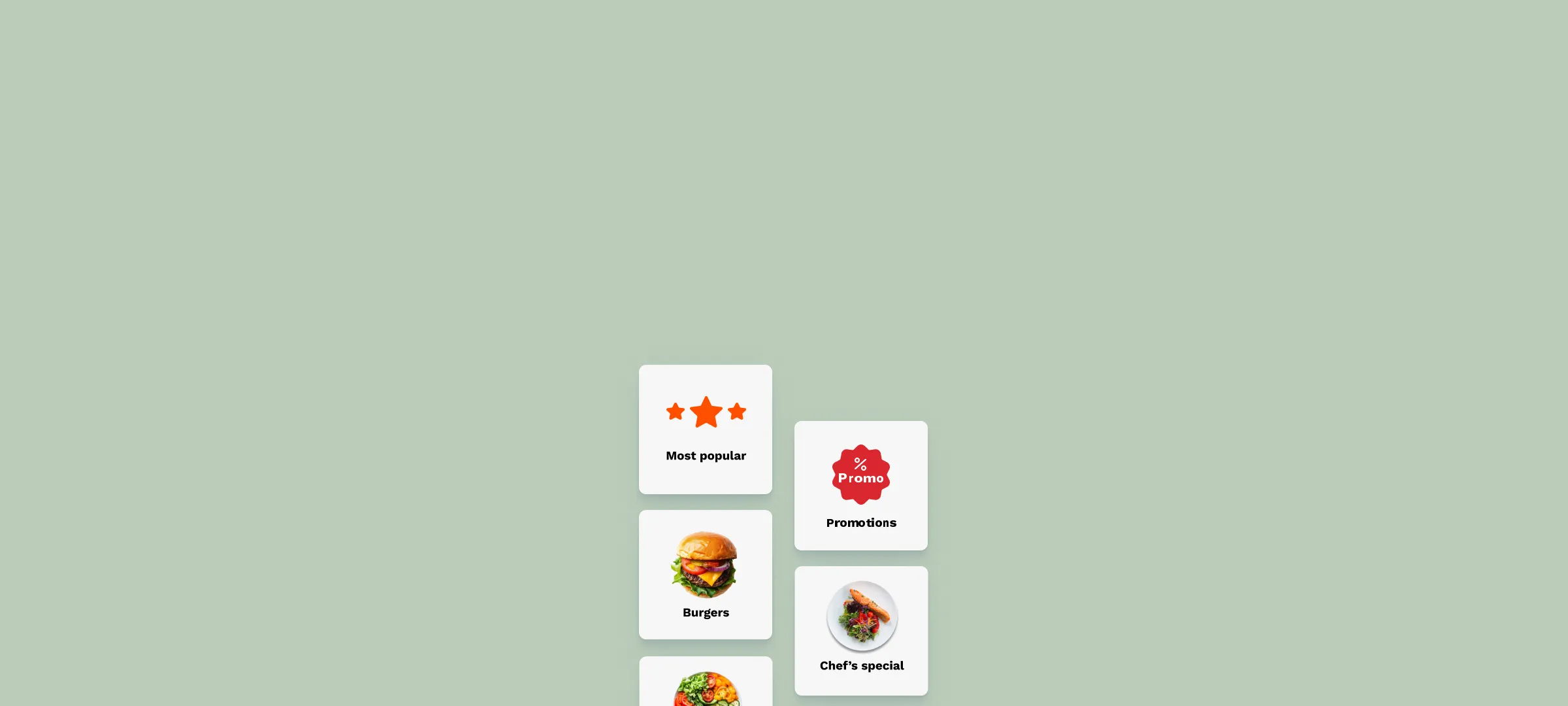
No more outdated menus
Whether it’s a price change, a sold-out dish, image change or a new special, guests always see the latest version.
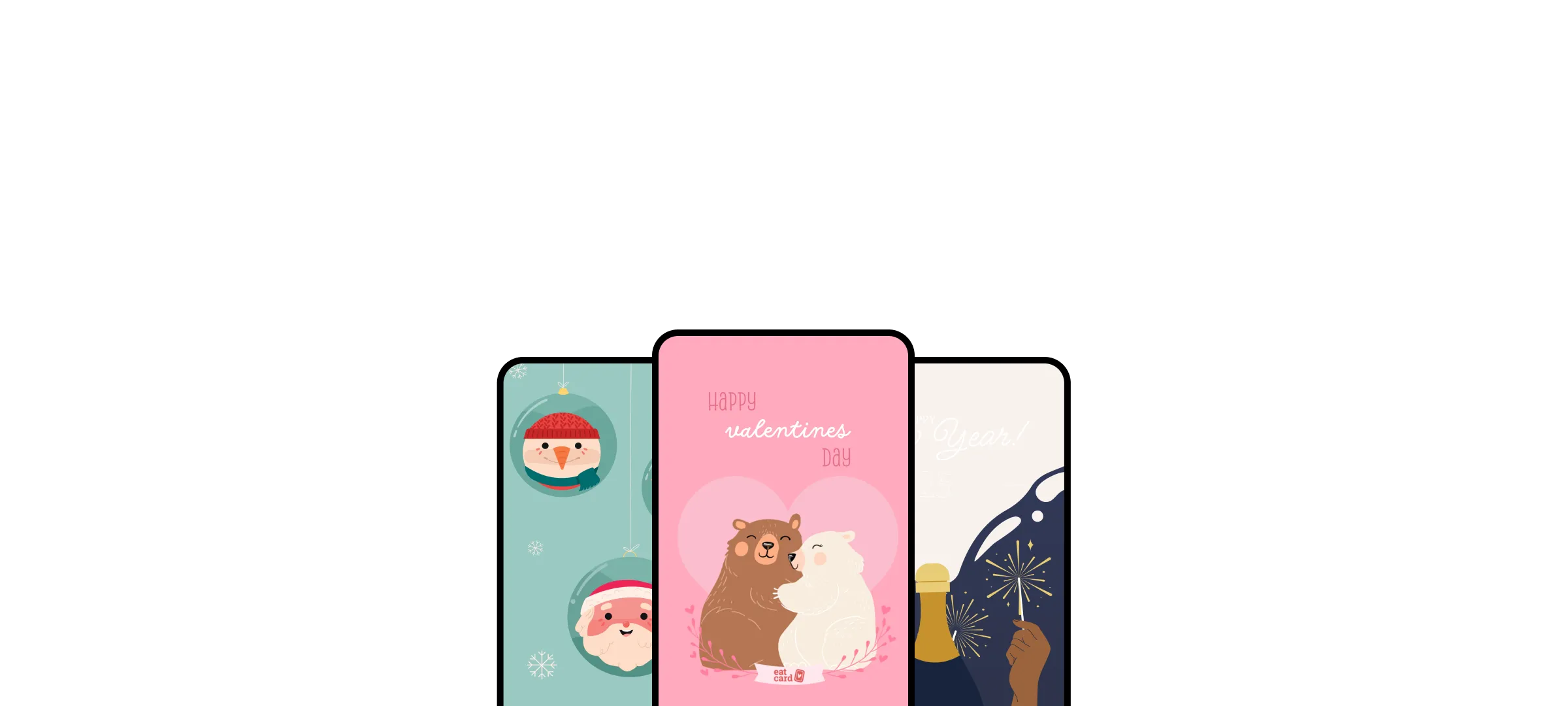
Personalised guest experience
We help you remember your guest name and celebrate their special occasions.
Allergen friendly
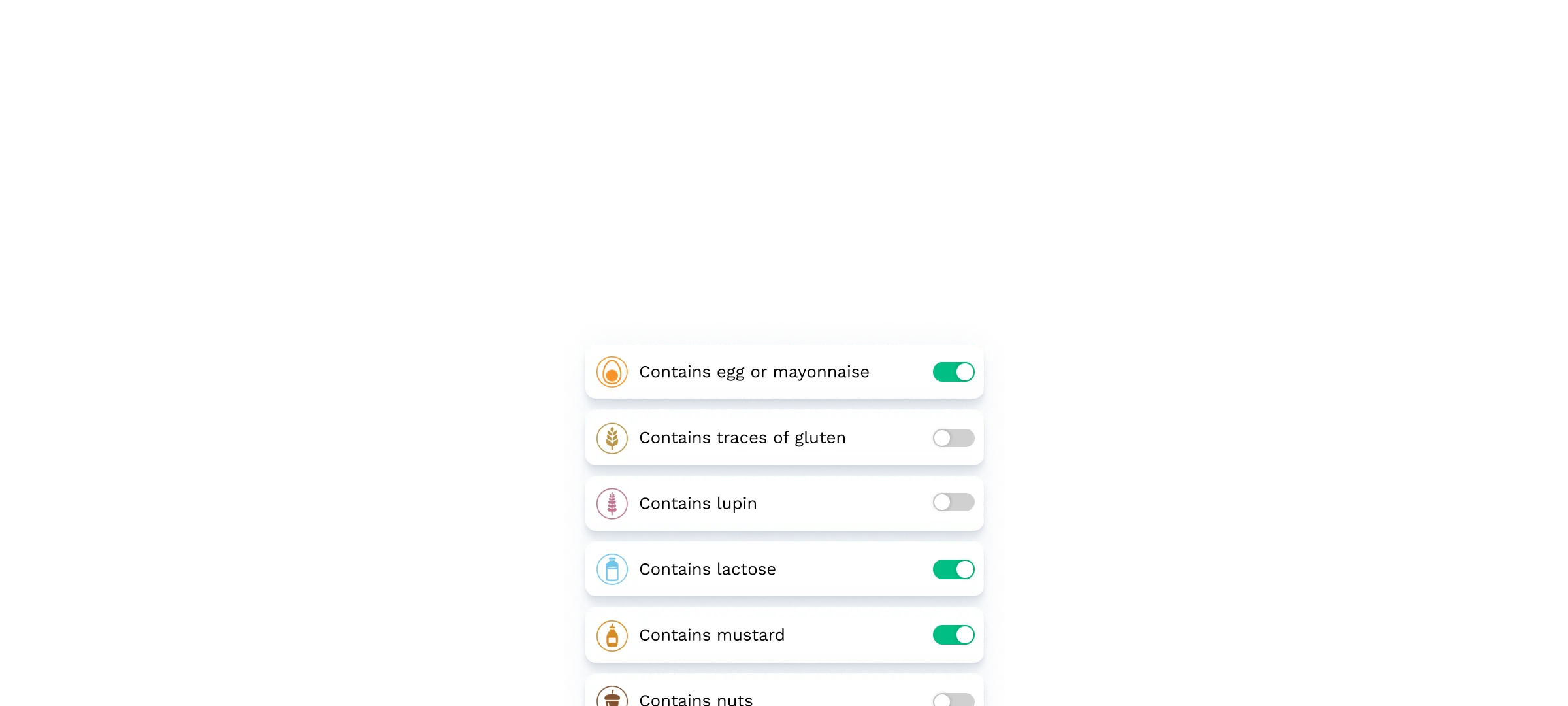
Guests can select allergens and see safe menu options instantly.
Loyalty that actually works
Let guests earn points, get rewards, and come back more often with moolaah.

For every hospitality business
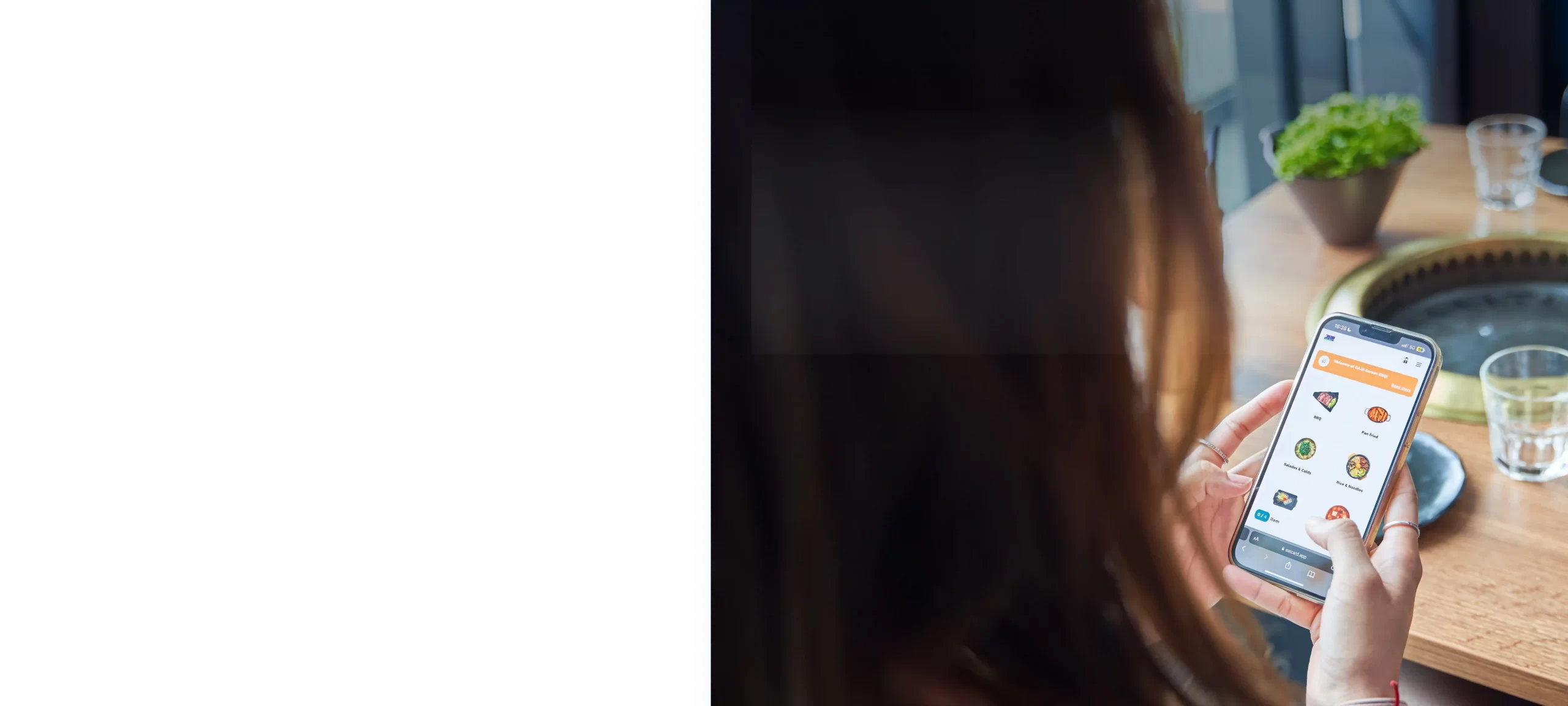
Everything you need to streamline service, and impress your guests.
Discover the key tablet features designed to simplify your workflow, speed up orders, and create a seamless guest experience from start to finish.
Up-to-date menus
Guests always see the latest menu with clear allergen info.
Contactless ordering
Order and pay securely via mobile, no physical menus needed.
Easy tipping
Offer the option for tips directly through mobile payment process.
Multi-device sync
Multiple phones can order simultaneously, fully synced in real-time.
Service requests
Guests can easily request assistance whenever they need it.
Timed ordering
Set round times and limit items per round for smooth service flow.
Instant sync across systems
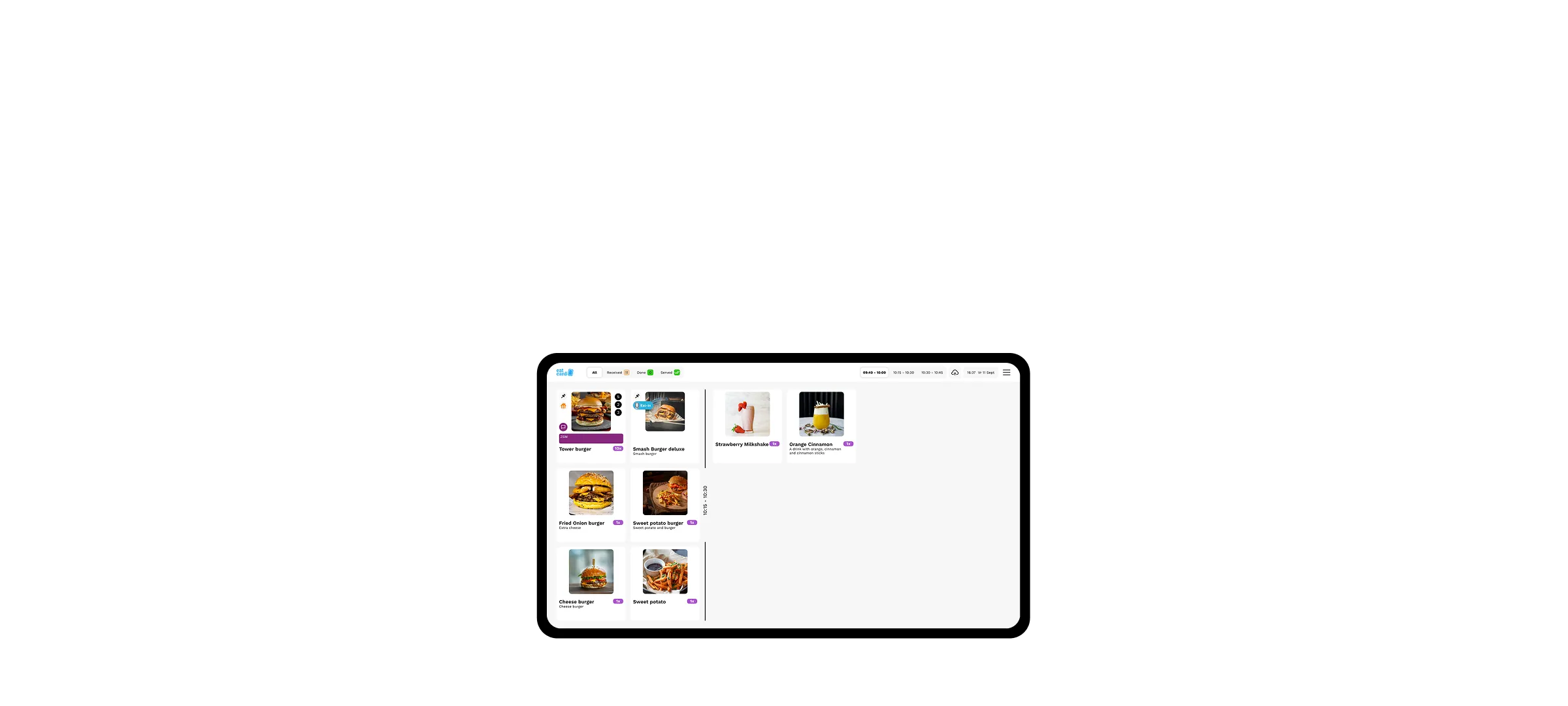
All QR orders update in real-time across POS, kitchen, kiosks, and more.
Clear allergen info
Guests can easily view and filter allergen details on every menu item.
Show More
Frequently asked questions
What is the difference between tablet ordering and QR ordering?
With tablet ordering, a fixed device sits on the table; with QR ordering, guests use their own phone. Tablets give you full control over the experience and work for every guest; QR requires no hardware per table. Both run on the same Eatcard menu and can be used side by side.
Do tablet orders go directly to the kitchen and POS?
Yes. Every order appears instantly on the Kitchen Display System and is registered in the POS. No walking, no retyping and no forgotten rounds.
Discover more solutions.
Learn about other Eatcard solutions often chosen and combined by other restaurants.
QR Table Ordering
Let guests order and pay straight from their table with no extra staff needed.
Expert in your industry
From cafés to fine dining, see how Eatcard fits your business and helps you run things smoother, faster, and smarter.
All you can eat
From sushi, Korean BBQ, to any AYCE concept, Eatcard provides the all-in-one solution to streamline your operations.


Fast Dining
Speed and efficiency are everything in fast dining. Eatcard simplifies your order flow, staff communication, and payments.


Bubble Tea
We provide the tools to streamline service and handle peak hours with ease. All while growing a loyal following.


Learn about how we help your business type
No matter your concept. Eatcard gives you the tools to streamline operations and boost efficiency. All while giving your guest an unique guest experience.
Let’s grow your restaurant together.
Whether you’re just getting started or scaling up, our team is here to understand your needs and help you find the perfect Eatcard solution.