Ice cream
Flavours chosen at the kiosk, scooped at the counter.
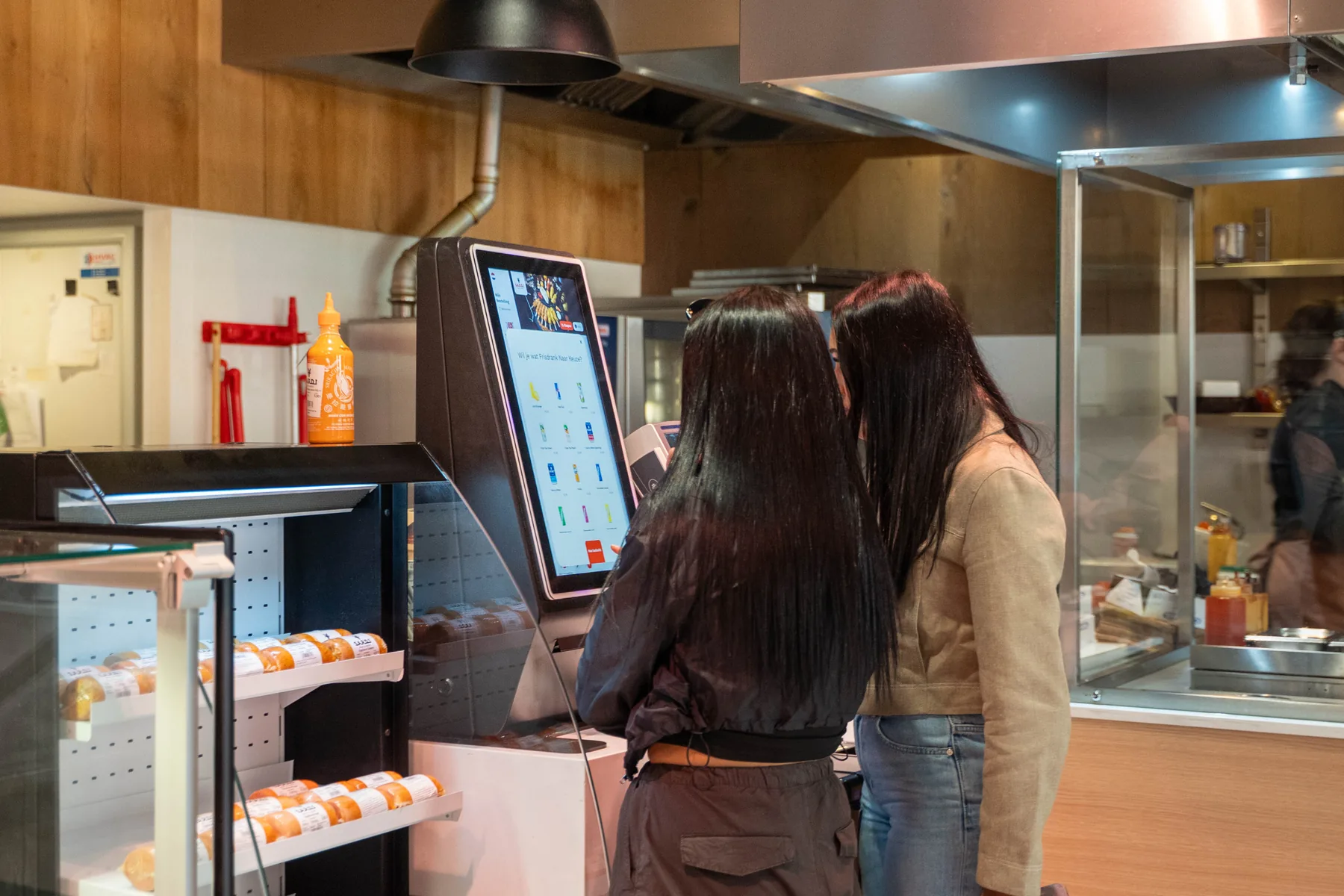
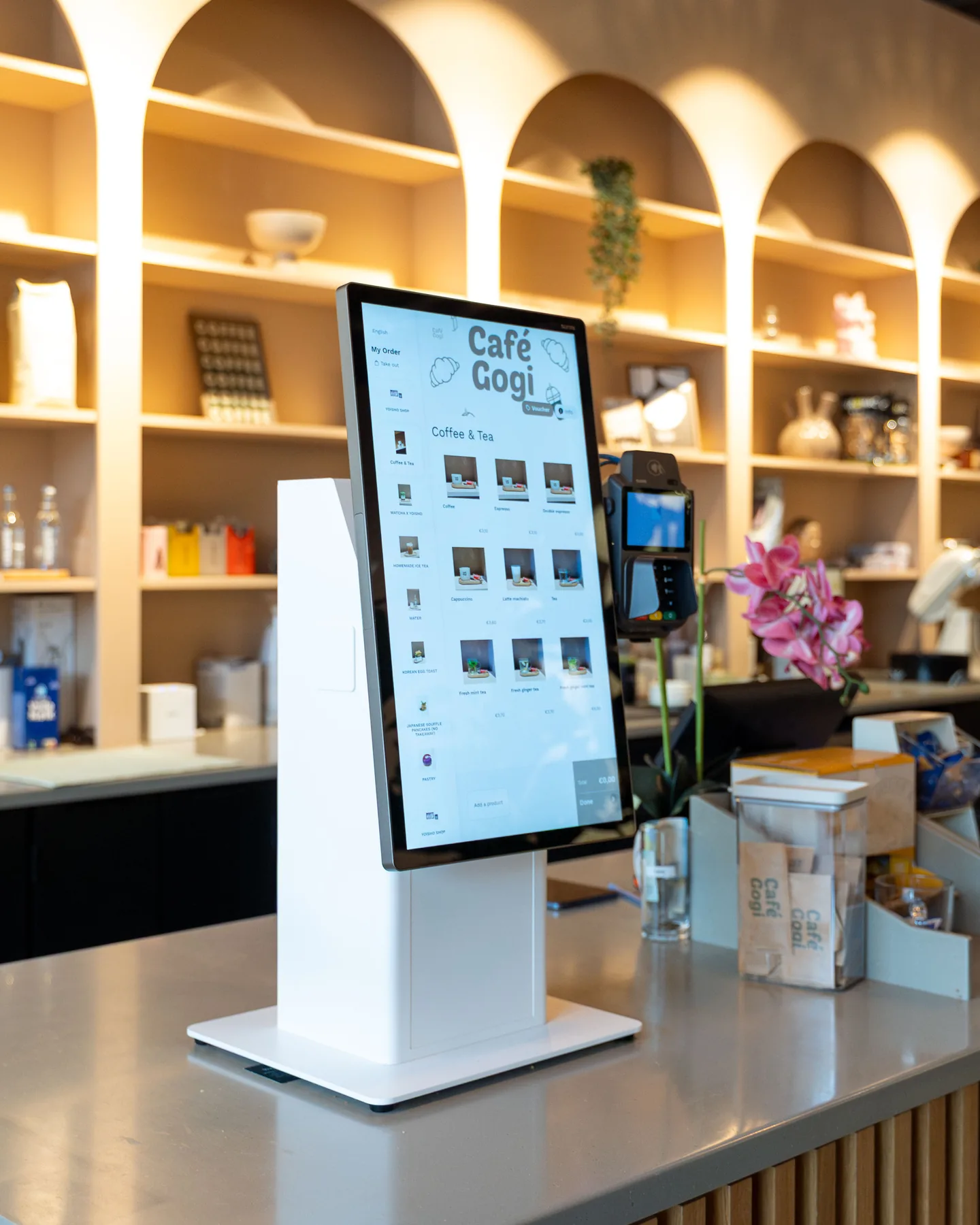
Guests order and pay at the kiosk, filter flavours by allergen and add an extra scoop or topping. Each order reaches your team with every flavour and request, and the screen above the counter shows when it's ready.
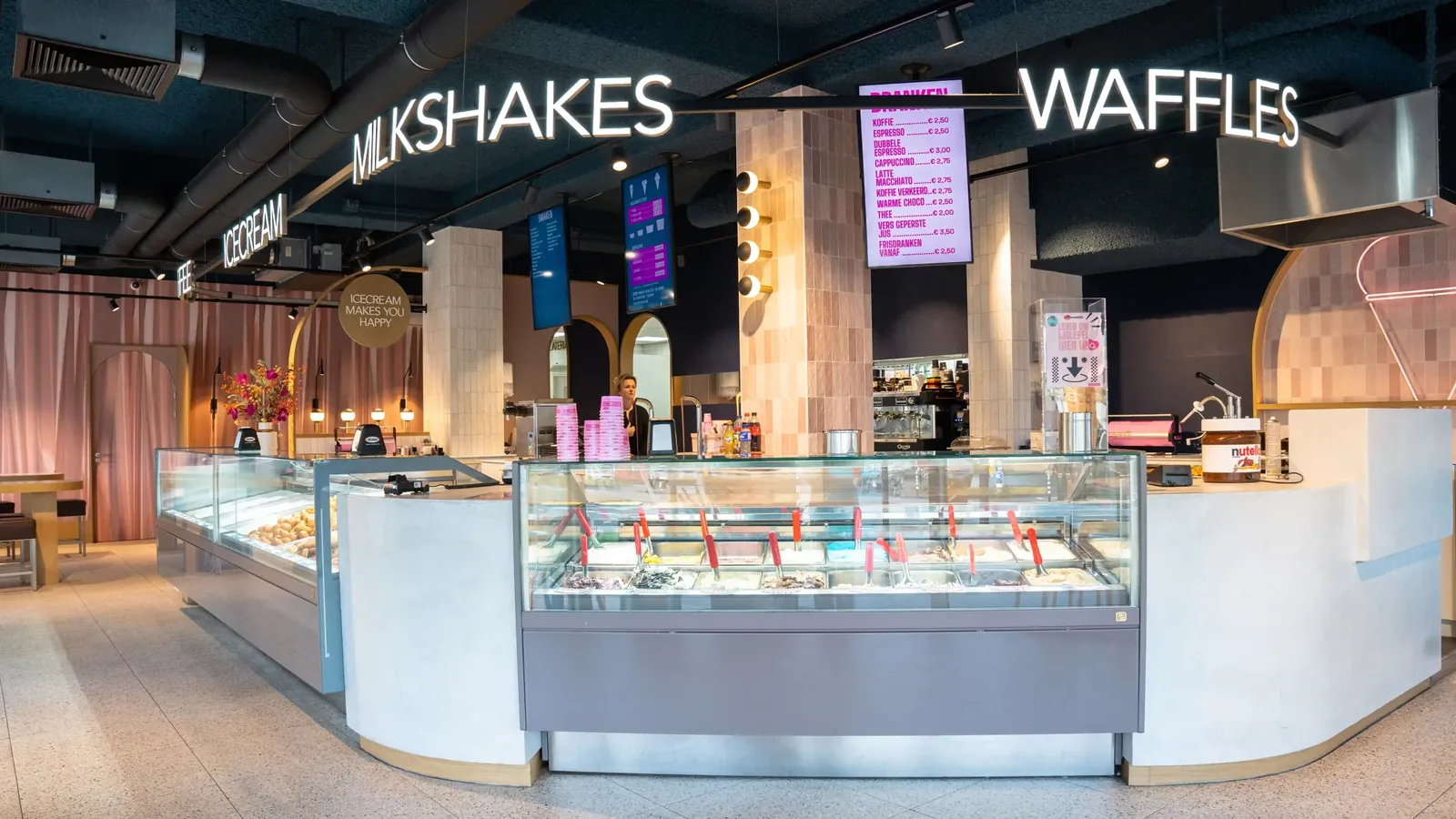



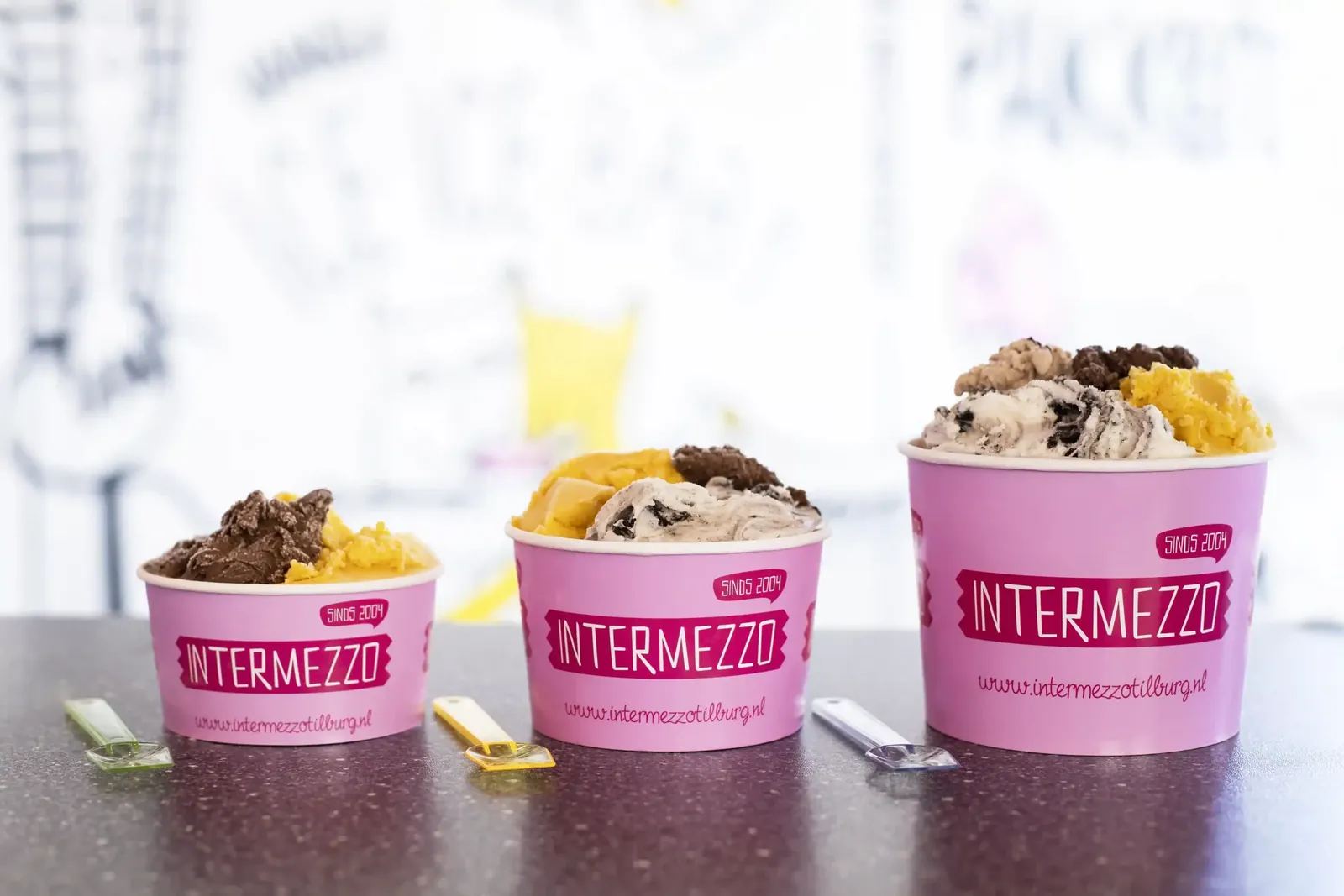
Used by ice cream parlours such as Intermezzo IJssalon












A summer Saturday on Eatcard. Follow one order from the kiosk to the counter.
-
Flavours they can eat, in their own language.
Guests take their time at the kiosk and filter the flavours by allergen, so they only see what's safe for them.
-
An extra scoop, before they pay.
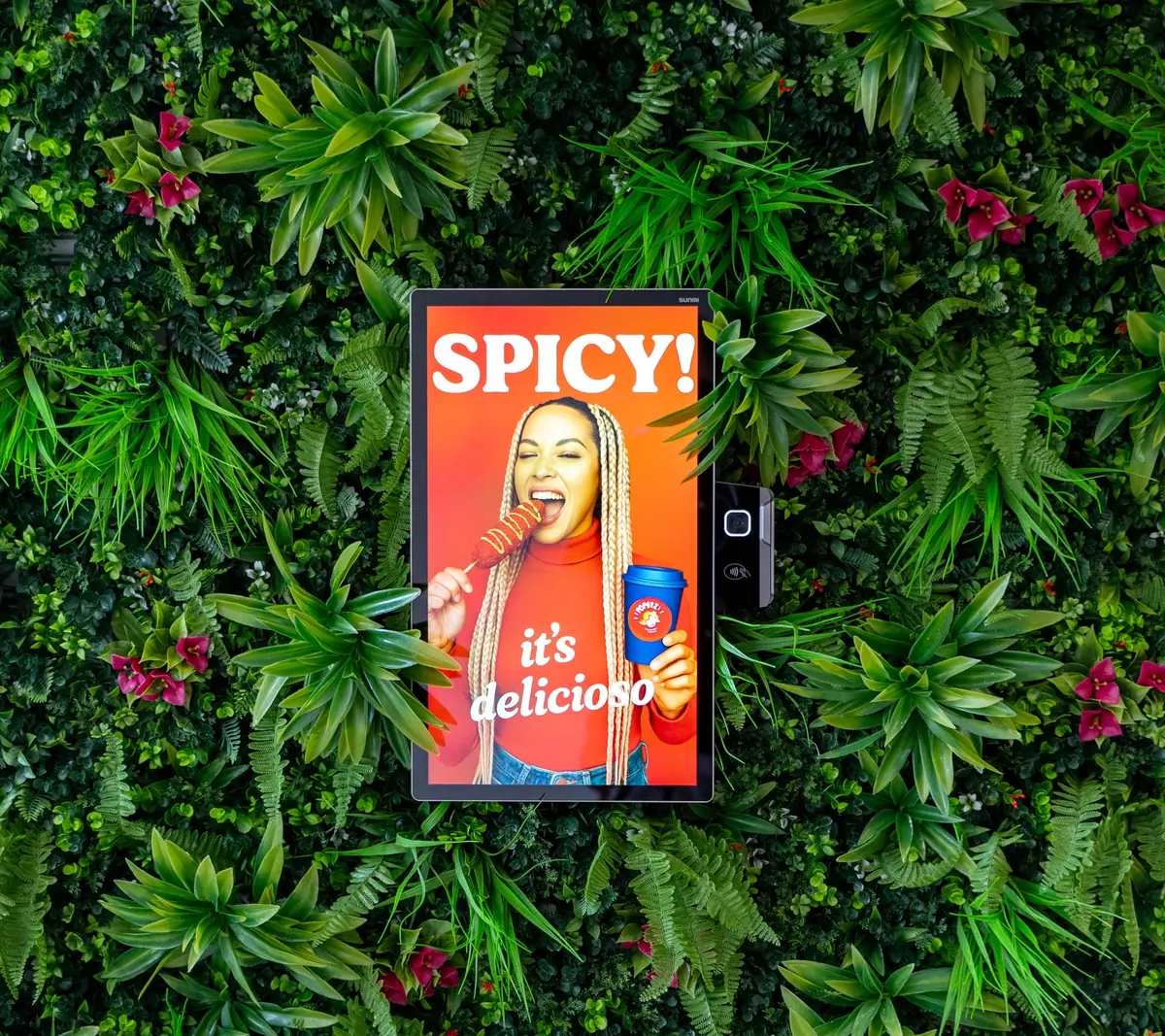
The kiosk suggests an extra scoop, a topping or a combo, without anyone at the counter having to ask.
-
Paid on the kiosk screen.
With Tap to Pay, guests tap their card or phone on the screen they ordered on. Your team keeps scooping.
-
Every flavour and topping on the screen.
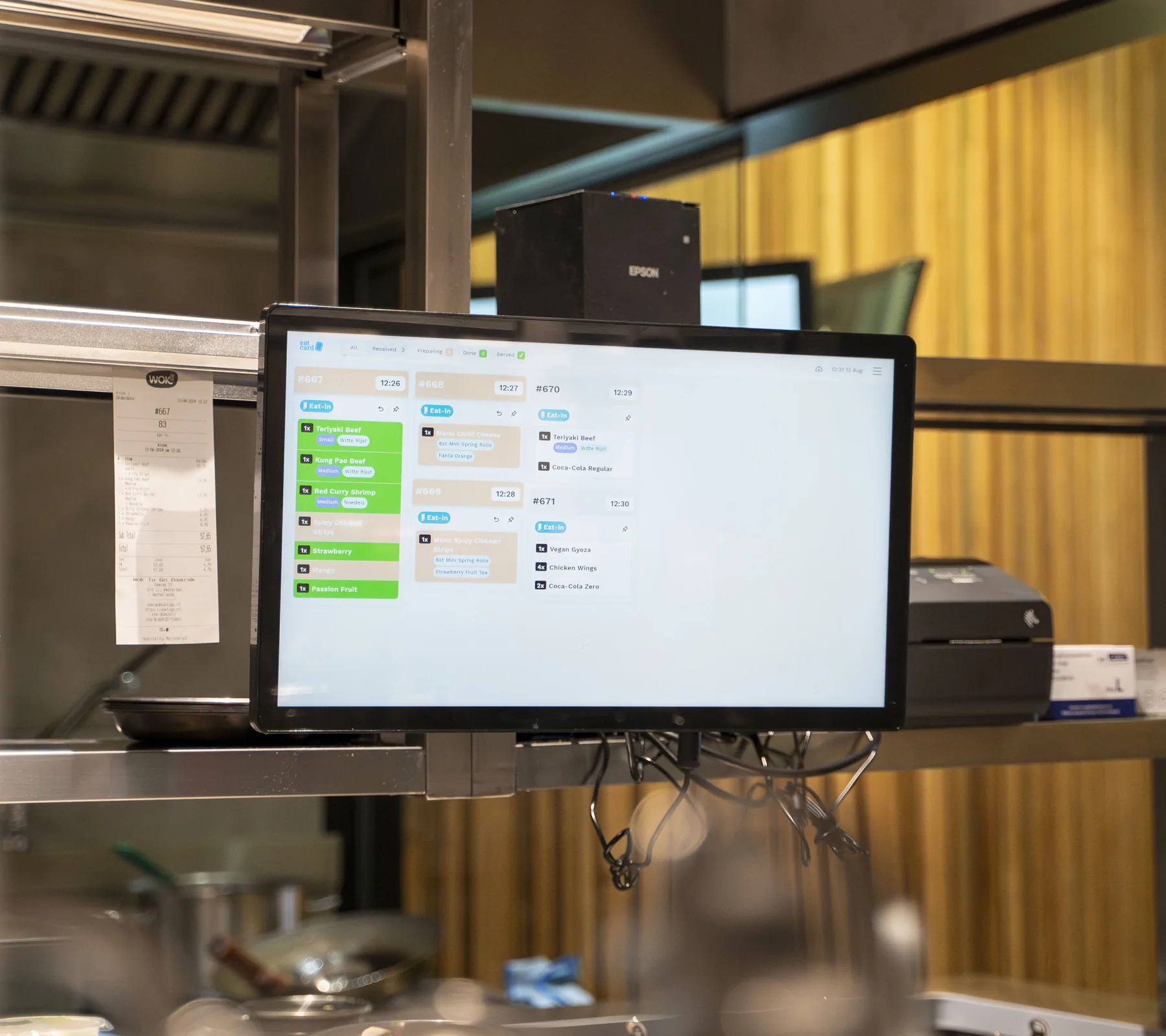
The order lands on the Kitchen Display with its flavours, toppings and requests, so nobody has to remember them.
-
Ready on the screen.
When the cup is done, order 47 shows as ready above the counter. No calling out numbers over a full shop.
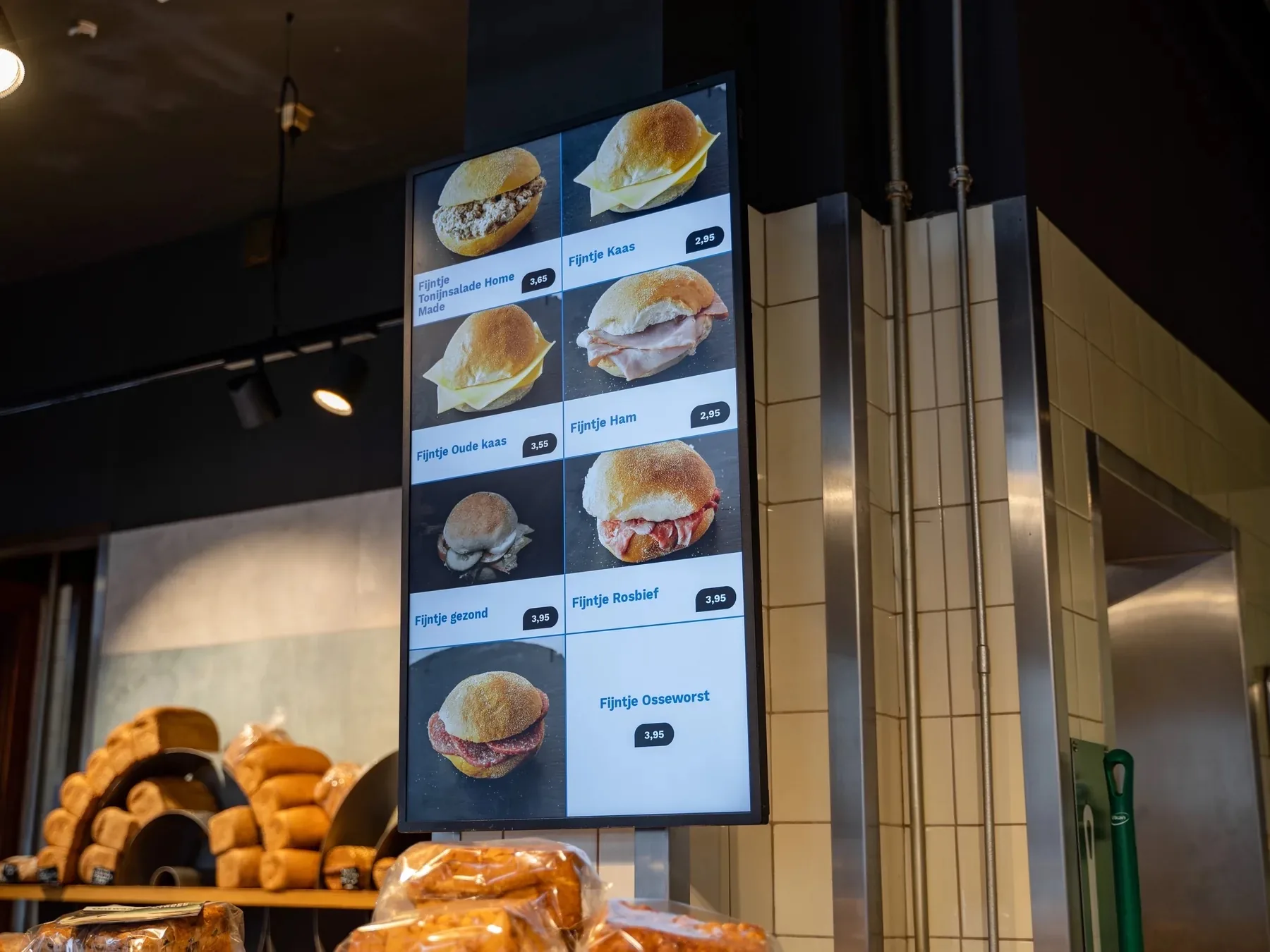
Digital Menu Display
Mango sorbet
Marked on the POS · 13:55
✓Sold out
Also sold out on the kiosk and QR menu
Self-Order Kiosk · Order 47
Hide flavours with nuts
Pistachio and hazelnut hidden
✓Filter on
In the guest's own language
Self-Order Kiosk · Order 47
Add a third scoop?
Cup with two scoops · +€1.50
✓Third scoop added
Tap to Pay · Order 47
€ 7,90
Card or phone on the screen
✓Paid
Kitchen Display · Order 47
Cup, 3 scoops
Stracciatella, chocolate, vanilla · sprinkles on the side
✓From the kiosk
Waffles and shakes go to their own station
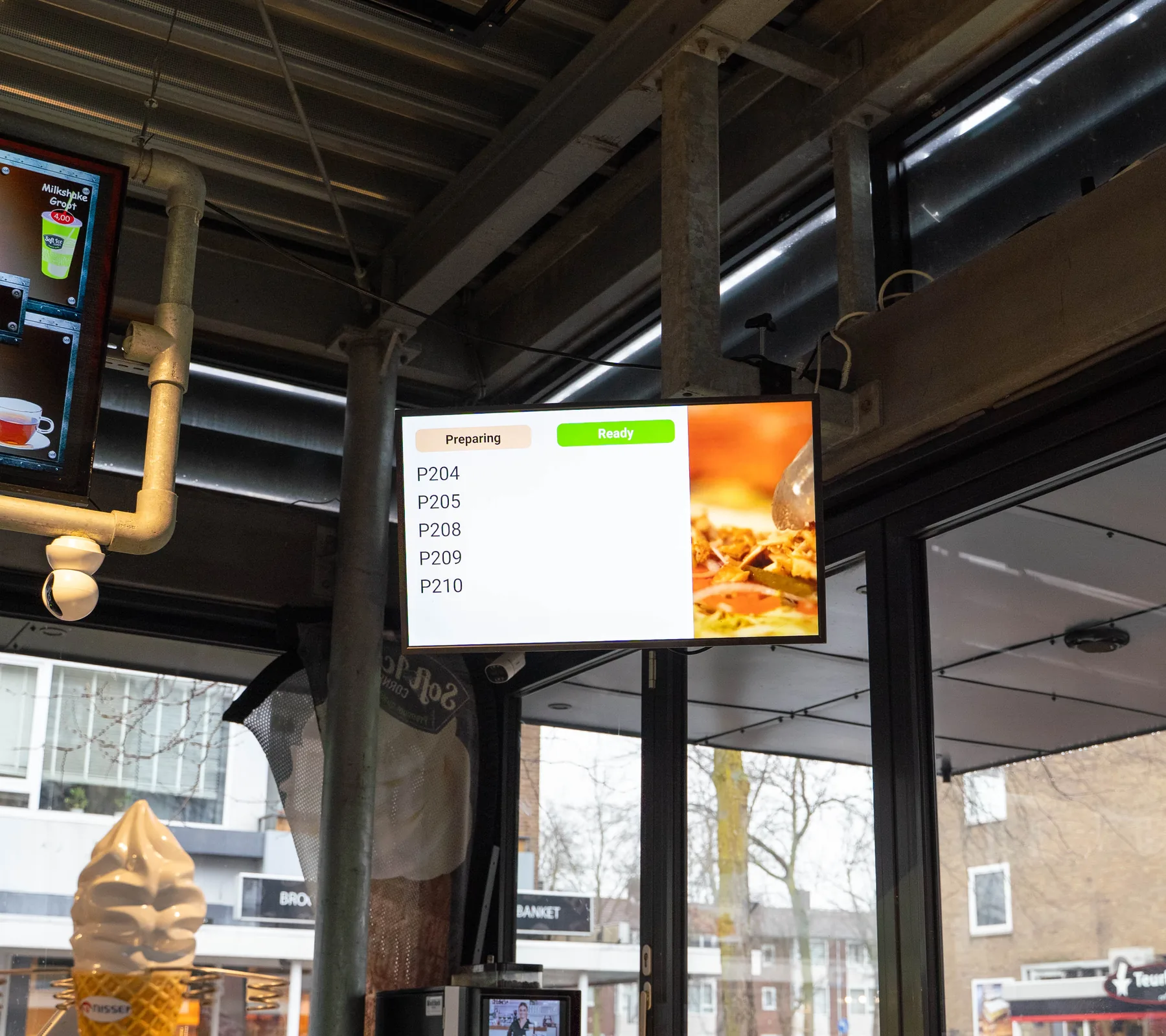
Order Status Screen
Order 47
Done behind the counter · 14:15
✓Ready to collect
Also on the guest's digital receipt
13:55 The menu
Built for a full shop. The details that matter at the ice cream counter.
One more scoop
The Self-Order Kiosk suggests an extra scoop, a topping or a combo before guests pay.
Make it three?
Goes well with your cup
+€1.0013 scoopsYour favourite flavours €7.95+Liège waffleWith ice cream and cream
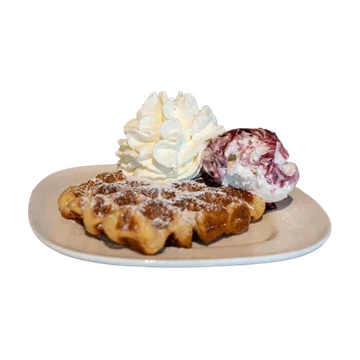
Your order
2 scoops cup€4.50
Third scoop+€1.00
Total€5.50
Every flavour, topping and request on screen
Orders from the kiosk, QR and the POS land on the Kitchen Display straight away, with the flavours, toppings and special requests guests chose.
#4715:02
Kiosk
- 1xCup, 3 scoops
- Stracciatella · Chocolate · Vanilla
#4715:02
Kiosk
- 1xCup, 3 scoops
- Stracciatella · Chocolate · Vanilla
#4715:02
Kiosk
- 1xCup, 3 scoops
- Stracciatella · Chocolate · Vanilla
#4815:03
POS
- 2xCone, 2 scoops
- 1xMilkshake
Deals by the hour
Set a deal for a time of day once, and it starts on time on every screen.
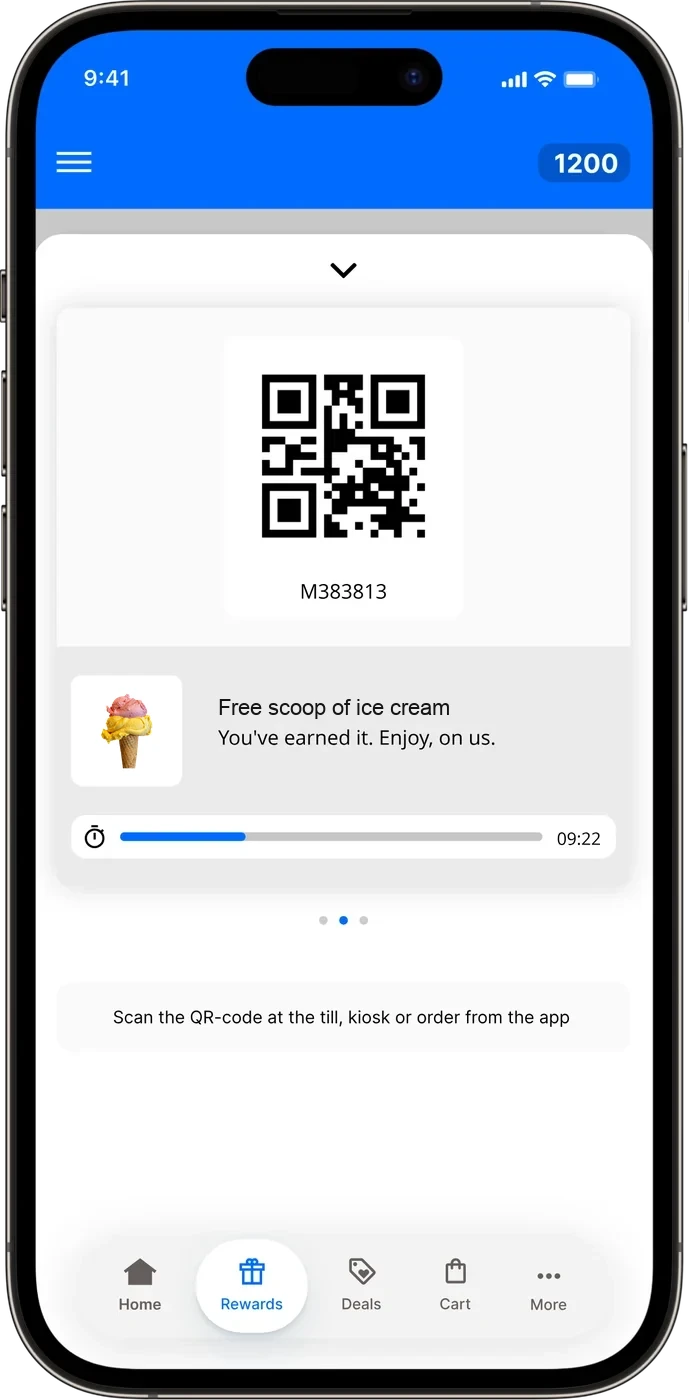
Deal · weekdays 15:00–17:00Milkshake €3.50On now at kiosk, QR and POSRewards with moolaah
Guests collect points at the kiosk, by QR and at the POS, and come back for their reward. Optional, on top of the plan.
Filter flavours by allergen
Guests filter the flavours by allergen at the kiosk, so they only see what they can eat.
Hide dishes with
 Gluten
 Milk
 Egg
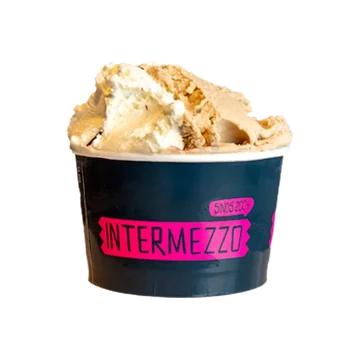 2 scoops ice cream cupWithout gluten+
 2 scoop ice cream coneContains gluten+
- Liège waffleContains gluten+
The setup for an ice cream parlour. Everything the counter runs on.
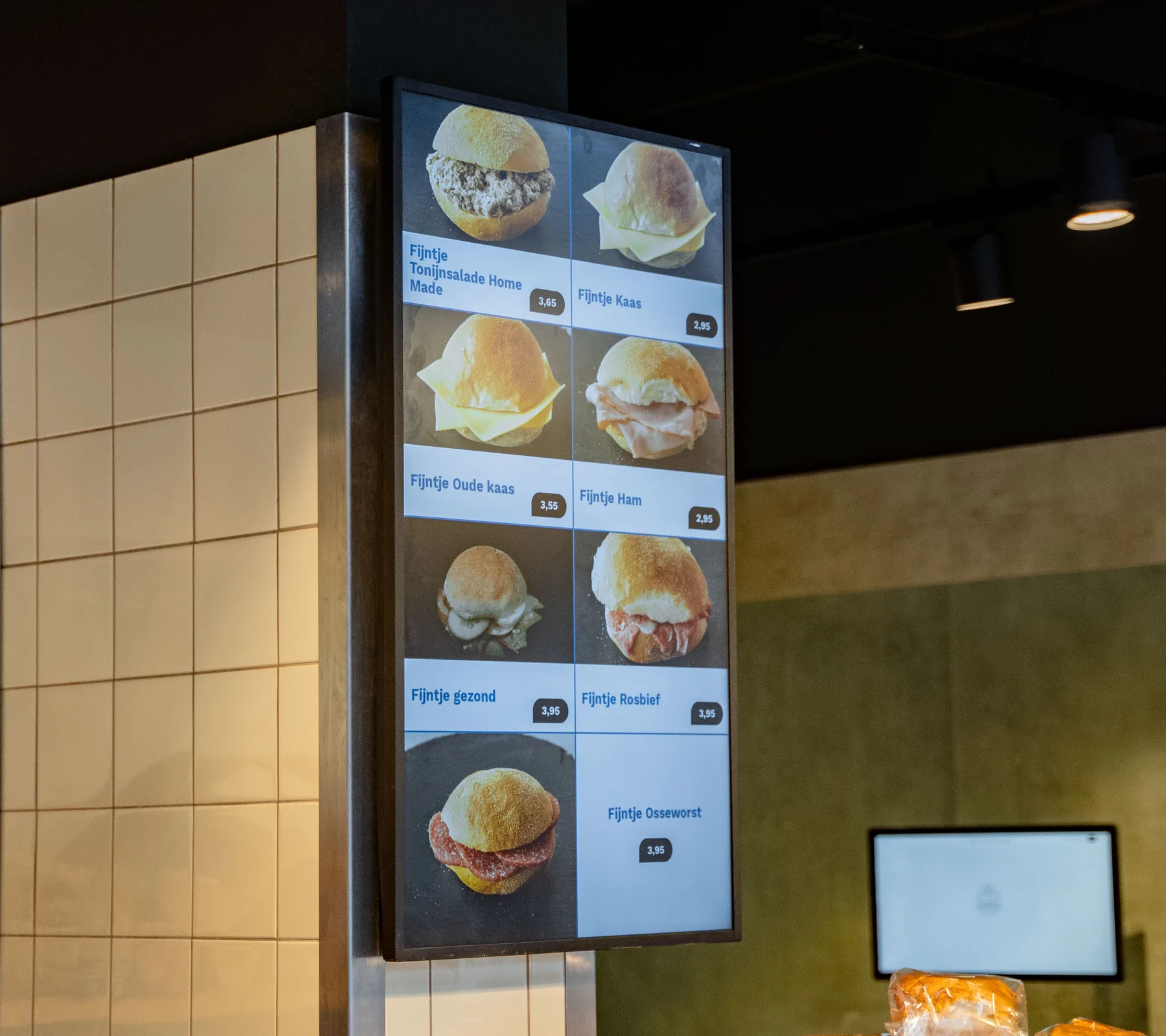
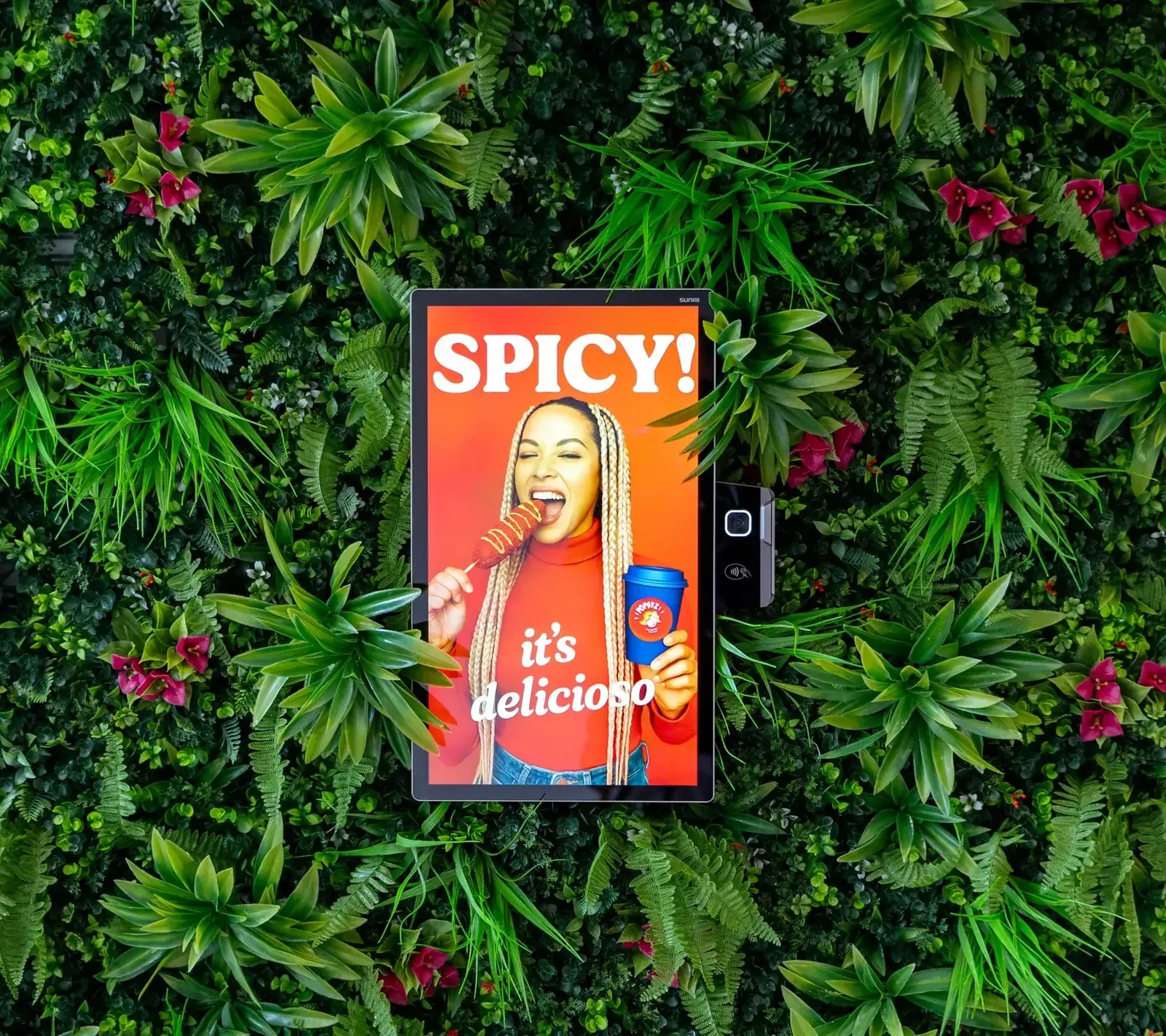
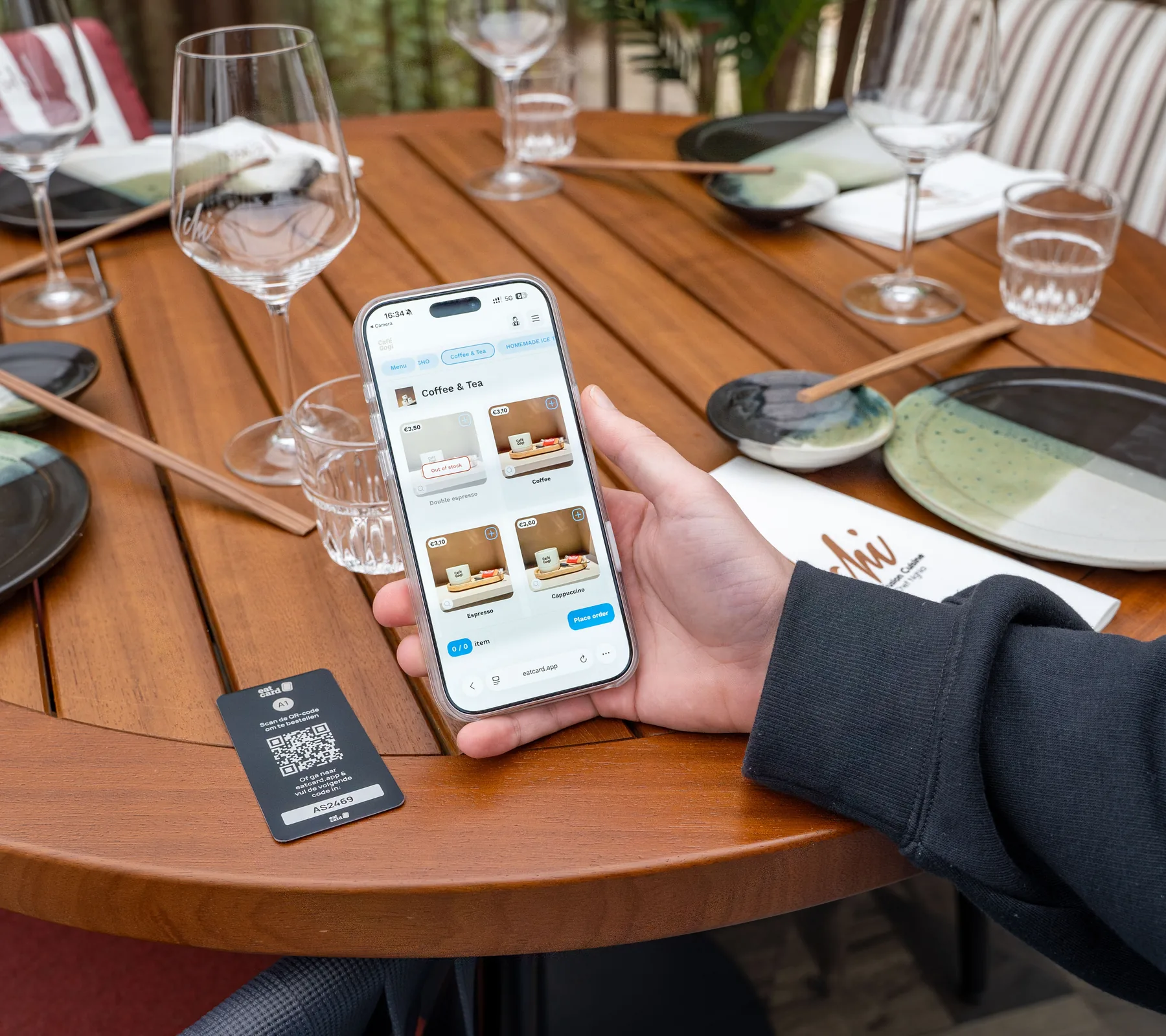
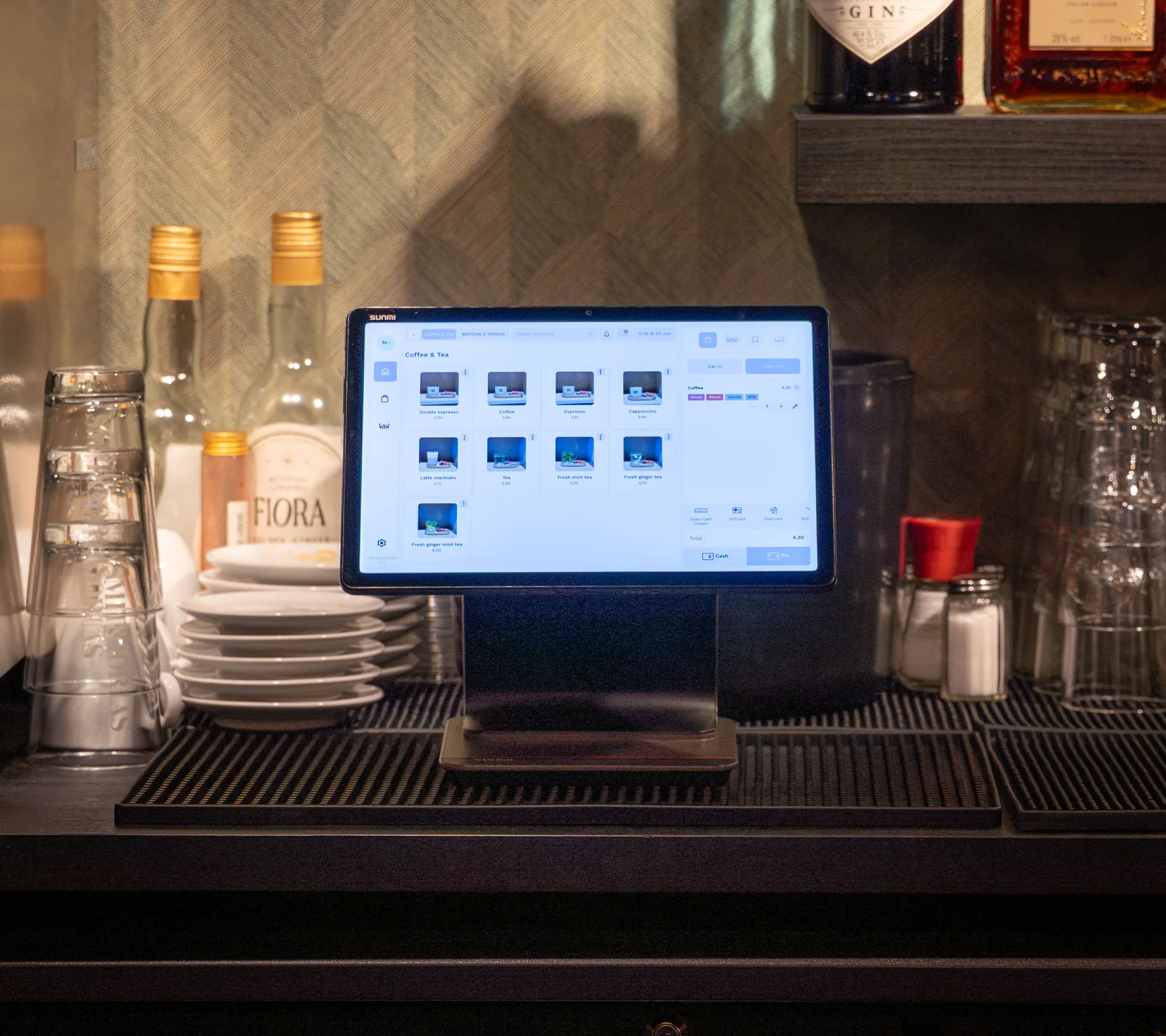
Includes updates and technical support by phone, WhatsApp and email. See pricing
From demo to first service. What happens after you book.
A demo for your venue
We look at how your counter and kitchen run and show you the systems together.
Your hardware and quote
We work out the hardware your venue needs, and you get a quote for it.
Installation at your venue
We come to your venue to install everything, and explain it to your staff in person.
Up and running
Your contact person stays with you, and support is there by phone, WhatsApp and email.
Questions about ice cream parlours.
How does this help with queues on a summer day?
Can guests see which flavours contain allergens?
How do I change flavours and prices?
How do guests pay at the kiosk?
Do I still need a kitchen printer?
Can I see my best-selling flavours?
What does it cost?
Who installs it?
More than ice cream. Eatcard works for every kind of concept.
 Bubble tea



 Coffee & café



 Fast dining


 All you can eat

 Korean BBQ



 Fine dining

 Snackbar & kebab

 Hot pot

See a full summer Saturday on Eatcard.
The kiosk, the kitchen screen and the pickup screen, together in one demo.