Fast dining
Order, cook and collect, without a queue at the till.
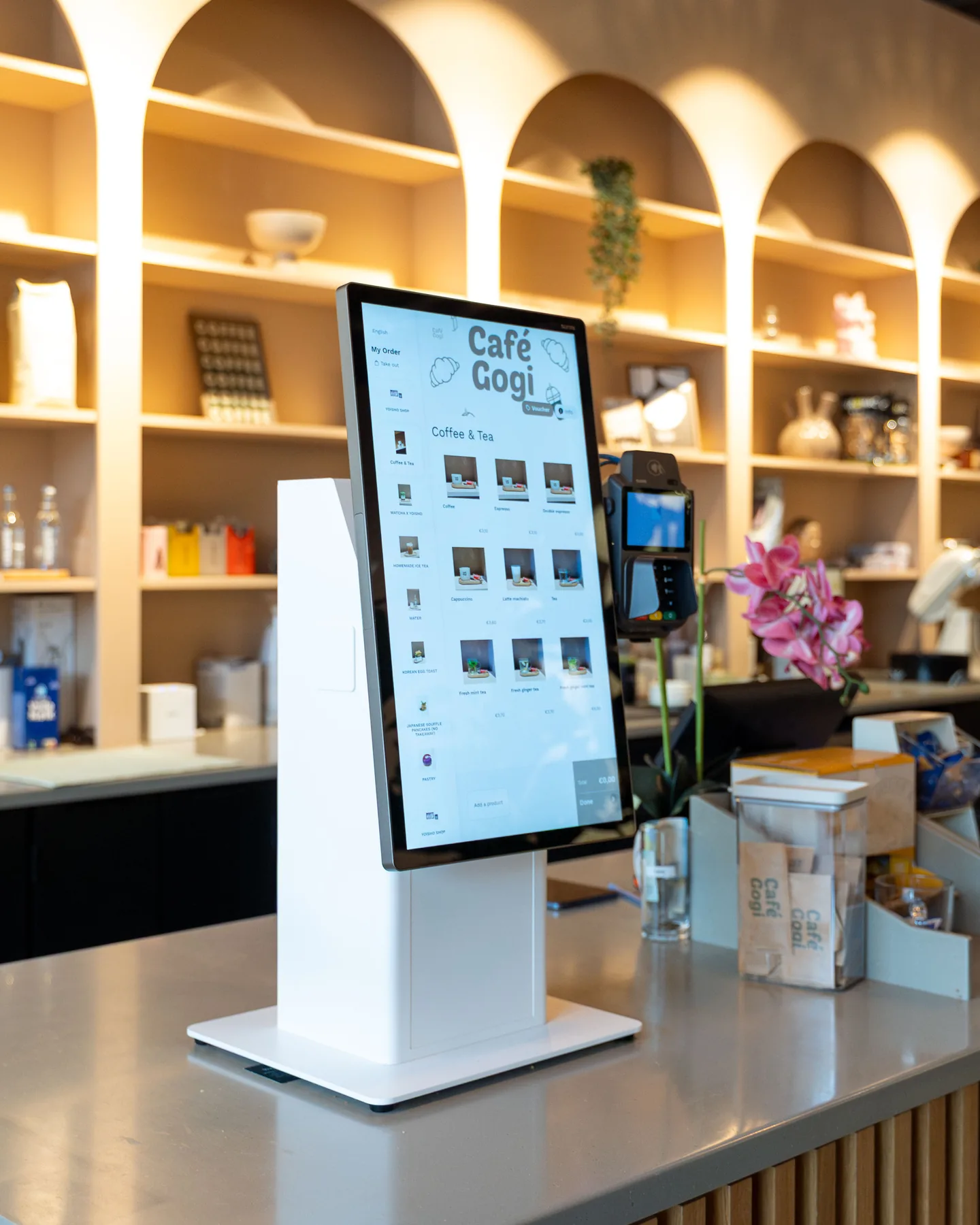
Guests order and pay at the kiosk in their own language. Each order goes straight to the right station in your kitchen, and the screen above the counter tells guests when it's ready.
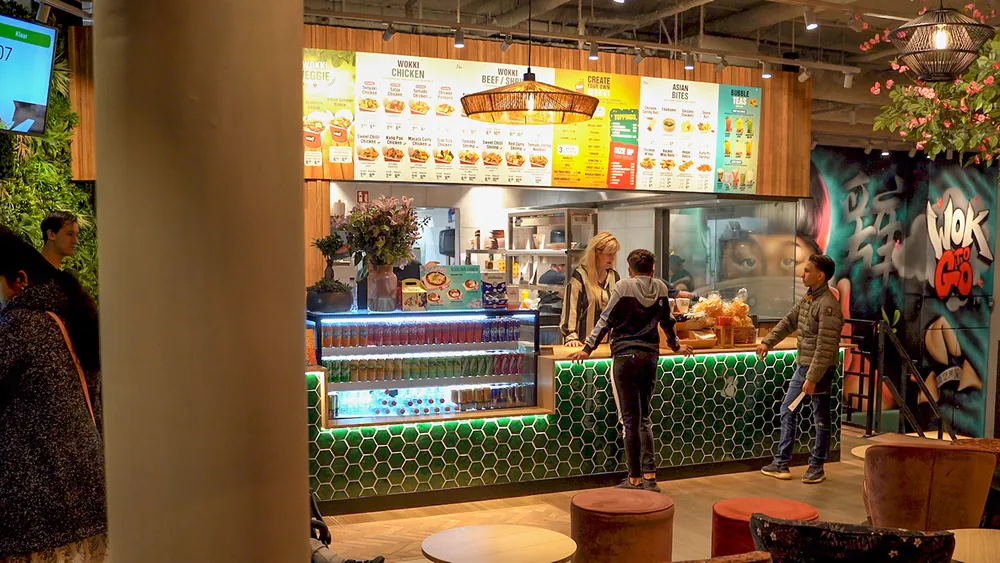


Used by fast dining restaurants such as Popsyz, Off Smash and Wok to Go










Your lunch rush on Eatcard. Follow one order from the kiosk to the counter.
-
Ordered at the kiosk, in their own language.
Guests browse your menu with photos, and the kiosk suggests a side or a drink before they pay.
-
Paid on the kiosk screen.
With Tap to Pay, guests tap their card or phone on the screen they ordered on. No queue at the till.
-
Straight to the right station.
The order lands on the Kitchen Display, and each station sees only the dishes it makes.
-
Ready on the screen.
When the kitchen marks it done, order 47 shows as ready above the counter. No pagers, no calling out numbers.
-
Seated guests order by QR.
Guests who sit down scan the QR code on the table and order from their own phone, and they can pay straight after ordering.
-
At dinner, takeaway joins the same kitchen.
Orders from your own webshop come in on the same screen, in the pickup slots you set.
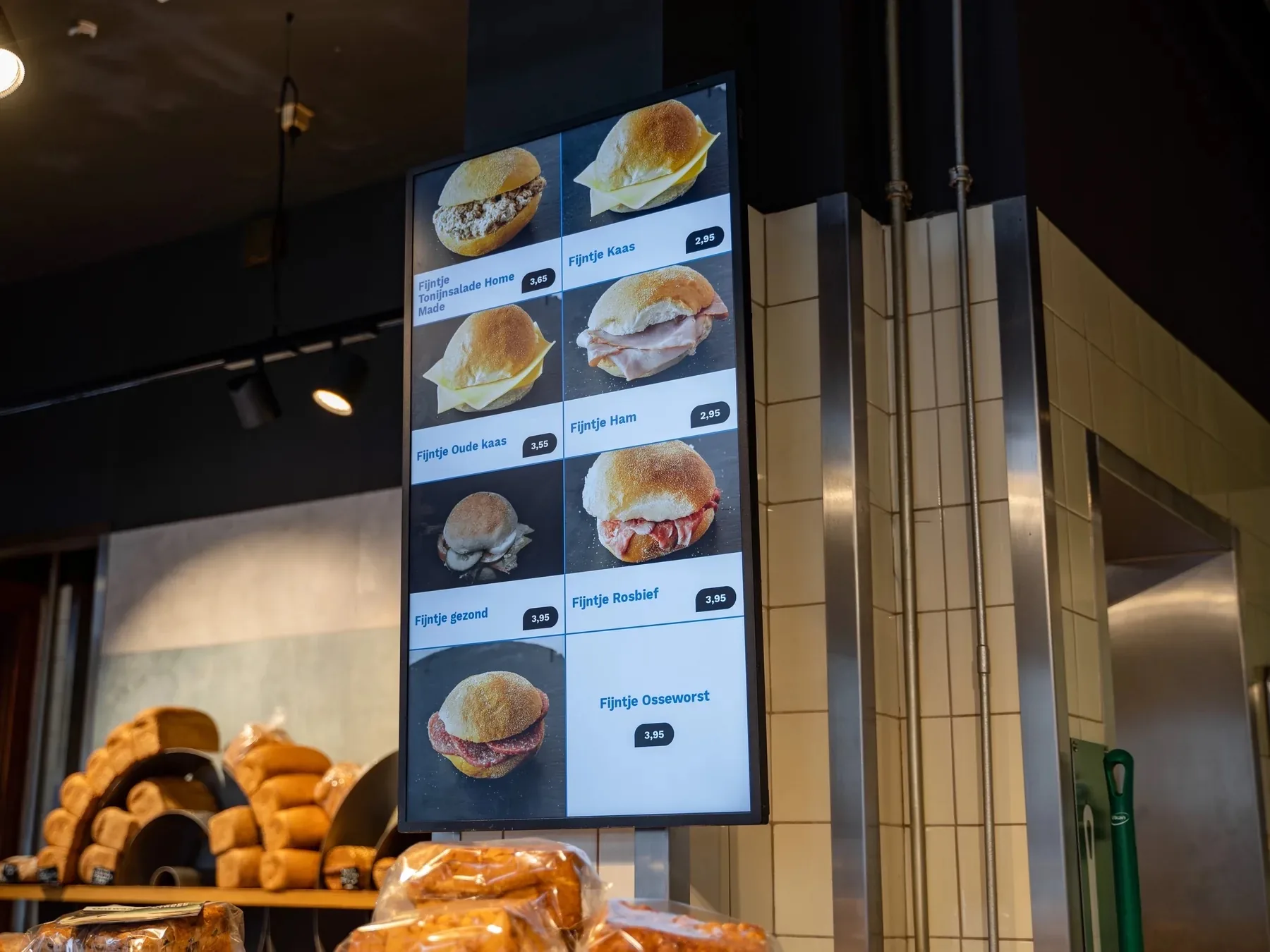
Digital Menu Display
Iced coffee
Marked on the POS · 11:45
✓Sold out
Also sold out in your webshop
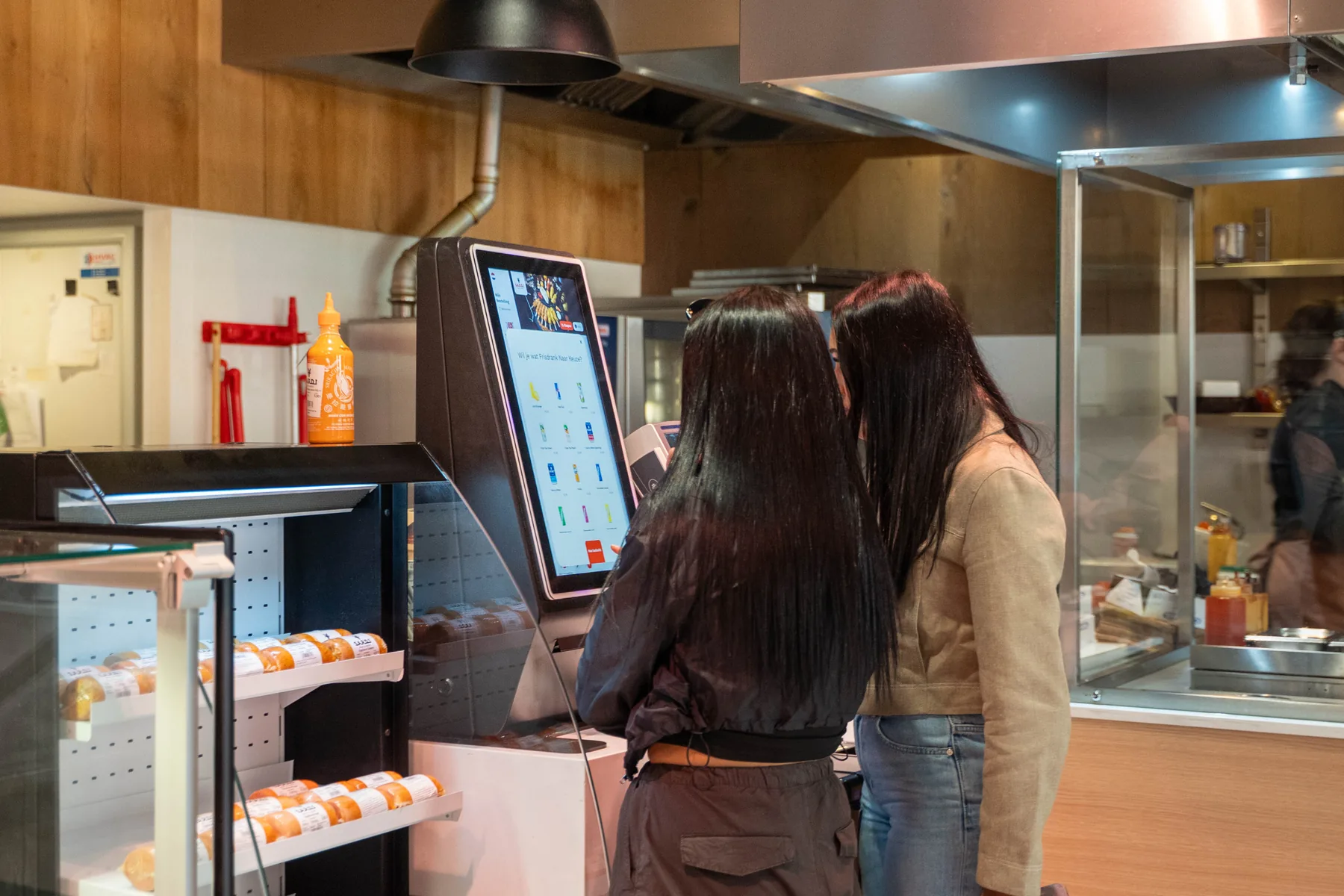
Self-Order Kiosk · Order 47
Make it a combo?
Fries and a drink with your bowl
✓Added
In the guest's own language
Tap to Pay · Order 47
€ 18,40
Card or phone on the screen
✓Paid
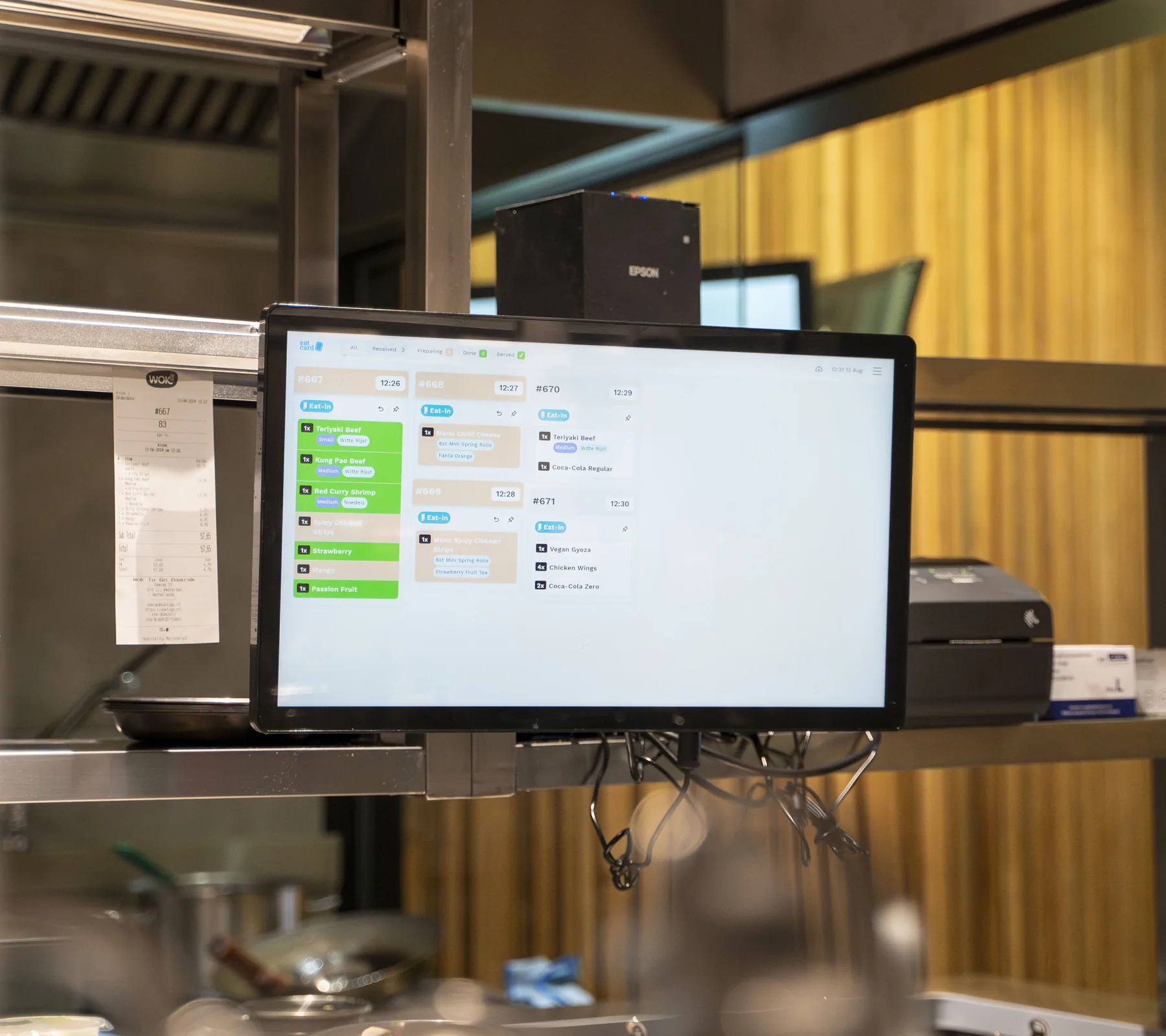
Kitchen Display · Grill
Order 47
1 × chicken bowl · from the kiosk
✓At the grill
Fries and drinks go to their own station
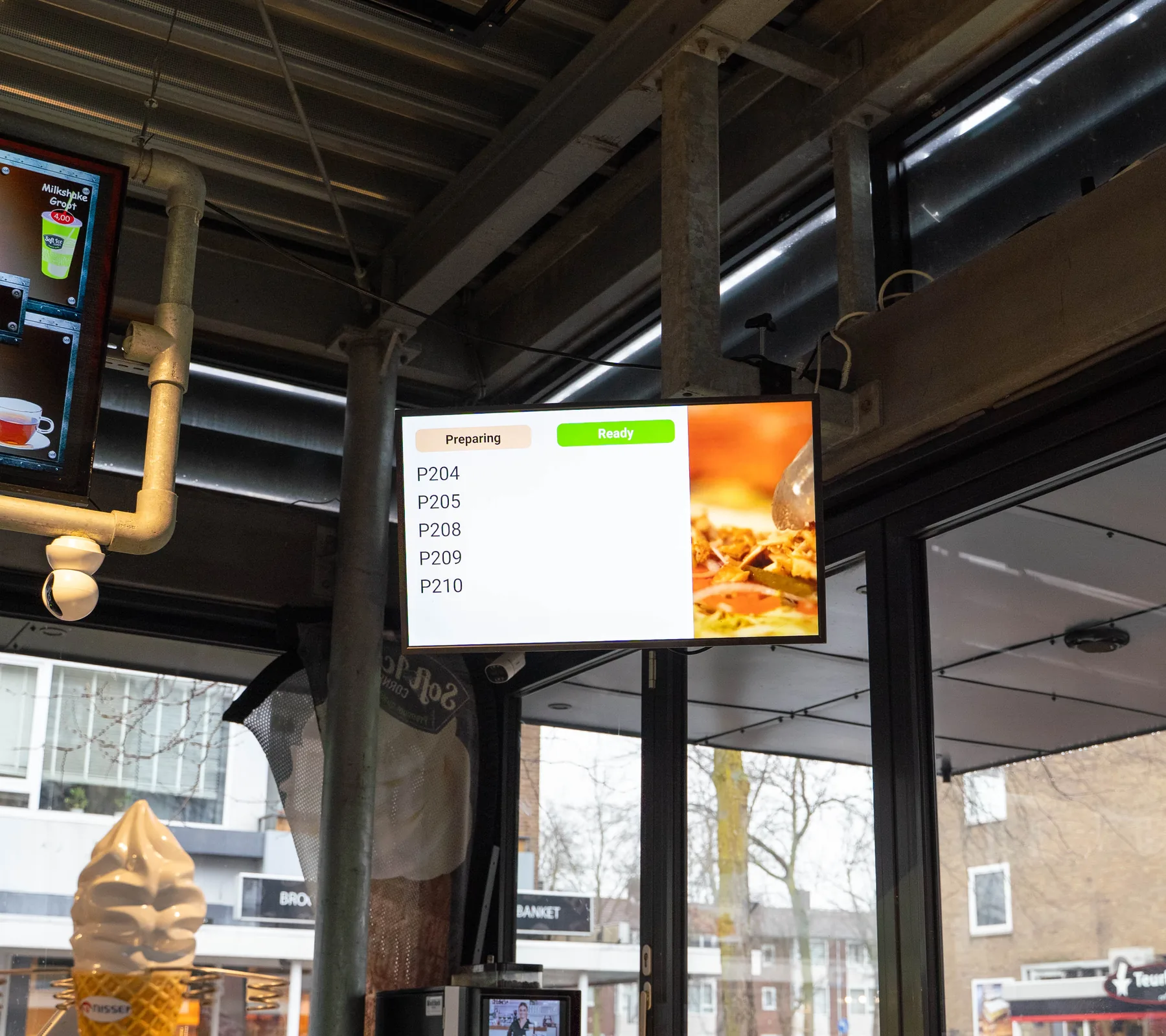
Order Status Screen
Order 47
Done in the kitchen · 12:08
✓Ready to collect
Also on the guest's digital receipt
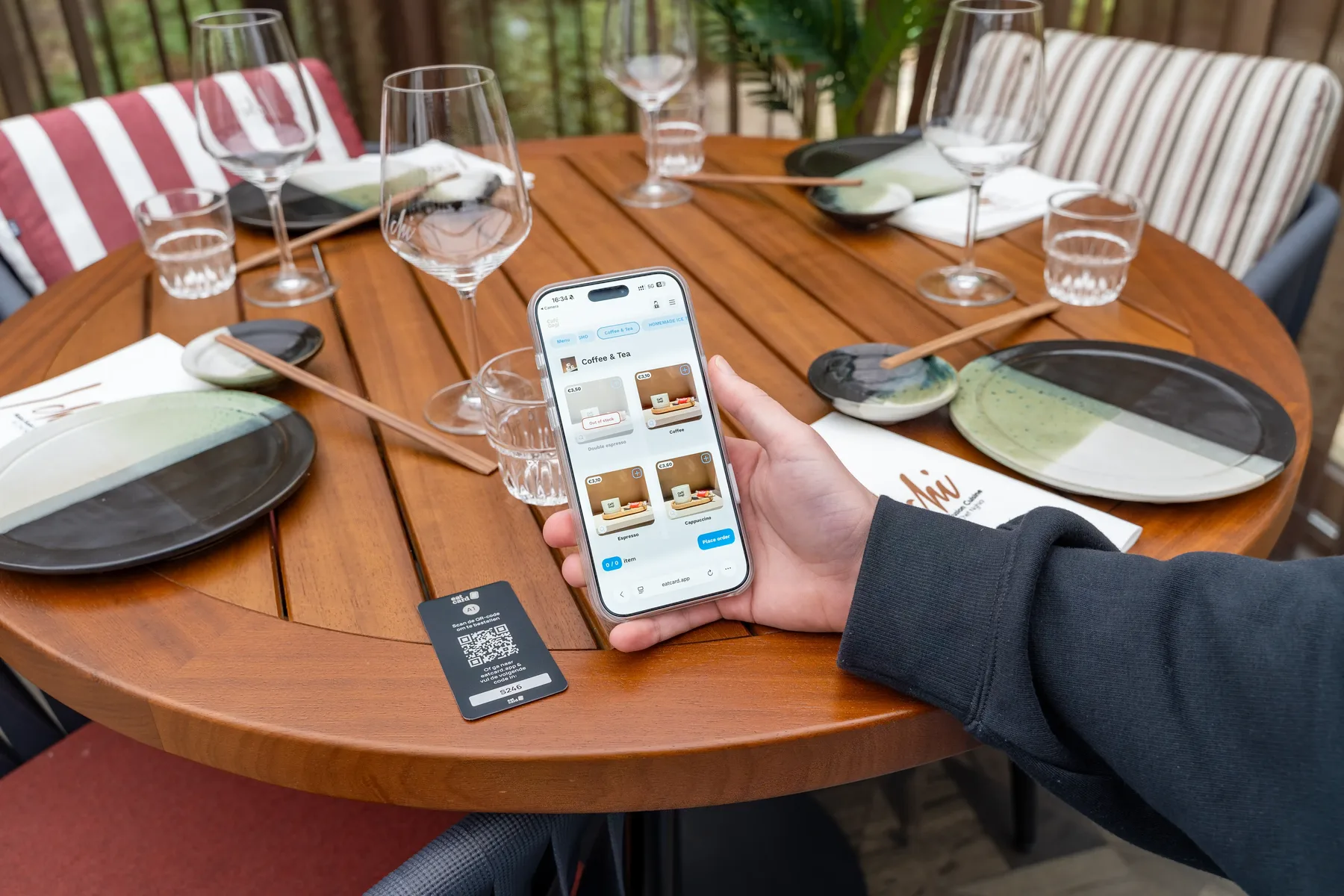
QR Table Ordering · Table 6
Order 53
Paid on the phone, then to the kitchen
✓Paid
webshop-slots.jsA webshop order for pickup at 18:15 fills the slot; full slots can't be chosen.11:45 The menu
In their own words. From a venue that runs on Eatcard.
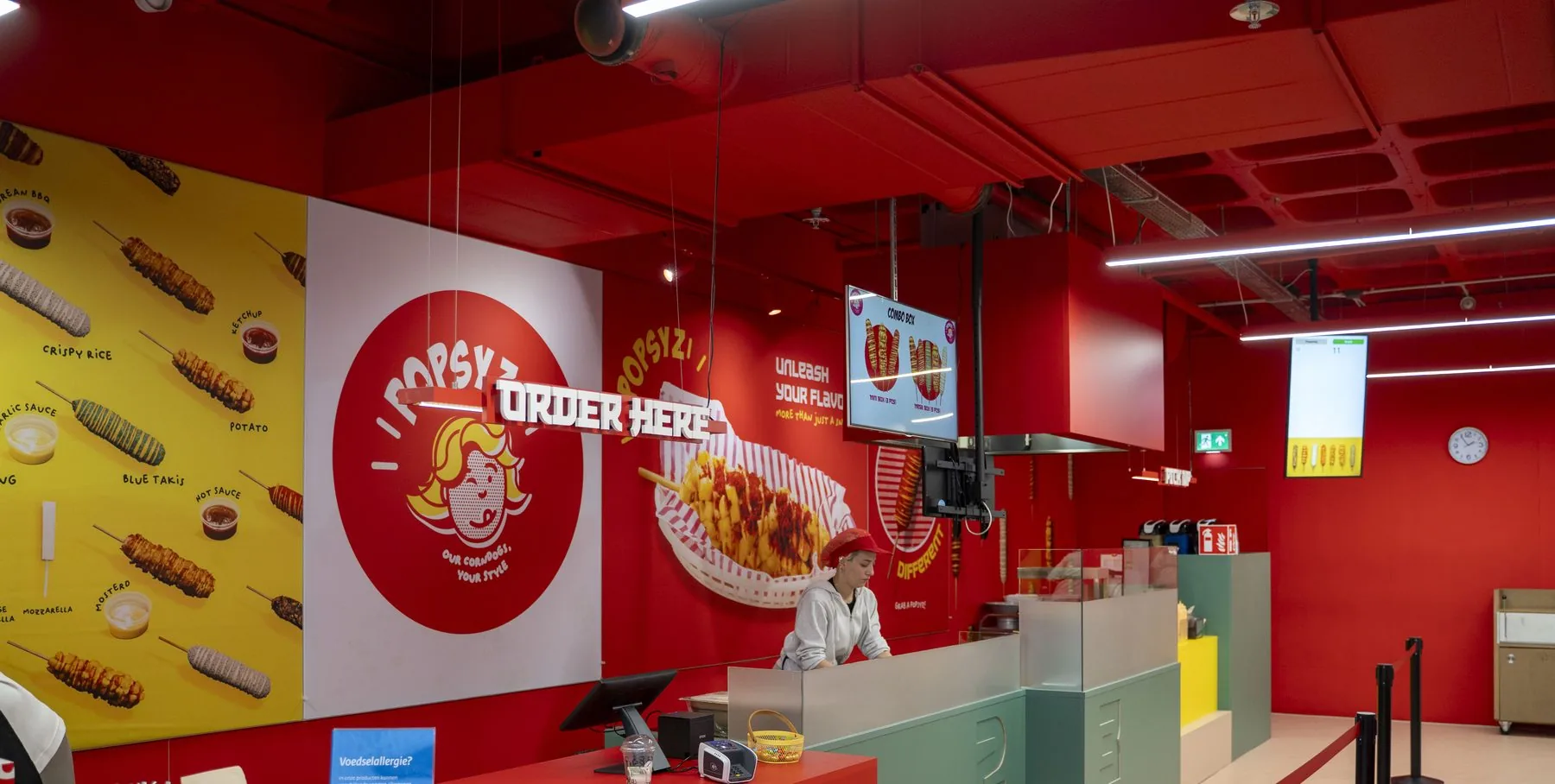
“A great POS system, fast and stable. Support is always quick to respond and very helpful.”
 NasrPopsyz
Built for the rush. The details that matter at the counter.
Order and pay by QR
Guests at a table scan the QR code, order from their own phone and pay straight after ordering.
- Veggie bowl€11.50
- Fries€3.95
- Pay by card
- Pay with iDEAL | Wero
Total€15.45
Pay €15.45Order 50 paidSent to the kitchen · 12:04
Every channel, one kitchen screen
Orders from the kiosk, the tables, the POS, your webshop and Thuisbezorgd and Uber Eats come in on the same screen.
#062112:06
Kiosk
- 1xChicken bowl
- 1xFries
#062112:06
Kiosk
- 1xChicken bowl
- 1xFries
#062112:06
Kiosk
- 1xChicken bowl
- 1xFries
#062312:09
Uber Eats
- 2xChicken bowl
- 1xIced tea
SmartOrder
The same dish from different orders is added up, so the kitchen makes them in one go.
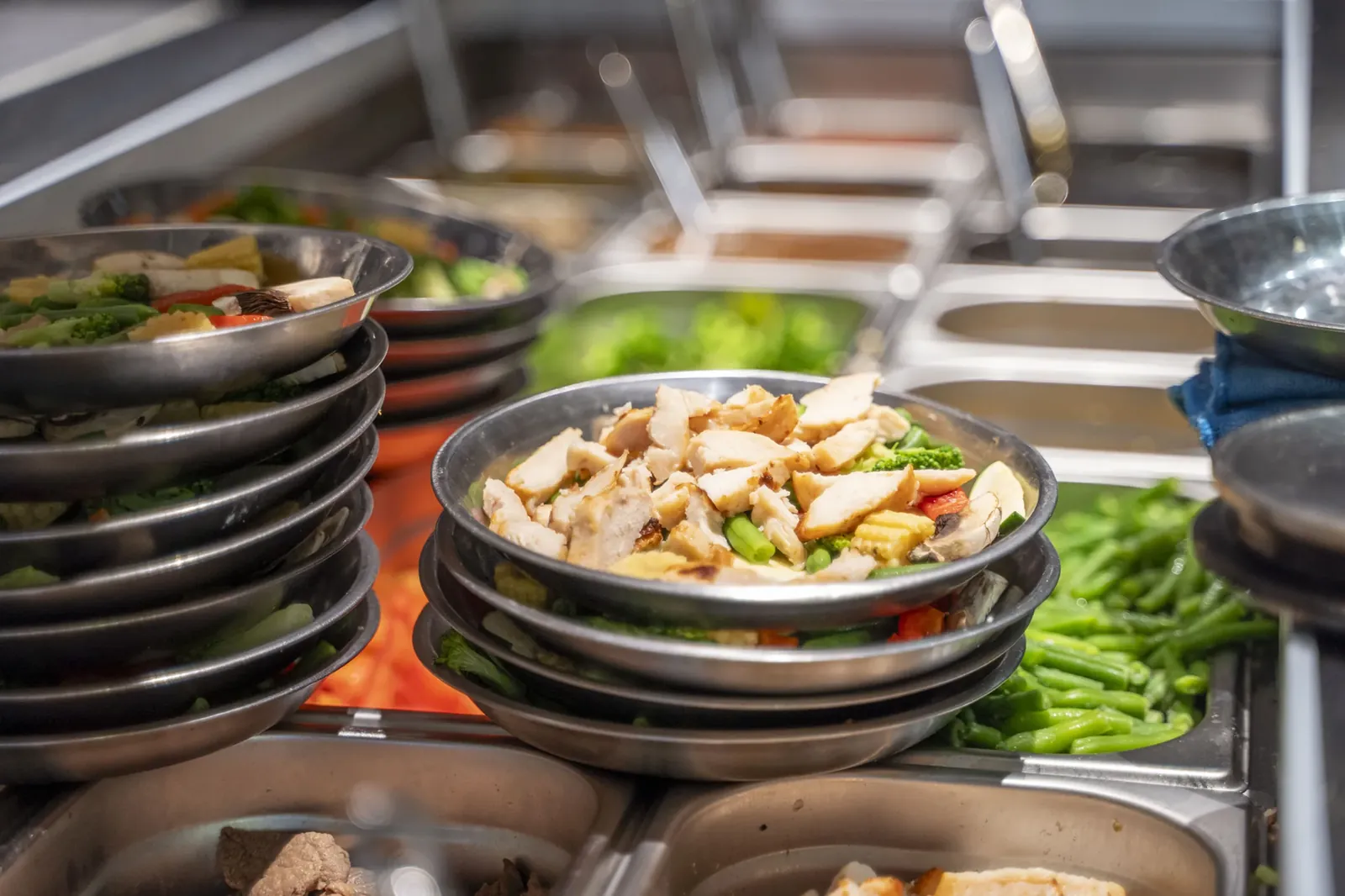 Grill · SmartOrder6× Chicken bowlFrom 4 orders, made in one go
Upsells at the kiosk
The Self-Order Kiosk suggests a side, a drink or a combo before guests pay.
Make it a combo?+ Fries and an iced teaSuggested before they payFilter allergens
Guests filter the menu by allergen at the kiosk, so they only see what they can eat.
Hide dishes with
 Gluten
 Milk
 Sesame
- Rice bowlWithout gluten+
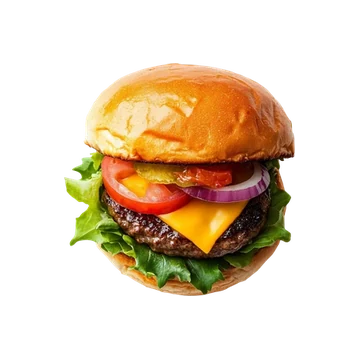 CheeseburgerContains gluten+
- Chicken wrapContains gluten+
The setup for fast dining. Everything the counter runs on.
The setup
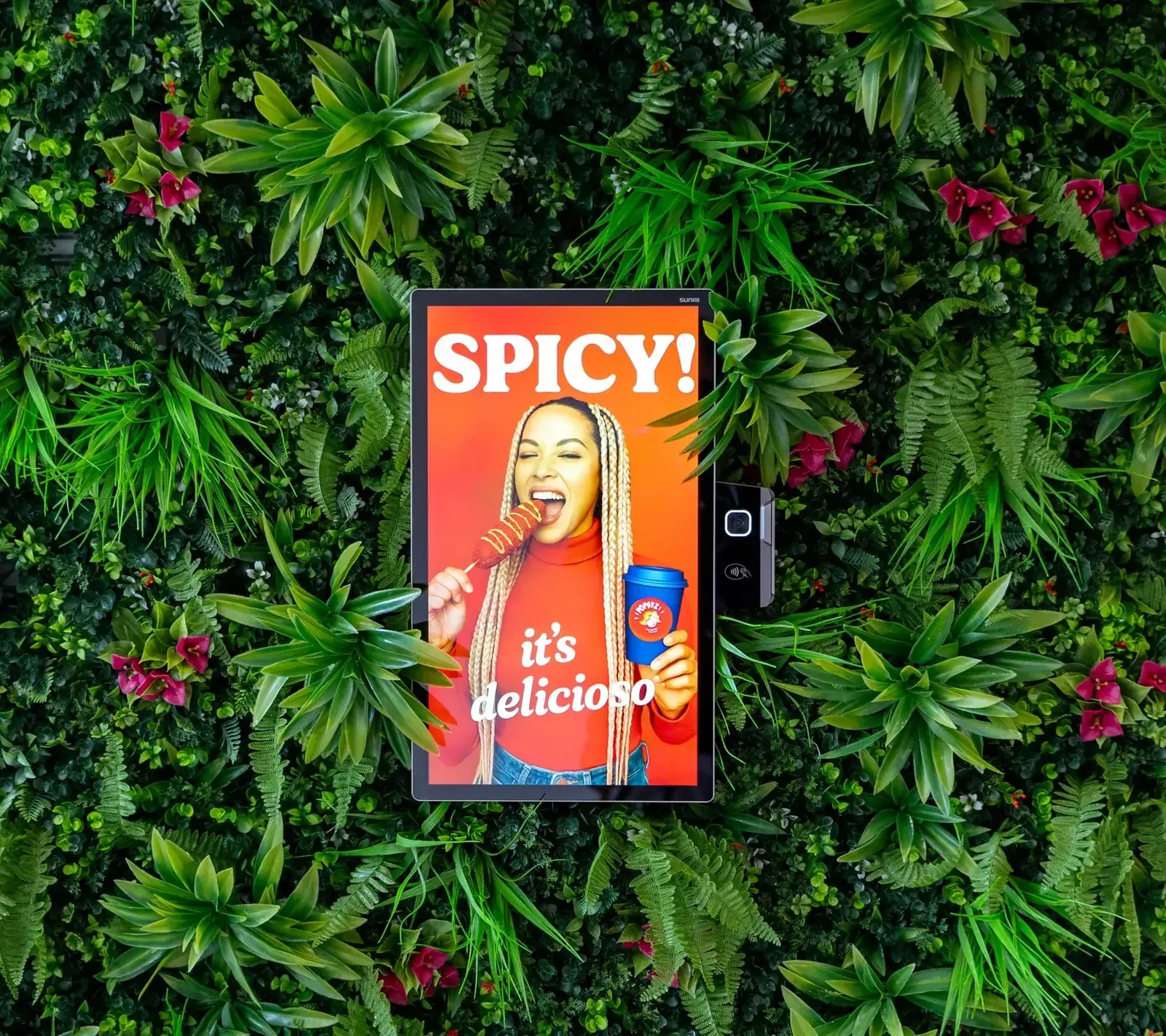
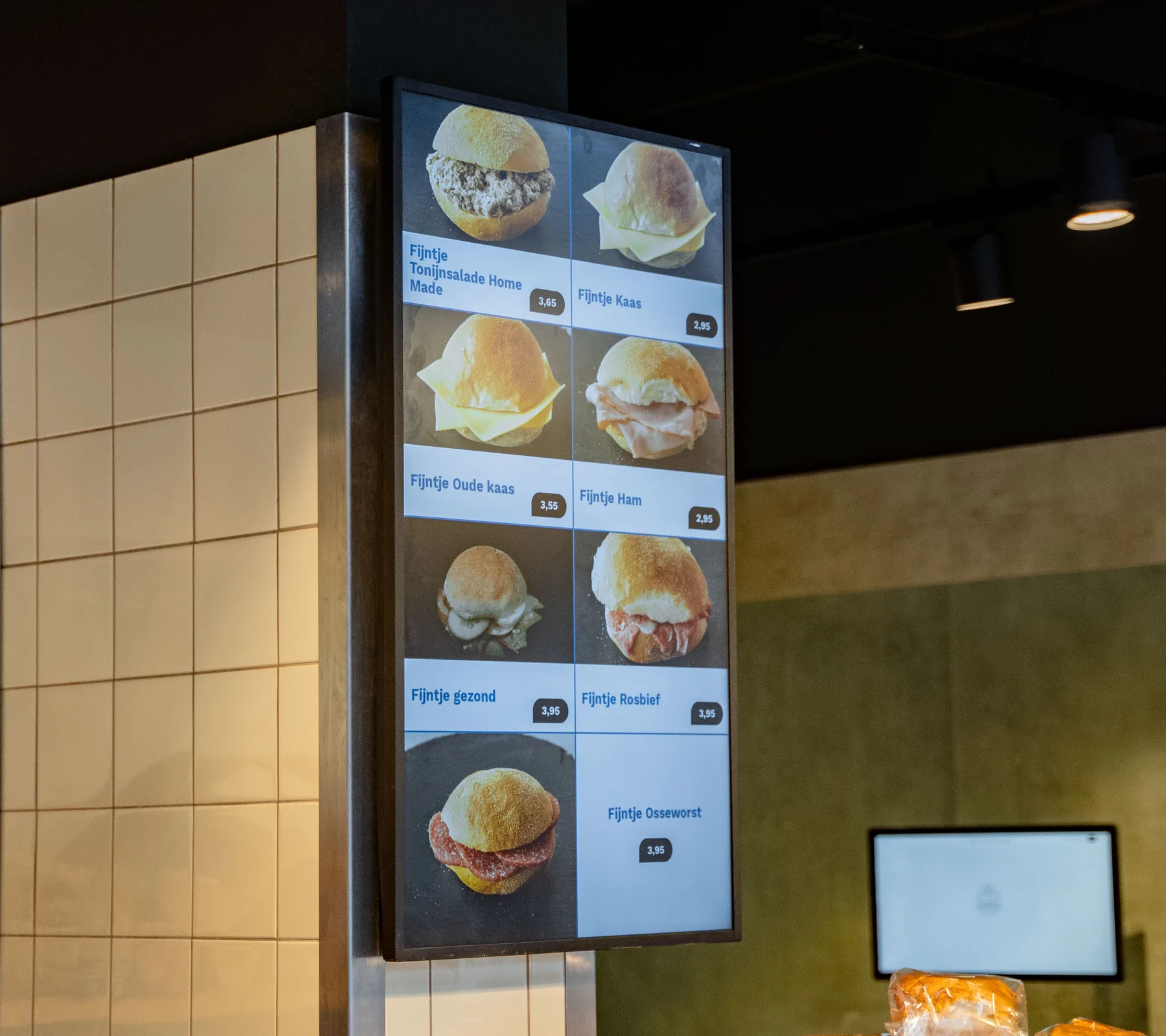 Digital Menu DisplayMenu boards that follow your POS
 Self-Order KioskOrder and pay at the counter
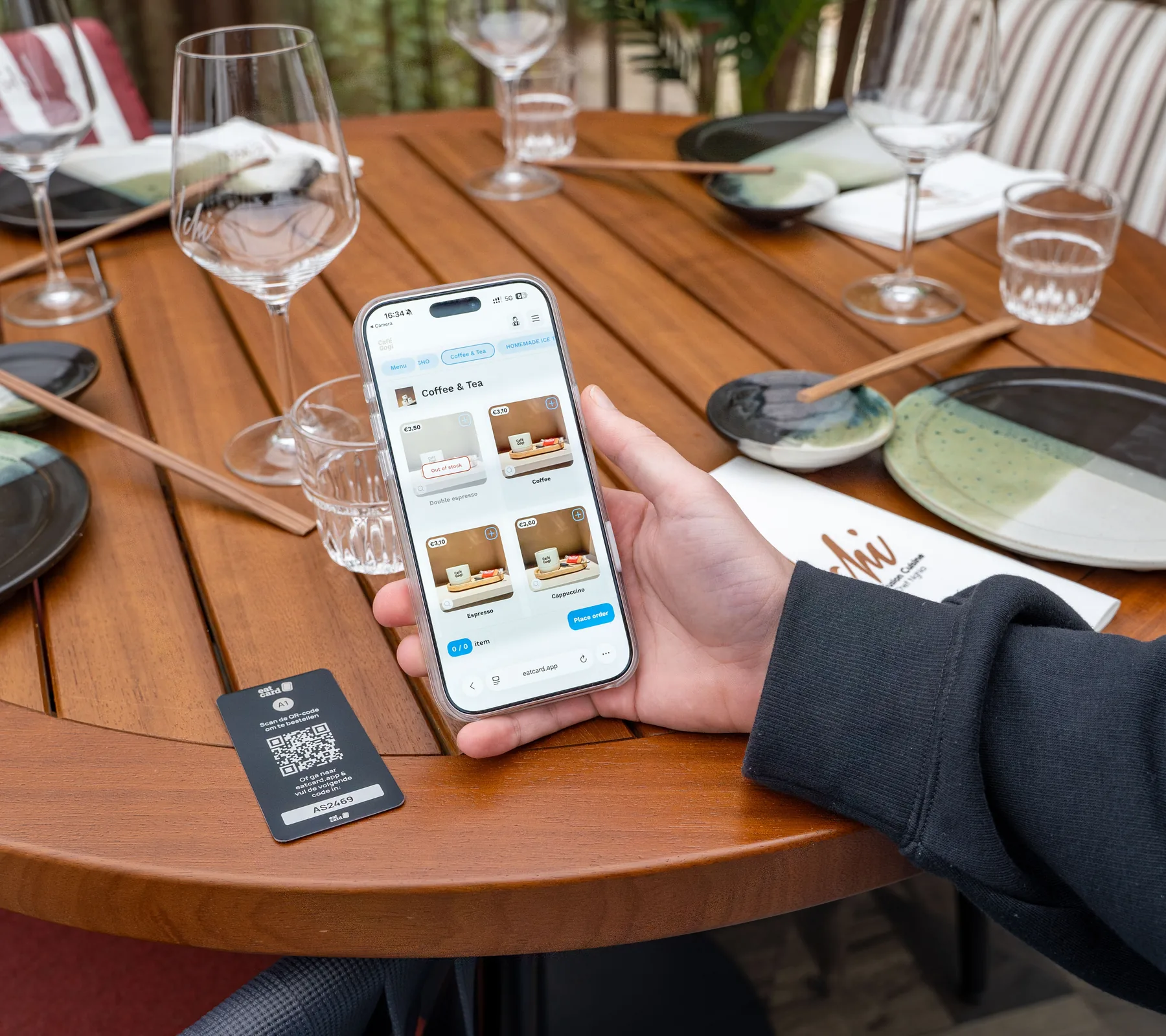 QR Table OrderingOrder and pay from the table
- Kitchen DisplayEvery order, at every station
- Order Status ScreenGuests see when it's ready
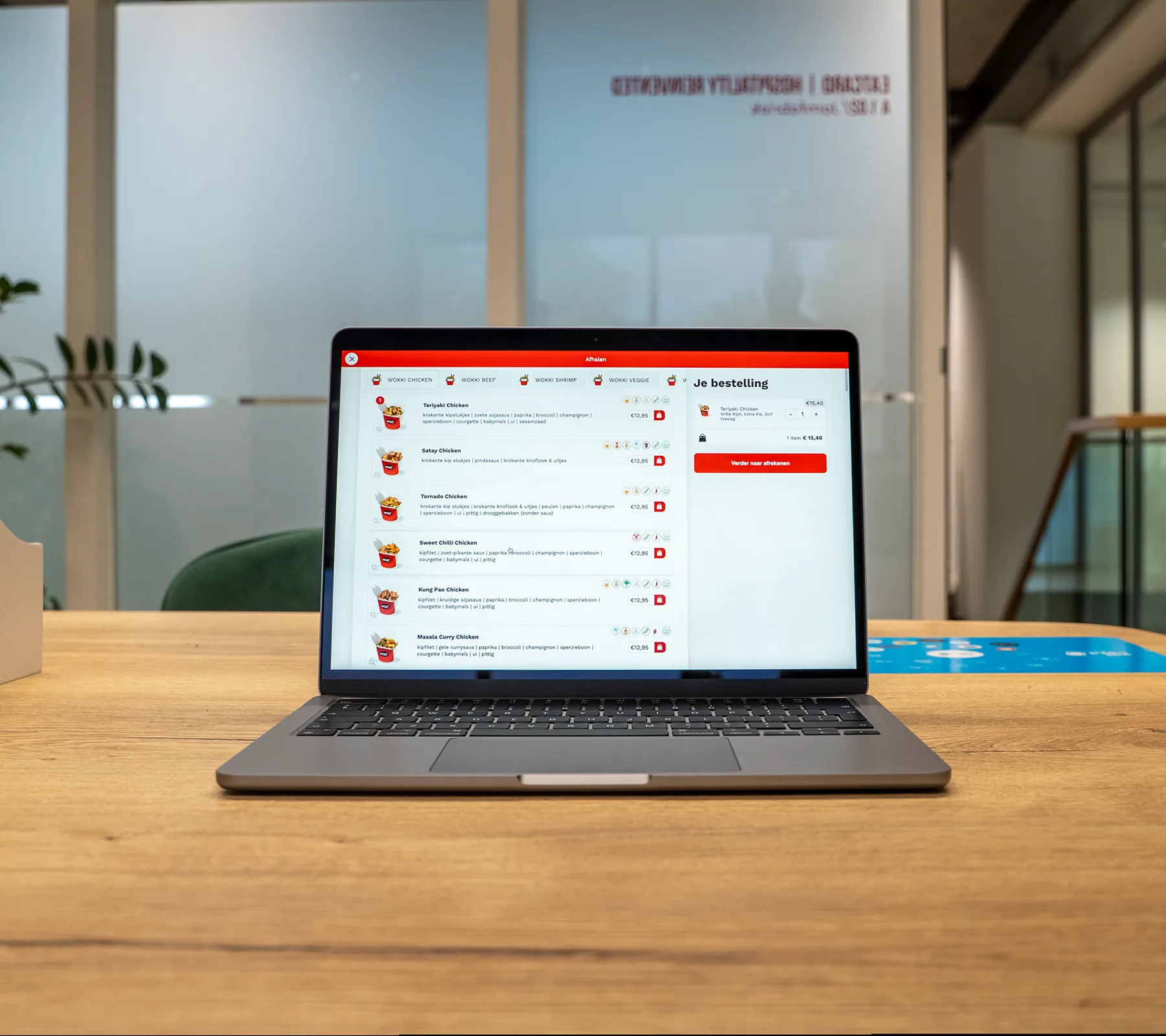 Takeaway WebshopYour own ordering site, with pickup slots
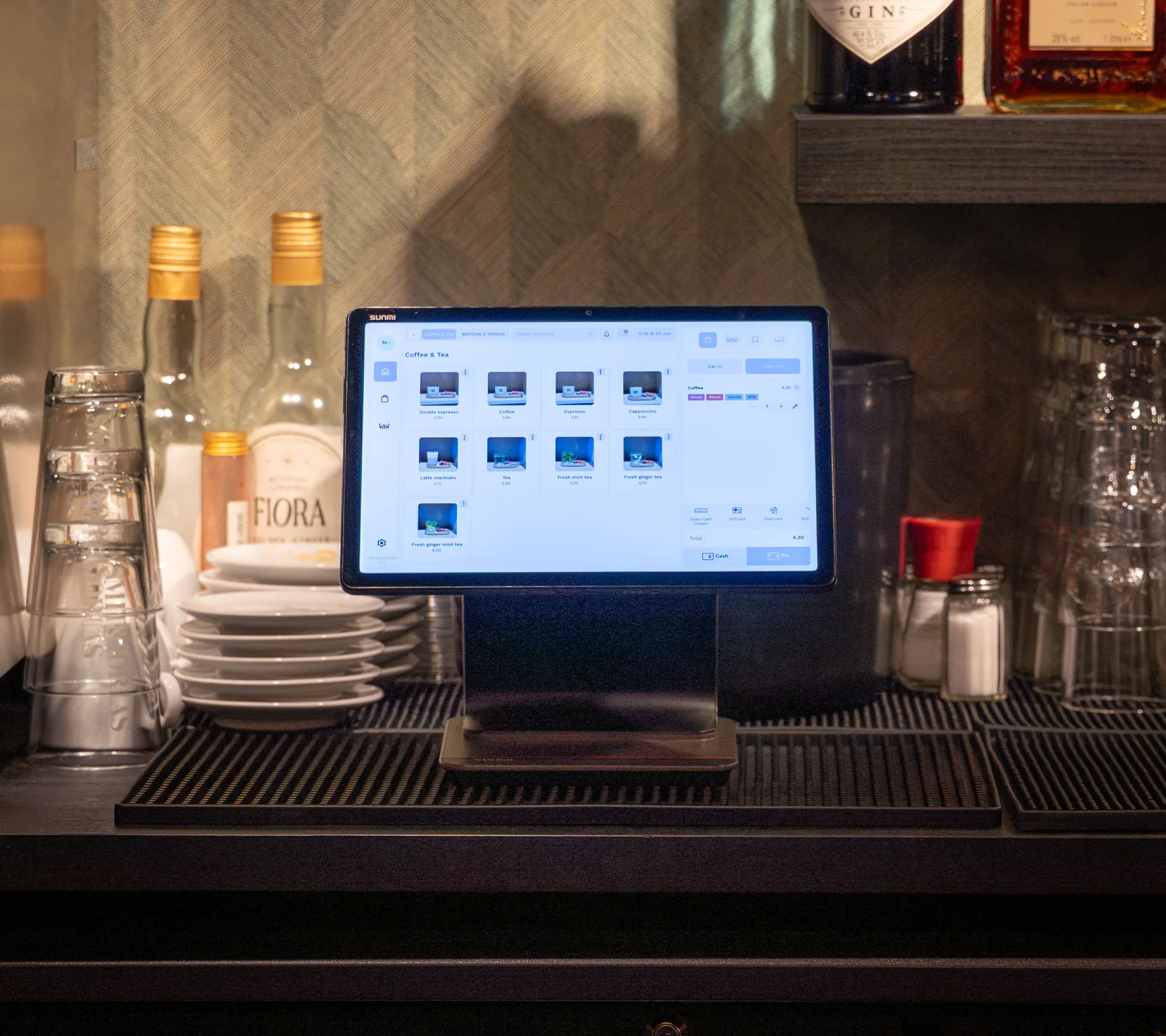 Eatcard POSYour menu, orders and payments
Includes updates and technical support by phone, WhatsApp and email. See pricing
From demo to first service. What happens after you book.
A demo for your venue
We look at how your counter and kitchen run and show you the systems together.
Your hardware and quote
We work out the hardware your venue needs, and you get a quote for it.
Installation at your venue
We come to your venue to install everything, and explain it to your staff in person.
Up and running
Your contact person stays with you, and support is there by phone, WhatsApp and email.
Questions about fast dining.
Do I still need pagers?
How do guests pay at the kiosk?
Can guests order from their table?
Can kiosk, webshop and delivery orders go to one kitchen screen?
Can the kiosk and the screens show my own branding?
What does it cost?
Who installs it?
More than fast dining. Eatcard works for every kind of concept.
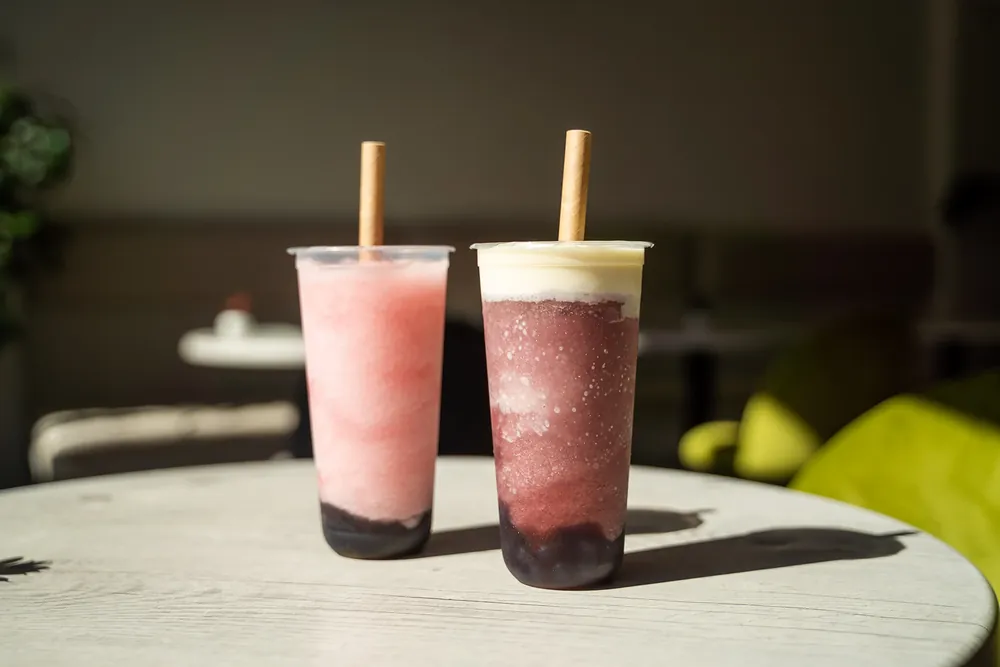 Bubble tea


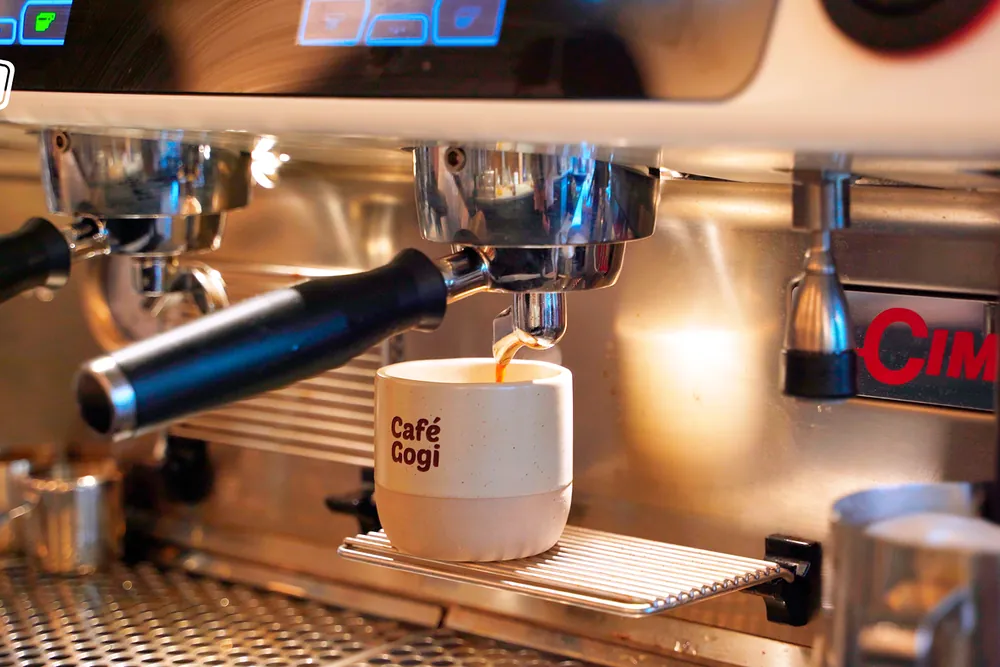 Coffee & café


 All you can eat

 Korean BBQ

 Fine dining


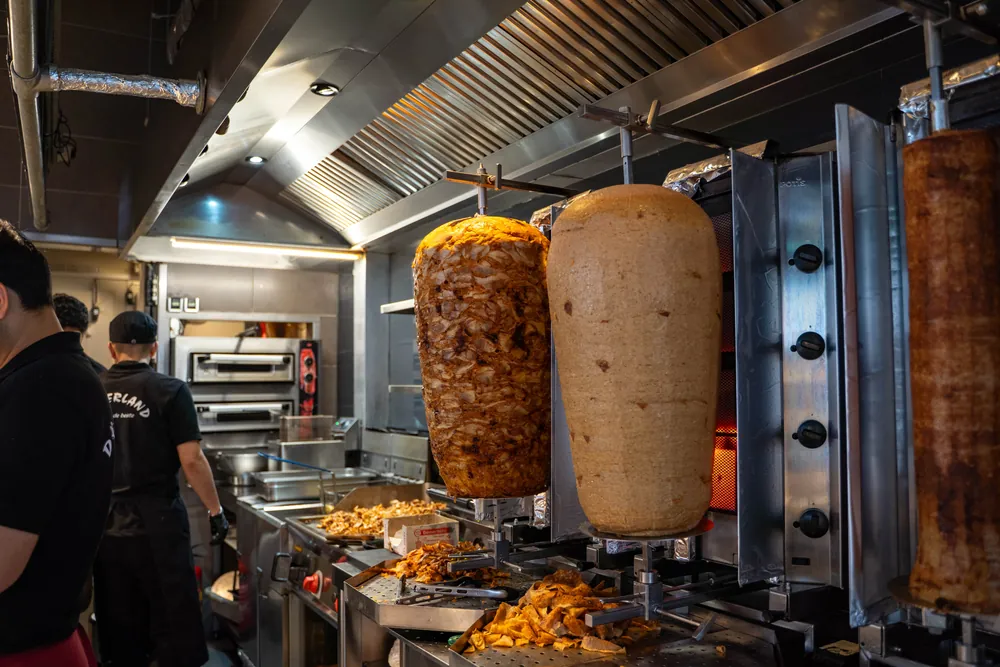 Snackbar & kebab

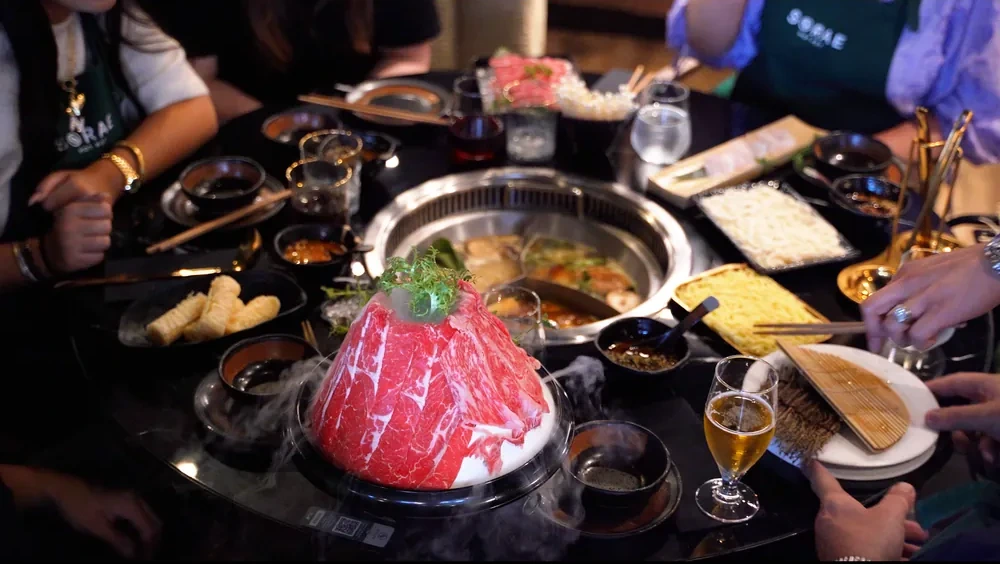 Hot pot

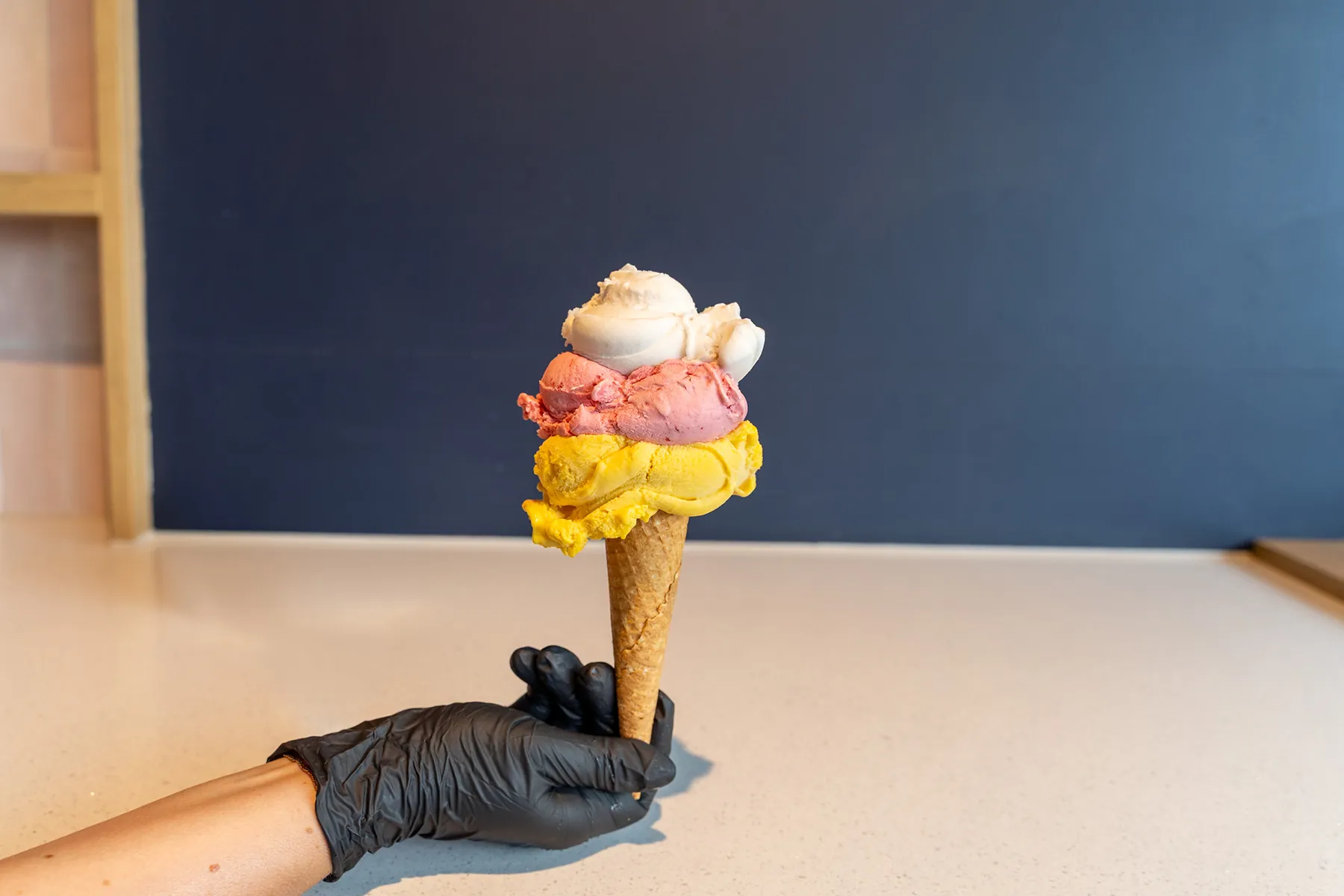 Ice cream

See a full lunch rush on Eatcard.
The kiosk, the kitchen screen and the pickup screen, together in one demo.