Bubble tea
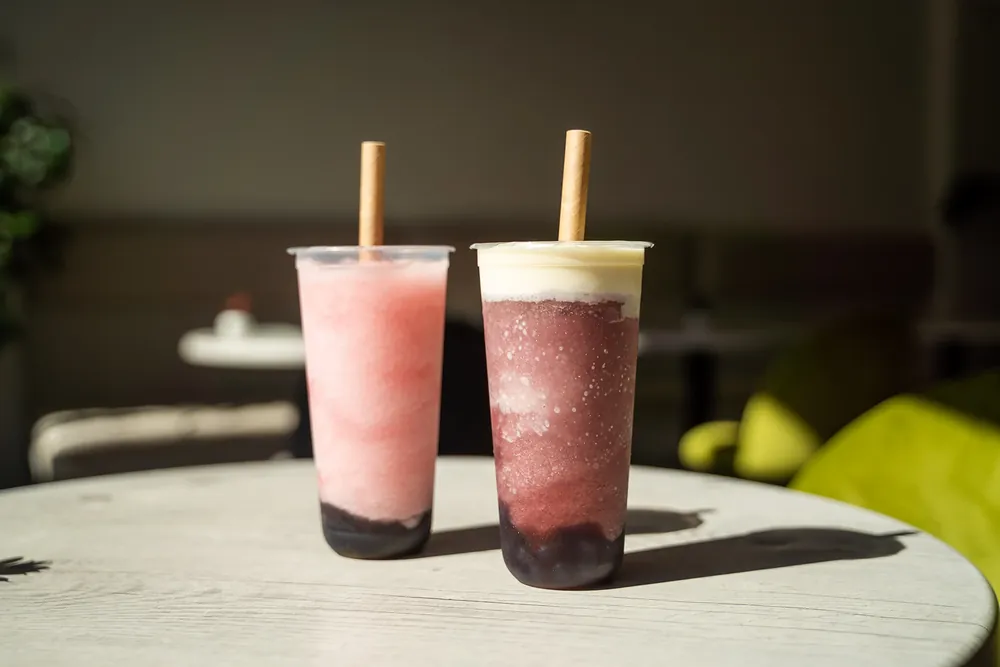
Every option and topping, in one order.
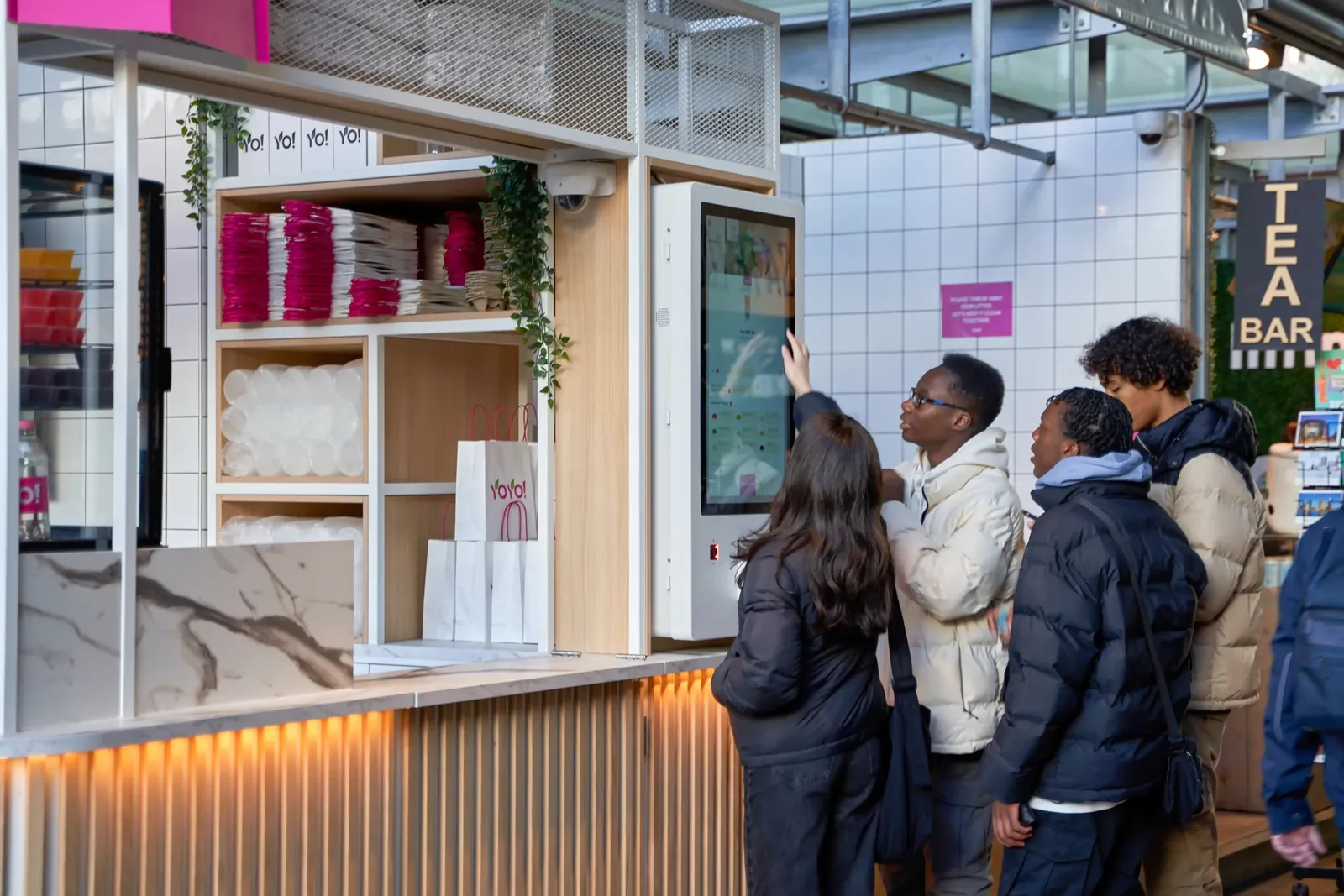
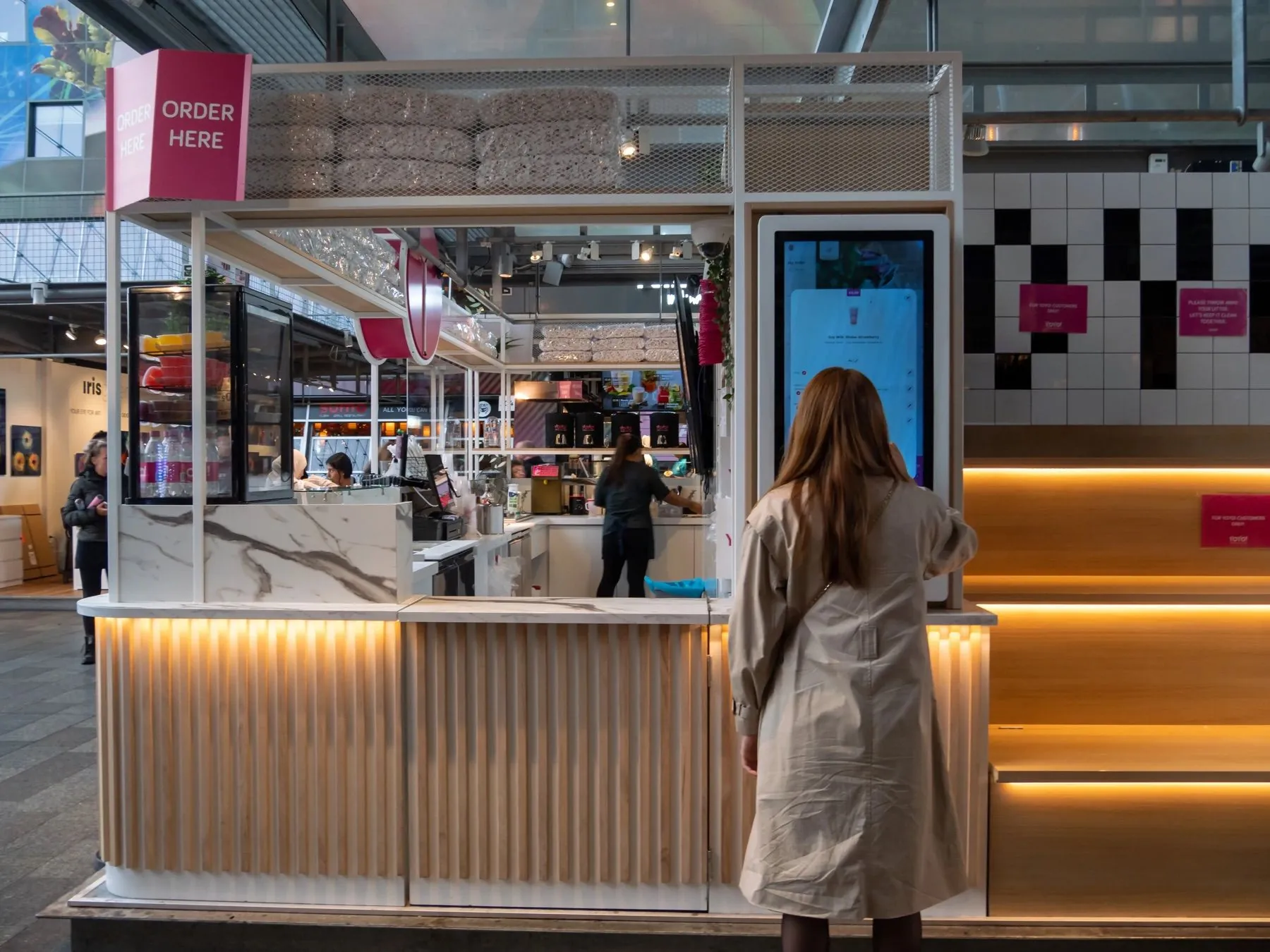
Guests pick their tea, toppings, sugar and ice at the kiosk, in their own language. The order goes straight to the bar, regulars collect rewards with moolaah, and the screen above the counter tells guests when their drink is ready.
Used by bubble tea bars such as Machi Machi, Sisi and Yoyo










Your afternoon rush on Eatcard. Follow one drink from the kiosk to the counter.
-
Every choice, one step at a time.
The kiosk takes guests through flavour, toppings, sugar and ice, in their own language, so nothing gets lost at the till.
-
Paid on the kiosk screen.
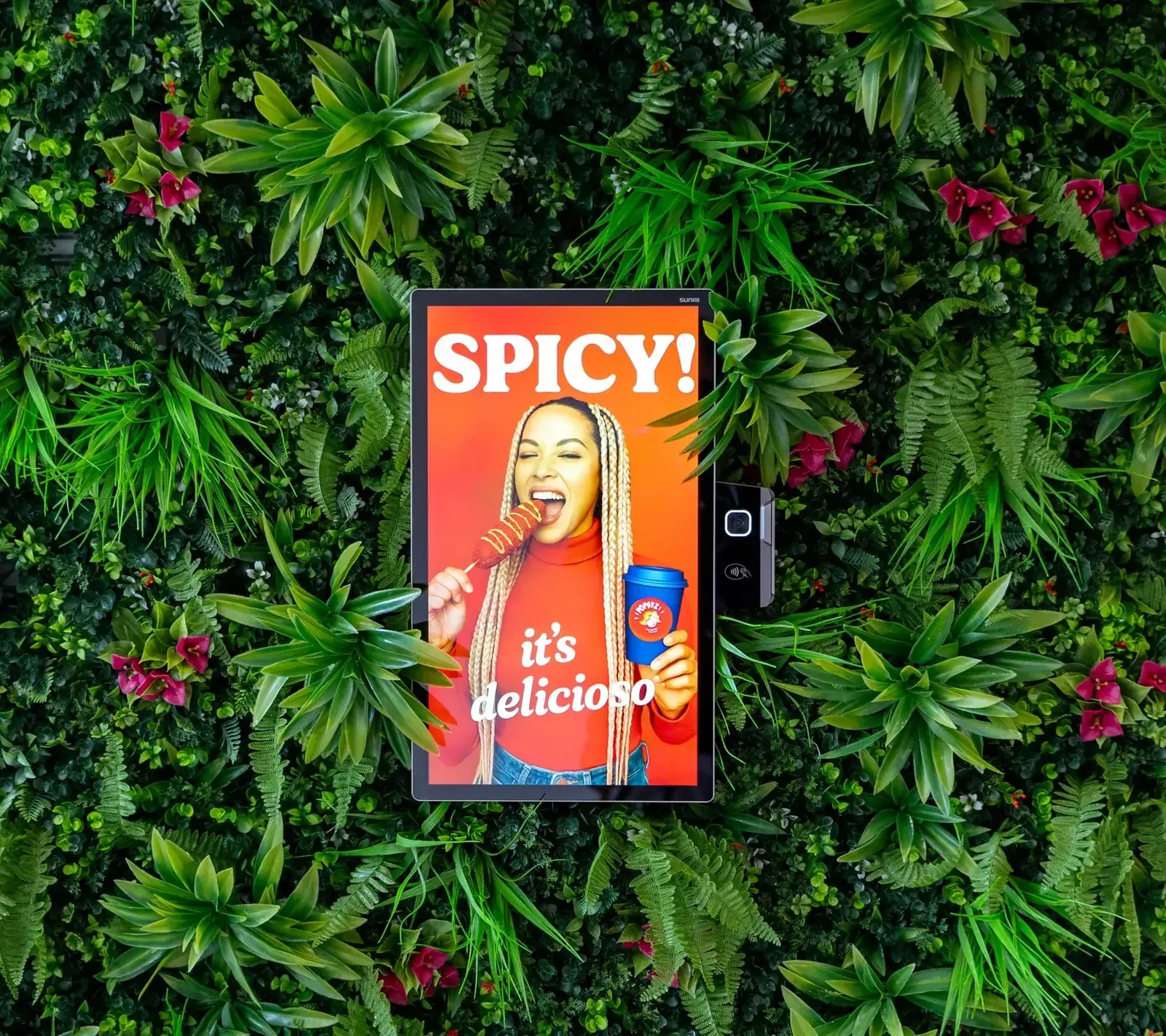
With Tap to Pay, guests tap their card or phone on the screen they ordered on. No queue at the till.
-
Straight to the tea bar.
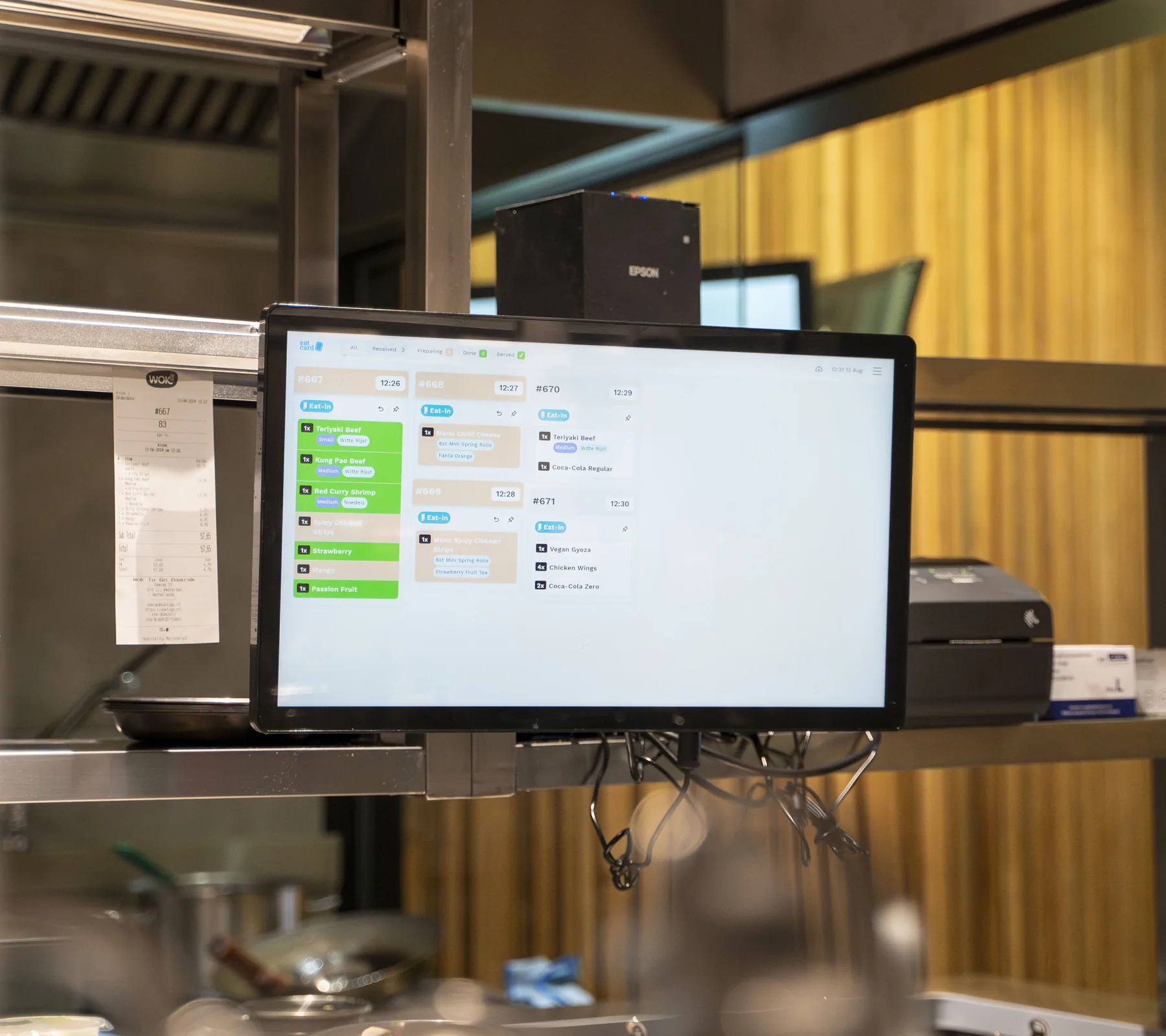
The order lands on the Kitchen Display at the bar with every option on it, and a label prints for the cup.
-
Ready on the screen.
When the bar marks it done, order 47 shows as ready above the counter. No pagers, no calling out numbers.
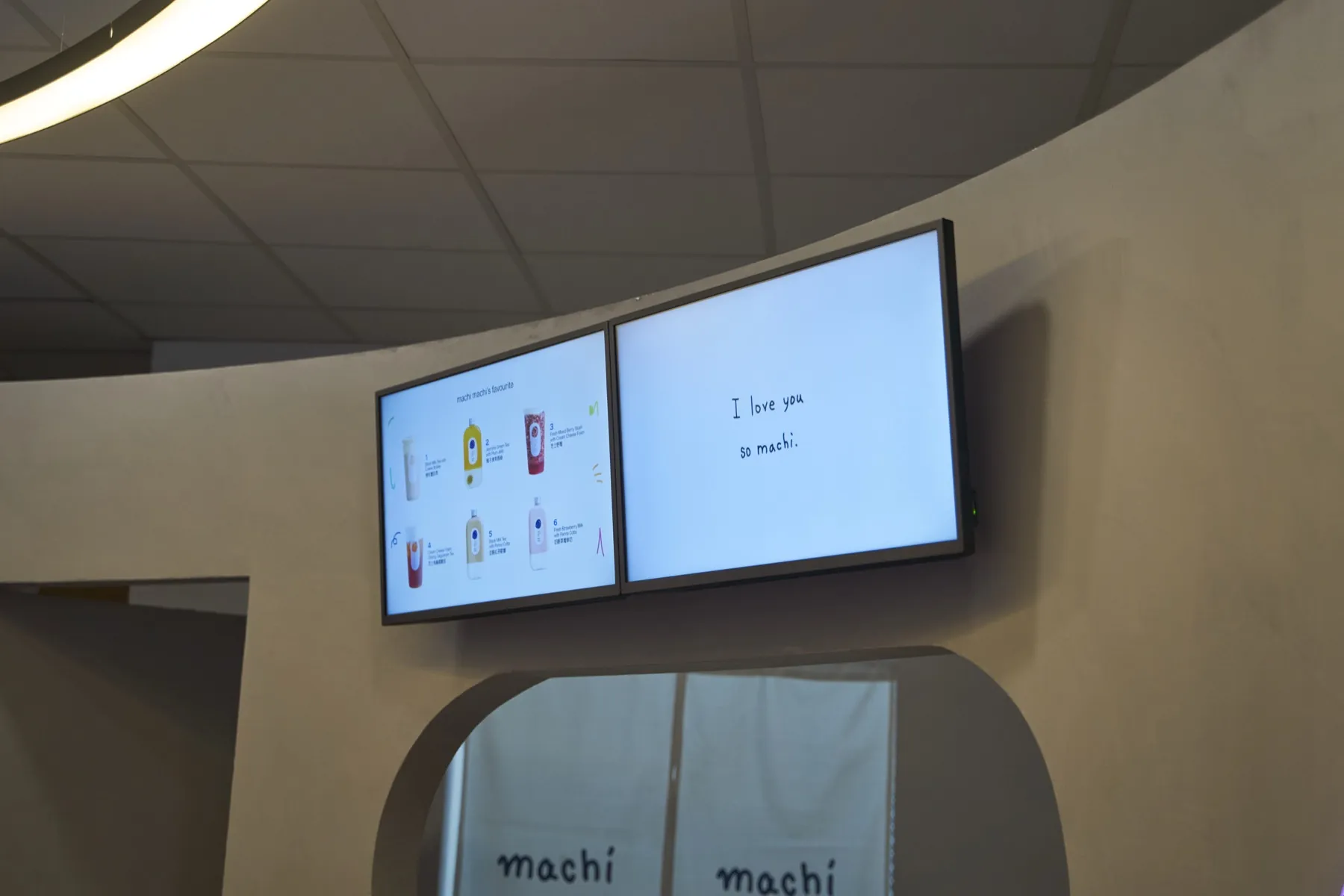
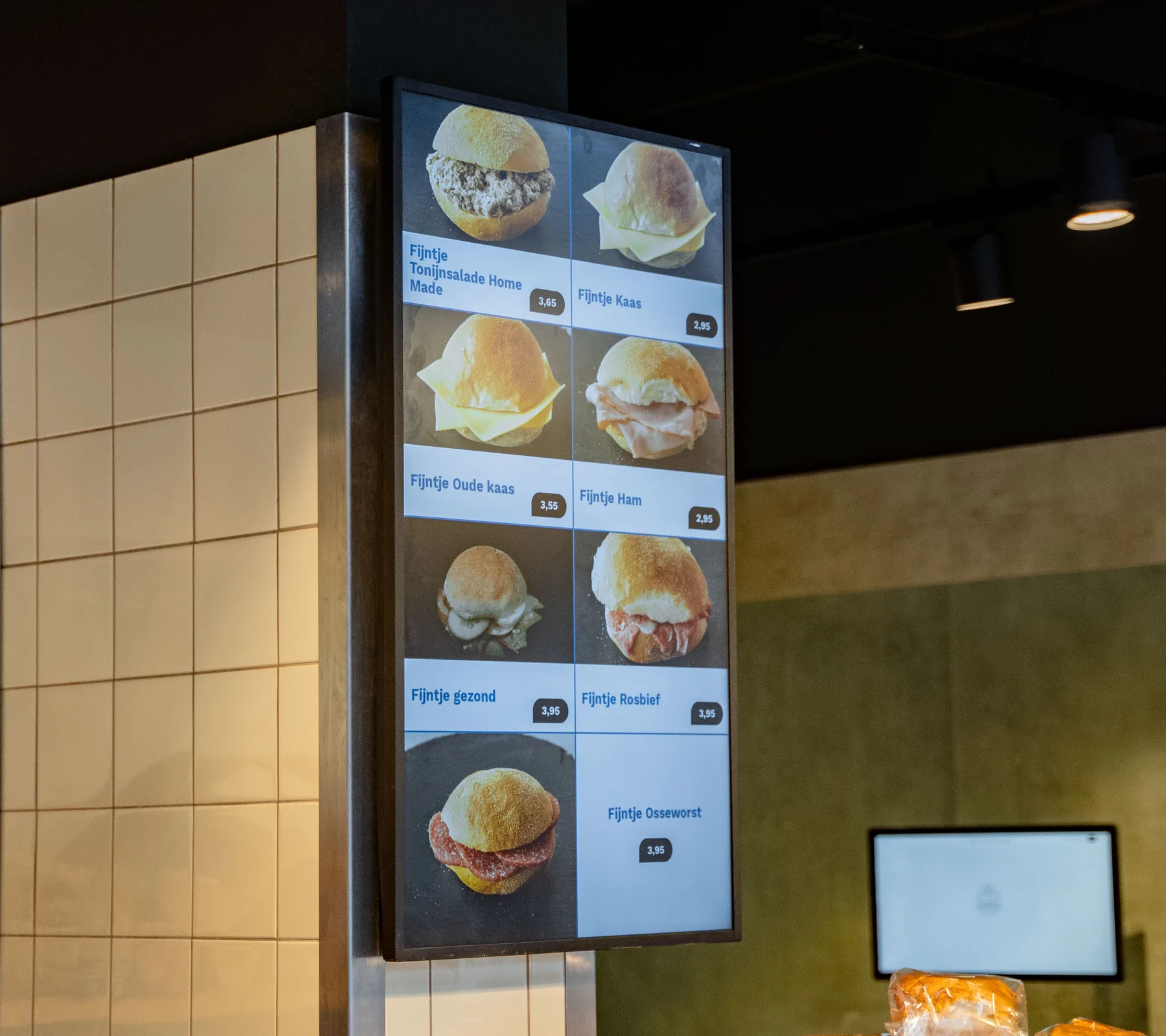
Digital Menu Display
Mango popping boba
Marked on the POS · 14:50
✓Sold out
Also sold out on the kiosk
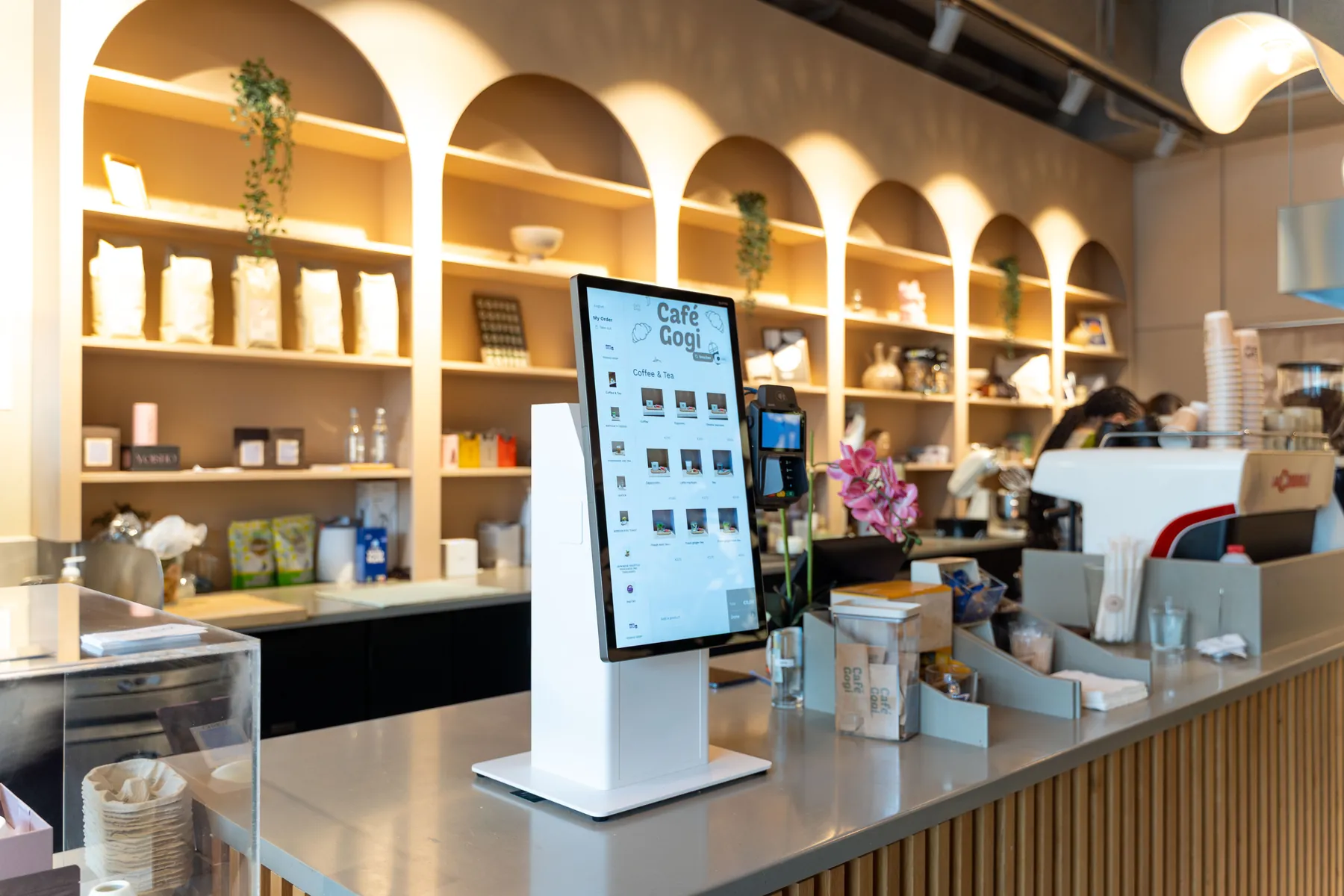
Self-Order Kiosk · Order 47
Brown sugar milk tea
50% sugar · less ice · tapioca pearls
✓Added
In the guest's own language
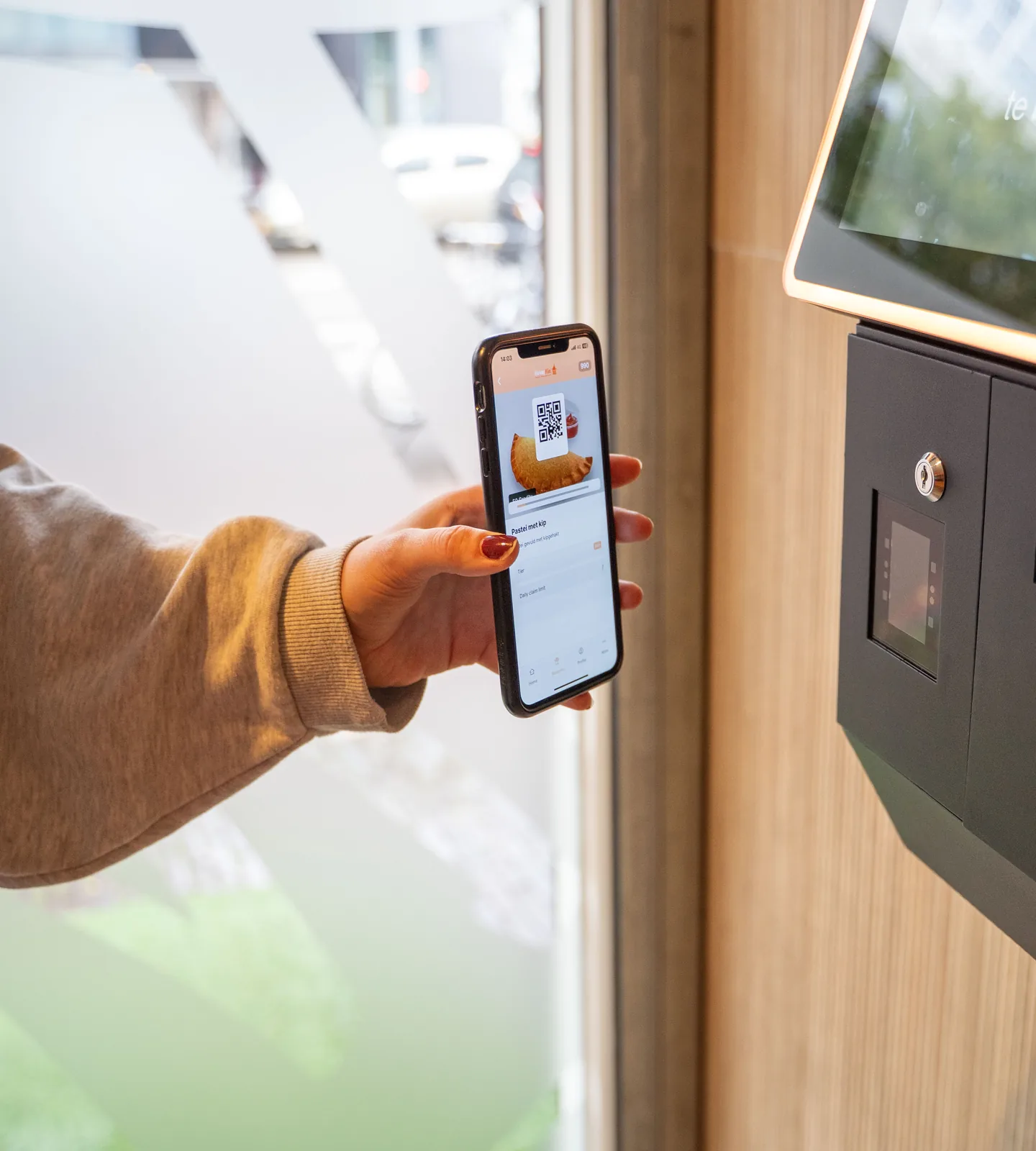
moolaah · Kiosk
Welcome back, Sam
This order counts toward your rewards
✓Checked in
Tap to Pay · Order 47
€ 6,40
Card or phone on the screen
✓Paid
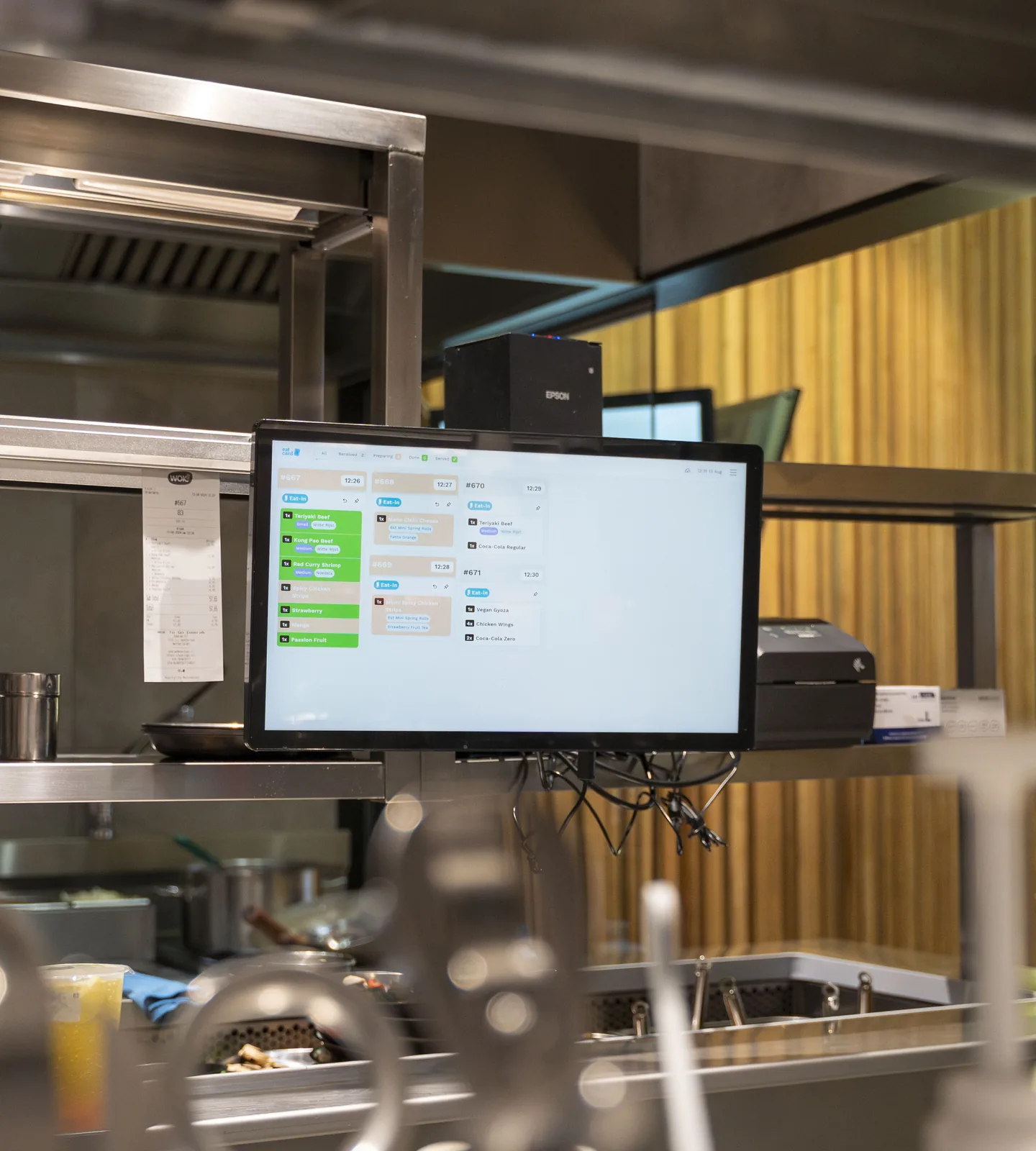
Kitchen Display · Bar
Order 47
2× Taro milk tea · less sugar · boba
✓Cup label printed
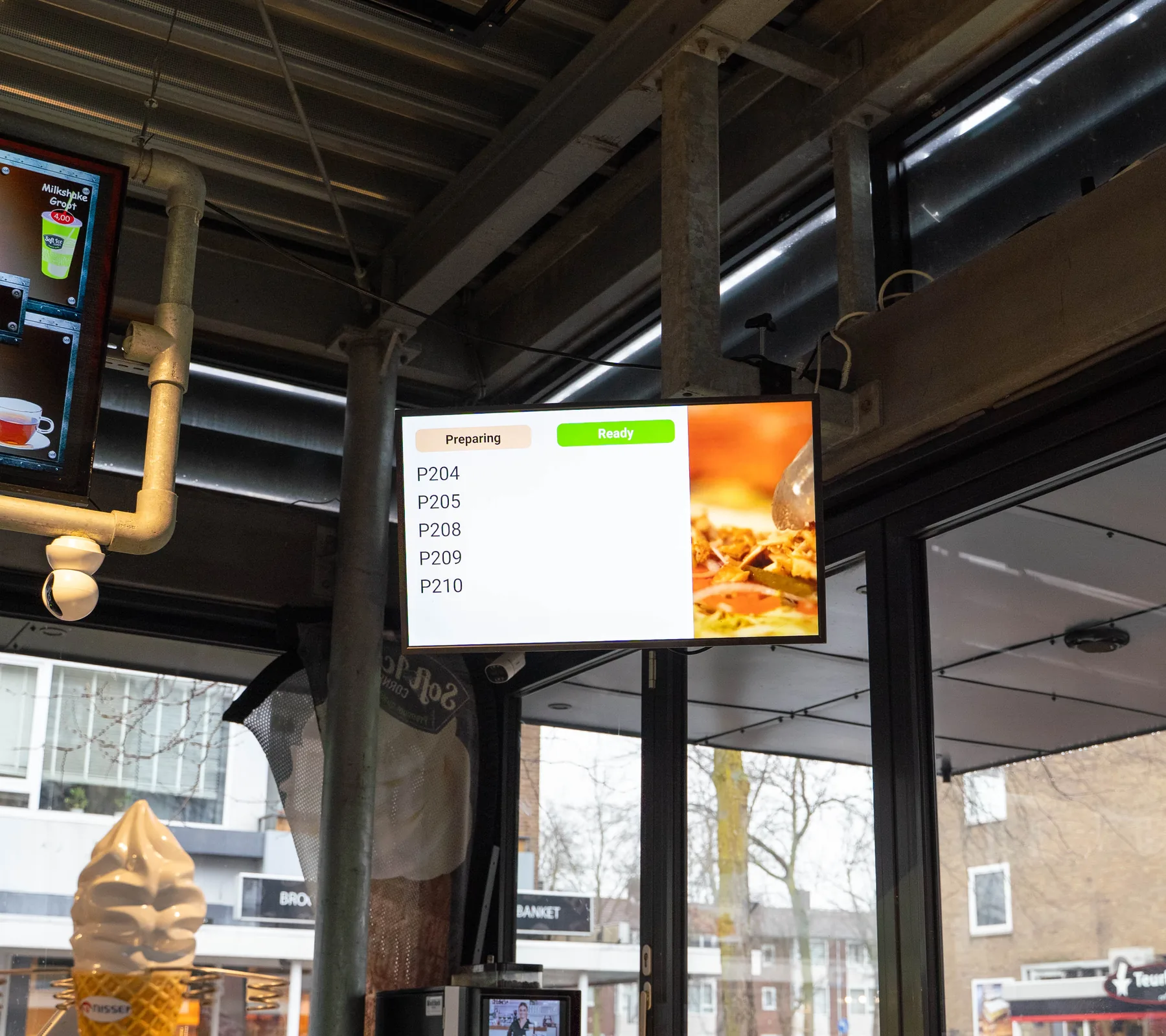
Order Status Screen
Order 47
Done at the bar · 15:15
✓Ready to collect
Also on the guest's digital receipt
14:50 The menu
Built for the queue. The details that matter at the counter.
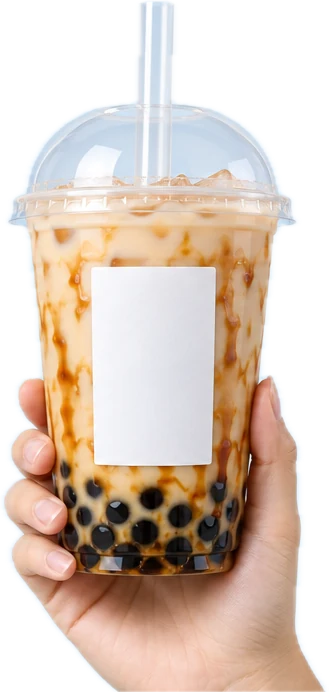
A sticker label for every cup
The label printer prints a sticker for each cup and bag instead of a loose ticket, so it goes straight onto the right drink.
#4715:11 · 1/2
Brown sugar milk tea
- Regular
- 50% sugar
- Less ice
- + Tapioca pearls
The Eatery
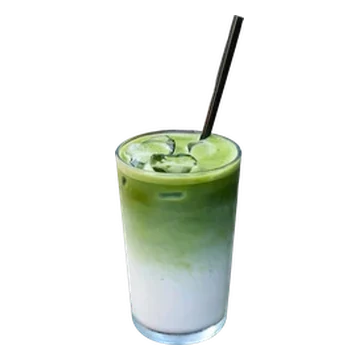
Every option and topping in one order
Guests choose their tea, sugar, ice and toppings at the kiosk, and the bar gets it all in one order.
Sugar
25%50%100%Ice
LessNormalNoToppings
Tapioca pearls+€0.80Cheese foam+€0.80Coconut jelly+€0.60Mango poppingSold outAdd to orderPoints on every order
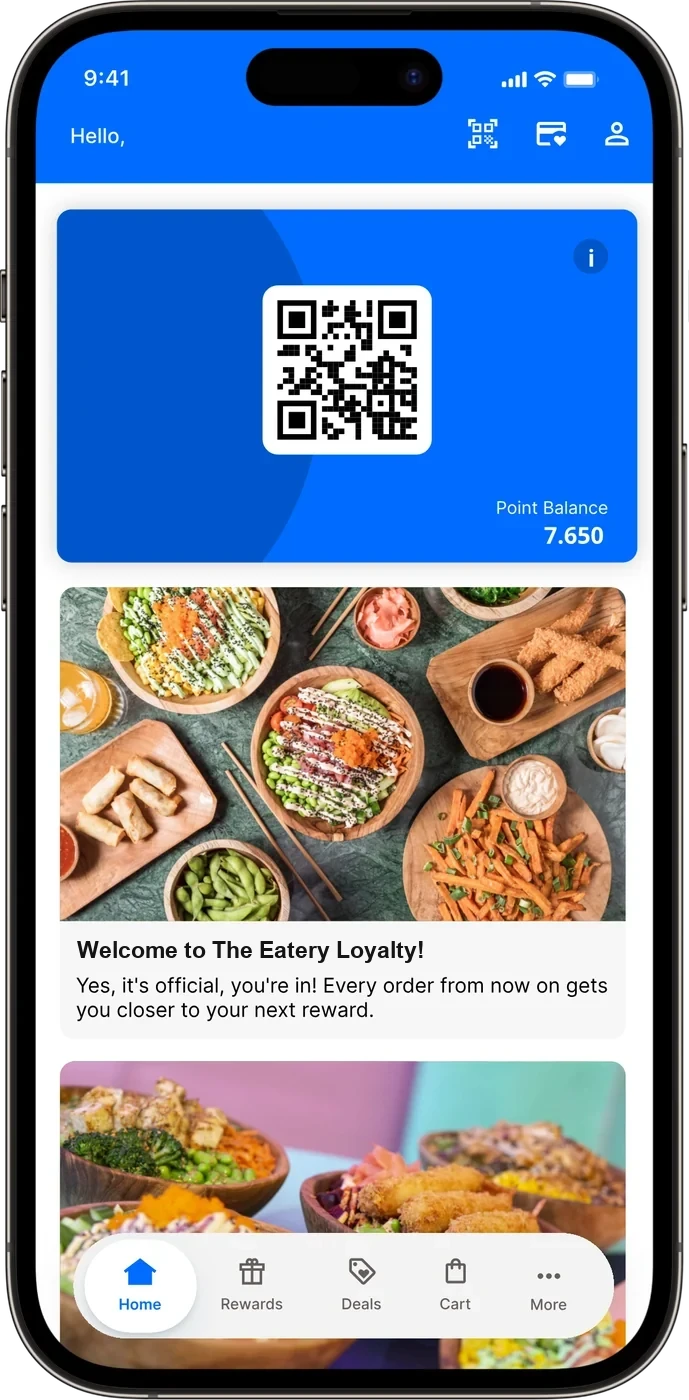
With moolaah, regulars collect points on every order and use their rewards at the kiosk.
Every location side by side
Eatcard Sense shows revenue, best sellers and busy hours for each of your locations.
 Eatcard Sense · busiest hourCentre 15:00 · Station 17:00Every location side by side
Upsells at the kiosk
The Self-Order Kiosk suggests popular extras before guests pay.
In your order
- Brown sugar milk teaRegular · 50% sugar€5.40
Checking what goes well with it…
Make it extra?
Popular with this drink
- Cheese foam+€0.80+
- Coconut jelly+€0.60−1+
Your order
Milk tea€5.40
Coconut jelly+€0.60
Total€6.00
The setup for bubble tea. Everything the counter runs on.
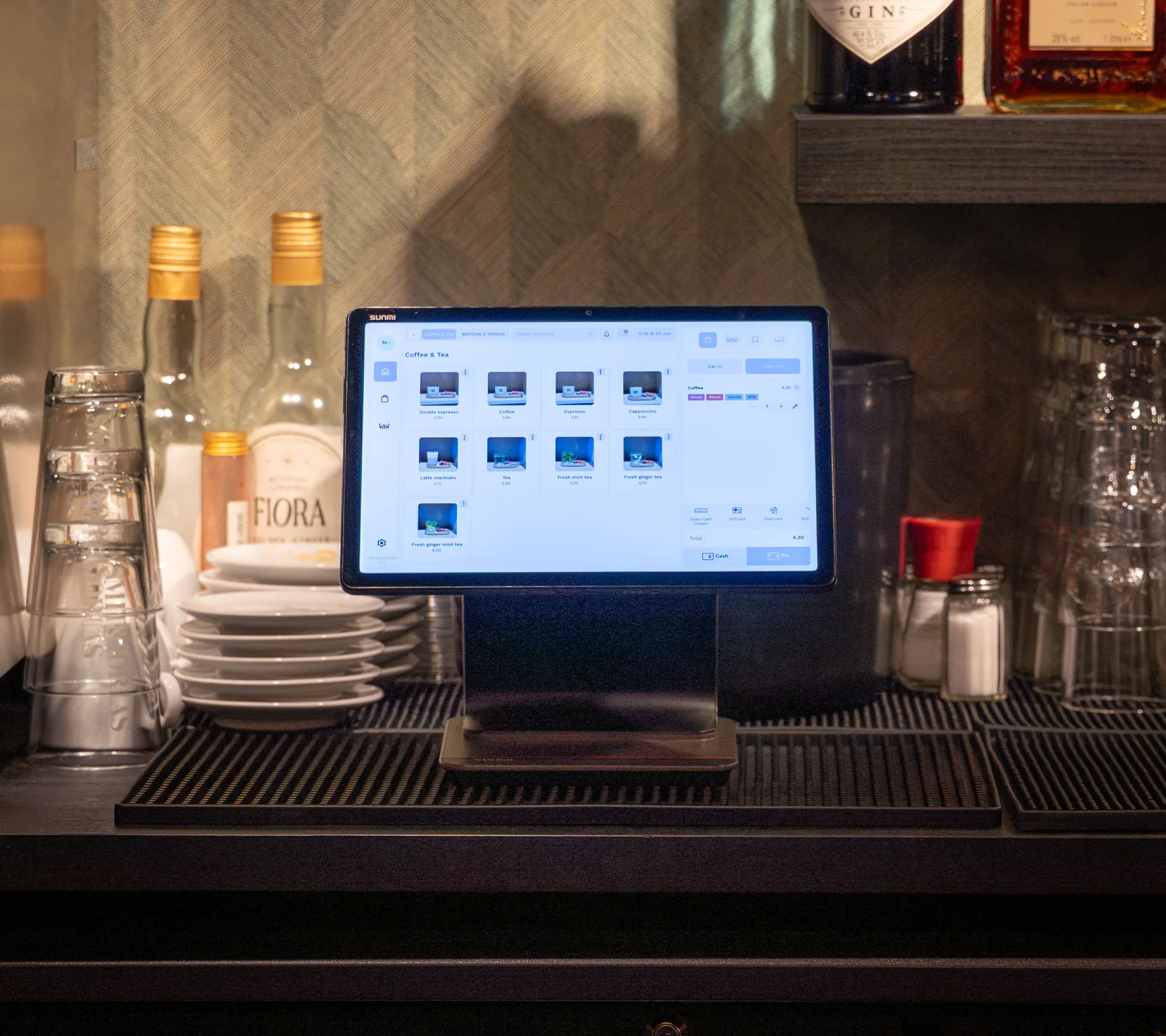
Includes updates and technical support by phone, WhatsApp and email. See pricing
From demo to first service. What happens after you book.
A demo for your venue
We look at how your counter and bar run and show you the systems together.
Your hardware and quote
We work out the hardware your venue needs, and you get a quote for it.
Installation at your venue
We come to your venue to install everything, and explain it to your staff in person.
Up and running
Your contact person stays with you, and support is there by phone, WhatsApp and email.
Questions about bubble tea.
Can guests choose toppings, sugar and ice at the kiosk?
Can I run a loyalty programme for my regulars?
Can I compare my locations?
Can the kiosk show my own branding and languages?
Do I still need pagers?
How do guests pay at the kiosk?
What does it cost?
Who installs it?
More than bubble tea. Eatcard works for every kind of concept.
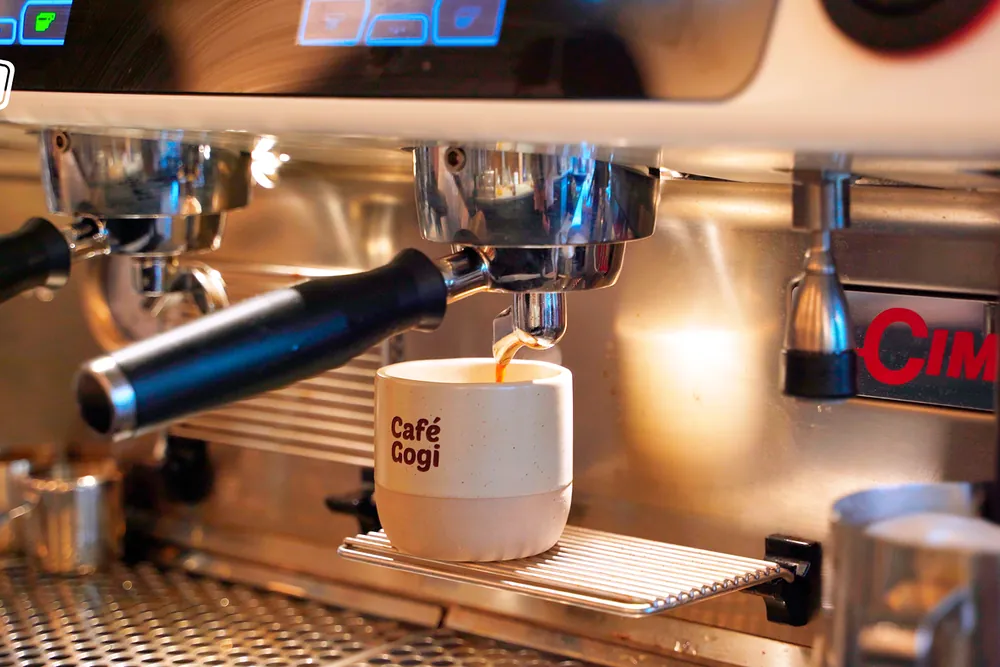 Café & bar



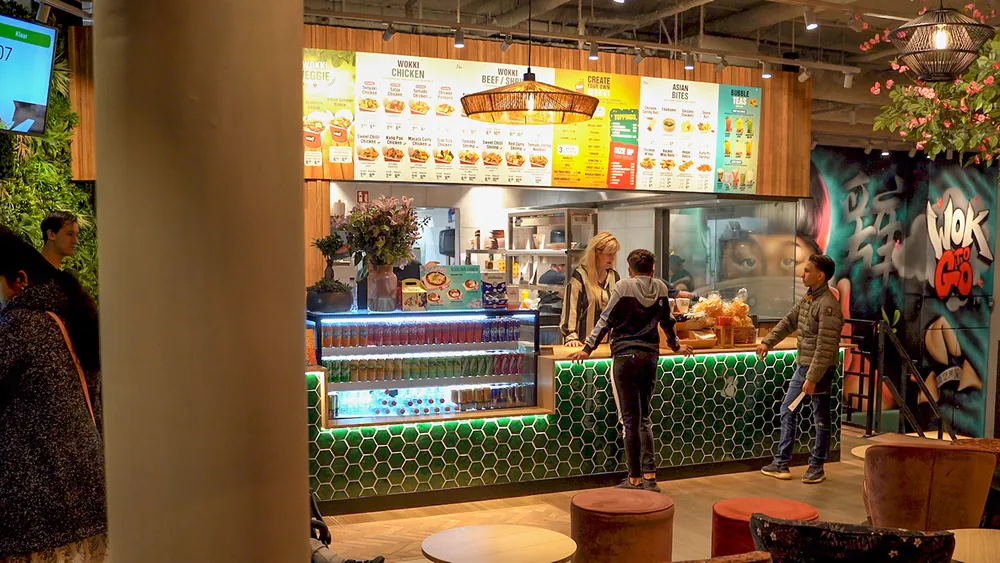 Fast dining

 All you can eat

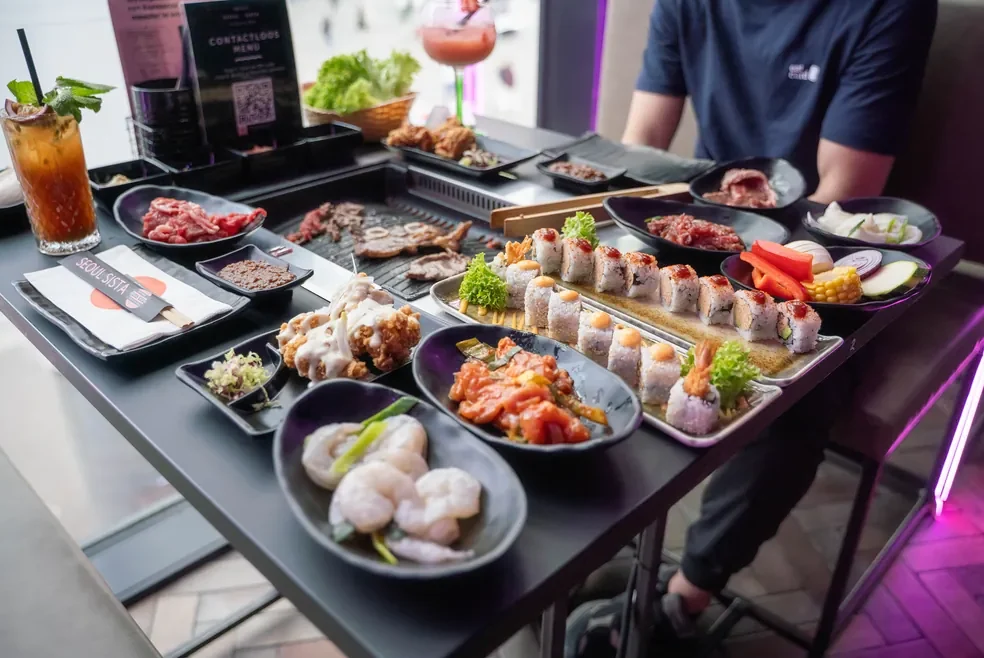 Korean BBQ


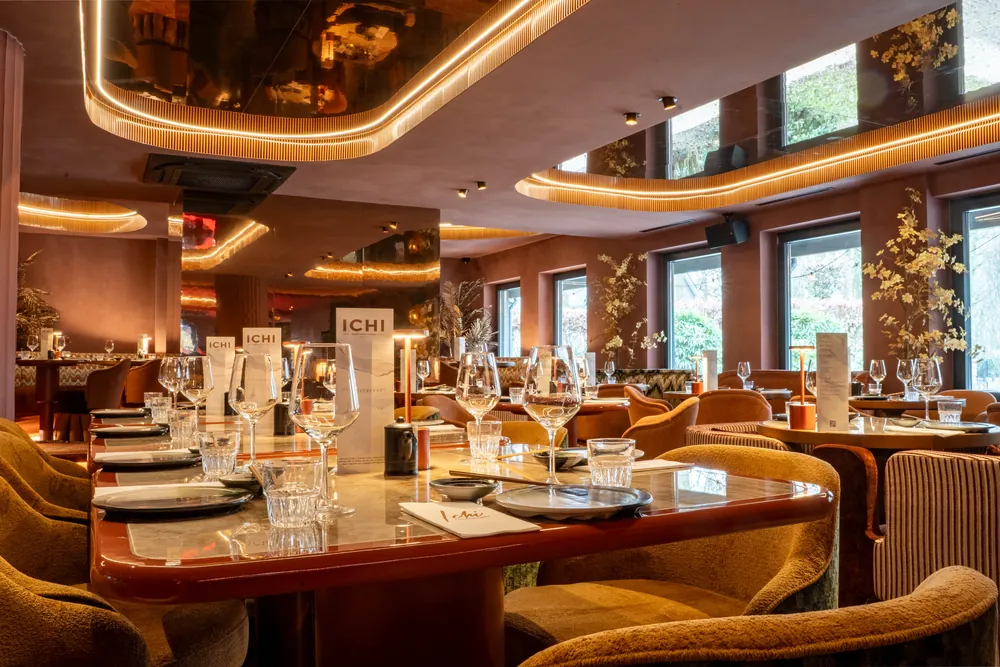 Fine dining


 Snackbar & kebab

 Hot pot

 Ice cream

See a full afternoon rush on Eatcard.
The kiosk, the bar screen and the pickup screen, together in one demo.