Snackbar & kebab
Counter, webshop and delivery orders in one kitchen.
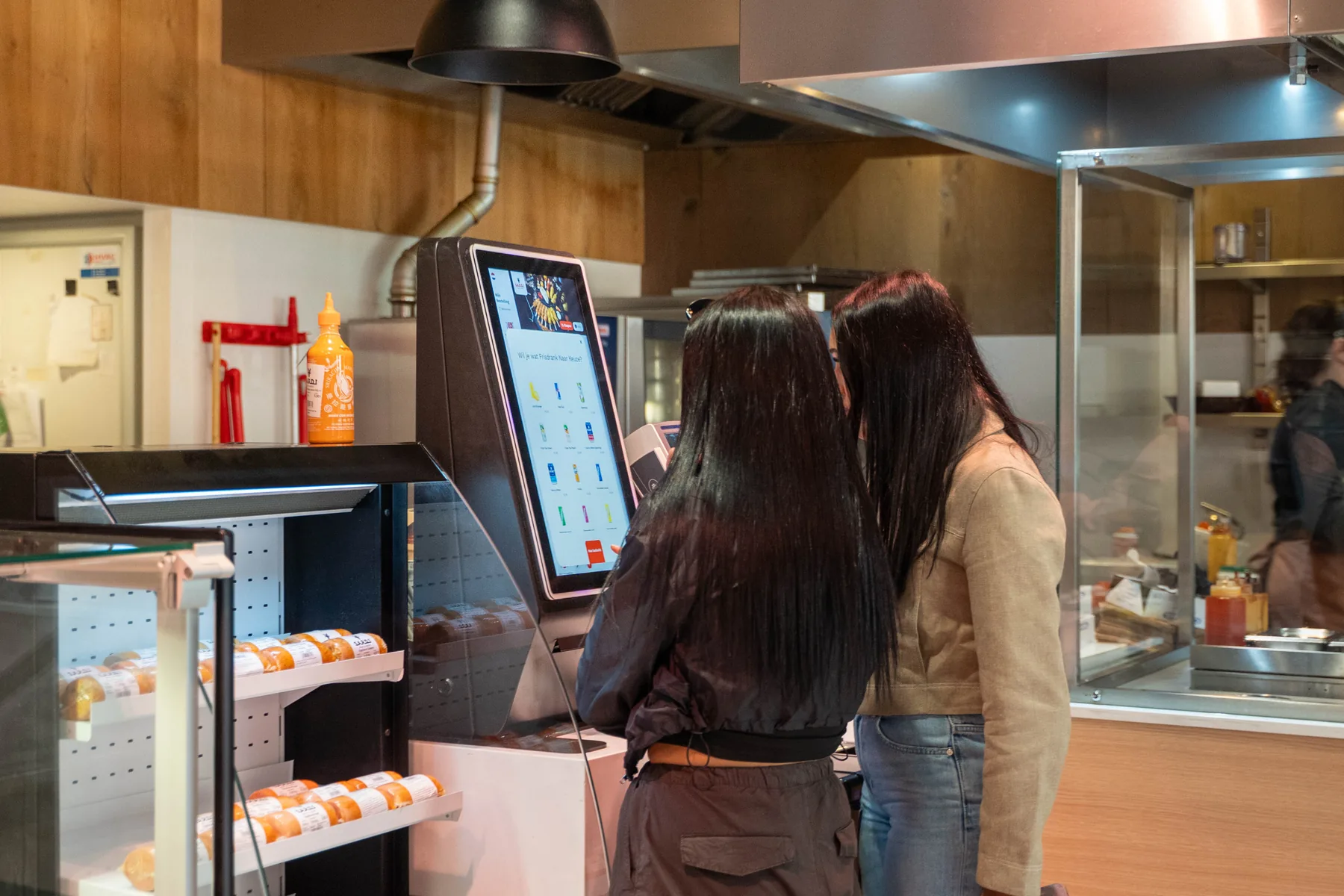
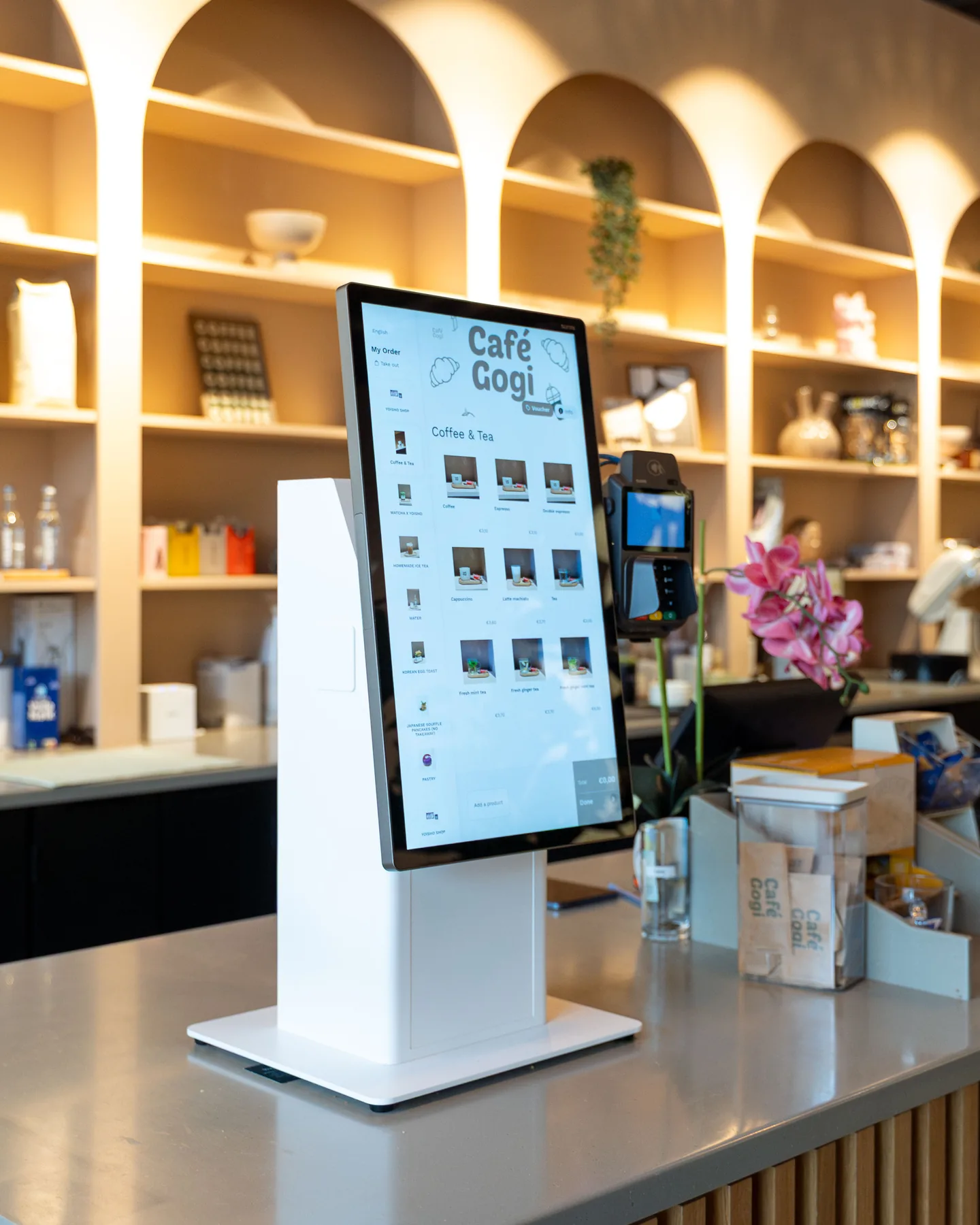
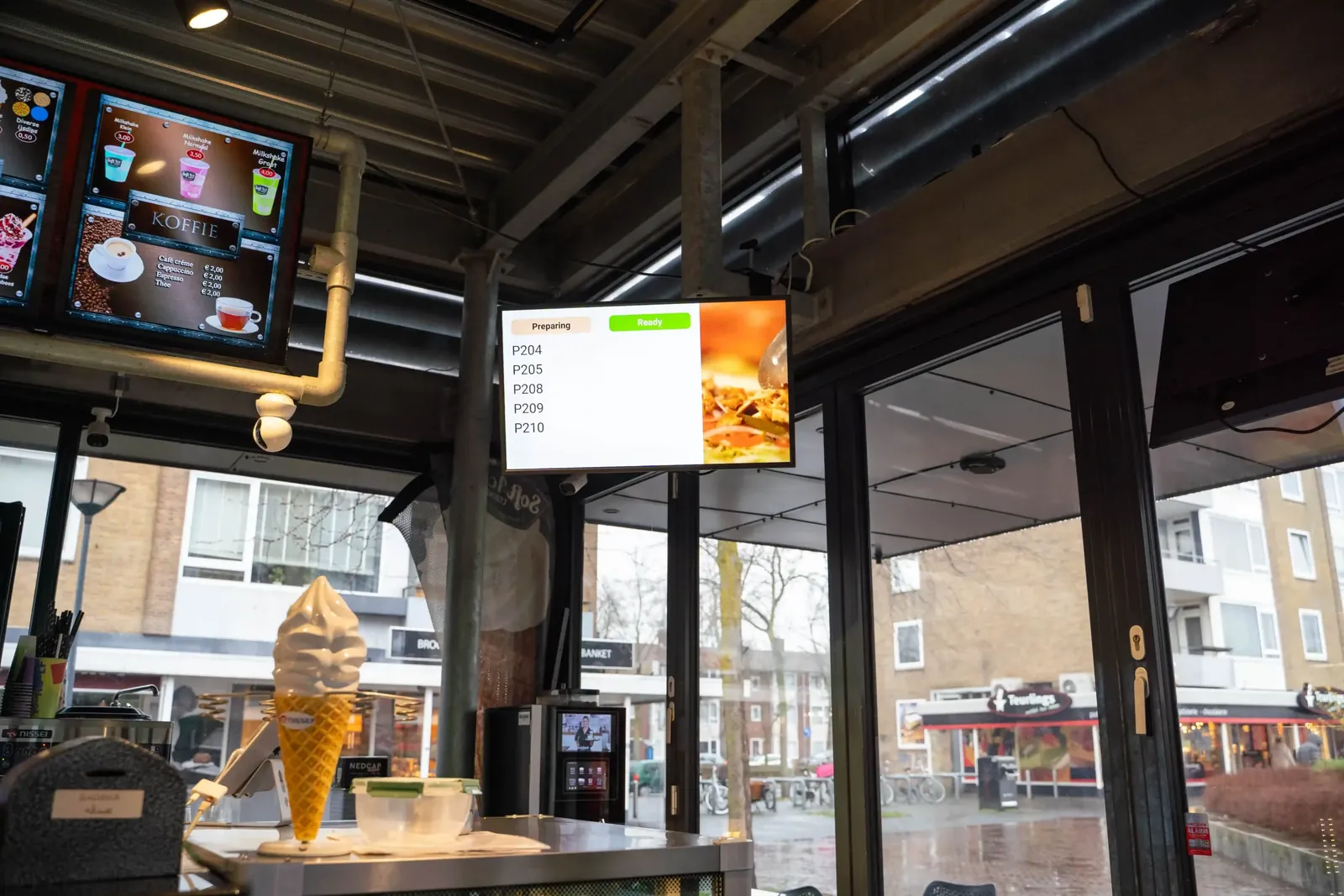
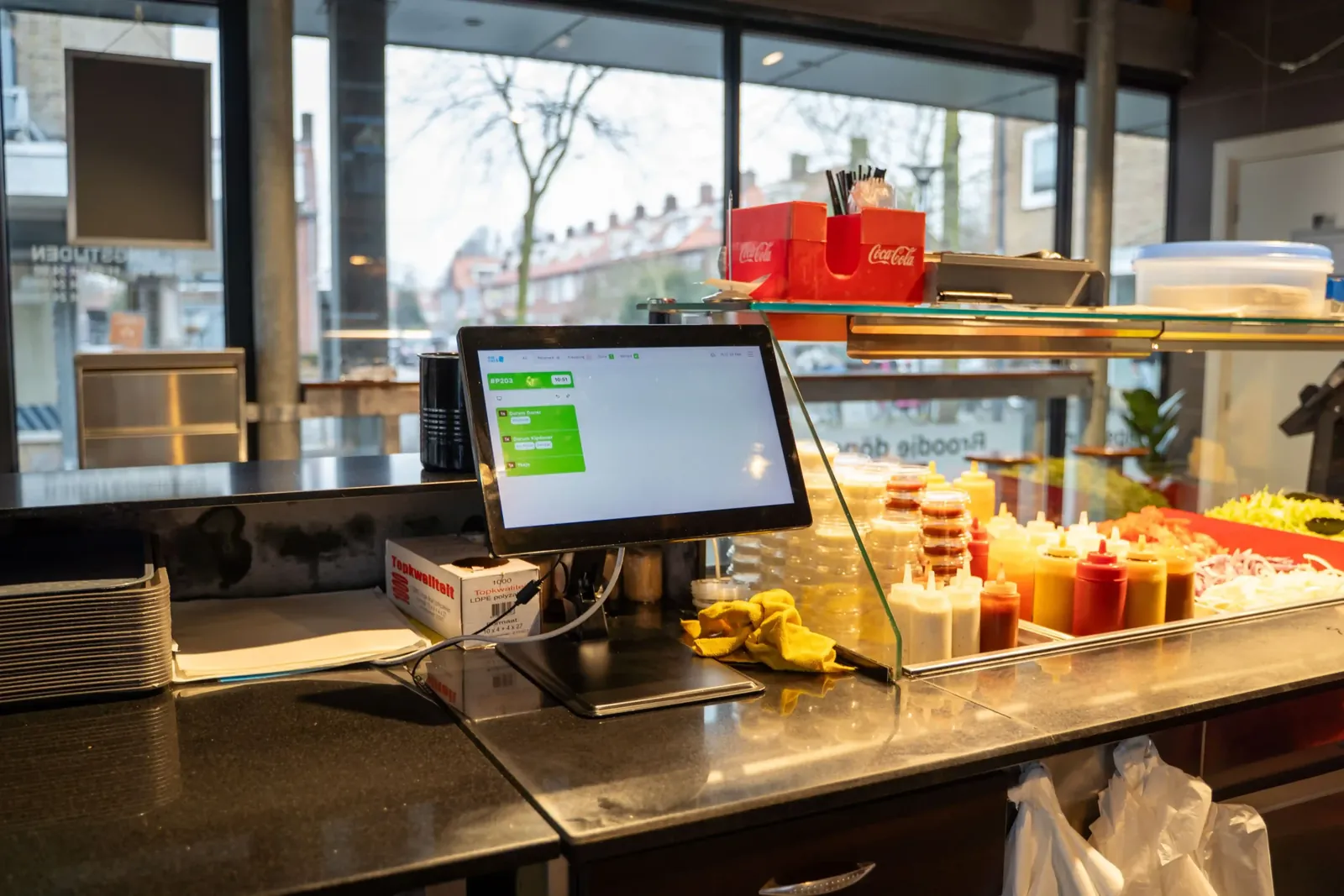
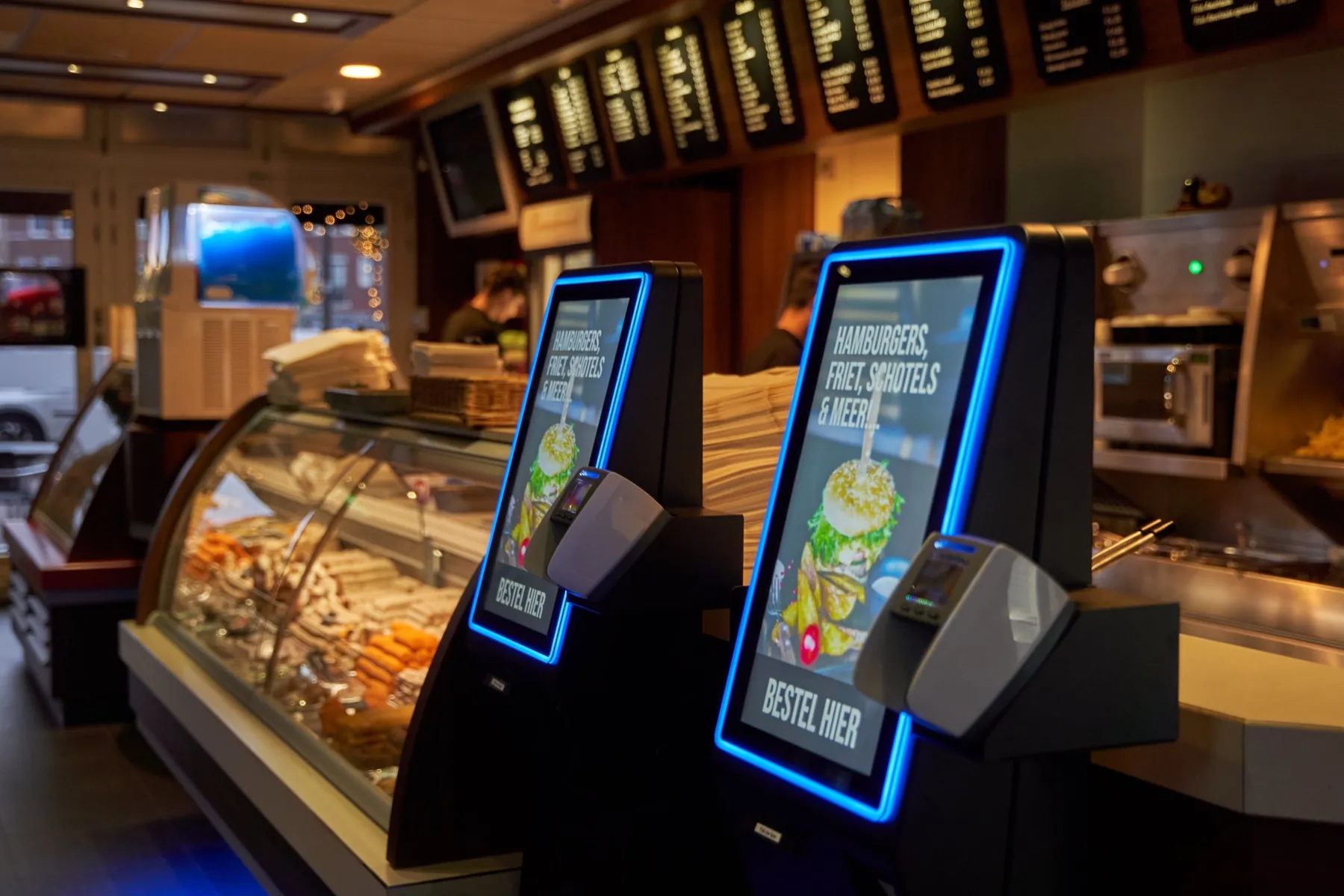
Guests order and pay at the kiosk while your team keeps serving. Orders from the counter, your webshop and Thuisbezorgd land on the same kitchen screen, and the screen above the counter tells guests when it's ready.
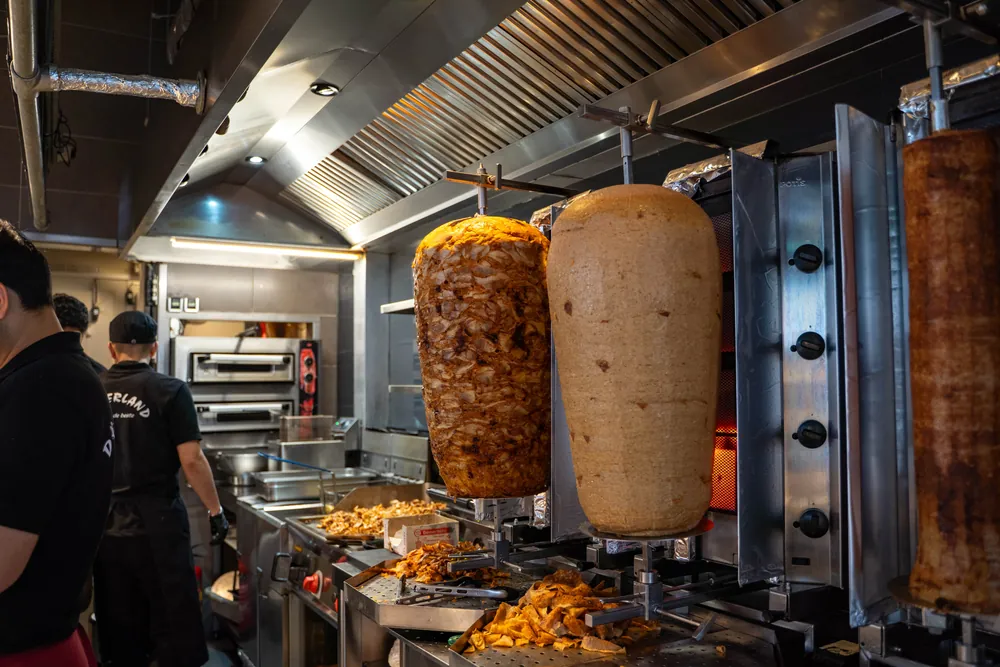


Used by snackbars and kebab shops such as Dönerland











Your evening rush on Eatcard. Follow one order from the kiosk to the counter.
-
One price change, everywhere.
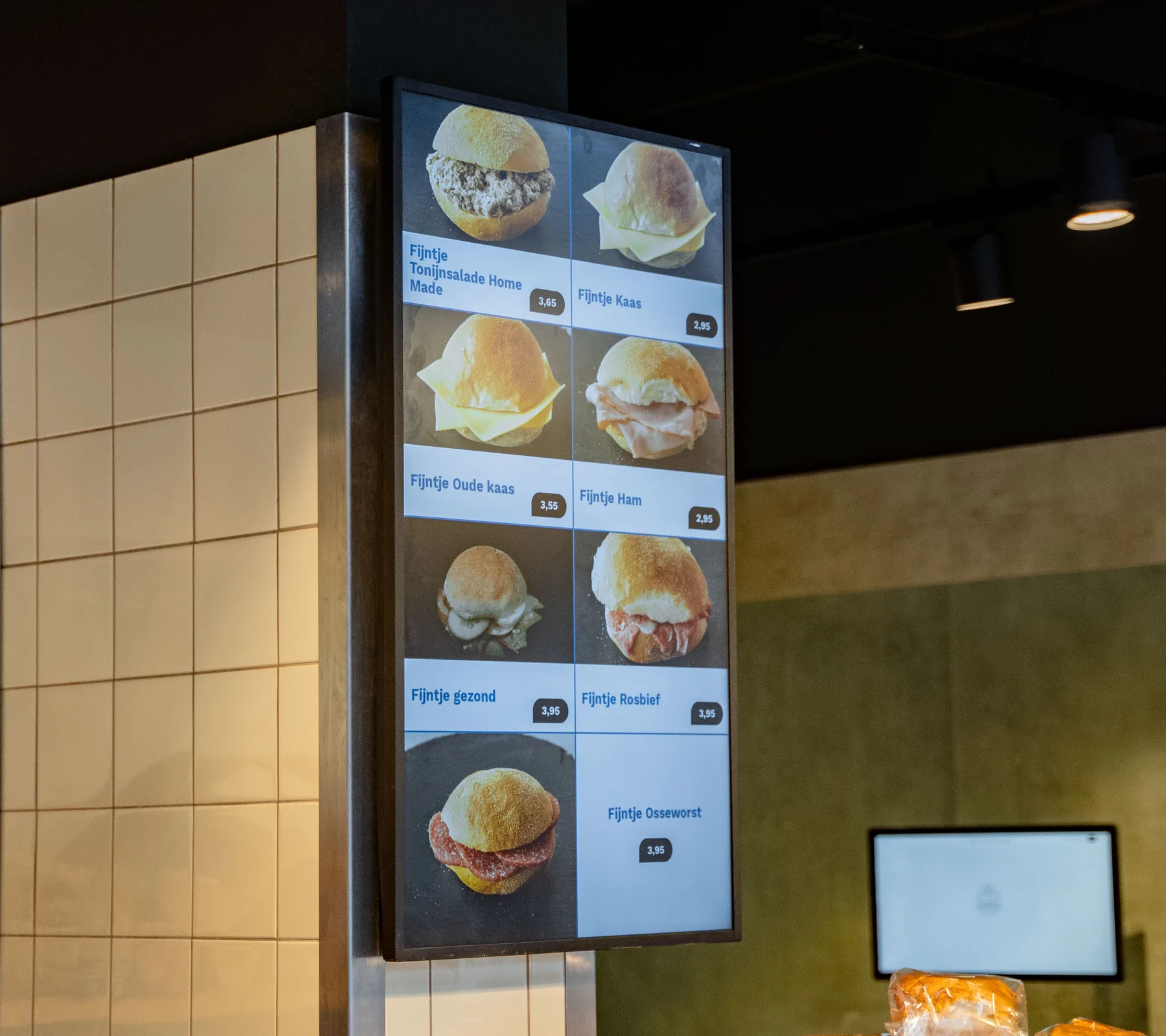
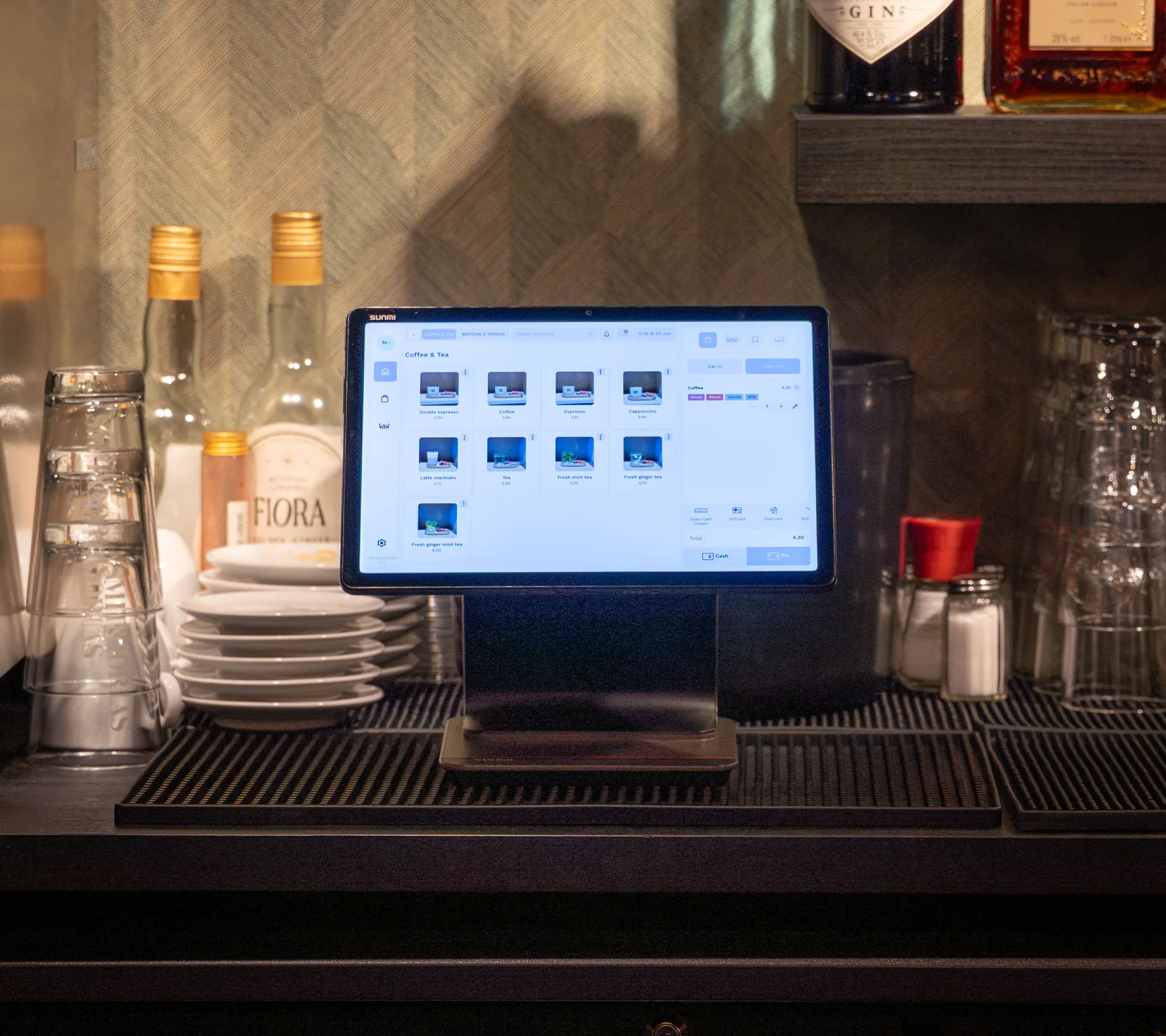
Change a price or mark a snack sold out once, and your menu boards, kiosk and QR menu show it straight away.
-
Ordered at the kiosk, as a combo.
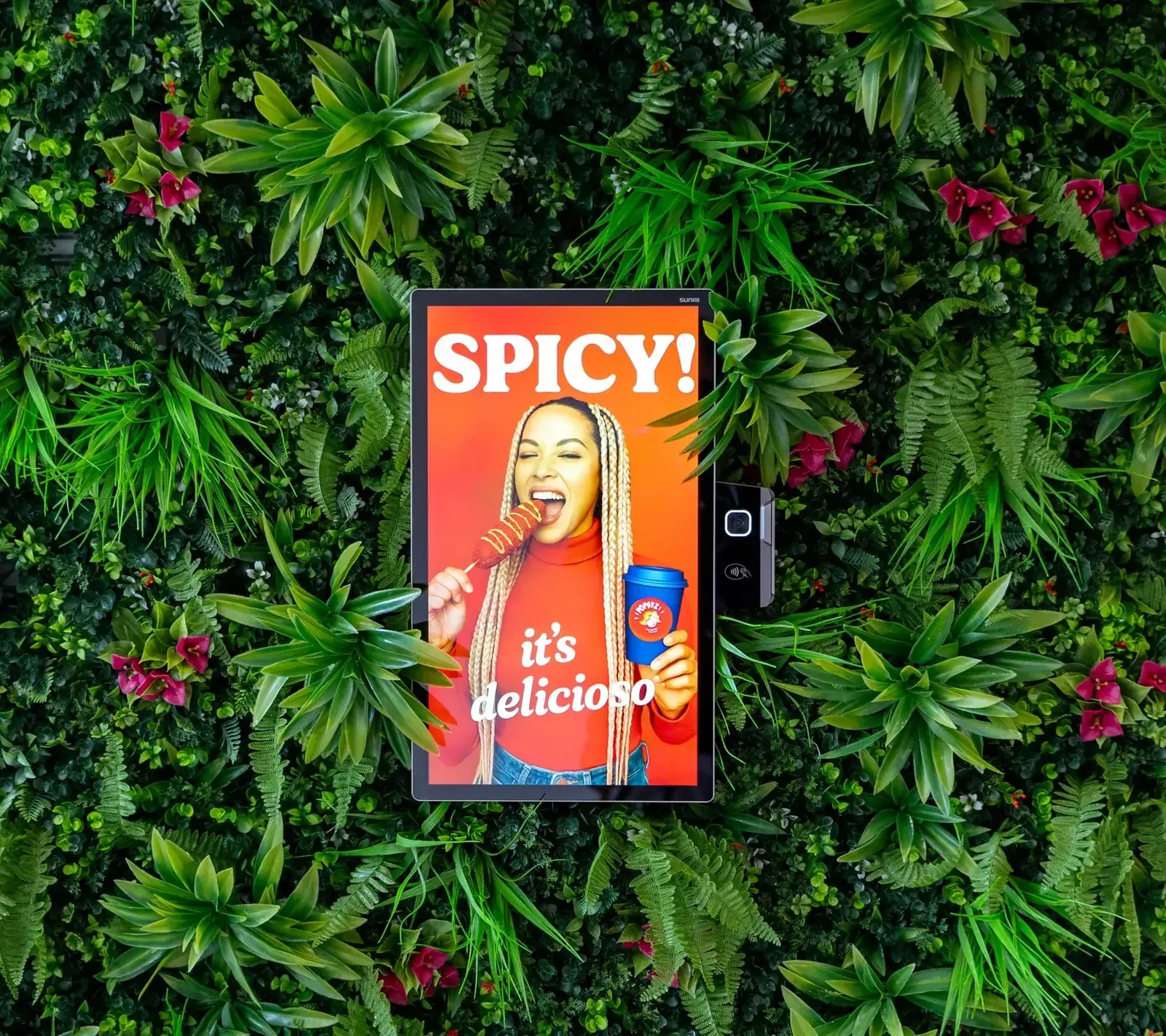
Guests order in their own language, and the kiosk offers fries and a drink with the wrap before they pay.
-
Paid on the kiosk screen.
With Tap to Pay, guests tap their card or phone on the screen they ordered on, while your team keeps serving at the counter.
-
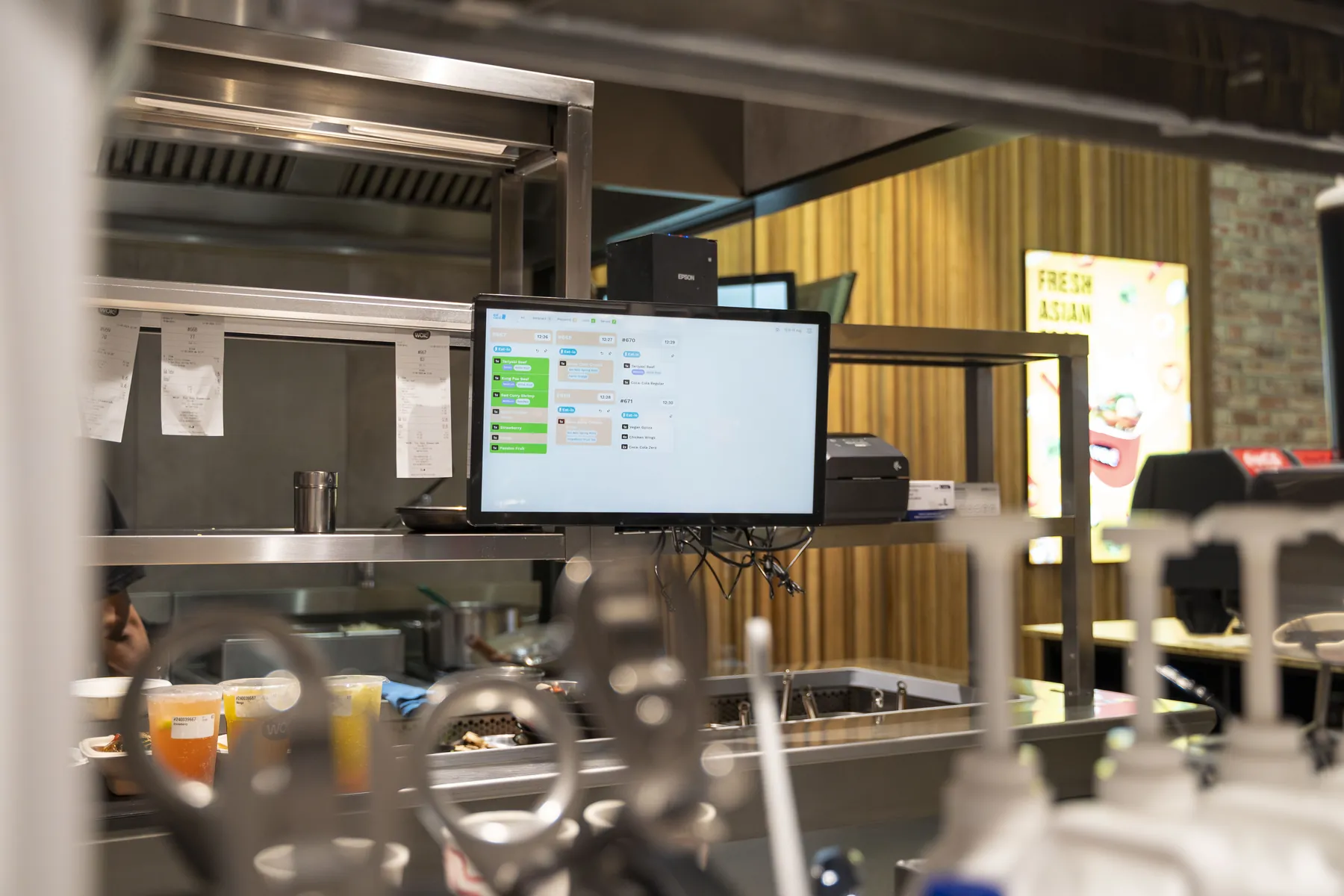
Straight to the right station.
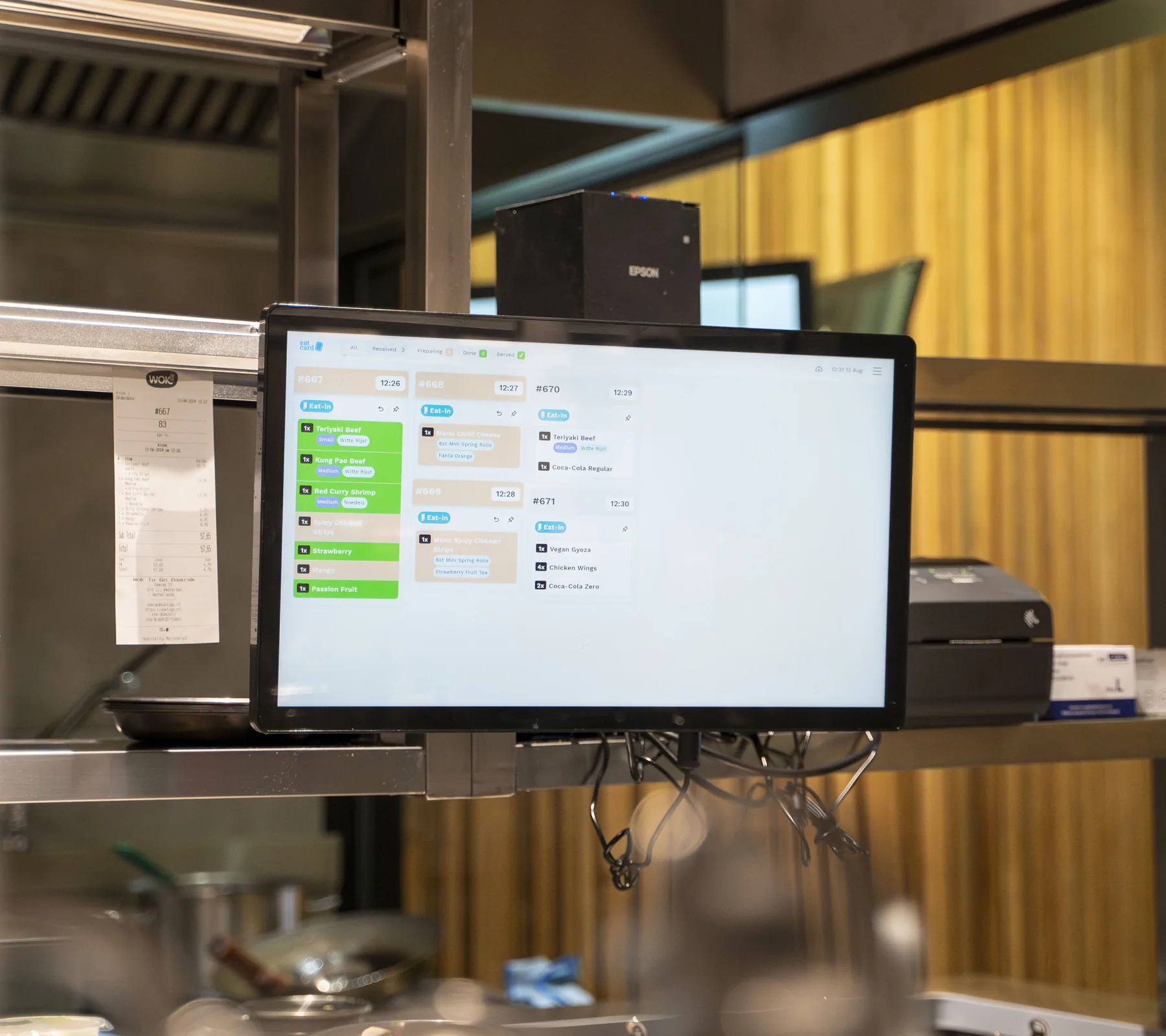
The order lands on the Kitchen Display. The wrap goes to the spit, the fries to the fryer.
-
Thuisbezorgd joins the same kitchen.
Delivery orders come straight into your POS and onto the kitchen screen. No separate tablet, no typing orders over.
-
Ready on the screen.
When the kitchen marks it done, order 47 shows as ready above the counter, and on the guest's digital receipt.
Eatcard POS · Menu
Döner wrap
New price € 8,50 · 17:30
✓Live everywhere
Menu boards, kiosk and QR menu
Self-Order Kiosk · Order 47
Make it a menu?
Fries and a drink with your wrap
✓Added
In the guest's own language
Tap to Pay · Order 47
€ 13,50
Card or phone on the screen
✓Paid
Kitchen Display · Spit
Order 47
1 × döner wrap · from the kiosk
✓At the spit
The fries go to the fryer
delivery-orders.jsA Thuisbezorgd order and an Uber Eats order arrive in the one order list, each tagged with its platform.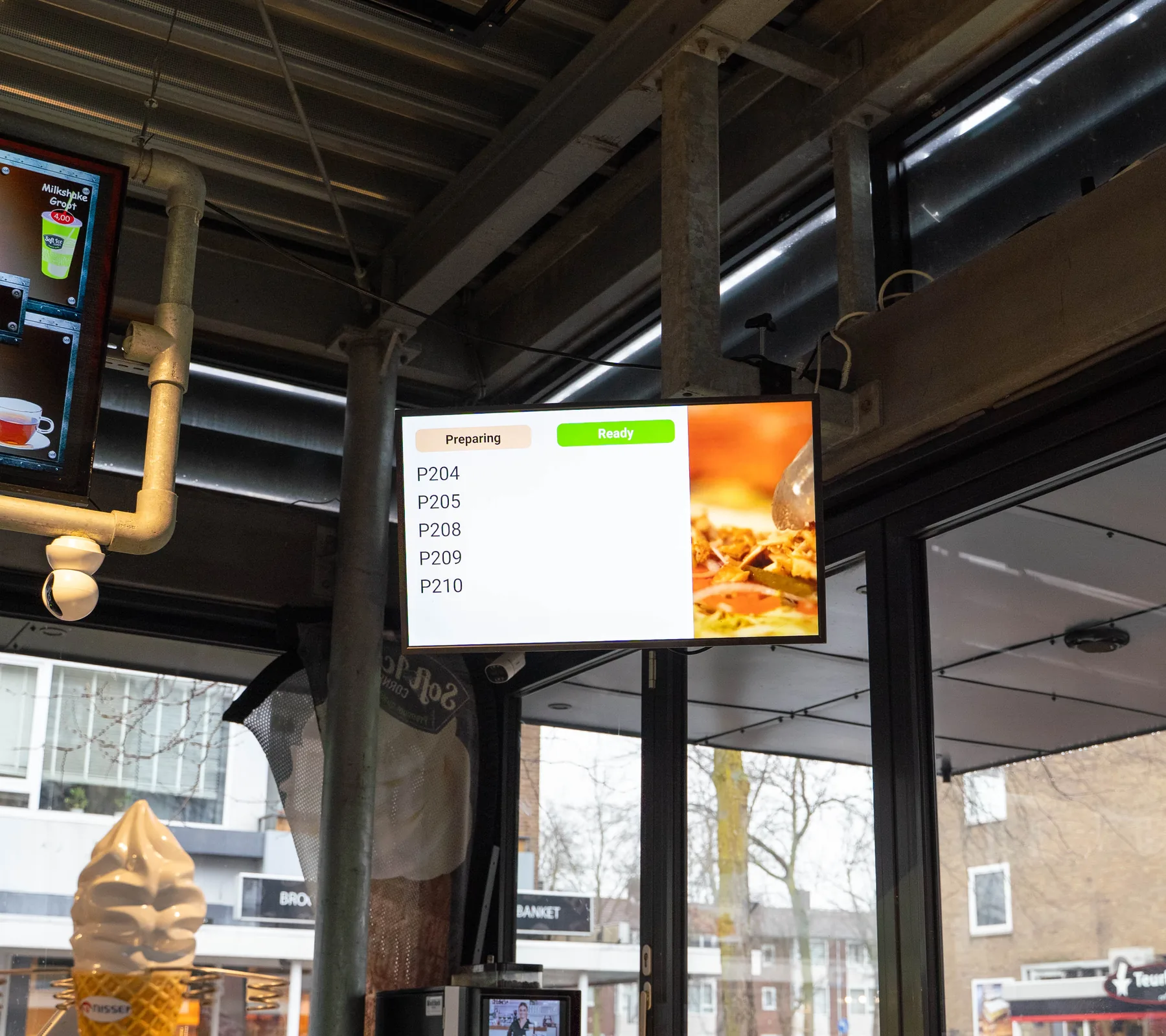
Order Status Screen
Order 47
Done in the kitchen · 18:09
✓Ready to collect
Also on the guest's digital receipt
11:45 The menu
Built for the evening peak. The details that matter at the counter.
Combo menus
The kiosk offers fries and a drink with a wrap or a snack, so a single item becomes a menu.
In your order
- Döner wrapGarlic sauce€8.50
Checking what goes well with it…
Make it a menu?
Fries and a milkshake with your wrap
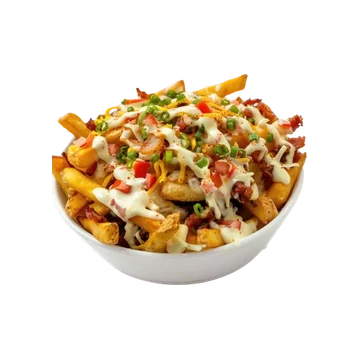 Fries+€2.50−1+
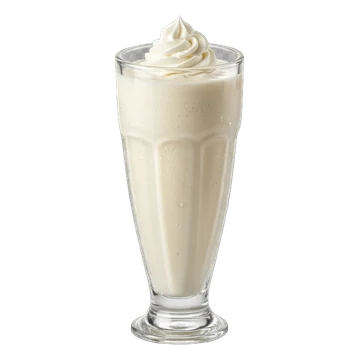 Milkshake+€2.00−1+
Your order
Döner wrap€8.50
Fries + milkshake+€4.50
Total€13.00
Counter, webshop and delivery, one kitchen screen
Orders from the POS, the kiosk, your webshop and Thuisbezorgd and Uber Eats come in on the same screen, sorted by station.
#062118:06
POS
- 1xDöner wrap
- 1xFries
#062118:06
POS
- 1xDöner wrap
- 1xFries
#062118:06
POS
- 1xDöner wrap
- 1xFries
#062118:06
POS
- 1xDöner wrap
- 1xFries
#062118:06
POS
- 1xDöner wrap
- 1xFries
#062118:06
POS
- 1xDöner wrap
- 1xFries
#062318:09
Webshop
- 1xFalafel bowl
- 1xFries
SmartOrder
The same dish from different orders is added up, so the kitchen makes them in one go.
 Spit · SmartOrder6× Döner wrapFrom 4 orders, made in one go
Filter allergens
Guests filter the menu by allergen at the kiosk, so they only see what they can eat.
 Kiosk · filterNo sesameFalafel bowl stays on the menu
Pickup time slots
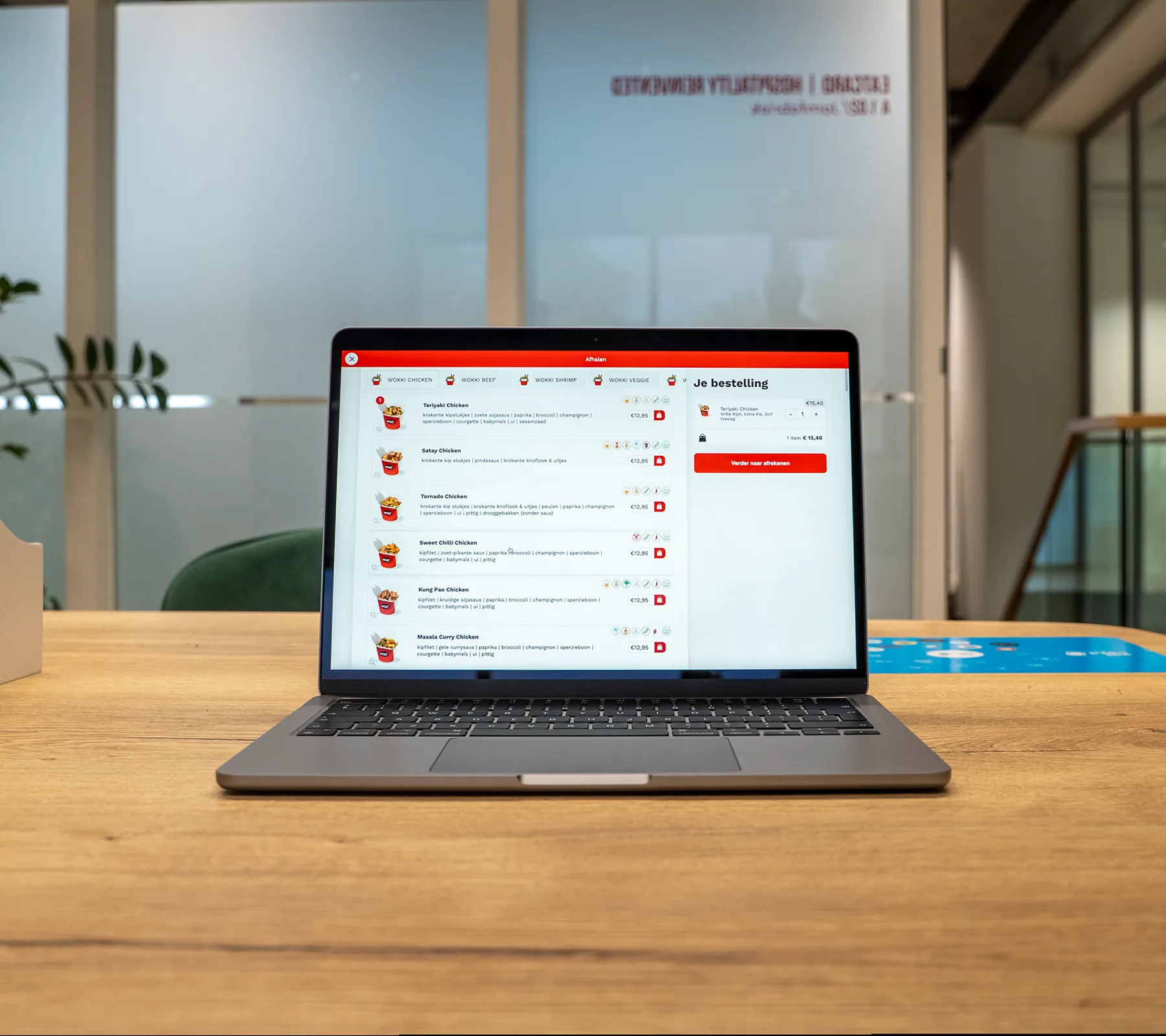
Webshop guests choose when they collect. You set how many orders each slot takes, so the kitchen isn't swamped.
Today
17:30Open17:45Open18:00Full18:15Open18:30Open18:45OpenContinue18:15
4 of 6 orders
You set how many orders a slot takes
The setup for snackbars and kebab shops. Everything the counter runs on.
Includes updates and technical support by phone, WhatsApp and email. See pricing
From demo to first service. What happens after you book.
A demo for your venue
We look at how your counter and kitchen run and show you the systems together.
Your hardware and quote
We work out the hardware your venue needs, and you get a quote for it.
Installation at your venue
We come to your venue to install everything, and explain it to your staff in person.
Up and running
Your contact person stays with you, and support is there by phone, WhatsApp and email.
Questions about snackbars and kebab shops.
Does a self-order kiosk shorten the queue at busy times?
Can guests see when their order is ready?
Can I connect Thuisbezorgd and Uber Eats?
Can I change prices and sold-out items quickly?
How do guests pay at the kiosk?
Can I run a loyalty programme for regulars?
What does it cost?
Who installs it?
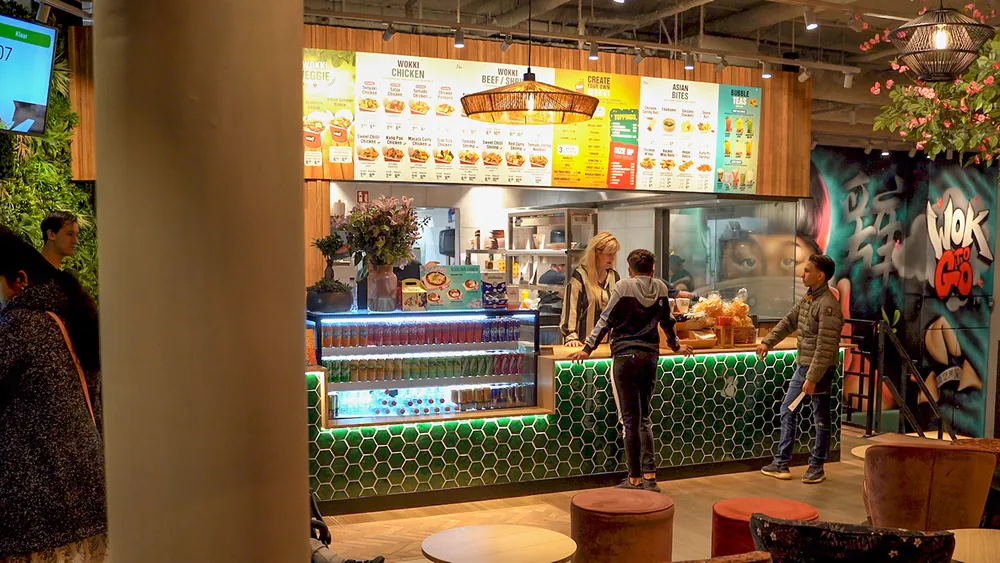
More than snackbars and kebab. Eatcard works for every kind of concept.
 Fast dining


 Bubble tea



 Café & bar


 All you can eat

 Korean BBQ

 Fine dining


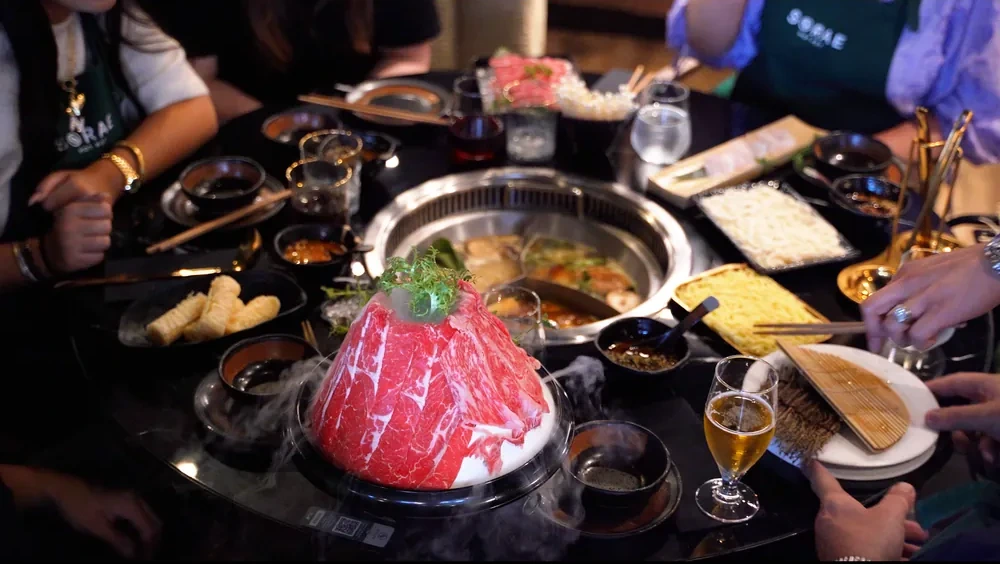 Hot pot

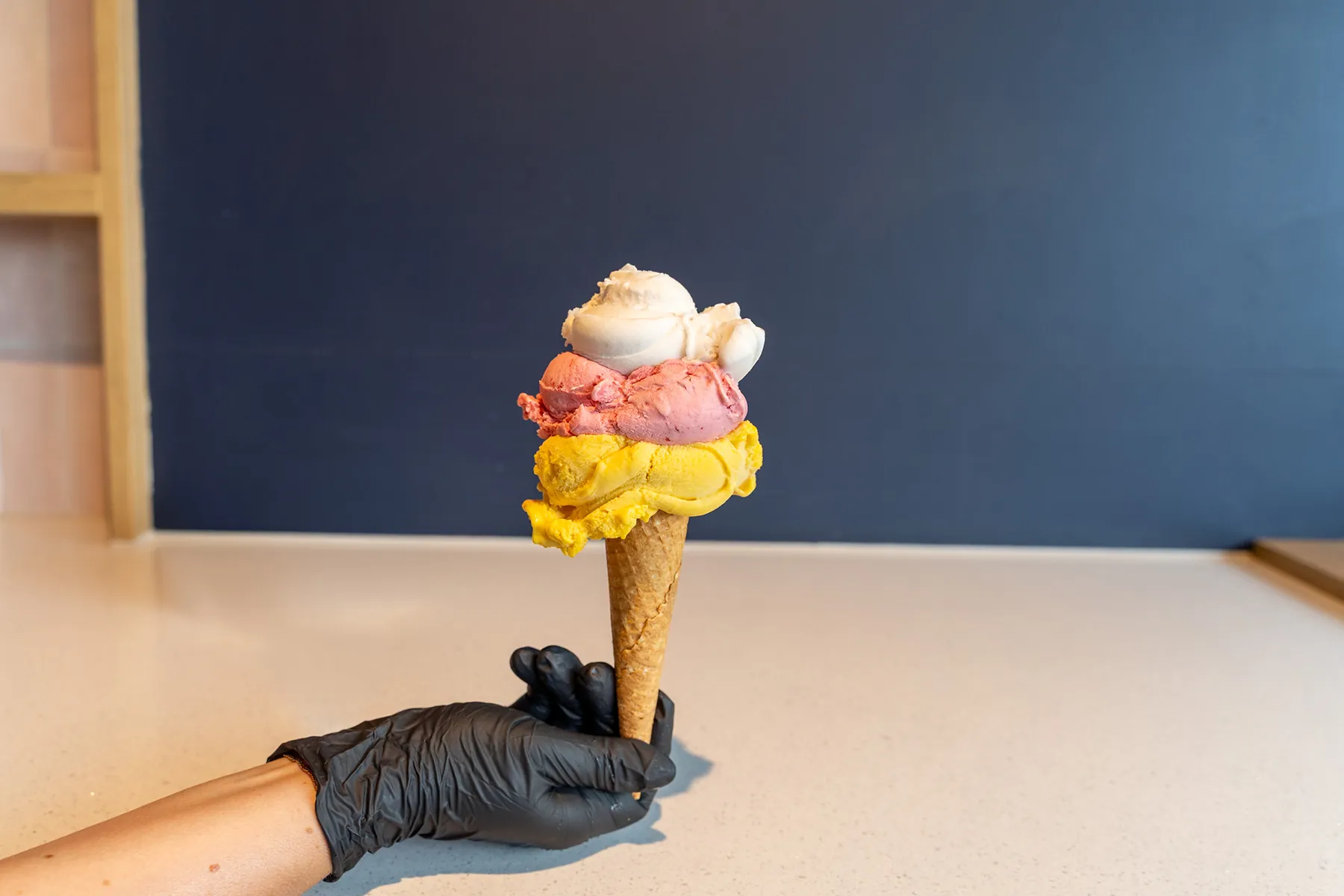 Ice cream

See a full evening rush on Eatcard.
The kiosk, the kitchen screen, delivery orders and the pickup screen, together in one demo.