Payments New
Tap to Pay
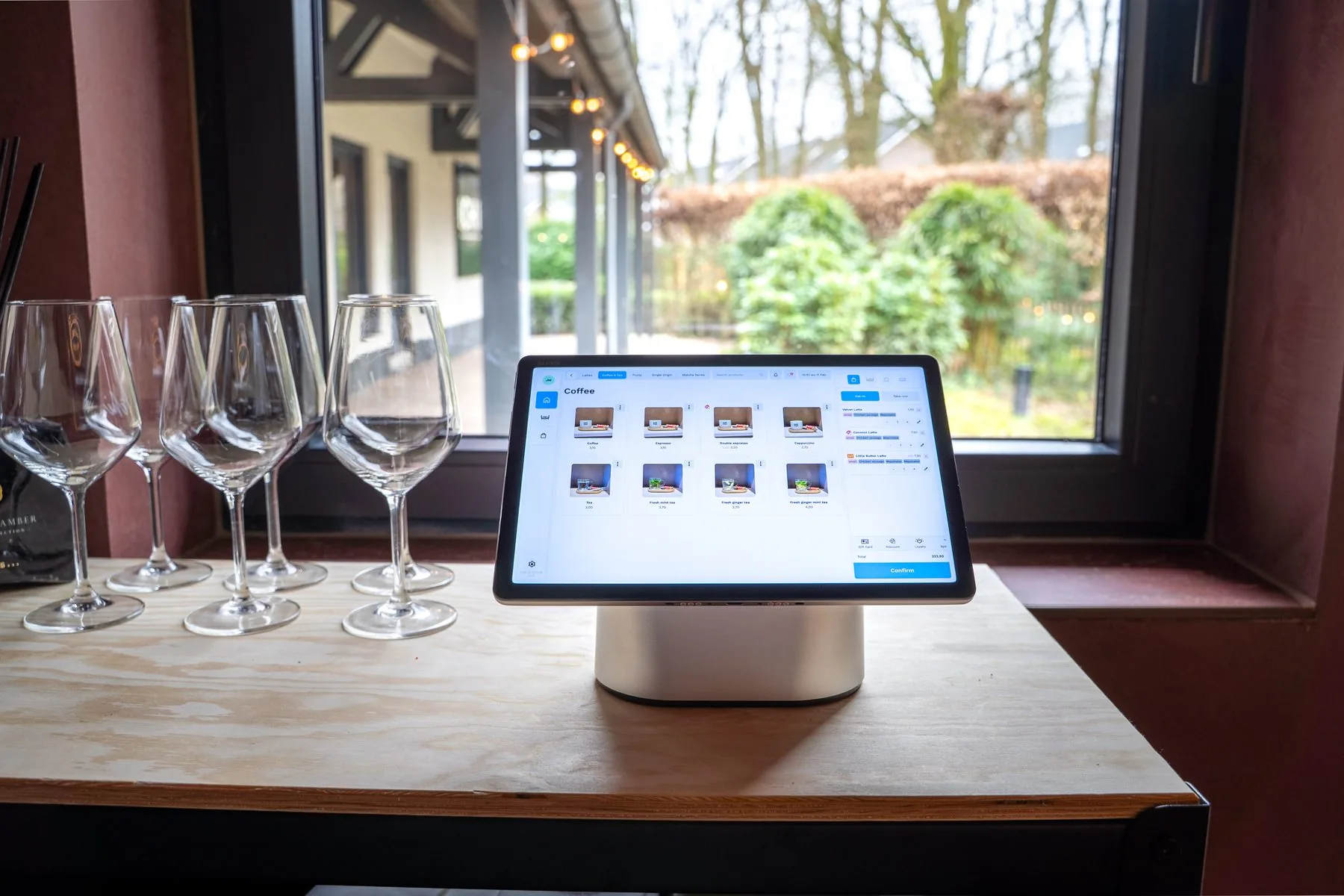
The screen is the payment terminal.
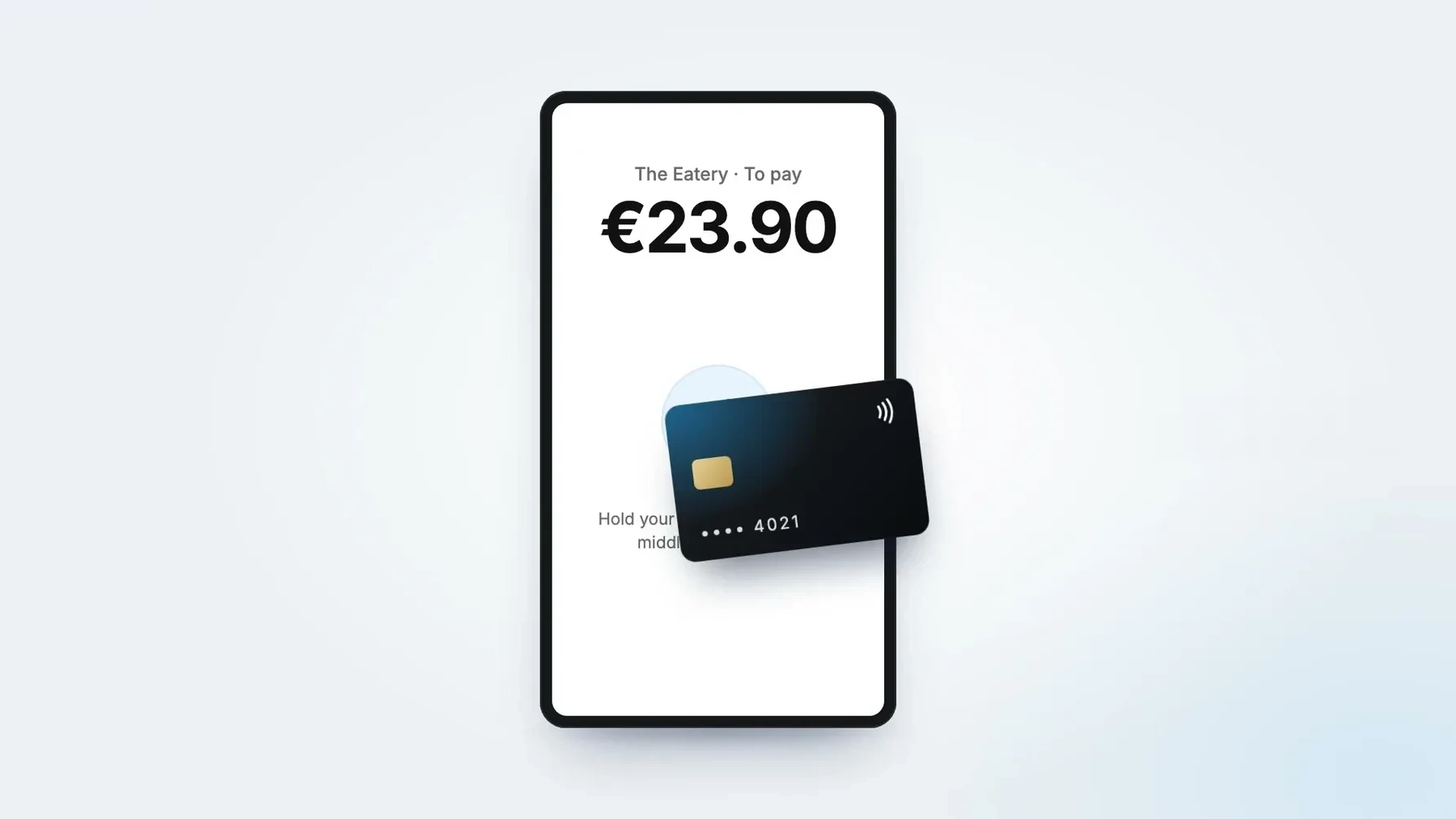
Guests tap a contactless card, or pay with Apple Pay or Google Pay on their phone, right on the screen of your Self-Order Kiosk or POS tablet. No separate PIN terminal next to it.



Used every day by restaurants of every type and concept














A closer look. Paid on the screen they ordered on.
The Eatery
Order 47
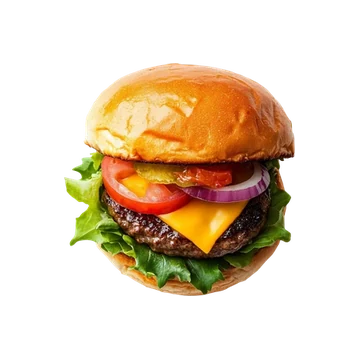 Cheeseburger€14.95
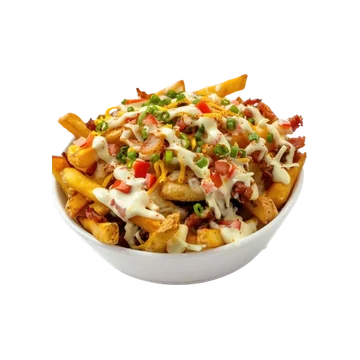 Loaded fries€8.95
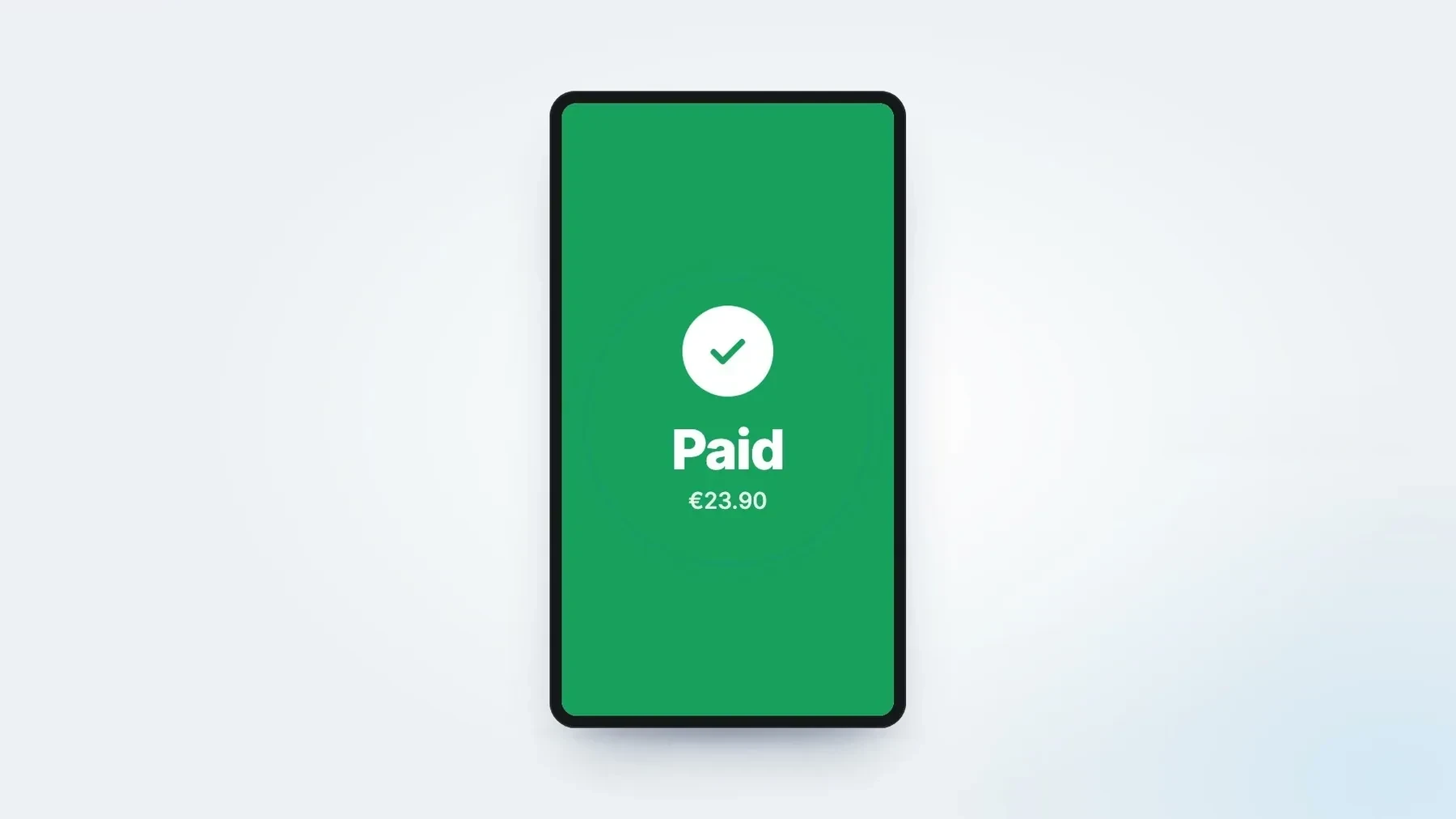
€23.90
Paid
Paid with
Contactless card
On the kiosk screen · no card reader
Table 5
2× Cheeseburger€29.90
1× Iced tea€1.10
Total€31.00
Paid with
Apple Pay
Table 5 · no separate terminal
- Contactless cardDebit or credit✓
- Apple PayiPhone✓
- Google PayAndroid phone✓
Paid on the screen
Kiosk and POS tablet
No separate terminal
How do you want to pay?
Every payment stays
Tap to Pay comes on top
Cash, iDEAL | Wero and gift cards
Out with the workarounds. Here's what changes at the counter.
-
Before: A PIN terminal next to every screen.
Now: The screen takes the payment.
-
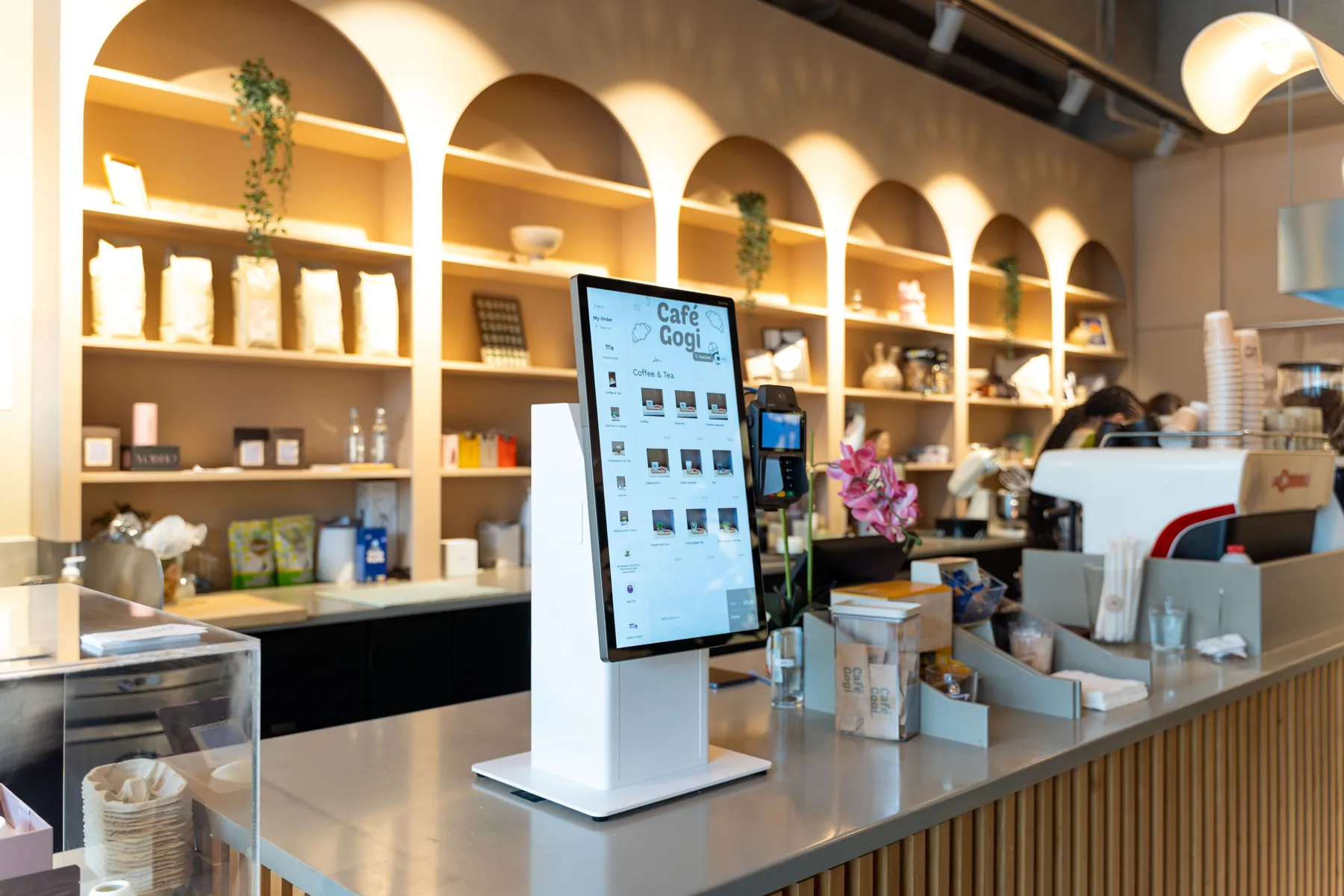
Before: Mounting, charging and connecting a card reader.
Now: Nothing extra to mount, charge or connect.
-
Before: Handing the guest a separate card reader.
Now: The guest taps their card or phone on the POS screen.
-
Before: Queueing at the counter to pay.
Now: Order and pay at the kiosk in one go.
One piece of the platform. Payments that land where the order is.
Guests pay on the kiosk or POS screen they ordered on, so the payment sits with the order.
Questions about Tap to Pay.
What is Tap to Pay?
Do I still need a separate PIN terminal?
Which Eatcard devices support Tap to Pay?
Does Tap to Pay work on the Eatcard Waiter?
Can guests still pay in other ways at the kiosk?
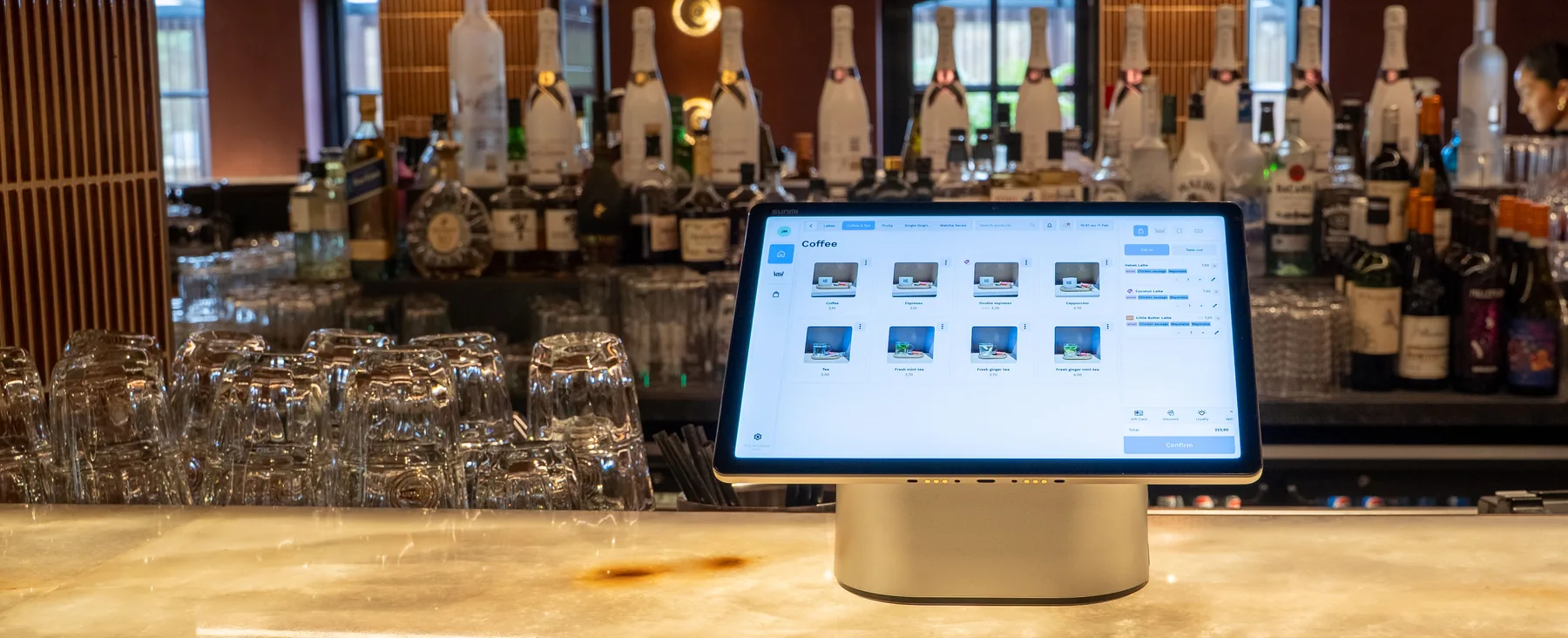
Ready to drop the PIN terminal?
We'll show you Tap to Pay on the kiosk and POS tablet in one demo.