Every order, one system.
One menu, one kitchen screen and one set of figures, for every way an order comes in.
Choose a moment to follow it step by step.
Choose a system to see what it connects to.
- A guest orders at the kiosk. The order goes straight to the kitchen and the POS.
- When the kitchen marks it done, the Order Status Screen shows it's ready.
- The sale is in your figures in Eatcard Sense.
- Orders from Thuisbezorgd and Uber Eats come straight into your POS and on to your kitchen screen, showing the platform they came from. No separate tablet for every app.
- The revenue shows in Eatcard Sense.
- A guest books on your website. The booking shows on the POS and on Eatcard Waiter.
- Your team checks the guest in on the handheld, and each order goes straight to the kitchen.
- Change a price or mark a dish sold out once.
- The POS, the kiosk, QR ordering, the webshop and the menu boards follow.
Now at The Eatery
Self-Order Kiosk
Every kiosk order goes straight to the kitchen and the POS, then into your figures.
See Self-Order KioskQR Table Ordering
Every QR order goes to the kitchen and the POS, then into your figures. When a guest asks for service from their phone, your team sees it on Eatcard Waiter.
See QR Table OrderingTakeaway Webshop
Webshop orders land in the POS order list and on the kitchen screen, next to every other order, and in Eatcard Sense with the rest of your sales.
See Takeaway WebshopDelivery integrations
Orders from Thuisbezorgd and Uber Eats come straight into your POS and on to your kitchen screen. No separate tablet for every app, and the revenue shows in Eatcard Sense.
See Delivery integrationsEatcard POS
Kiosk, QR, handheld, webshop and delivery orders land in one list, then go to the kitchen and into your figures. The menu boards and the Order Status Screen follow it.
See Eatcard POSEatcard Waiter
Take the order at the table and it goes straight to the kitchen and the POS. Bookings show on the handheld, and so do guests' service requests.
See Eatcard WaiterReservations
Every booking from your website shows on the POS and on Eatcard Waiter, so your team knows who's coming and checks guests in on the handheld.
See ReservationsKitchen Display
Orders from the POS, kiosk, QR ordering, handhelds, webshop and delivery apps appear on the kitchen screen straight away, sorted by station. When an order is done, the Order Status Screen shows it's ready.
See Kitchen DisplayOrder Status Screen
Linked to the POS and the Kitchen Display. When the kitchen marks an order done, it shows as ready, whichever way the order came in.
See Order Status ScreenDigital Menu Display
The boards take their menu and prices from your POS. Change a price or mark a dish sold out, and the boards update.
See Digital Menu DisplayTap to Pay
Guests tap their card or phone on the screen of the Self-Order Kiosk or the POS tablet, so the payment sits with the order. No separate PIN terminal.
See Tap to PayEatcard Sense
Every order from every channel ends up in Eatcard Sense: sales from the POS, kiosk, QR ordering, webshop and delivery apps side by side, as they happen.
See Eatcard Sense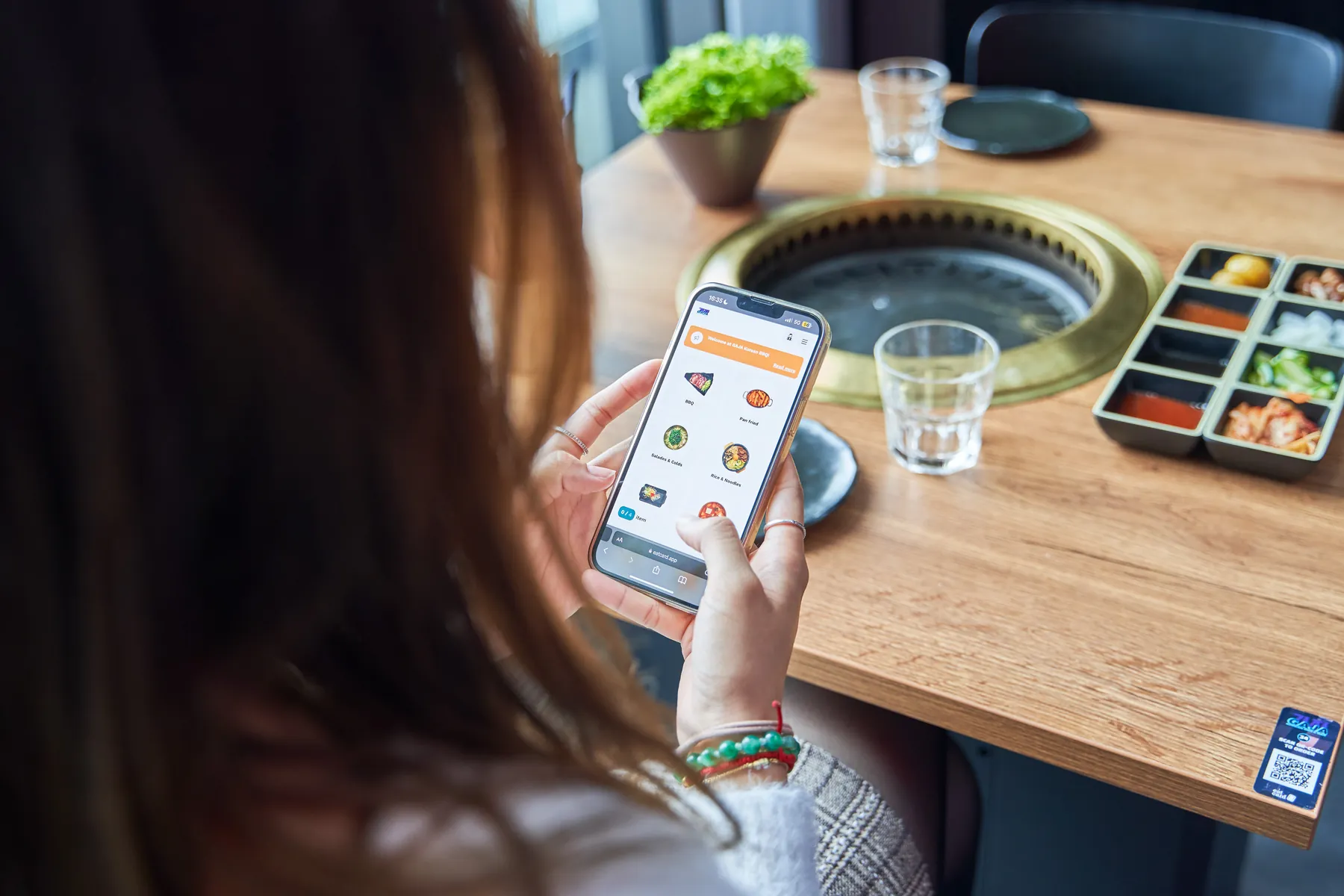
See it connect in your own venue.
A demo with your menu, from the first order to your figures.