Coffee & café
Order at the counter or the table, and collect when it's ready.
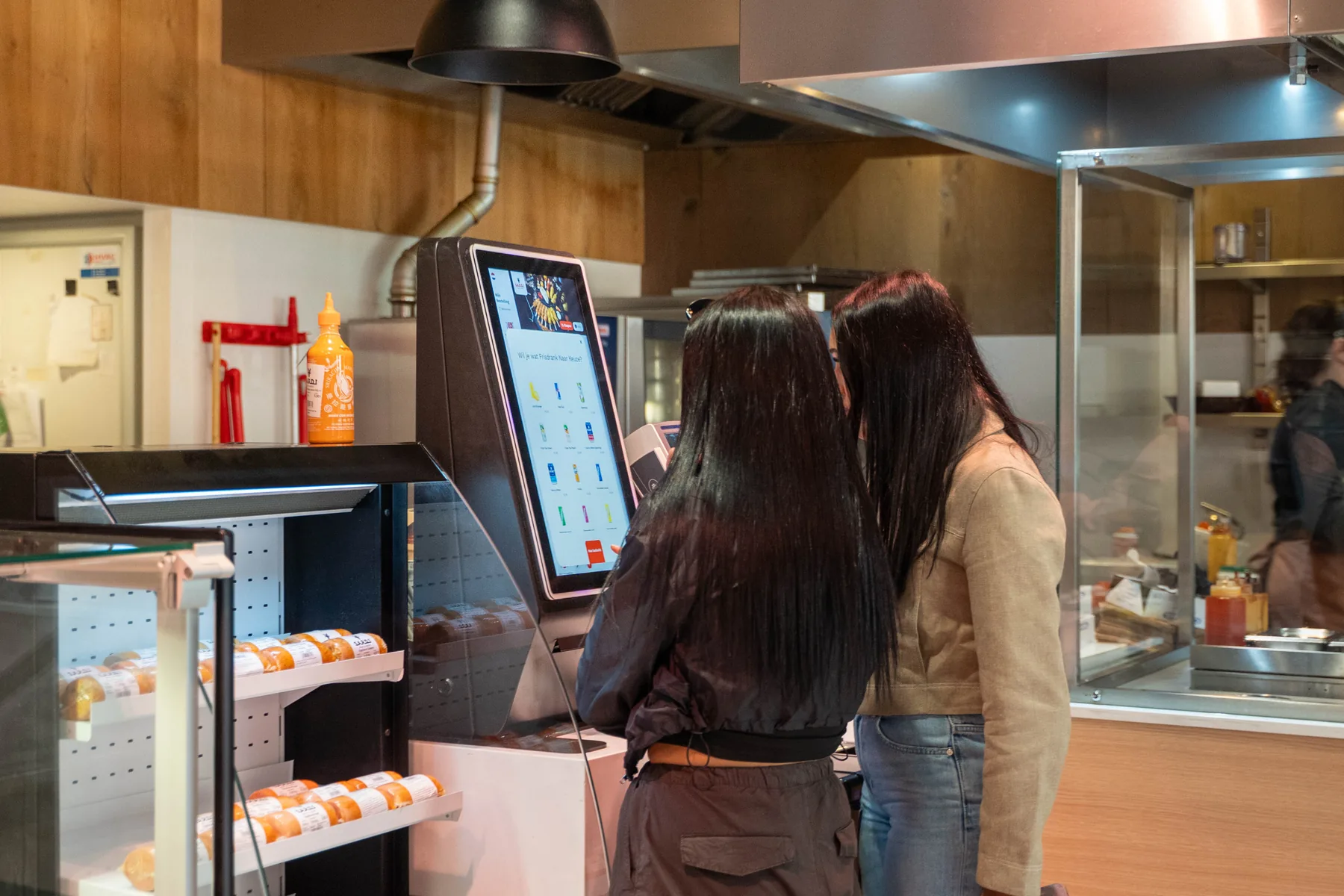
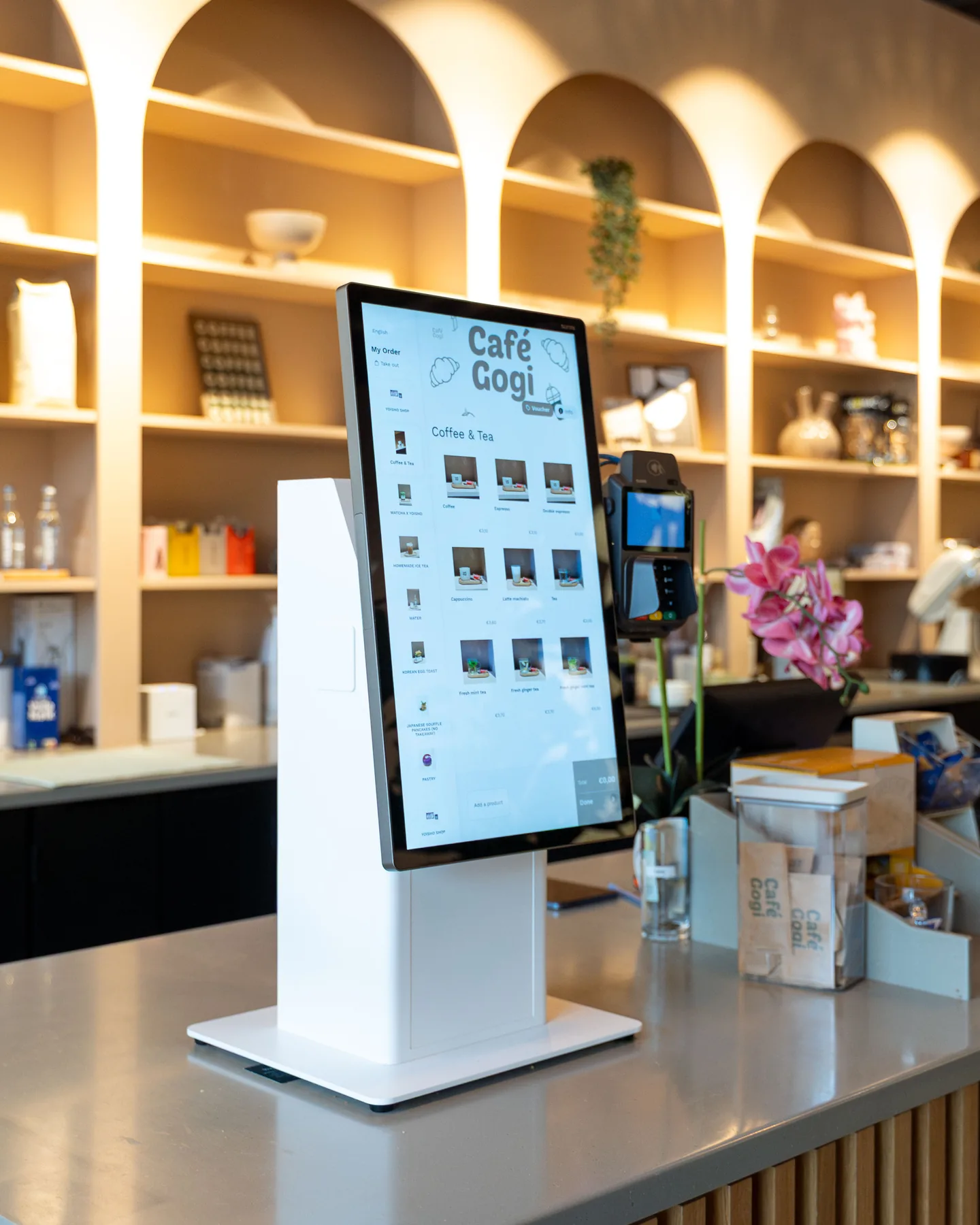
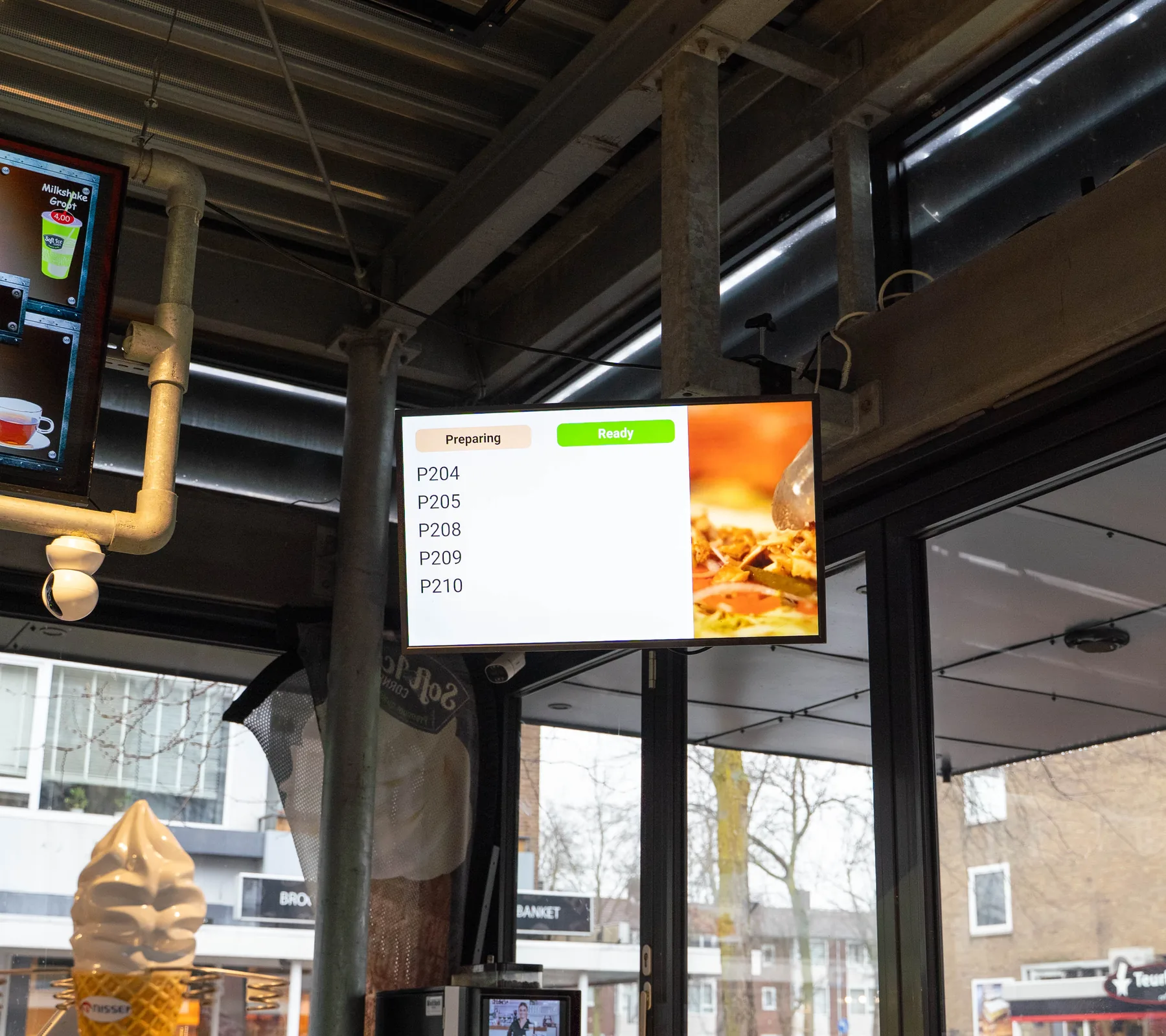
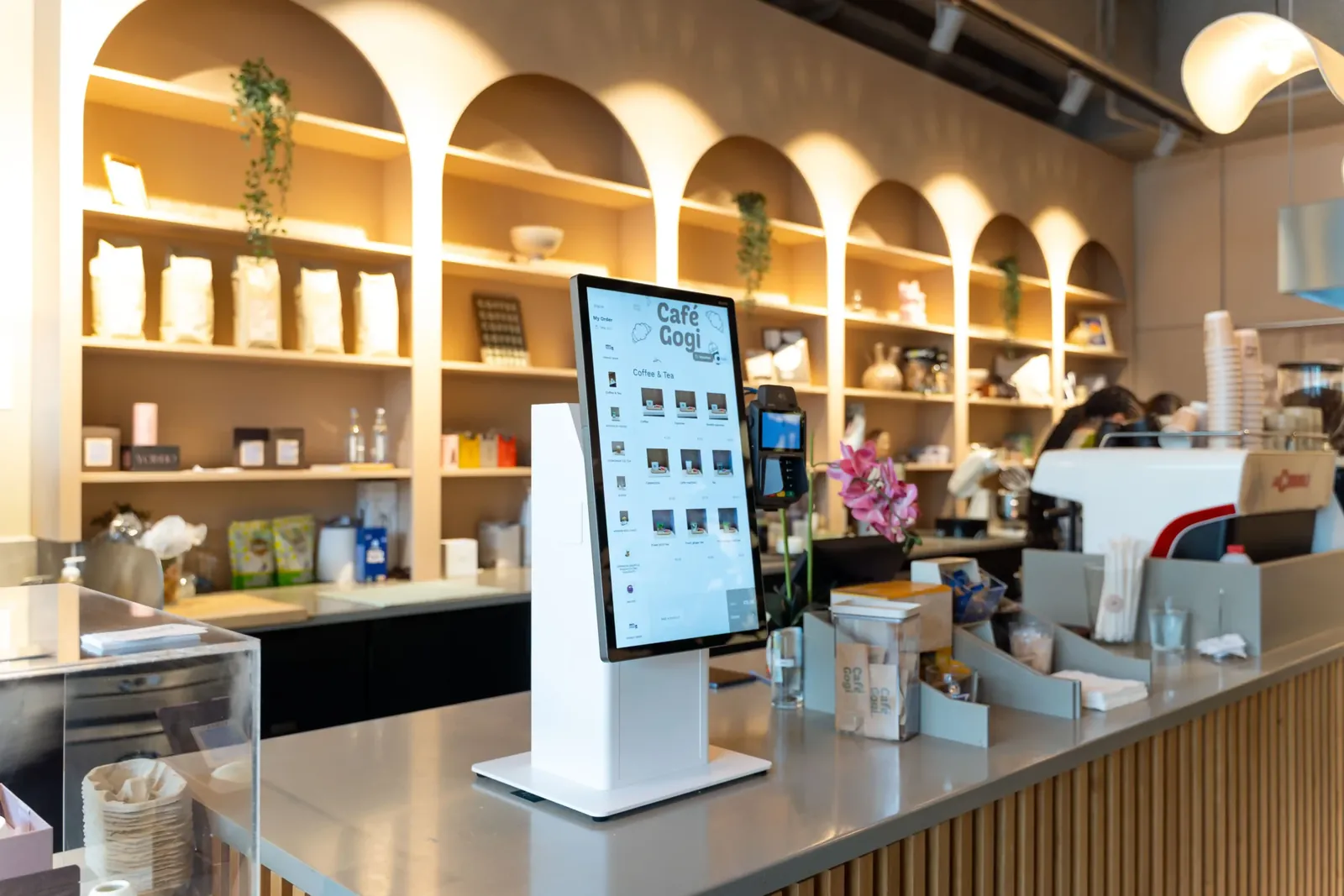
Guests order their coffee, lunch or a pastry at the kiosk, by QR at the table or at the counter. Drinks go to the bar and food to the kitchen, and the screen above the counter tells guests when it's ready.
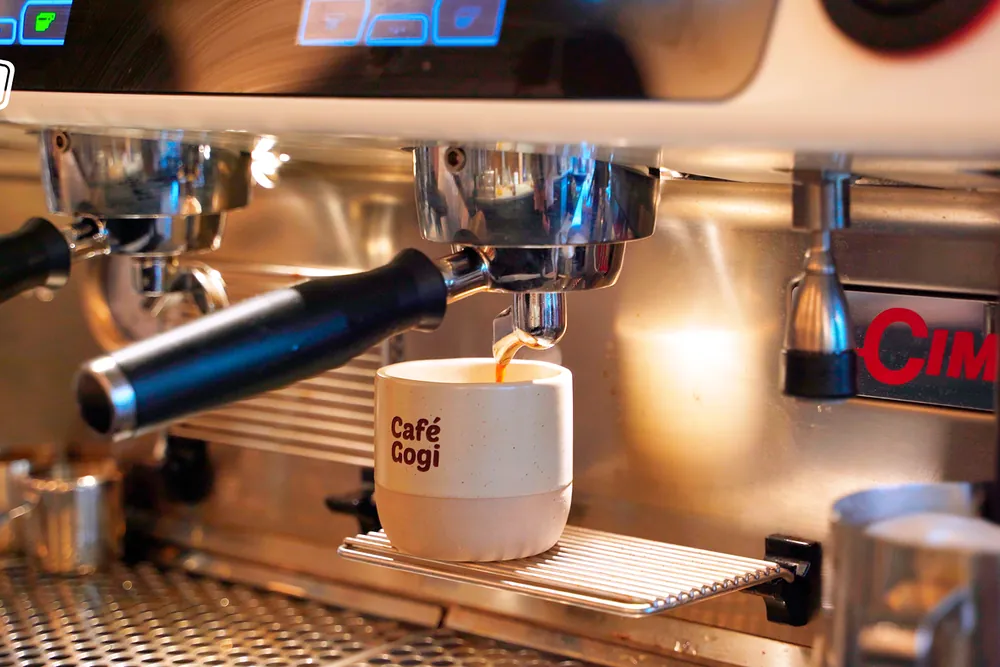
Used by cafés such as Café Gogi, Amazing Cafe and Pina



Your morning rush on Eatcard. Follow one order from the kiosk to the counter.
-
Their coffee, the way they like it.
Guests choose oat milk or an extra shot at the kiosk, and it suggests a pastry before they pay.
-
Paid on the kiosk screen.
With Tap to Pay, guests tap their card or phone on the screen they ordered on. Your barista stays at the machine.
-
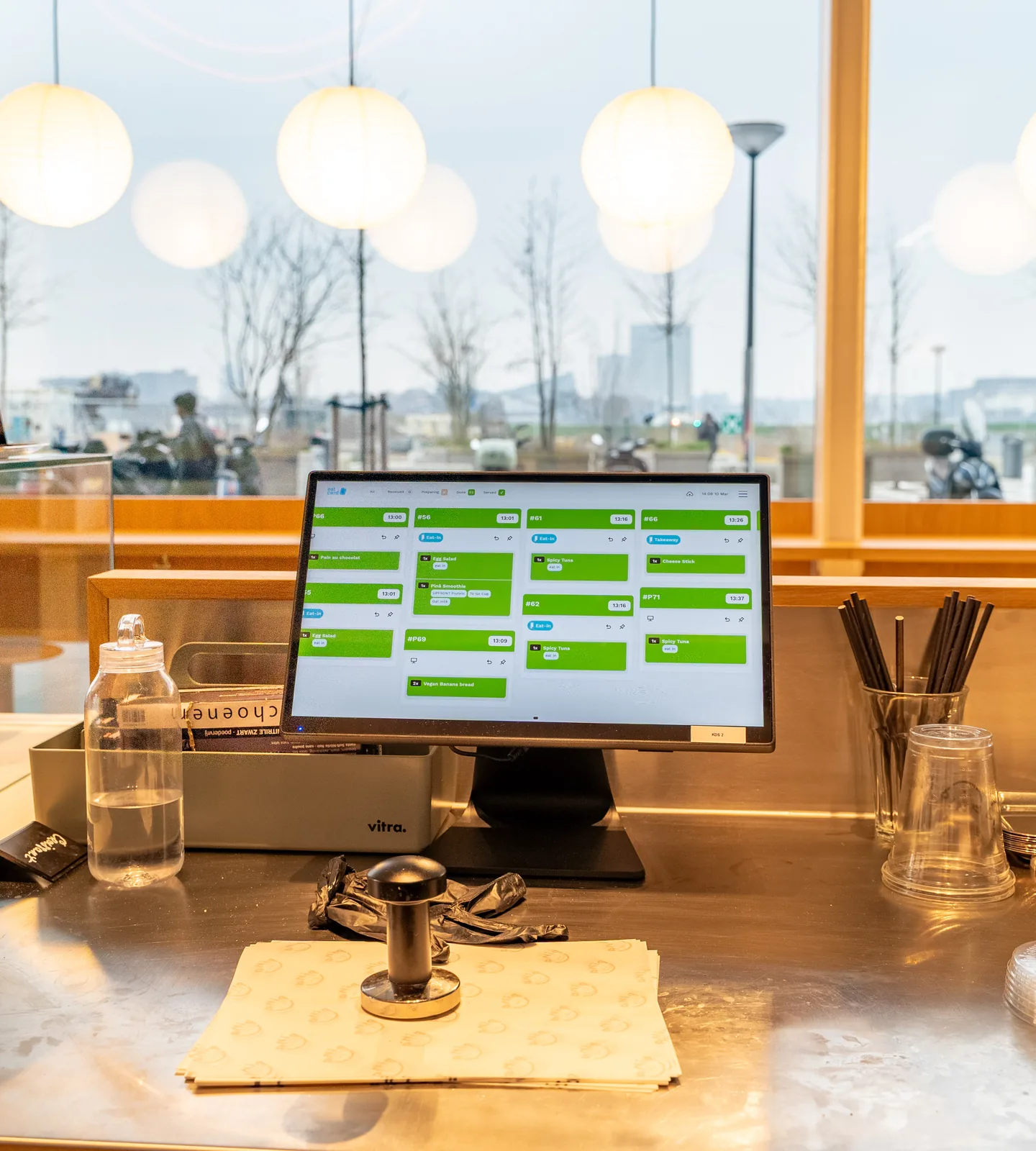
Drinks to the bar, food to the kitchen.
The flat white shows on the bar's screen with the oat milk and the extra shot, and the croissant on the kitchen's.
-
Ready on the screen.
When the bar marks it done, order 47 shows as ready above the counter. No calling out names over the noise of the machine.
-
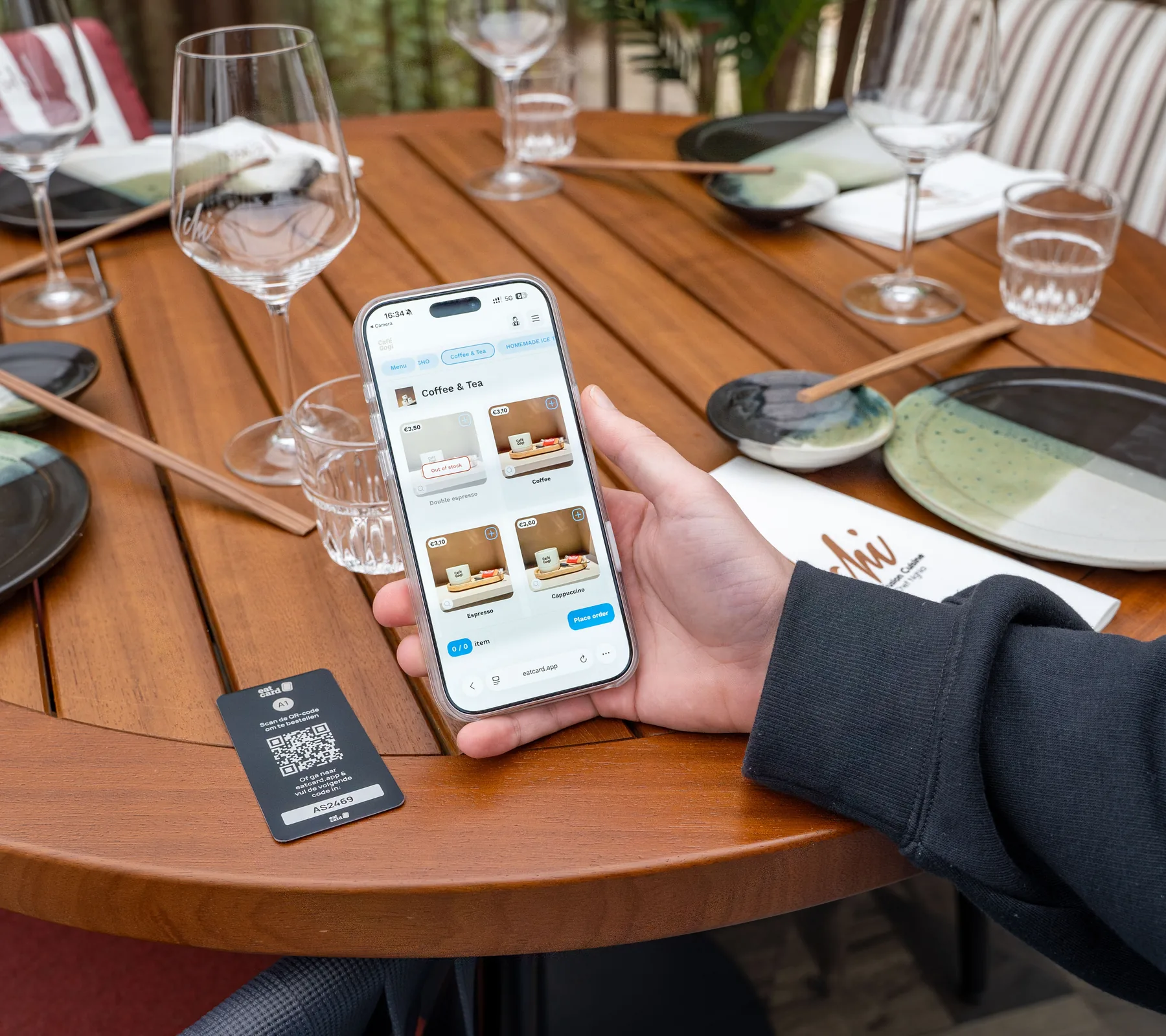
At lunch, guests order from the table.
Guests scan the QR code on the table, order and pay on their own phone, and the order goes to the kitchen once it's paid.
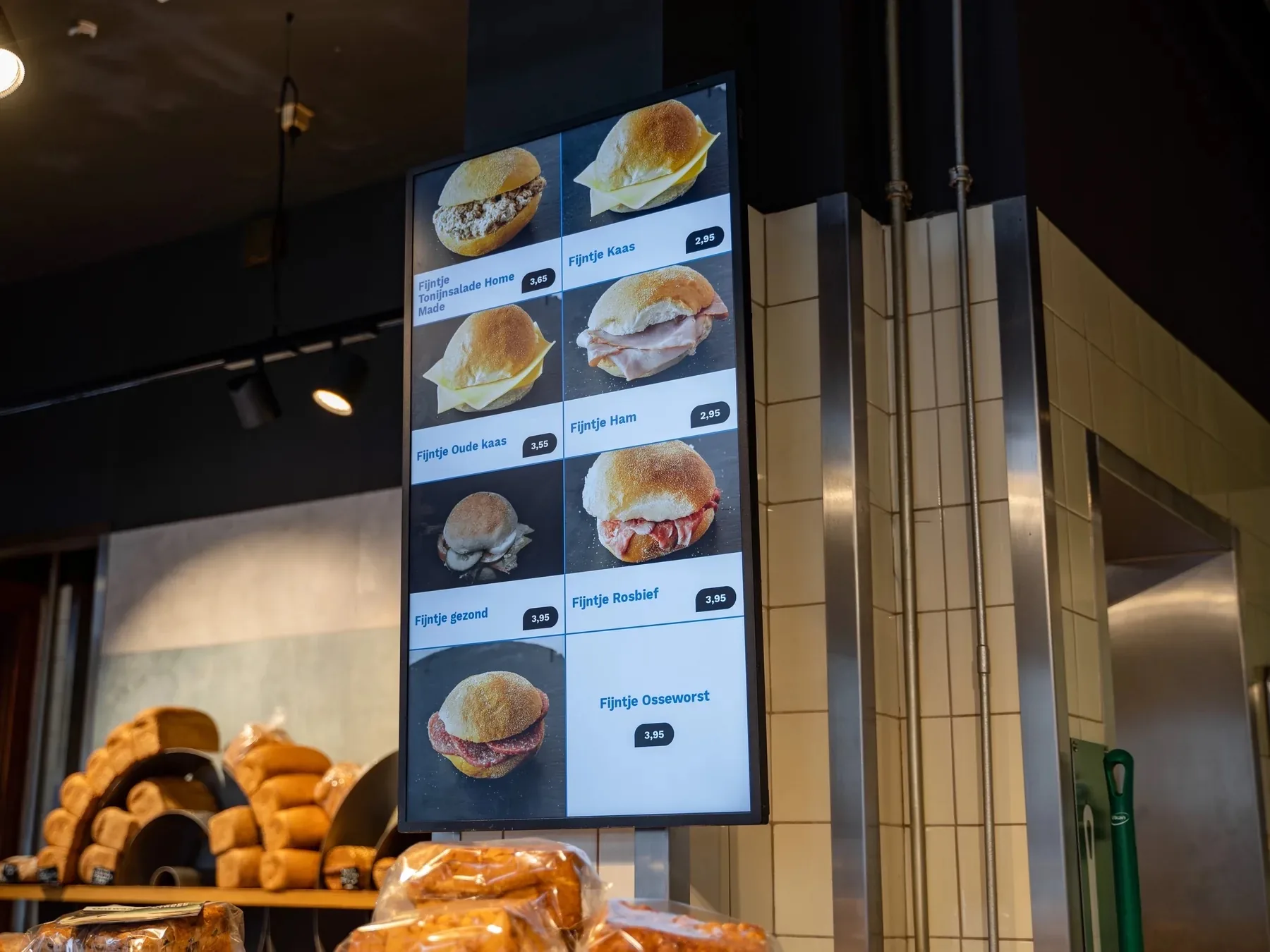
Digital Menu Display
Banana bread
Marked on the POS · 07:55
✓Sold out
Also sold out on the kiosk and QR menu
Self-Order Kiosk · Order 47
Flat white
Oat milk · extra shot
✓Added
Next: a croissant with your coffee?
Tap to Pay · Order 47
€ 7,90
Card or phone on the screen
✓Paid
Kitchen Display · Bar
Order 47
Flat white · oat milk · extra shot
✓Croissant to the kitchen
Order Status Screen
Order 47
Done at the bar · 08:16
✓Ready to collect
Also on the guest's digital receipt
QR Table Ordering · Table 4
Order 61
Paid on the phone, then to the kitchen
✓Paid
07:55 The menu
In their own words. From a café that runs on Eatcard.
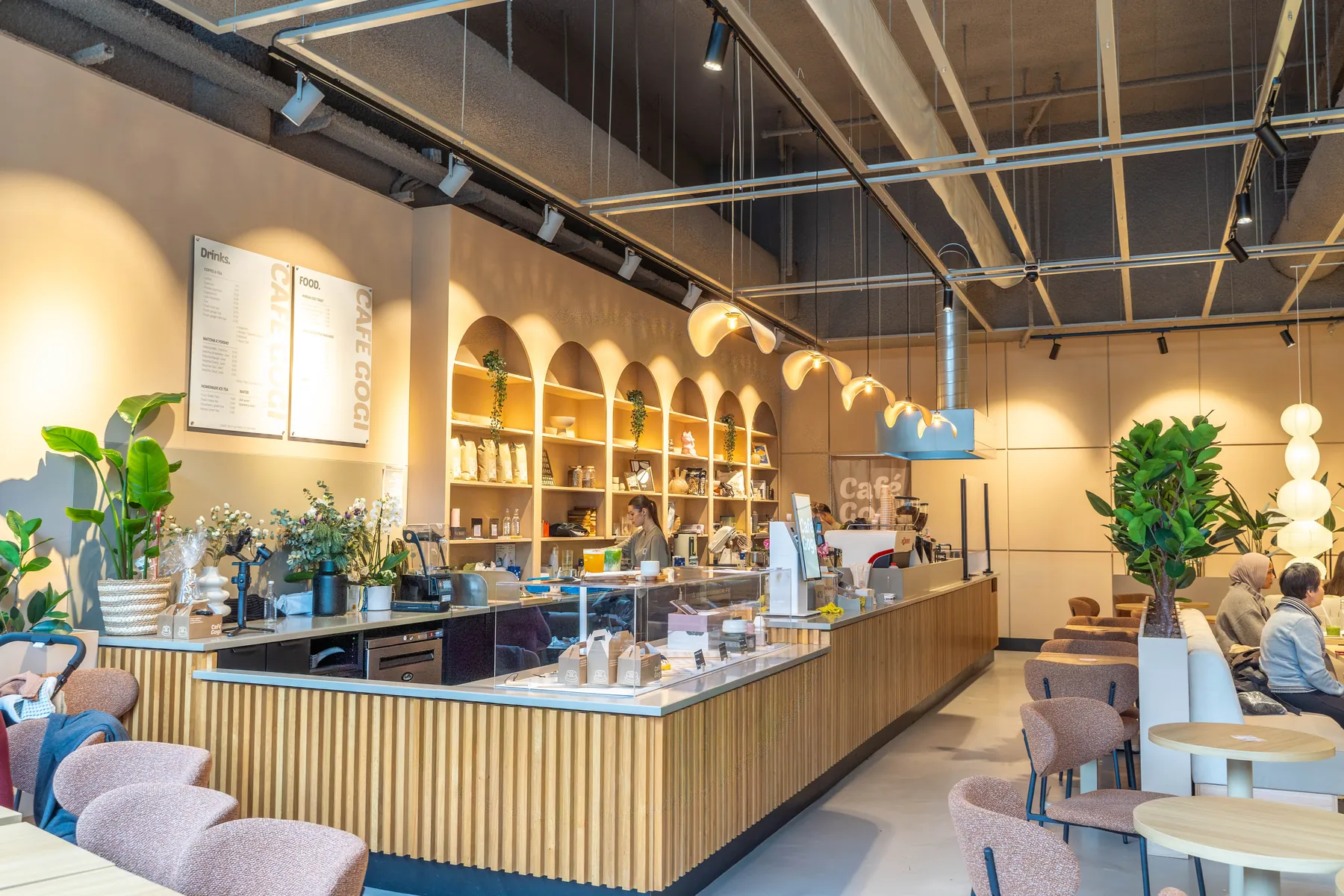
“Eatcard is a system that everyone can use, simple and clear, you barely need to explain it to your staff.”
 Peter TangCafé Gogi
Built for the coffee rush. The details that matter at the counter.
Extras at the kiosk
Guests pick their milk and an extra shot, and the kiosk suggests a pastry before they pay.
In your order
- Flat whiteOat milk · Extra shot€4.60
Checking what goes well with it…
Something with your coffee?
Goes well with a flat white
- Croissant+€2.95−1+
- Banana bread+€3.50+
Your order
Flat white€4.60
Croissant+€2.95
Total€7.55
Drinks to the bar, food to the kitchen
Orders from the kiosk, the tables and the POS come in on the Kitchen Display, and each station sees only its own part, with every extra on it.
#062109:12
Kiosk
- 1xFlat white
- Oat milk · Extra shot
- 1xCroissant
#062109:12
In progress
- 1xFlat white
- Oat milk · Extra shot
- 1xCroissant
#062109:12
Done
- 1xFlat white
- Oat milk · Extra shot
- 1xCroissant
#062309:15
POS
- 1xIced matcha latte
- 1xYoghurt bowl
Gift cards
Sell gift cards on your own website. Guests redeem them at the POS or the kiosk.
 Kiosk · Order 47Gift card €25 redeemedBought on your website
Rewards for regulars
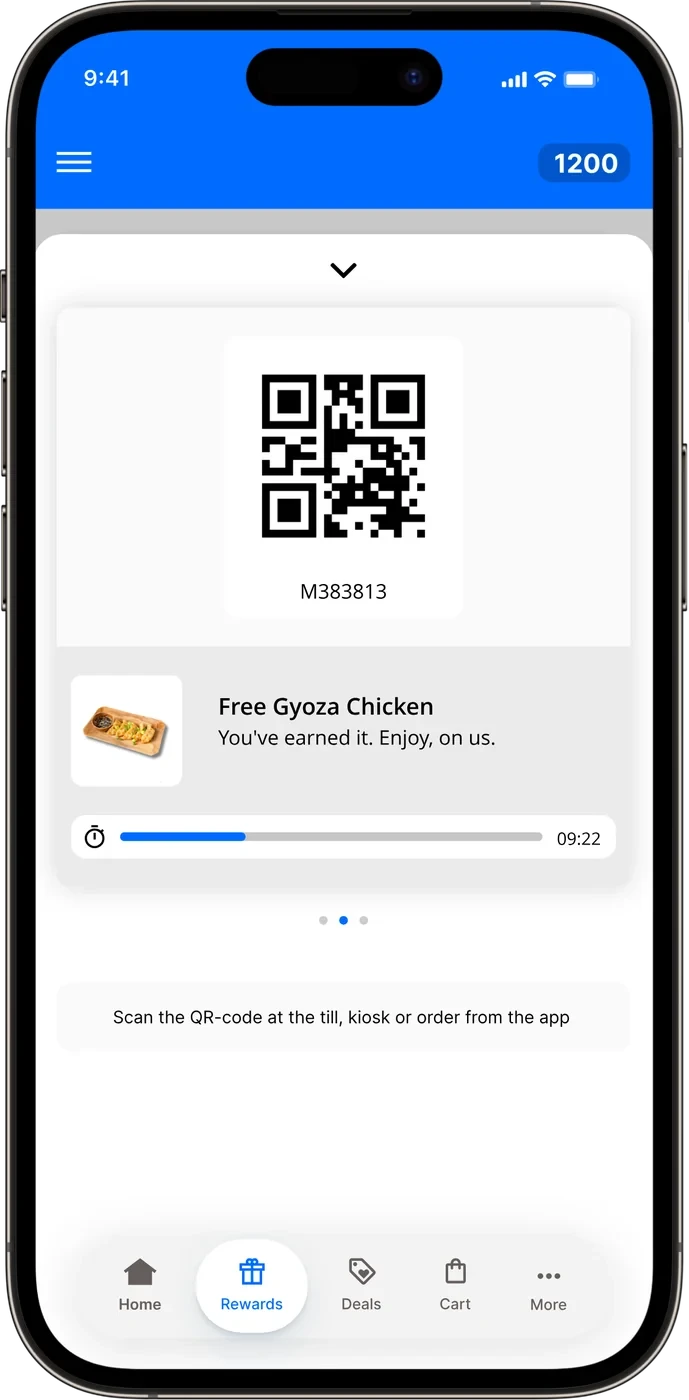
With moolaah, regulars check in at the kiosk and earn rewards on every order. moolaah has its own price.
Filter allergens
Guests filter the menu by allergen, so they only see what they can eat.
Hide dishes with
 Gluten
 Milk
 Egg
- Yoghurt bowlWithout gluten+
- CroissantContains gluten+
- Banana breadContains gluten+
The setup for a café. Everything the counter runs on.
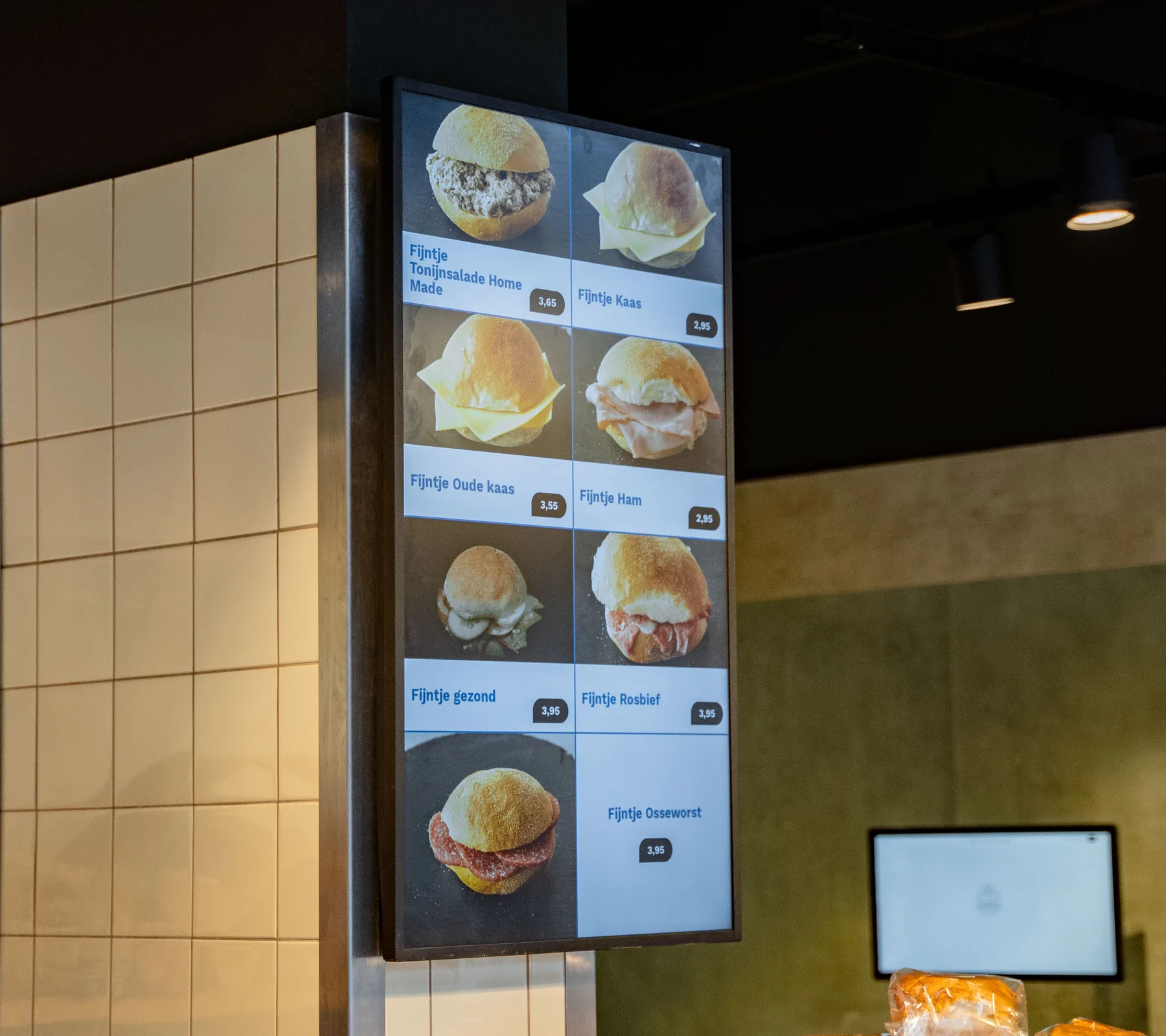
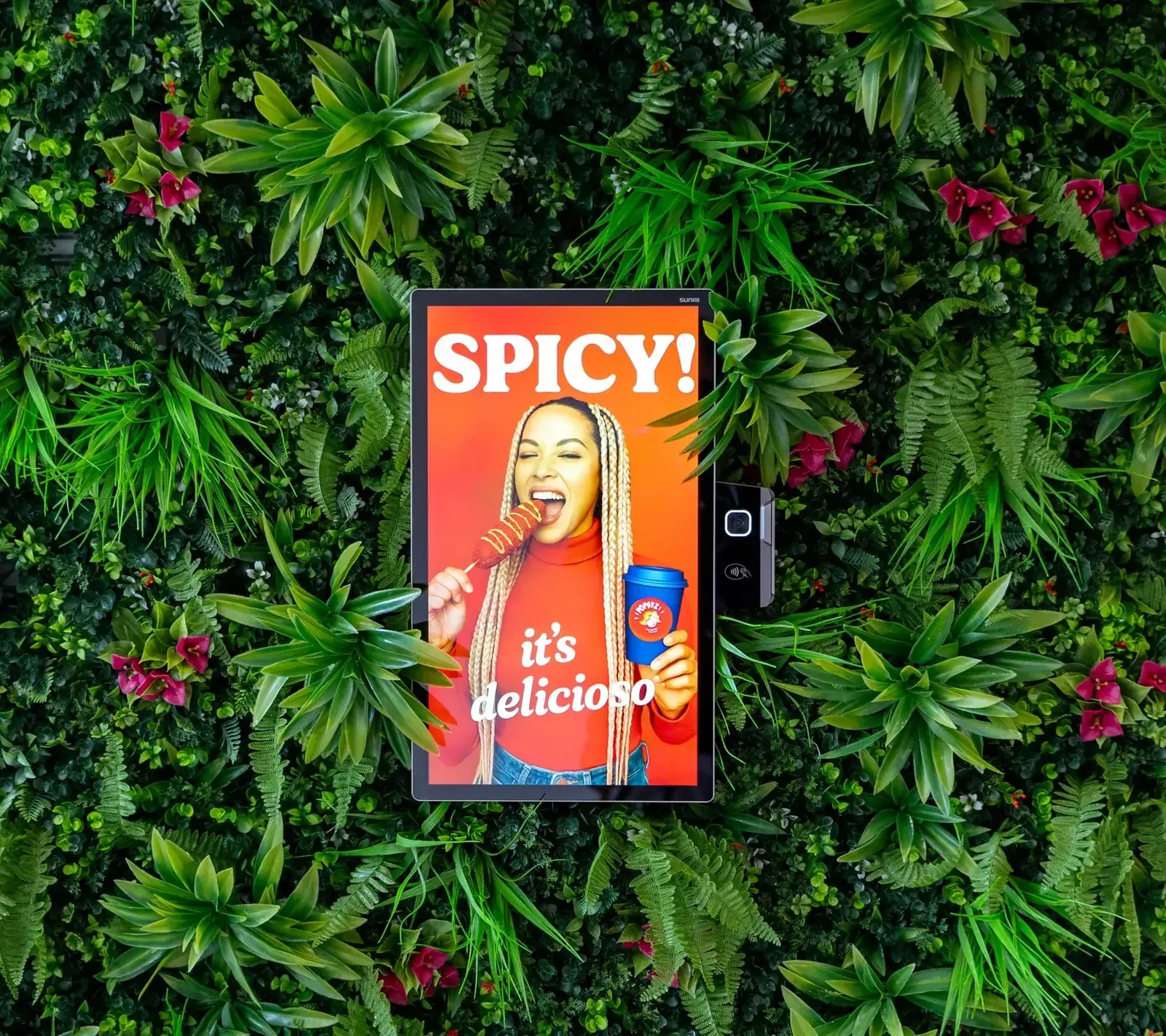
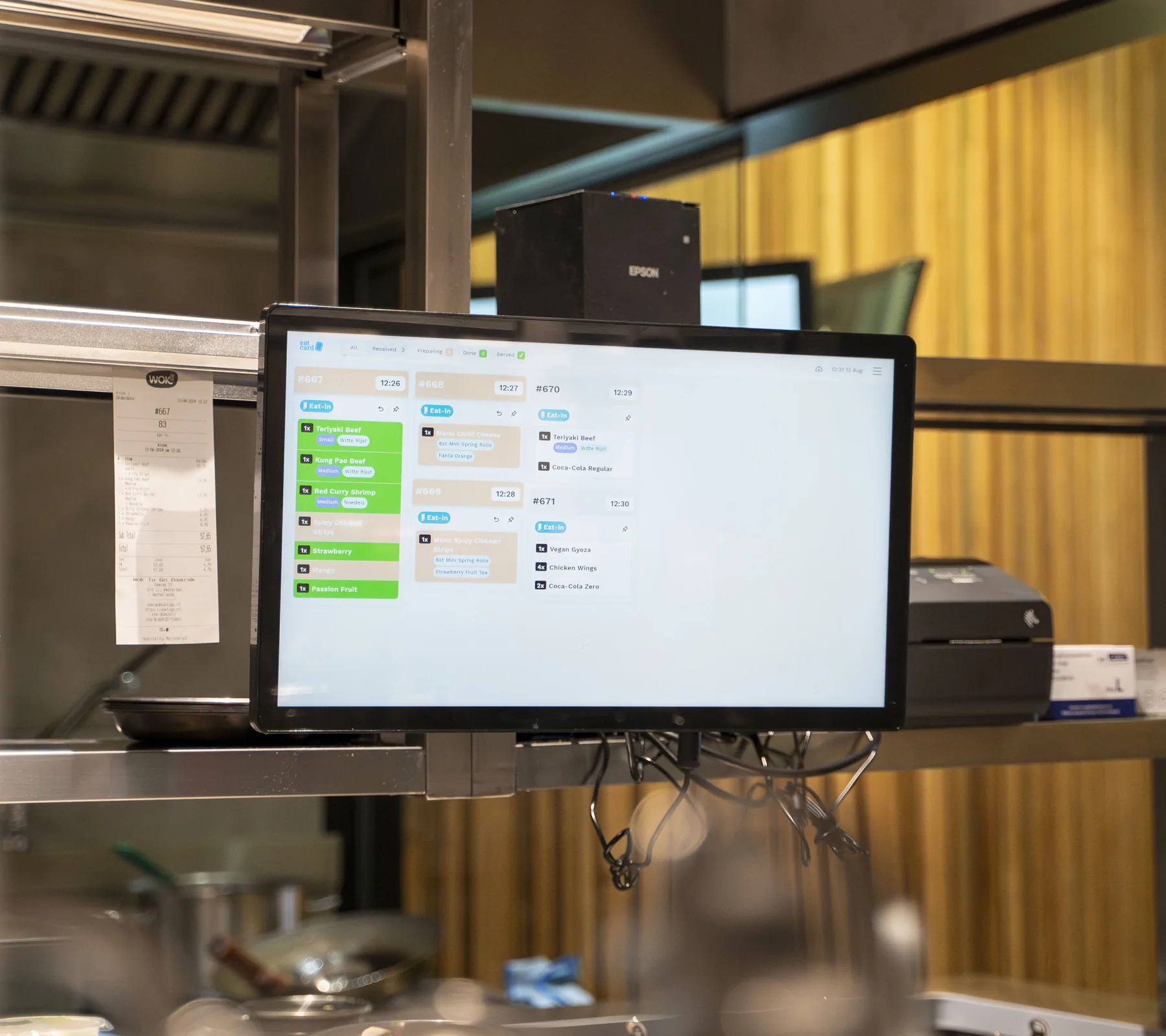
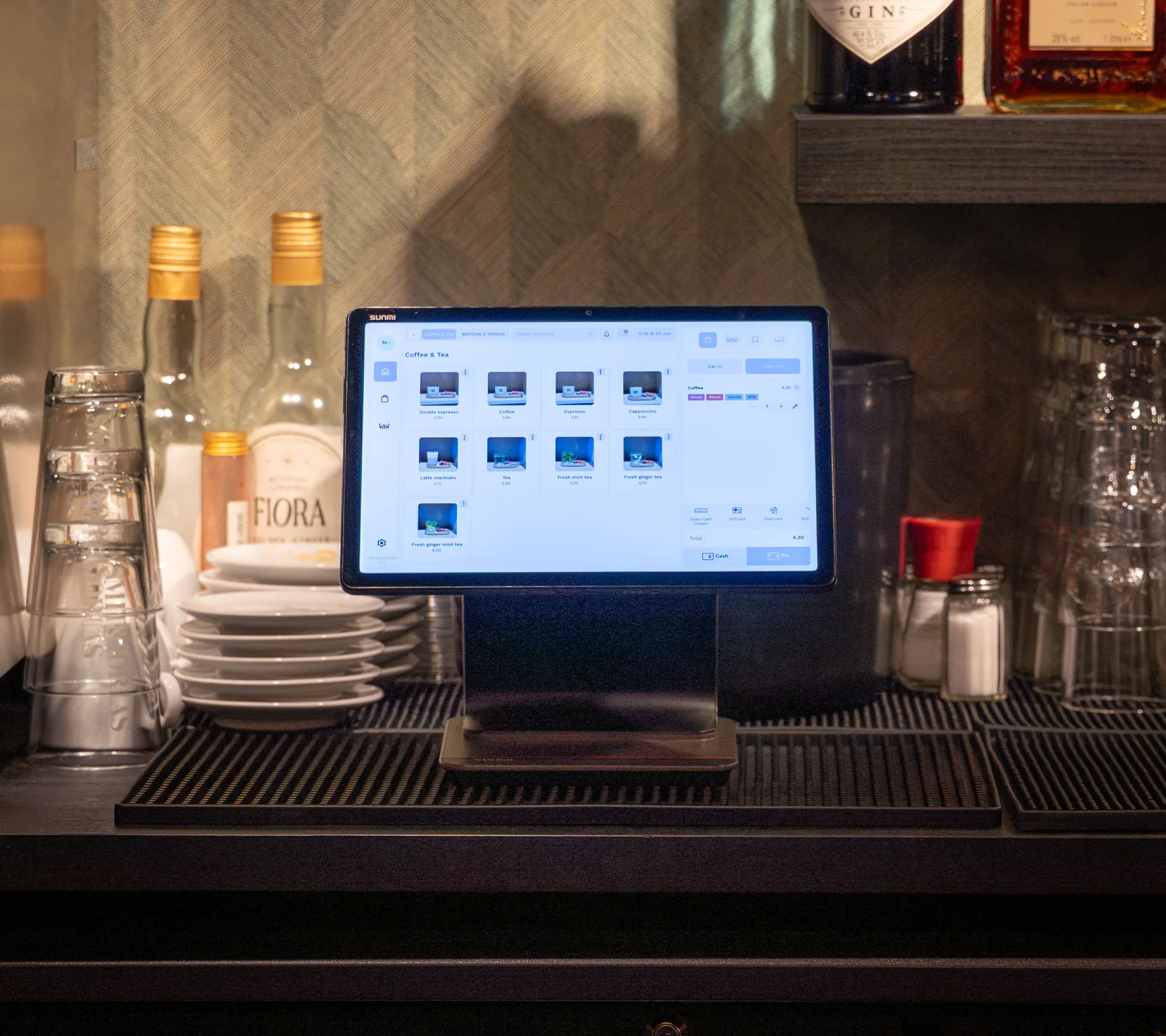
Includes updates and technical support by phone, WhatsApp and email. See pricing
From demo to first service. What happens after you book.
A demo for your venue
We look at how your counter and kitchen run and show you the systems together.
Your hardware and quote
We work out the hardware your venue needs, and you get a quote for it.
Installation at your venue
We come to your venue to install everything, and explain it to your staff in person.
Up and running
Your contact person stays with you, and support is there by phone, WhatsApp and email.
Questions about cafés.
Can guests choose their milk or an extra shot at the kiosk?
Can drinks and food go to different screens?
Do I still need pagers?
How do guests pay at the kiosk?
Can I sell gift cards?
Can I reward my regulars?
What does it cost?
Who installs it?
More than coffee. Eatcard works for every kind of concept.
 Bubble tea
 Fast dining
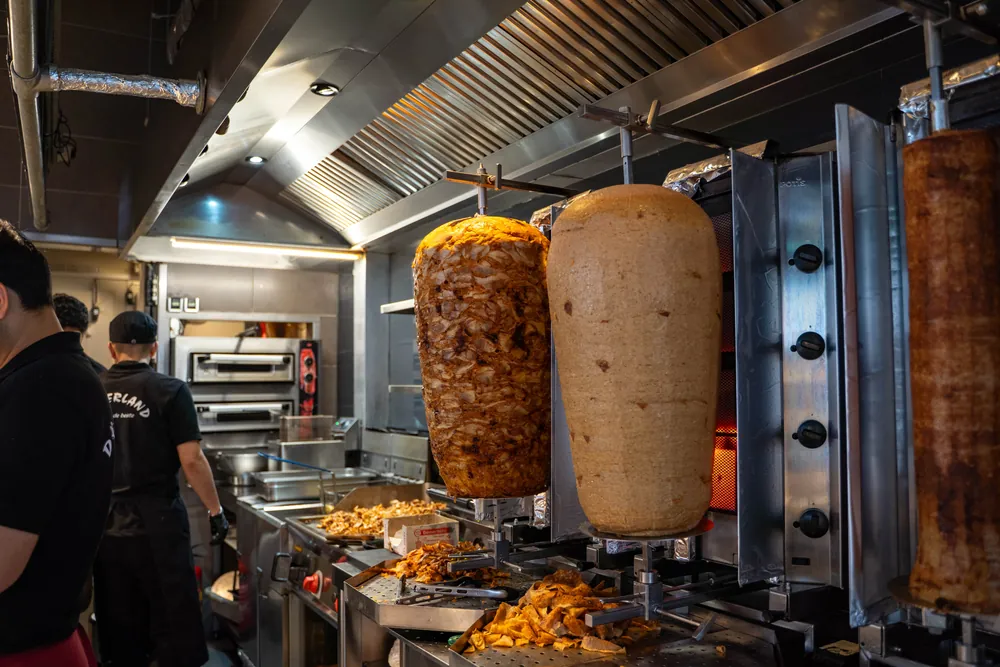 Snackbar & kebab
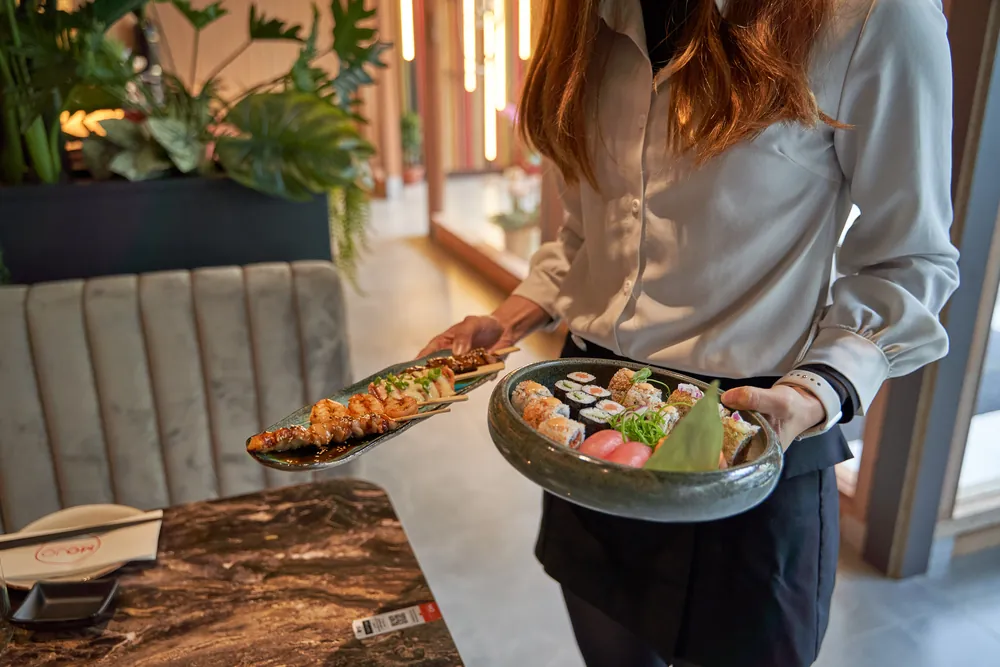 All you can eat
 Fine dining

 Korean BBQ

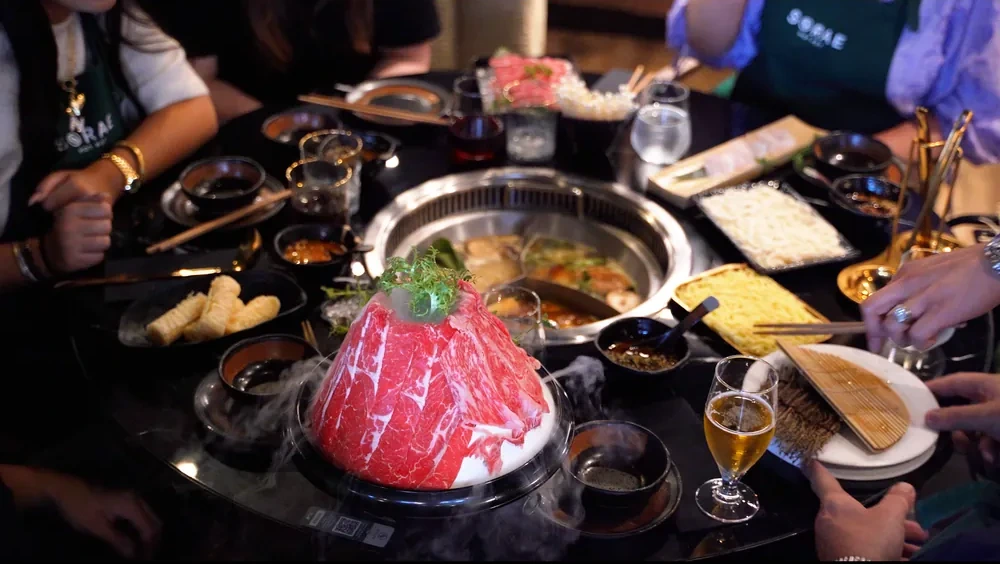 Hot pot

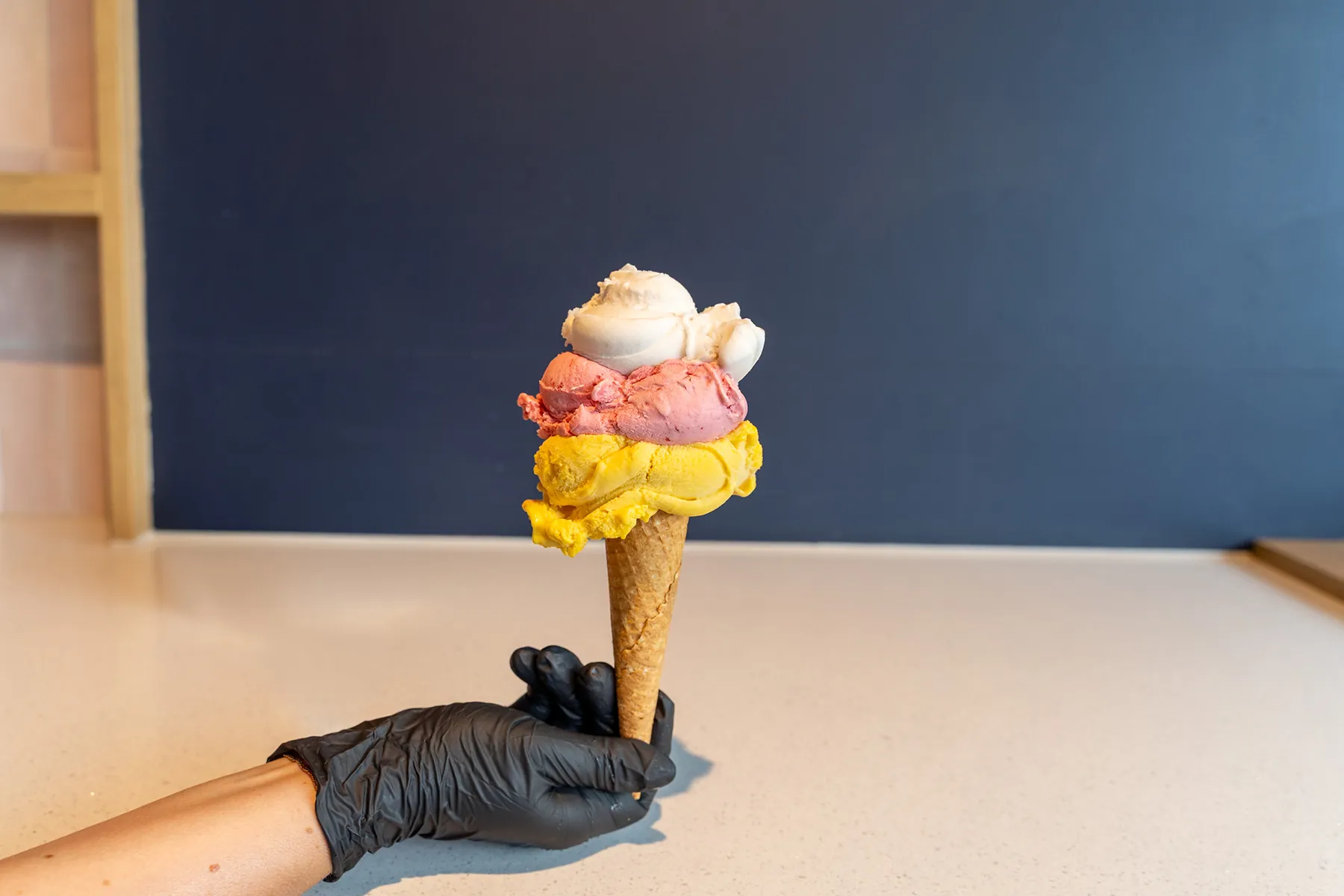 Ice cream
See a full morning rush on Eatcard.
The kiosk, the bar screen and the pickup screen, together in one demo.