Kitchen Display is included in
Eatcard Complete
€95/month
The Kitchen Display and the systems around it, on one monthly plan.
Every order on one screen in your kitchen.
Orders from the POS, kiosk, QR ordering, webshop and delivery apps appear on the kitchen screen straight away, sorted by station. No paper tickets needed.
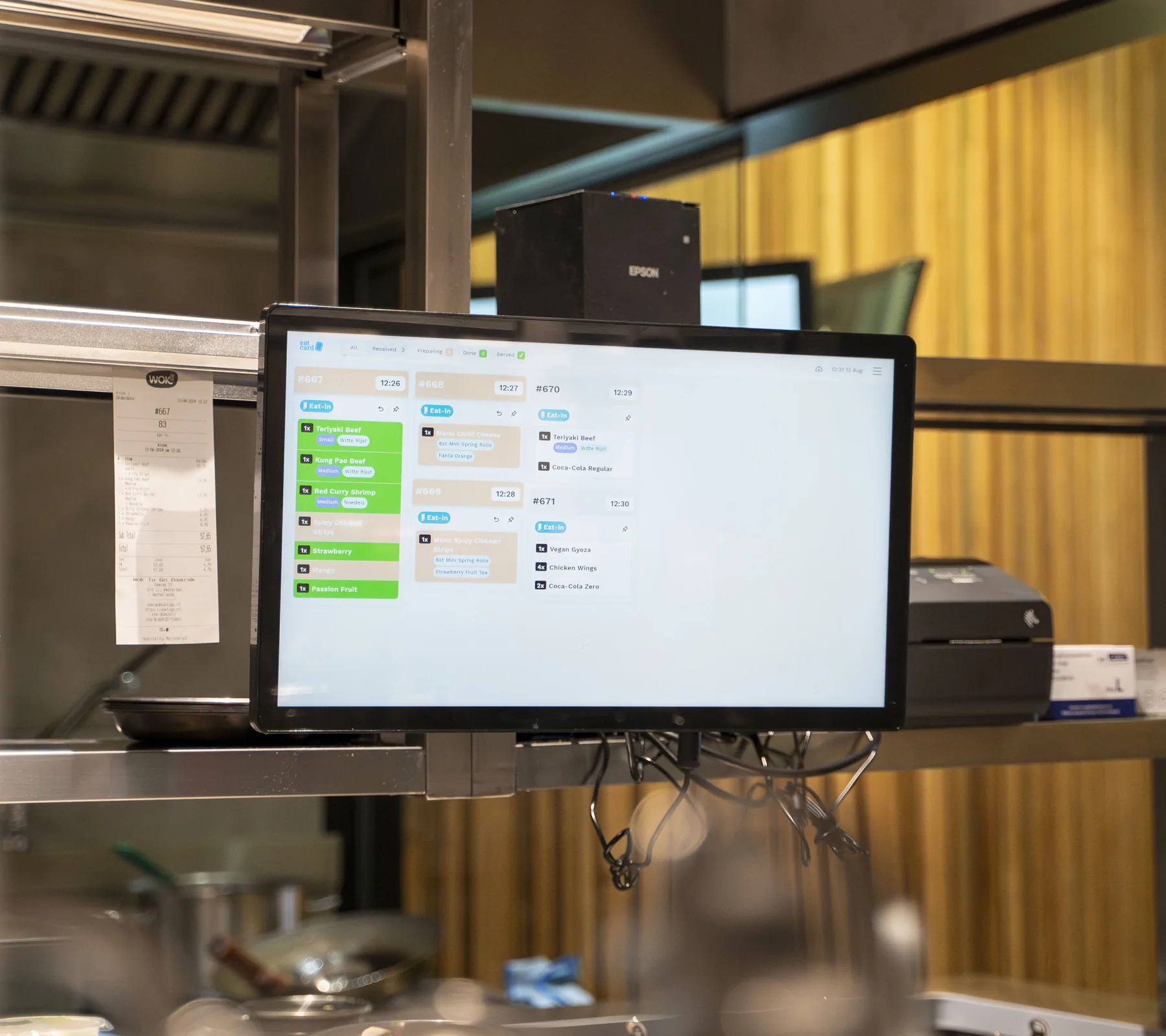
Used every day by restaurants of every type and concept














#062112:06
Kiosk
#062312:09
Uber Eats
Every channel
2 orders, one screen
Kiosk · Uber Eats
#062112:06
Thuisbezorgd
#062112:06
Uber Eats
#062112:06
Takeaway
Same order #0621
Each screen, its own dishes
Cold, fried and drinks each see their part
4× Loaded fries12:10
SmartOrder · 3 orders
4× Loaded fries12:10
SmartOrder · 3 orders
4× Loaded fries12:10
SmartOrder · 3 orders
Tap once, tap again
Orange, then done
White is new, orange is being made, green is done
Table 619:42
Dine in
Starters · served
Mains · now
Desserts · later
Sent from the floor
Mains for table 6
The kitchen sees them when it's time
 Iced matcha latteKiosk · Eat in2×
 TiramisuKiosk · Eat in1×
Ding
A new order is in
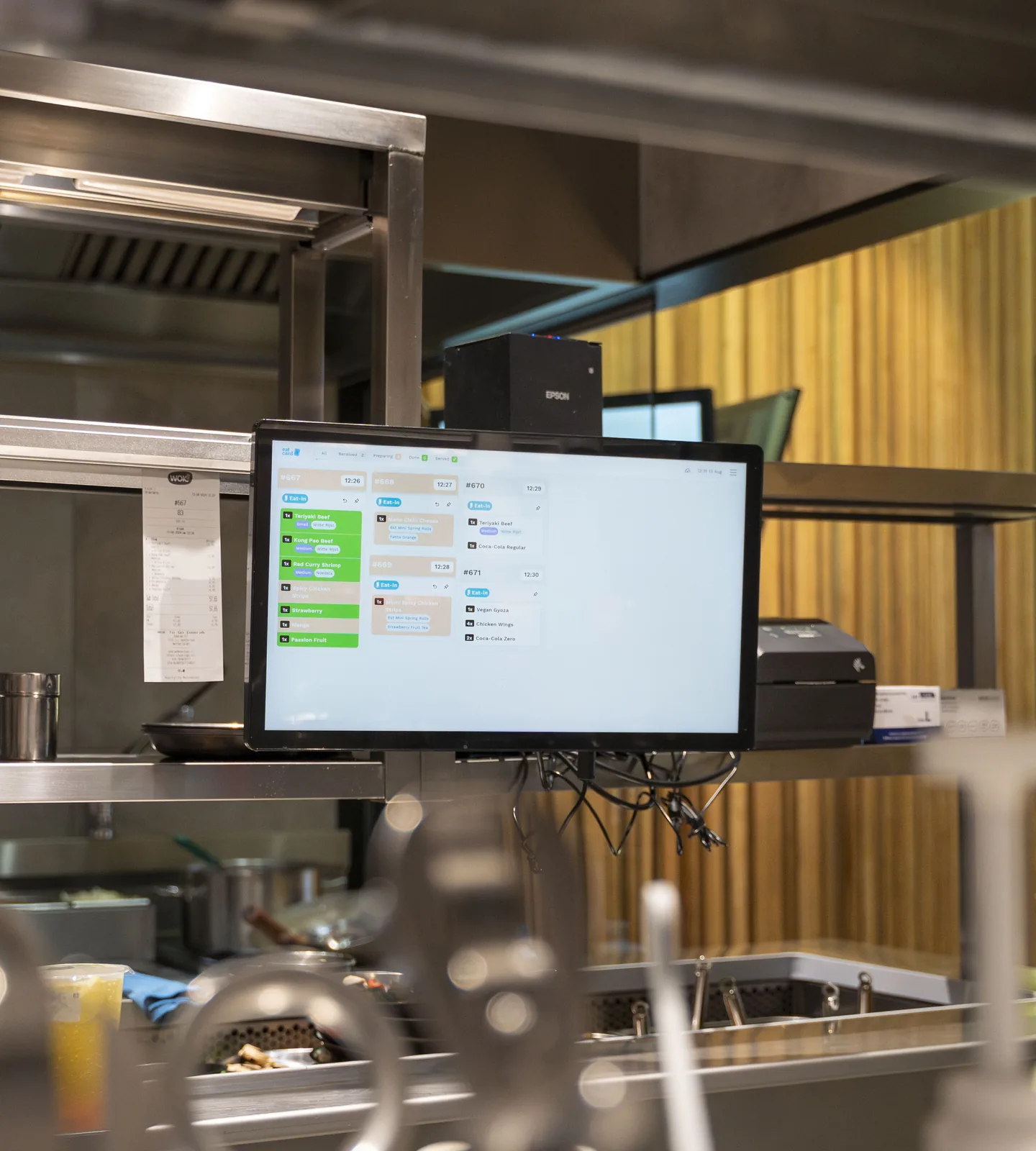
Before: Paper tickets on a rail.
Now: Every order on one screen.
Before: Calling out orders to the grill and the bar.
Now: Each station sees its own dishes.
#062112:06
Kiosk
Grill#0621
Fryer#0621
Bar#0621
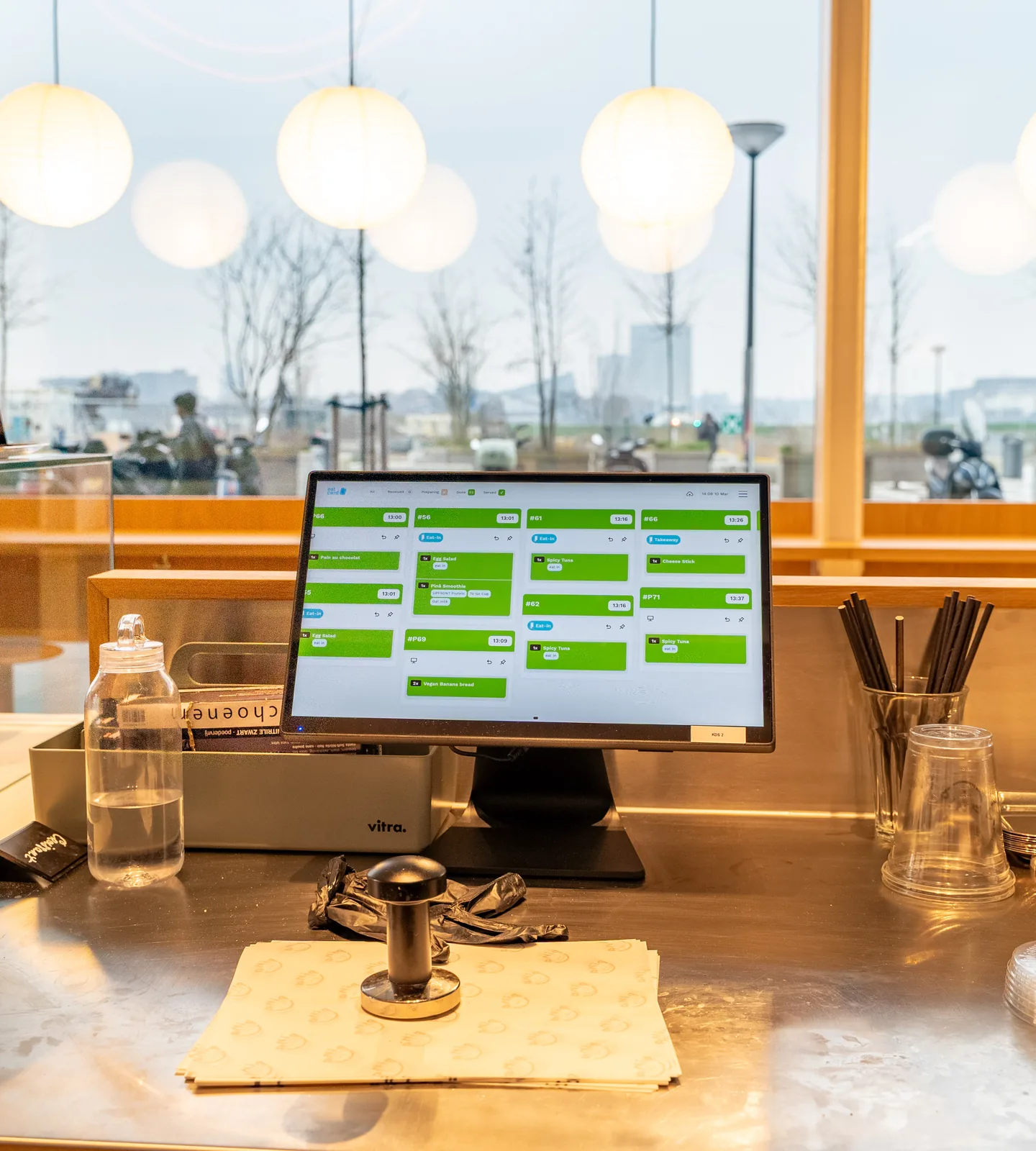
Before: A printer that never stops.
Now: Print only when a dish is done, or not at all.
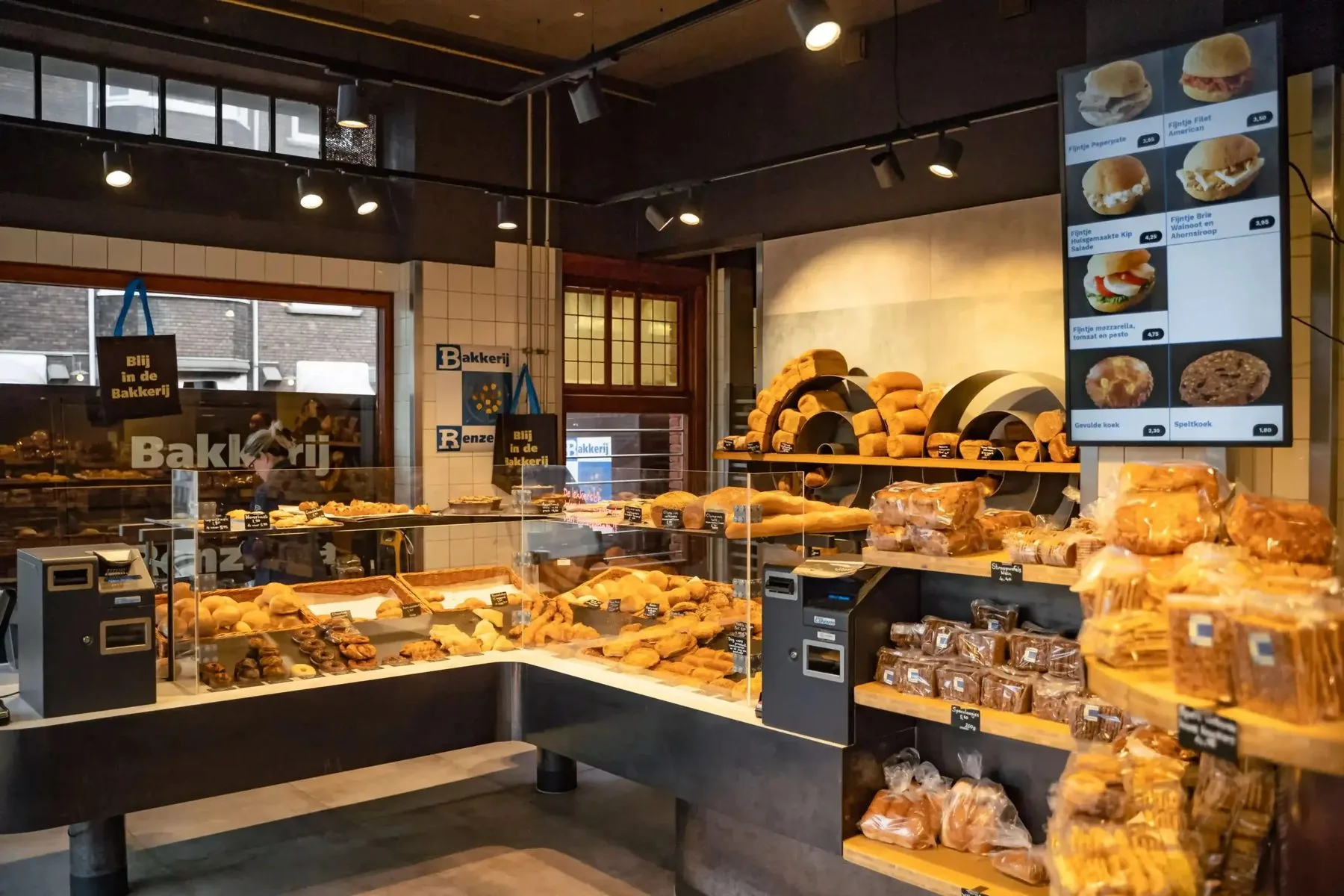
“Customers order easily via the kiosk, and thanks to the Uber Eats integration, all orders flow into a single Kitchen Display.”
 Remco RenzemaBakkerij Renzema
Every way an order comes in ends on the same kitchen screen, and the Order Status Screen shows guests when it's ready.
Kitchen Display is included in
€95/month
The Kitchen Display and the systems around it, on one monthly plan.
Includes updates and technical support by phone, WhatsApp and email. See pricing
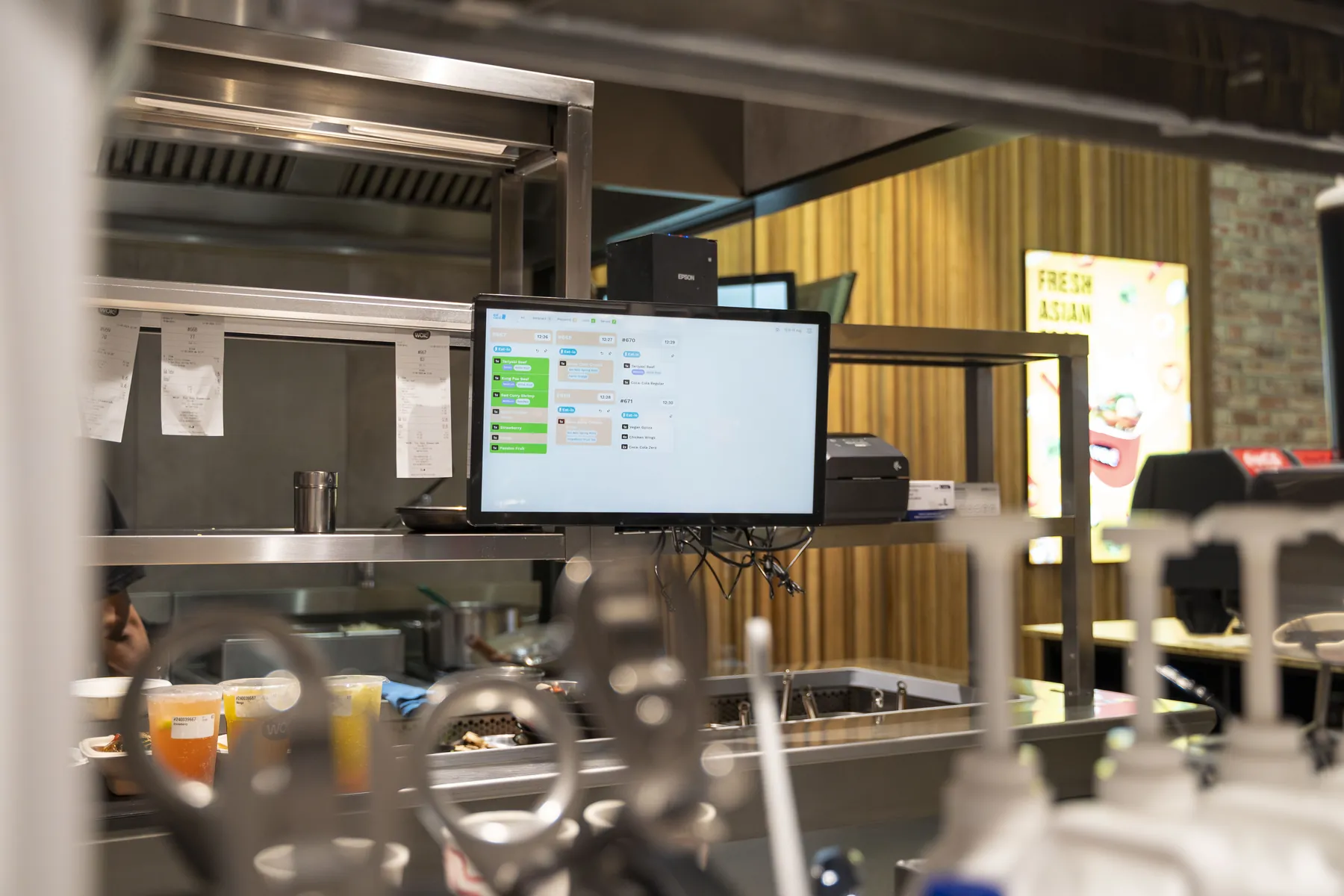
We'll show the Kitchen Display with the kiosk, QR ordering or POS you're thinking about, in one demo.