Yes. Guests order ingredients and side dishes whenever they want, directly from the table. Every reorder arrives in the kitchen instantly, without staff having to come by each time.


















Discover key features made for your concept.
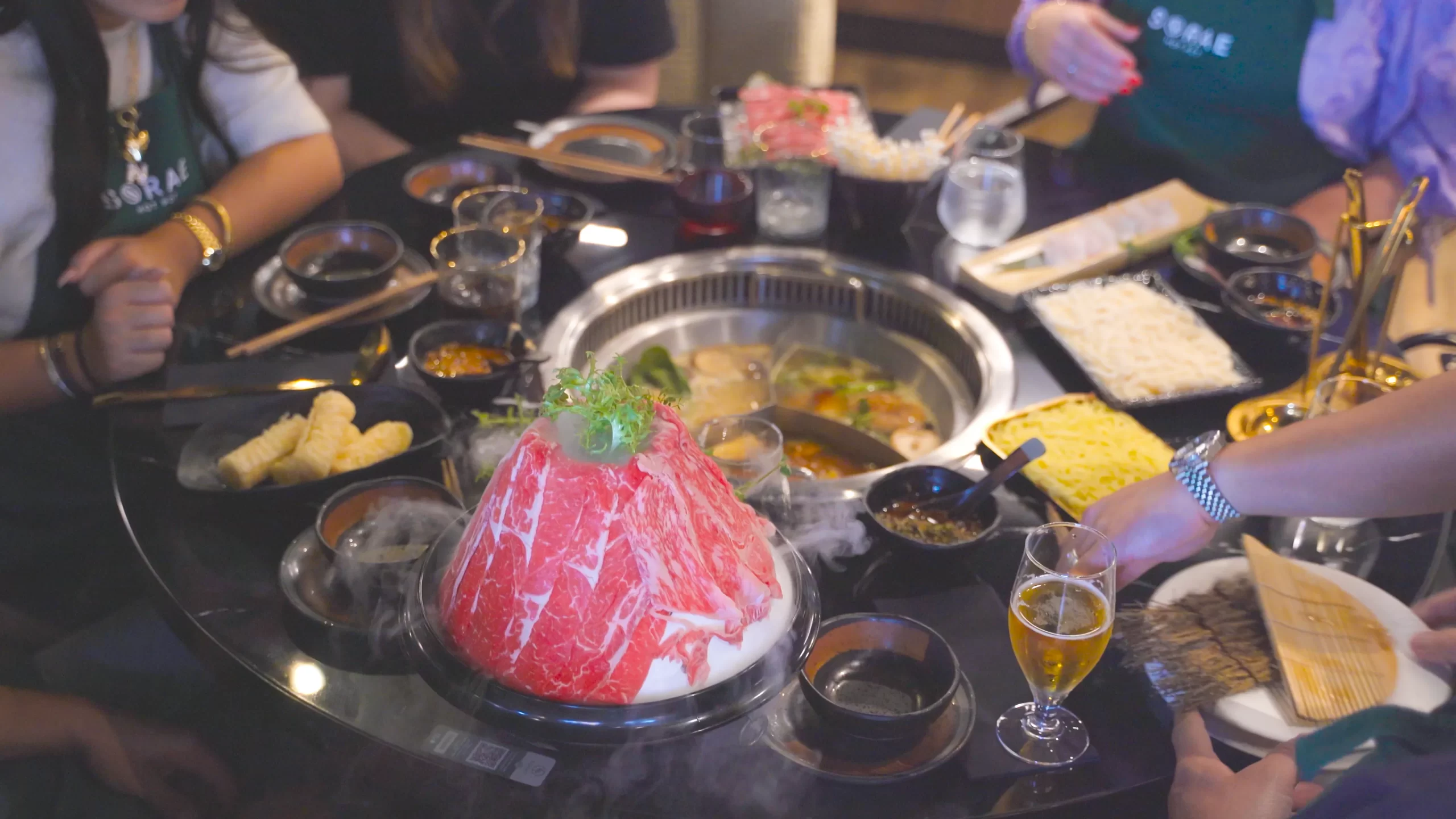
Enjoy the traditional Asian hot pot experience, share delicious food and joyful moments with family and friends, while Eatcard keeps everything running smoothly.
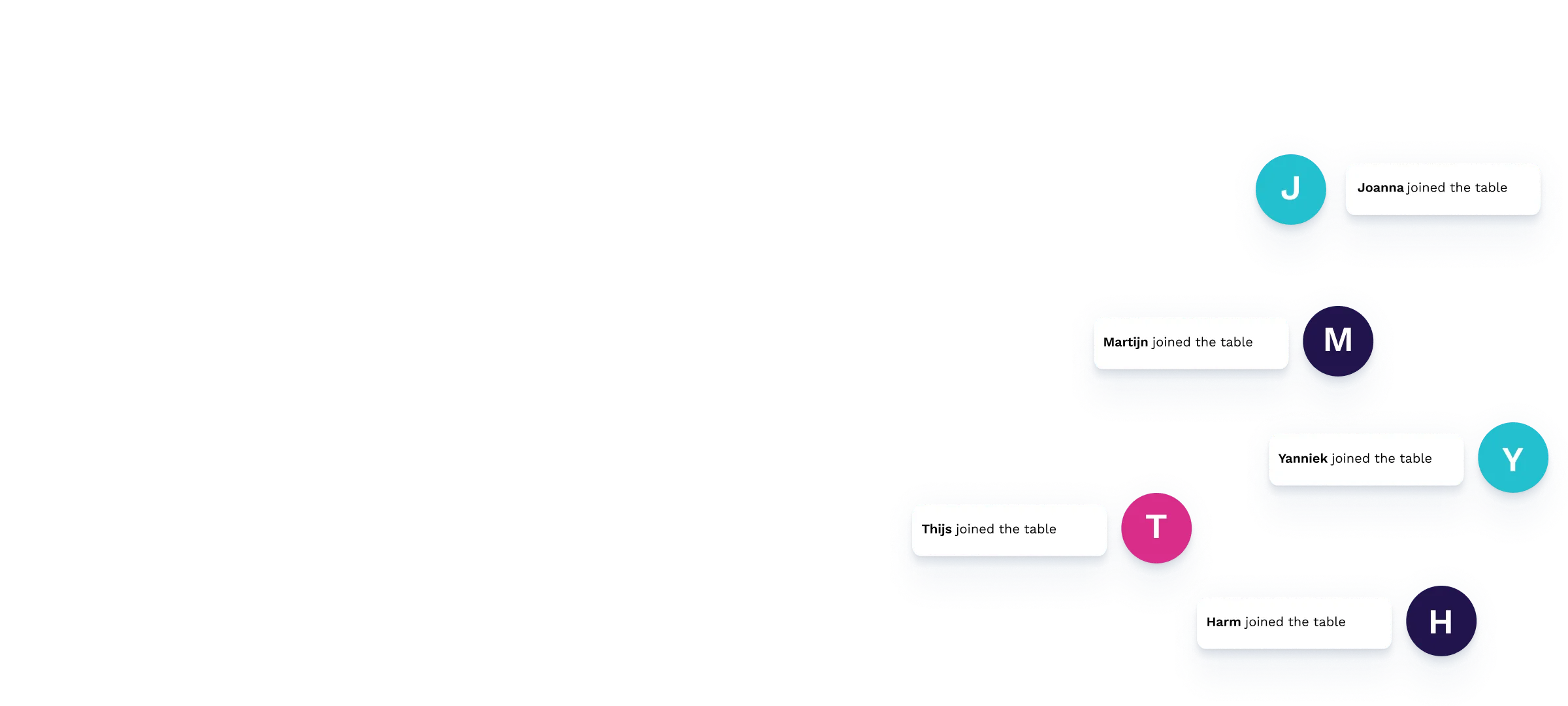
Multiple devices
Let every guest order at the same time with their own phones, so everyone can place their choices without waiting for others.

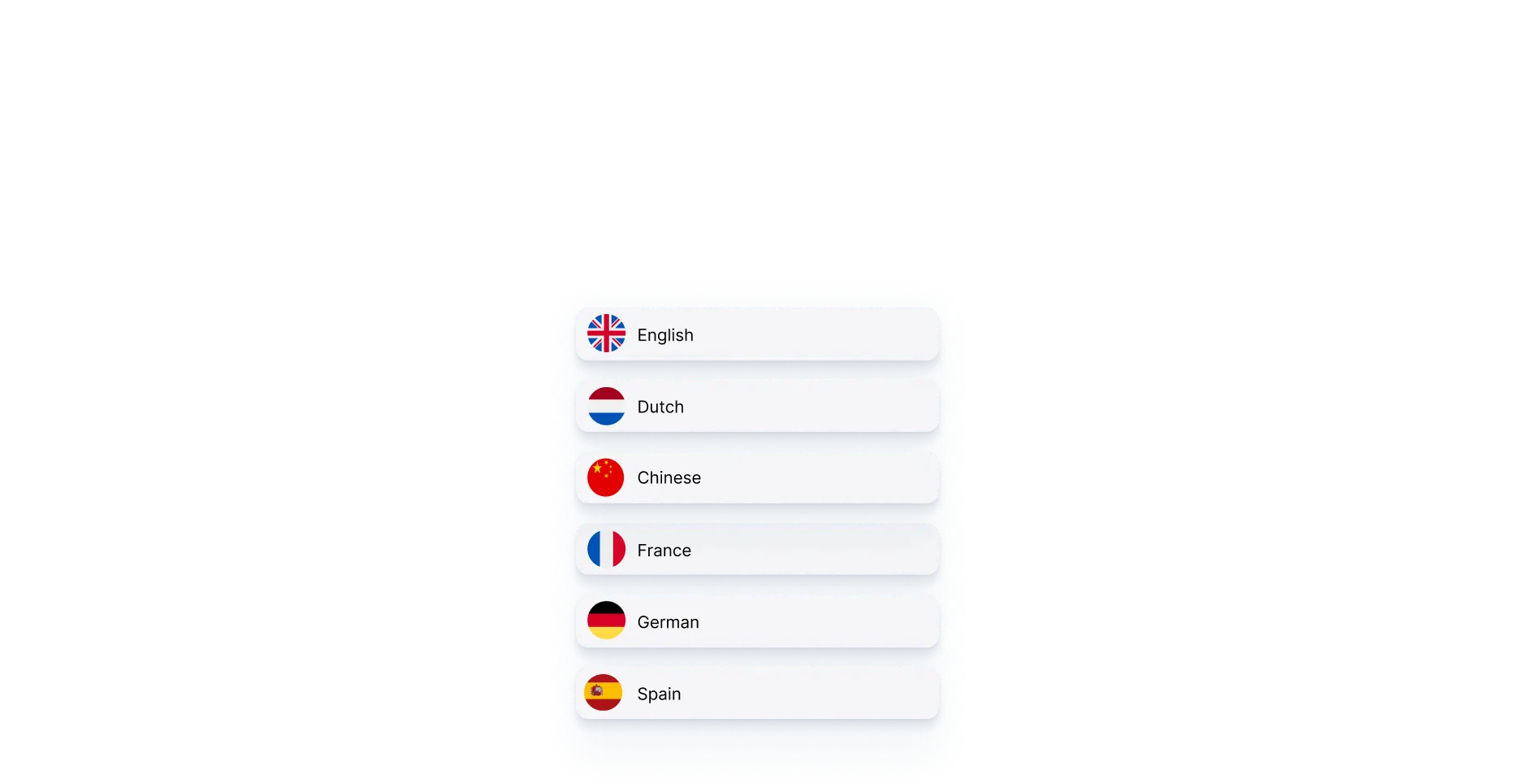
Multi language kitchen
Print orders in any language for your chefs, perfect for international kitchen teams and avoiding miscommunication.
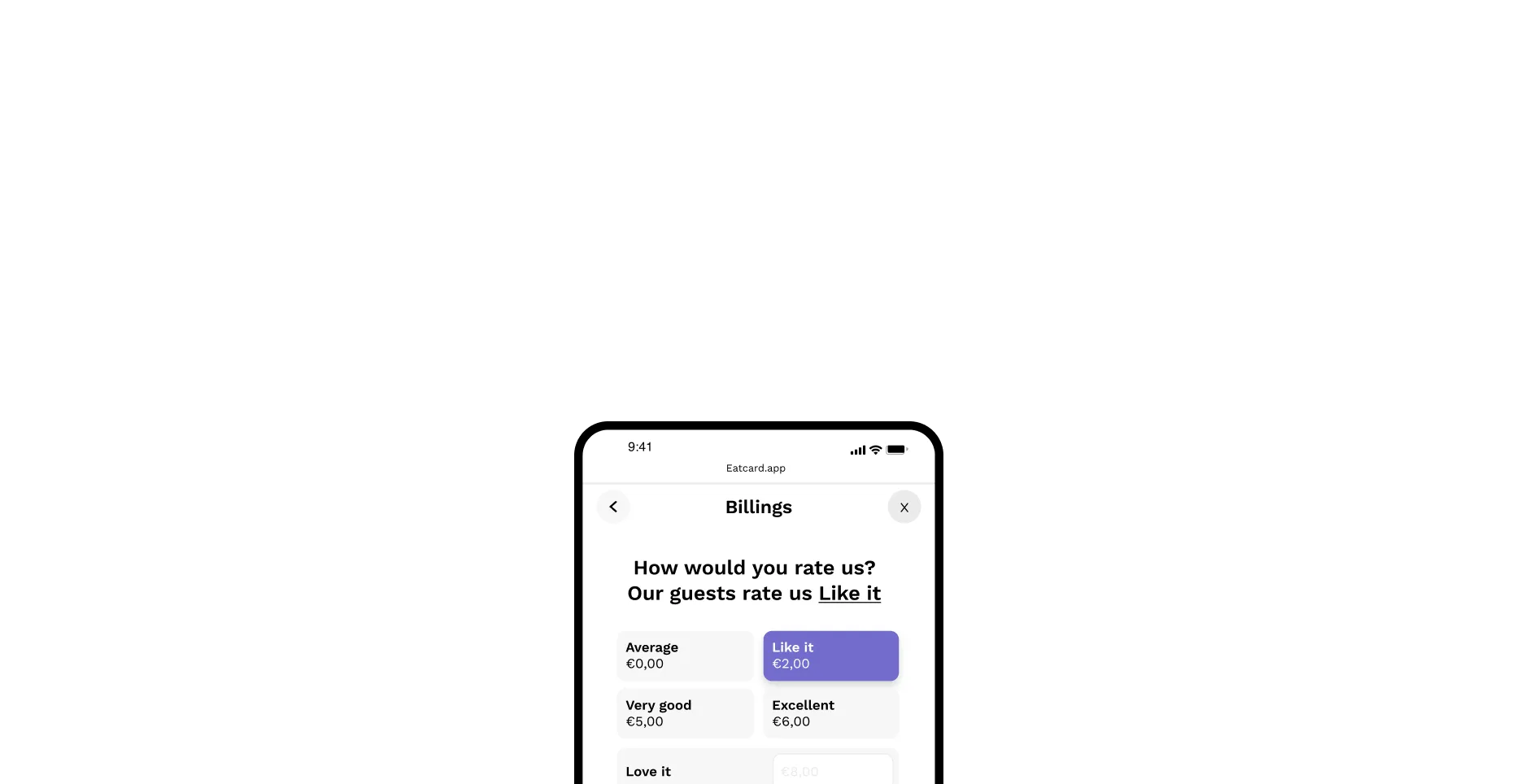
Easy tipping
Offer guests the possibility to tip and pay directly from their phone.
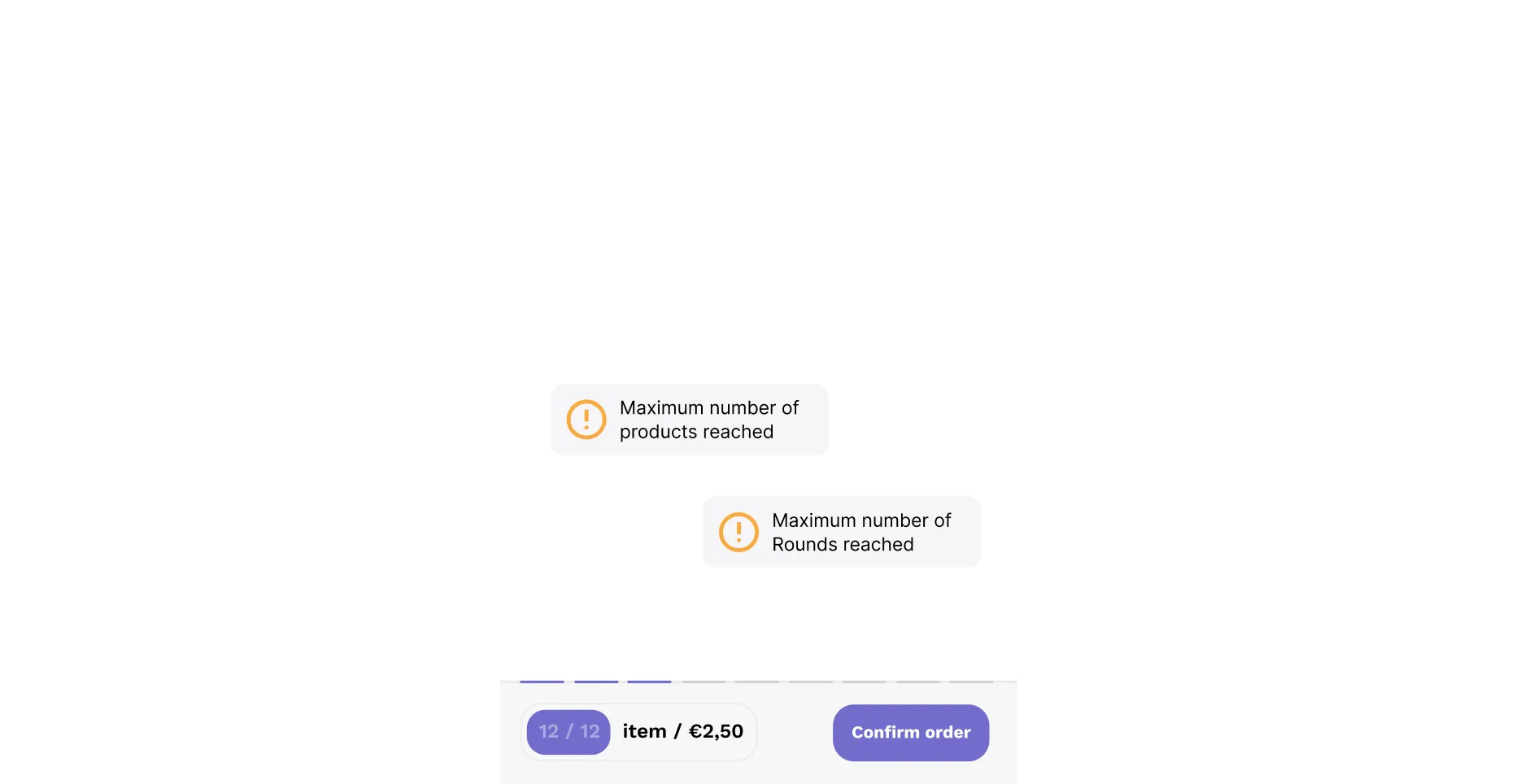
Category limits
Limit products per category (e.g., first ice cream free, second one charged).
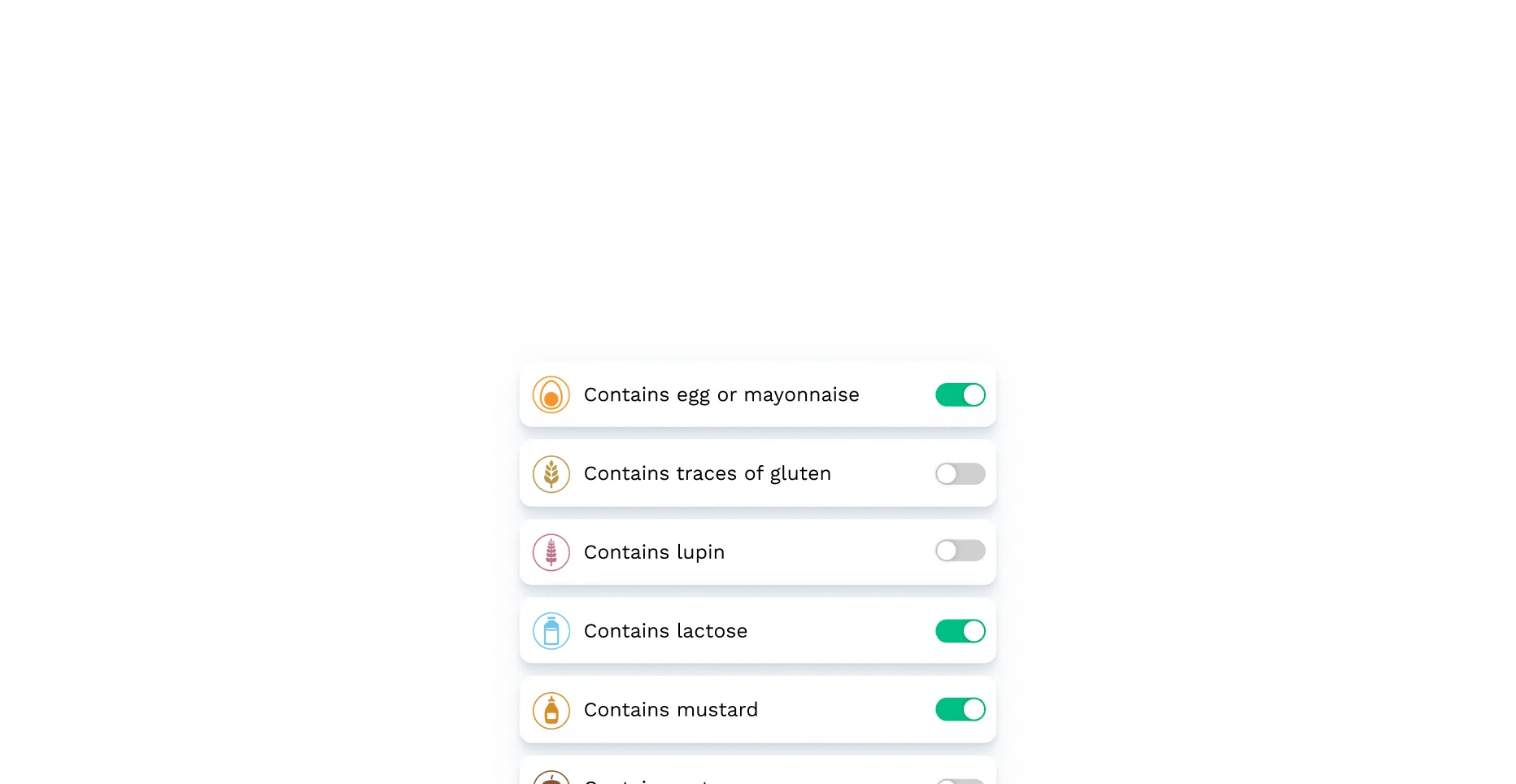
Allergen friendly
Guests can select allergens and see safe menu options instantly.
Everything you need to streamline service, and impress your guests.
Eatcard gives you the tools to speed up service, simplify orders, and keep guests coming back.

Timed ordering
Set round times and limit items per round for smooth service flow.
Contactless ordering
Order and pay securely via mobile, no physical menus needed.
Multi-device sync
Multiple phones can order simultaneously, fully synced in real-time.
Service requests
Guests can easily request assistance whenever they need it.
Instant sync across systems
All QR orders update in real-time across POS, kitchen, kiosks, and more.
Up-to-date menus
Guests always see the latest menu with clear allergen info.
Easy tipping
Offer the option for tips directly through mobile payment process.
Clear allergen info
Guests can easily view and filter allergen details on every menu item.
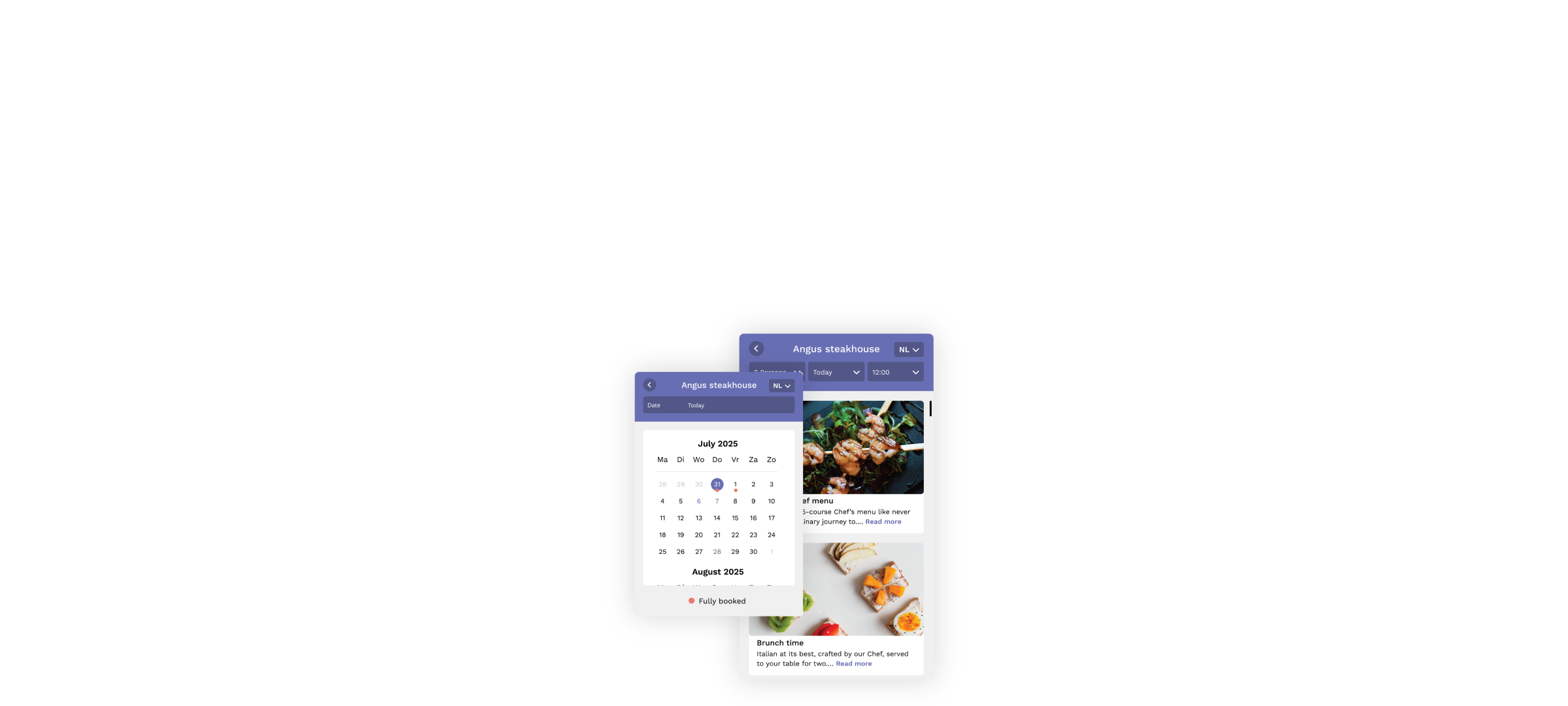
24/7 Online booking
Let guests book anytime directly through your website.
Smart table assignment
Avoid double bookings by automatically assigning tables based on group size, time, and availability.
Special occasions
Guests can share their special occasion and get a personalized greeting on arrival.
Reservation deposits
Secure your bookings by requiring deposits when needed.
Show More
Frequently asked questions
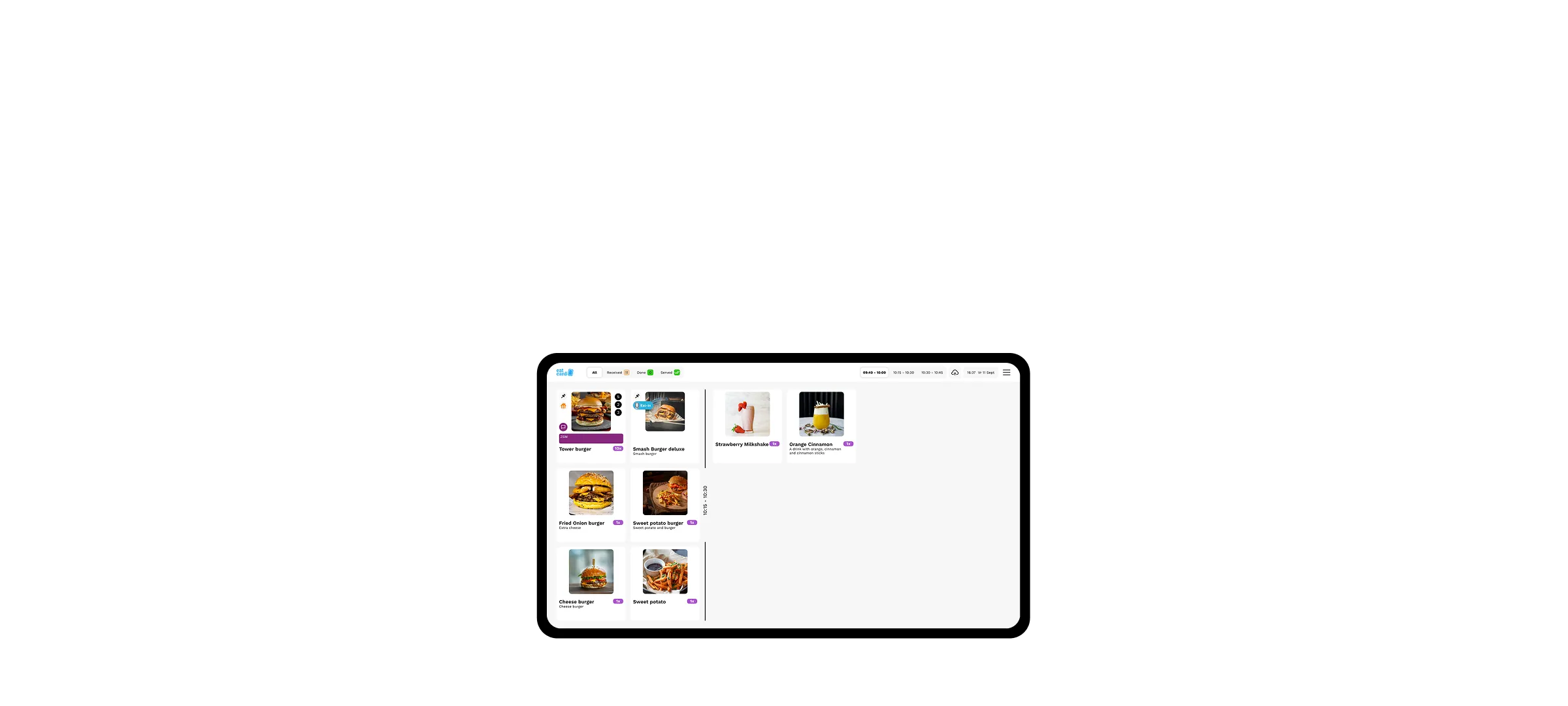
How does the kitchen keep track of many small orders?
The Kitchen Display System groups identical items from different orders and shows each station what needs to be prepared. The kitchen stays efficient, even when ten tables reorder at the same time.
Can I set up all you can eat hot pot formulas with limits?
Yes. Per package you set rounds, duration and items per person, plus supplements for premium ingredients. The system enforces the formula automatically.
More solutions for Hot Pot.
Learn about other Eatcard solutions often chosen and combined.
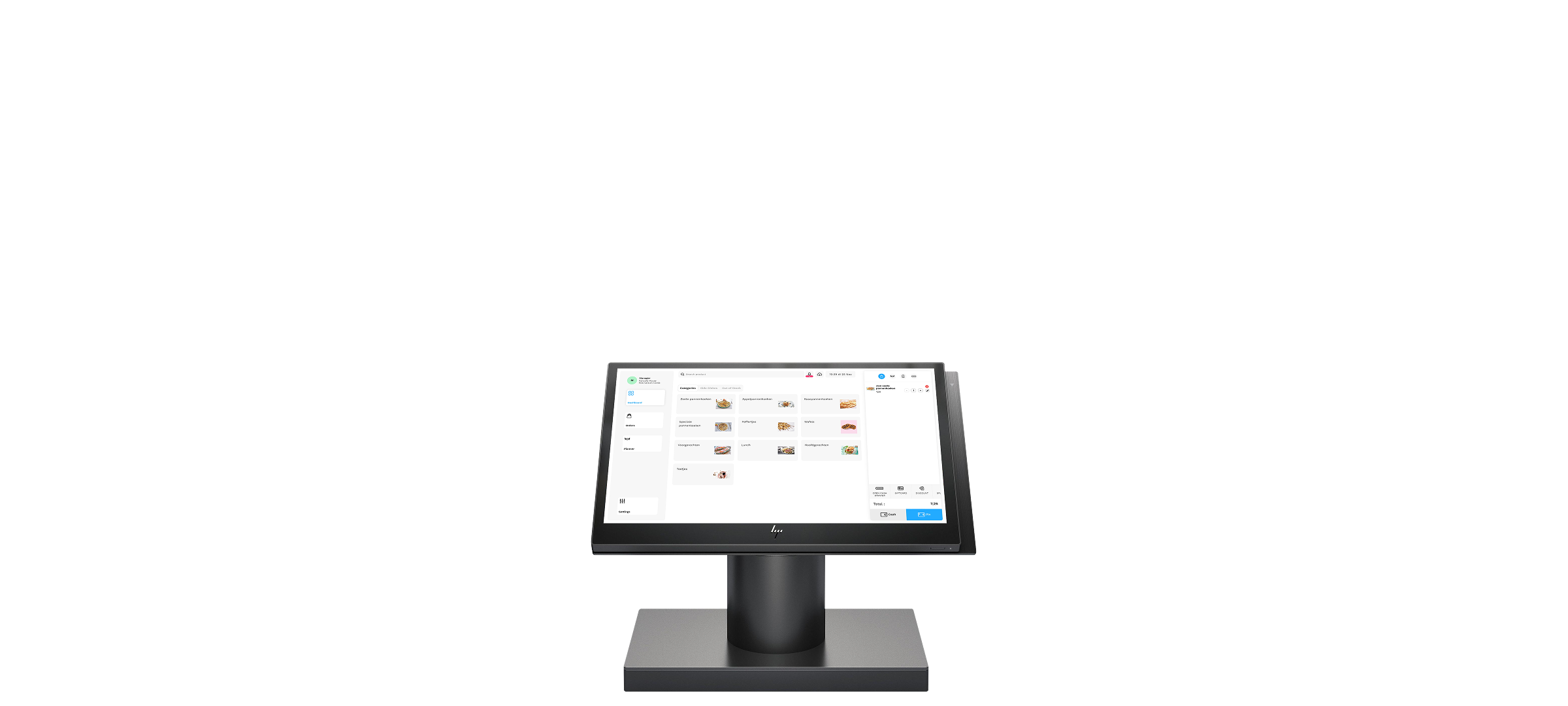
Point of Sales

Expert in your industry
From cafés to fine dining, see how Eatcard fits your business and helps you run things smoother, faster, and smarter.
Explore more of our services
Whether you are an all you can eat sushi, Korean BBQ or any type of All you can eat concept. Eatcard is the best match to run your restaurant.
Let’s grow your restaurant together.
Whether you’re just getting started or scaling up, our team is here to understand your needs and help you find the perfect Eatcard solution.