When your POS starts working against you
Your till freezes on a busy Friday. Delivery orders still arrive on separate tablets. Changing a price means updating three systems, and the end-of-day report never quite matches. You know it is time for something new, but the thought of switching mid-season keeps you where you are.
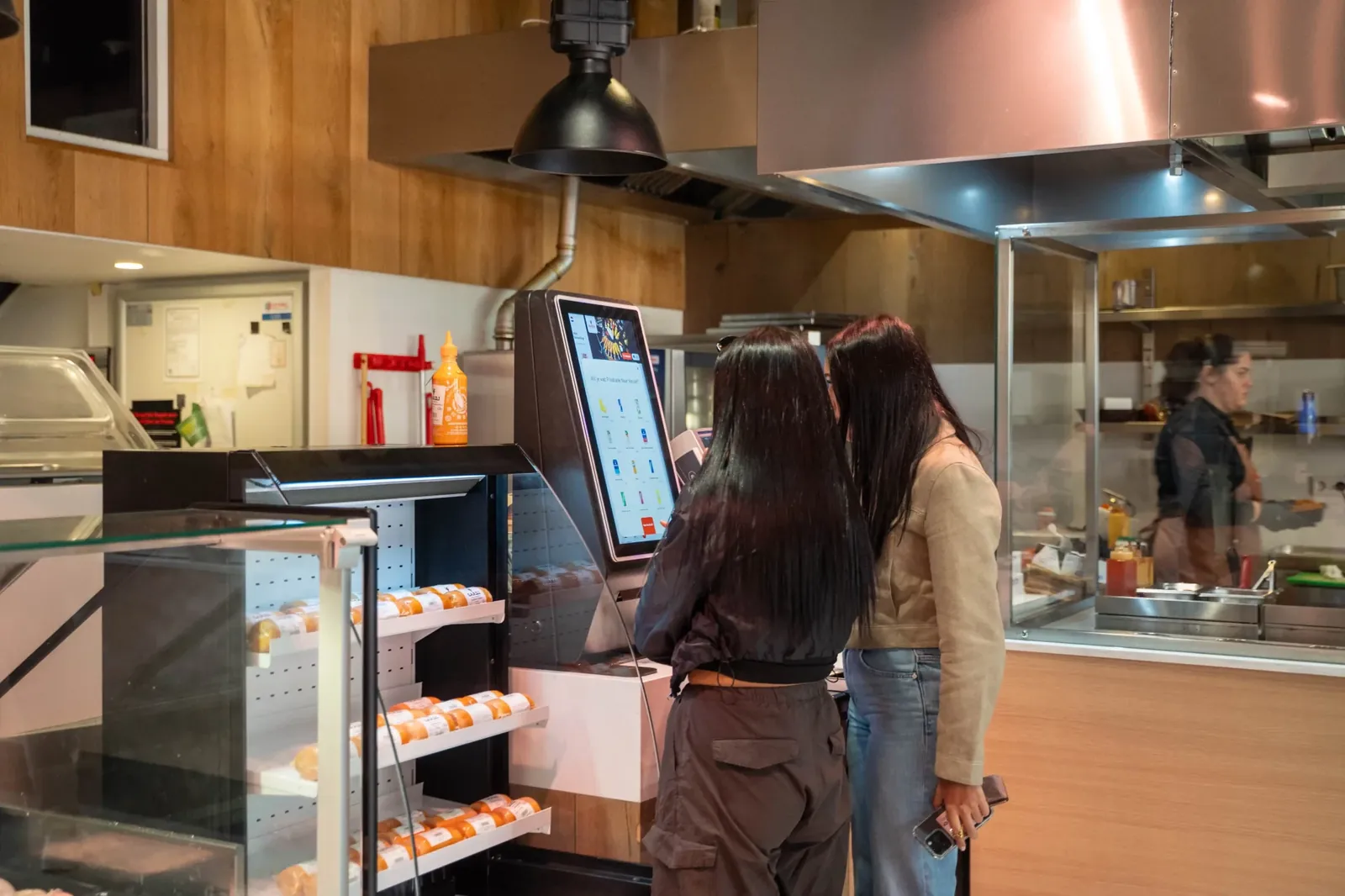
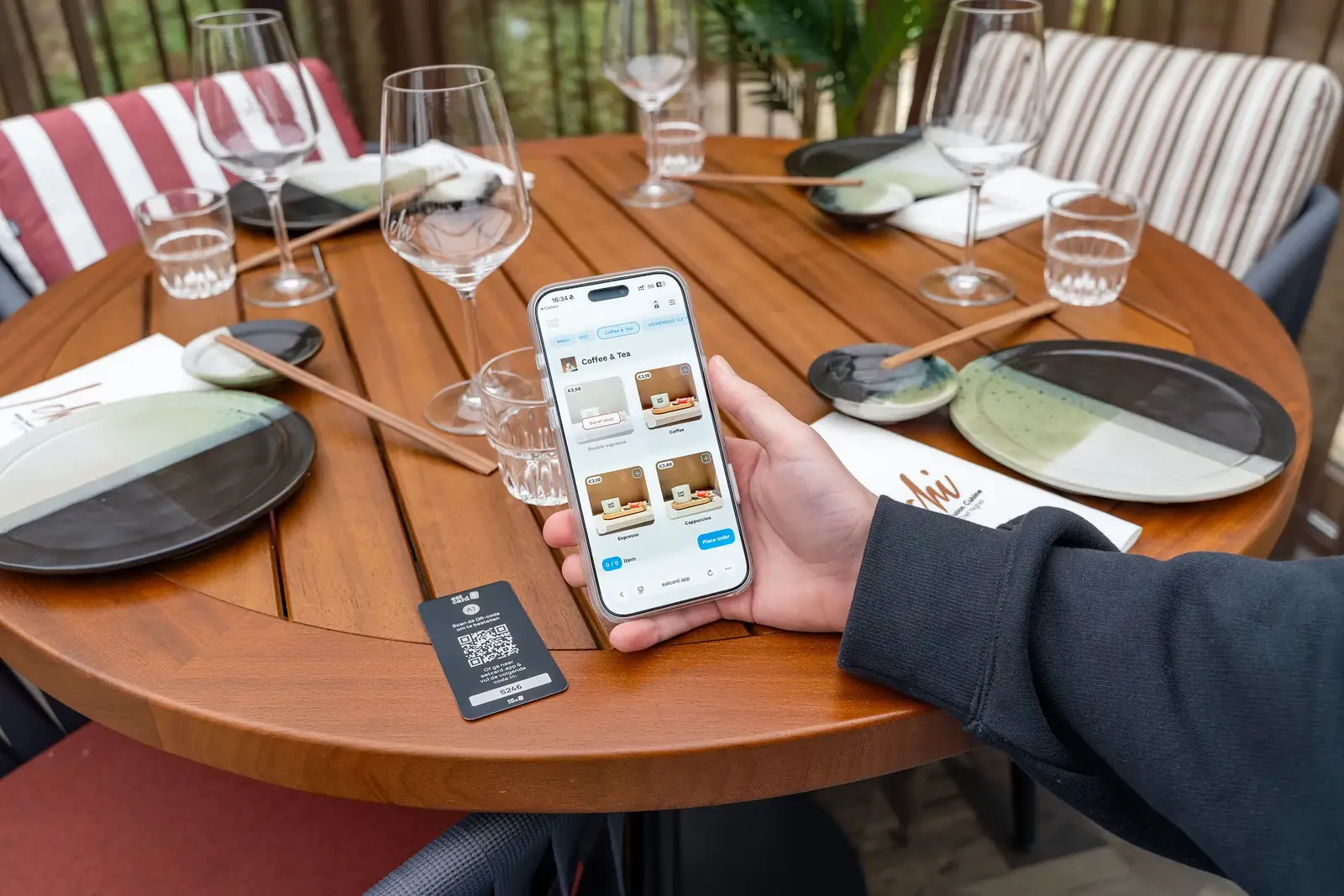
A new POS makes sense when your current system slows down service, makes your team do the same work twice, or does not connect to the channels you use, such as QR ordering, a self-order kiosk or delivery platforms. The good news: with the right preparation, switching does not have to disrupt your restaurant.
What to sort out before you switch
Start with your requirements. Write down what works, what frustrates your team and which channels you want to add in the coming years. Bring that list to every demo. For the full process, see Switching to Eatcard.
Then check the practical side. Look up the notice period and end date of your current contract, so you do not pay for two systems longer than you need to. Export your menu, products and prices, and agree with your accountant how long you need to keep your old sales records. Check which hardware you can keep and which needs replacing. And choose your moment: a quiet period, not the week before a holiday.
Switching POS systems step by step
A smooth switch follows a clear order. First, your menu is set up in the new system: products, options, allergens, VAT rates and categories. This is also the moment to clean it up instead of copying years of clutter. Next, your channels are connected, from QR ordering and your takeaway webshop to delivery platforms.
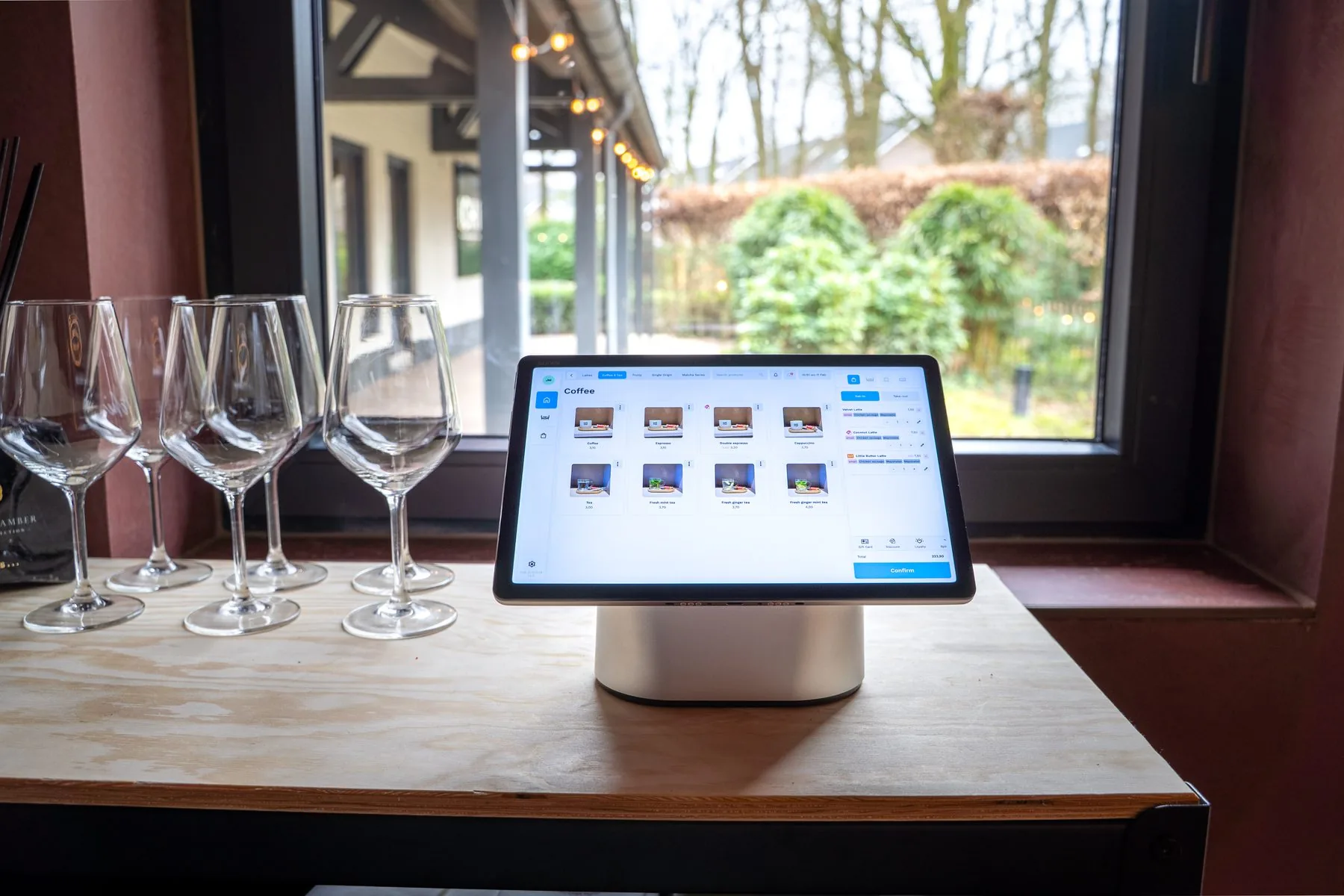
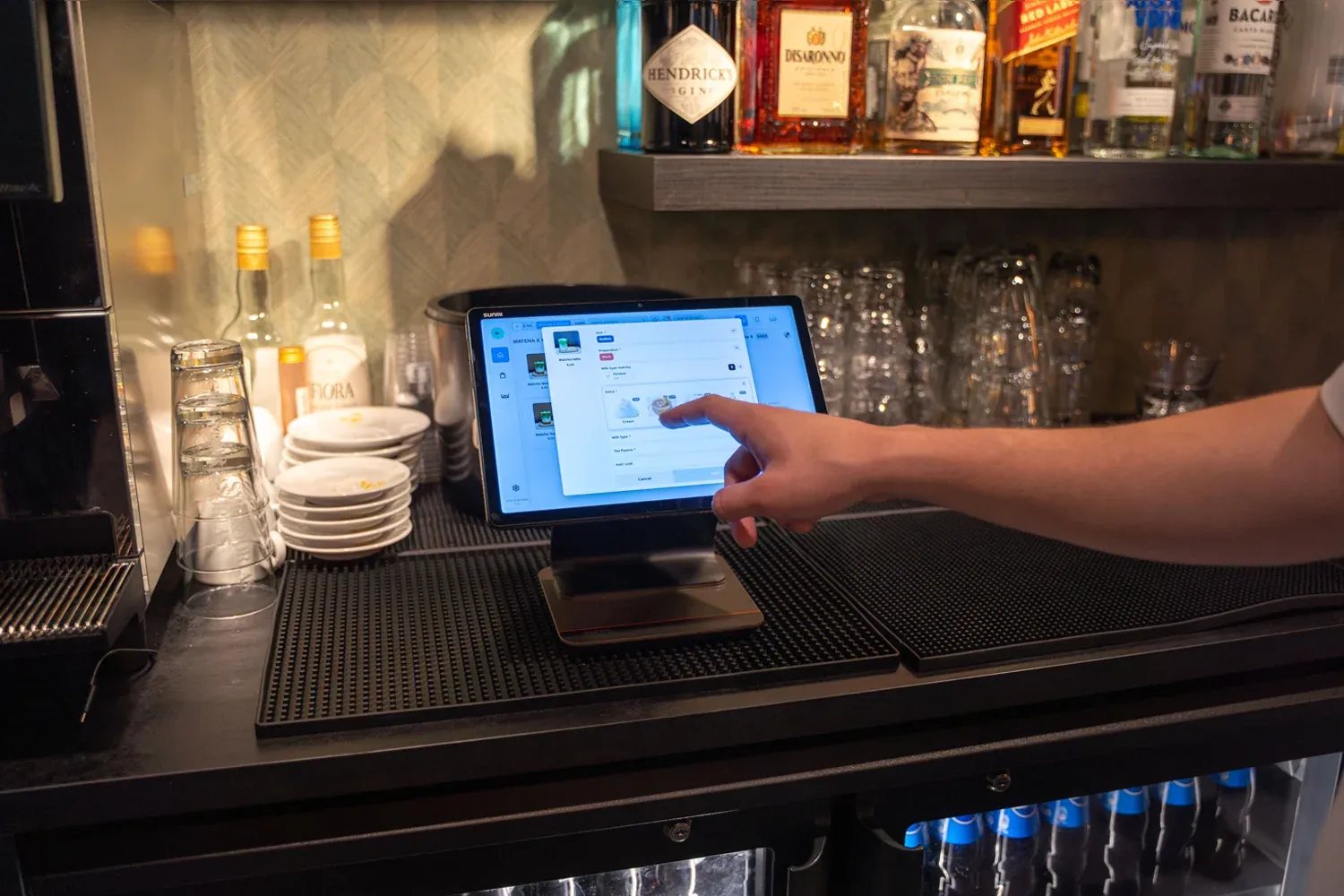
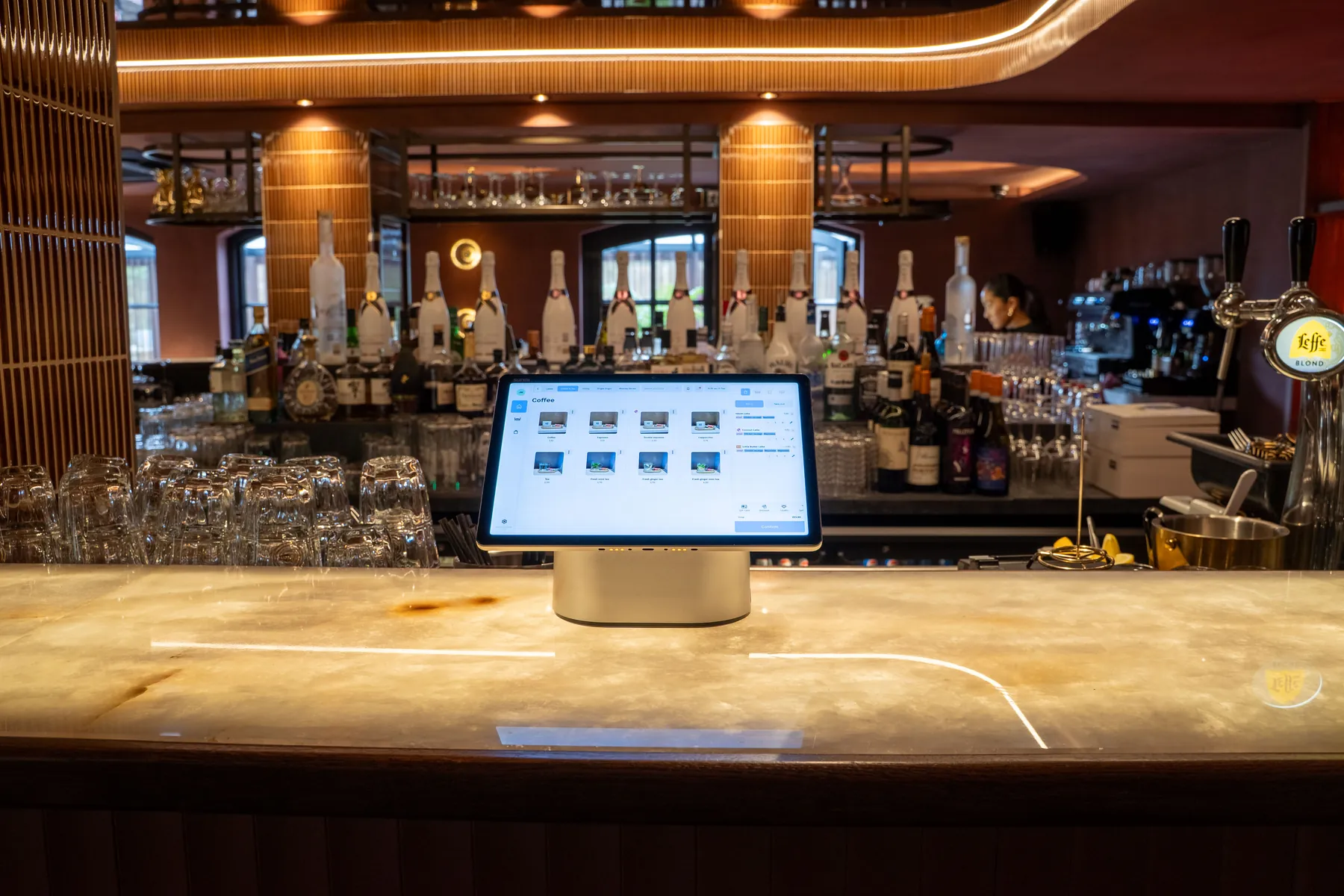
Then the hardware is installed and tested: tills, handhelds, kitchen displays, printers and payment terminals. Your team gets a short training per role and practises with test orders. Plan your go-live between two services on a quiet day, with someone available to help. After the first week, review your reports and adjust settings where needed.
Mistakes that make switching harder
Most problems with a new POS do not come from the system but from the switch. Going live in your busiest season leaves no room to learn. Copying a messy menu carries old problems into a new system. Training only managers means the people who use the system every shift learn it under pressure. And skipping a test run with real orders means you find the gaps during service instead of before it.
Start small and add channels one at a time
A new POS does not mean your whole operation has to change overnight. Take the kitchen: the Eatcard Kitchen Display System works alongside kitchen printers where needed, so your team moves to a paperless kitchen at its own pace. The same goes for channels. Start with the POS, then add QR ordering, kiosks or handhelds when your restaurant is ready for them. Every channel you add feeds into the same order flow. See how other venues set this up in our customer stories.
What you gain on day one
Once you are live, the difference is immediate. You manage one menu that updates everywhere at once. Every order, from every channel, lands in one kitchen queue. And because everything runs through one platform, Eatcard Sense shows revenue, average spend and sales per channel, all in one place.
Wondering about the investment? Read how much a restaurant POS system costs or check the pricing page.
Curious how Eatcard could work for your concept? Book a demo and see what Eatcard can do for your hospitality business.
Book a demo